
A Free and open source vector graphics editor. It offers a rich set of features and is widely used for both artistic and technical illustrations such as cartoons, clip art, logos, typography, diagramming and flowcharting.
It uses vector graphics to allow for sharp printouts and renderings at unlimited resolution and is not bound to a fixed number of pixels like raster graphics. Inkscape uses the standardized SVG file format as its main format, which is supported by many other applications including web browsers.
Inkscape supports many advanced SVG features (markers, clones, alpha blending, etc.) and great care is taken in designing a streamlined interface. It is very easy to edit nodes, perform complex path operations, trace bitmaps and much more. We also aim to maintain a thriving user and developer community by using open, community-oriented development.
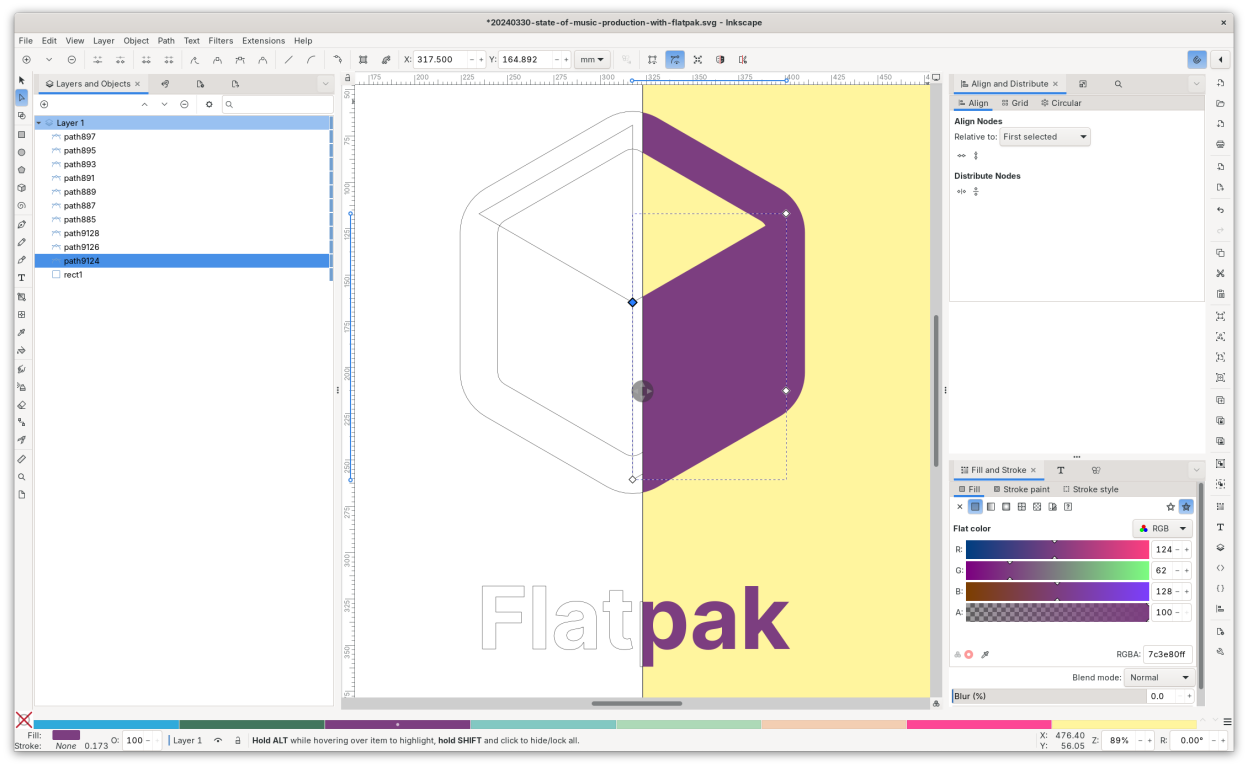
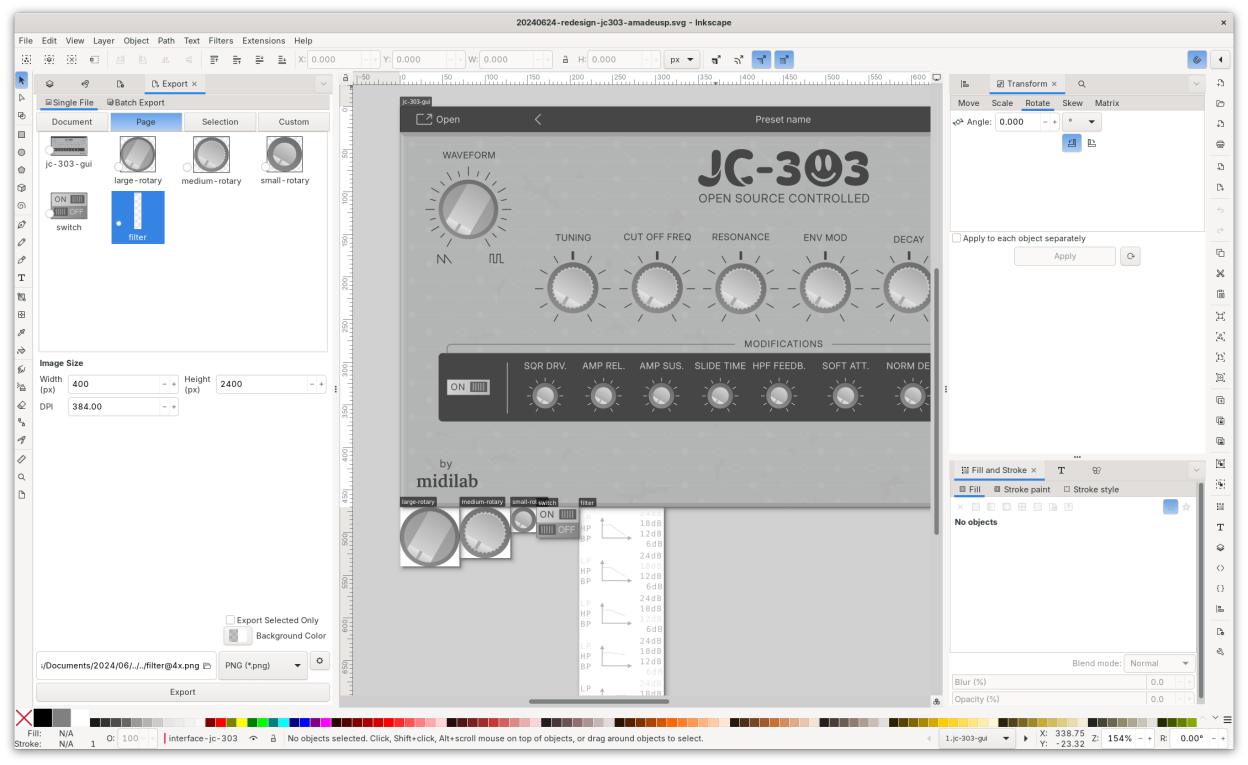
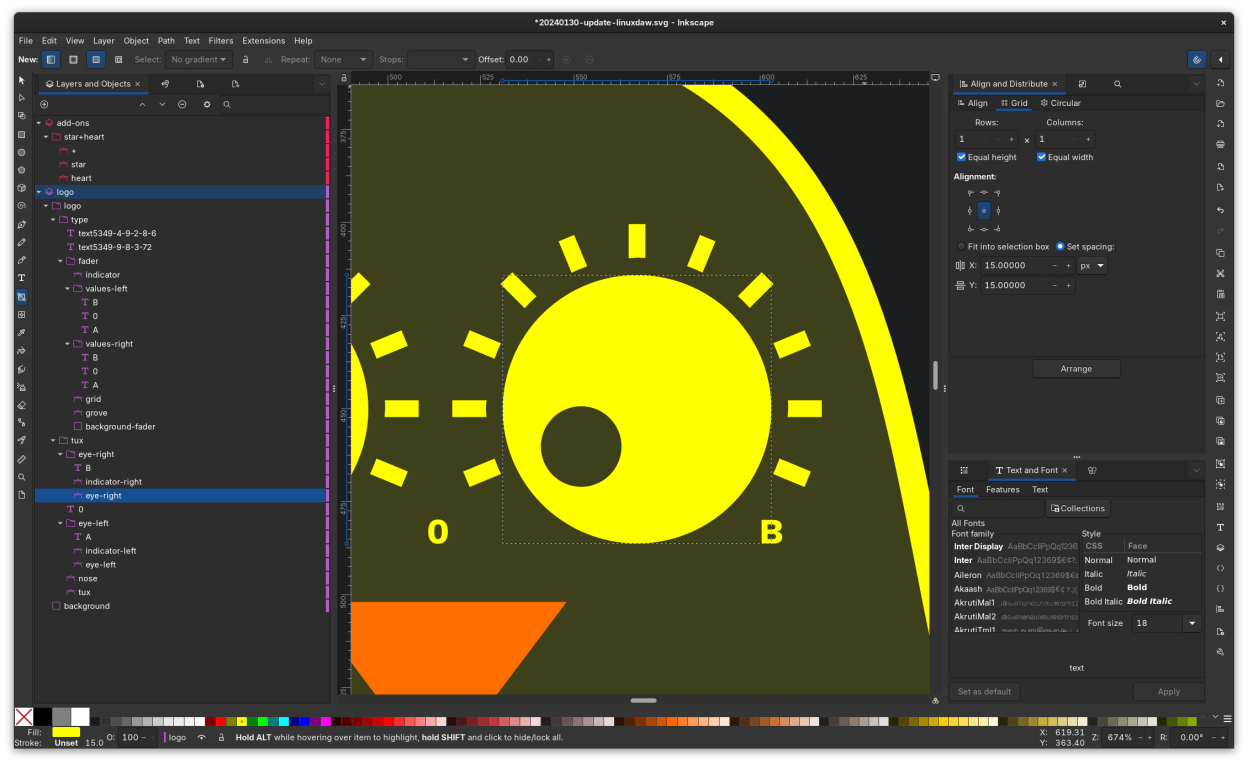
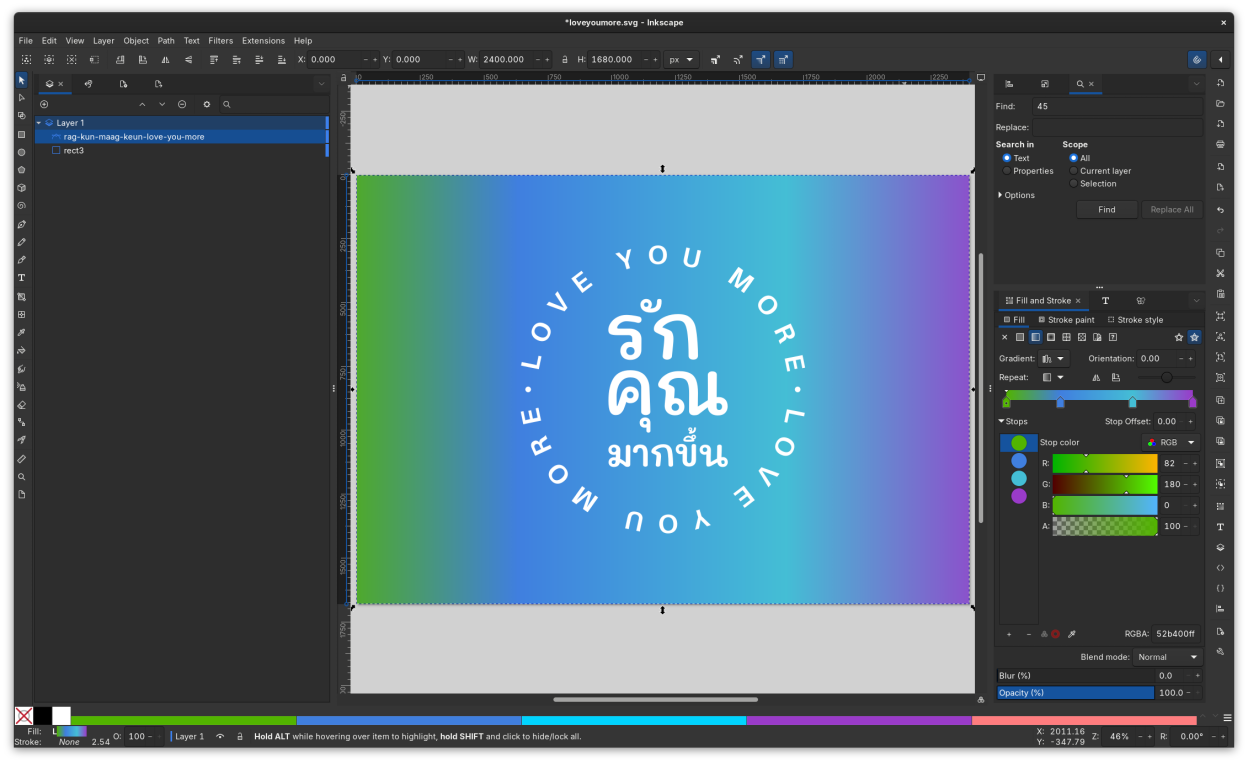
Screenshots
Observed history
| App | Change | Version | When ↓ |
|---|
No observed changes yet.
The initial import establishes a baseline. Future version changes will appear here.
Browse the app catalogue →Upstream releases
Release notes supplied by the developer. These dates are not Flathub package publication times.
1.4.46 May 2026
Inkscape 1.4.4
- Many crash fixes
- New format for multipage documents
- Translation updates
1.4.325 Dec 2025
Inkscape 1.4.3
- Many crash fixes
- Fixed a few UI issues with handles
- Translation updates
1.4.29 May 2025
Inkscape 1.4.2
- Bugfix release following 1.4.1 issues
1.4.11 Apr 2025
Inkscape 1.4.1
- Many bugfixes!
- Many improvements to affinity file importer
- Splash screen on load