
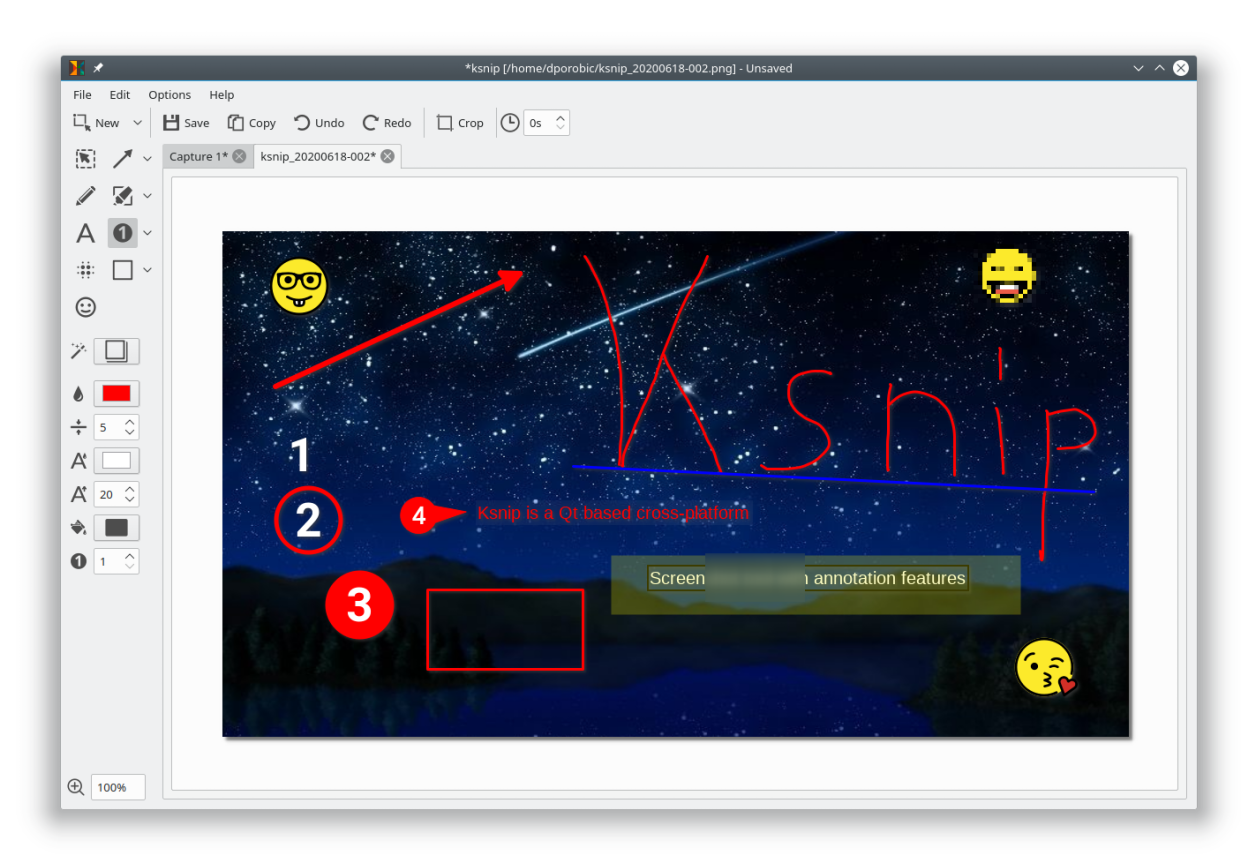
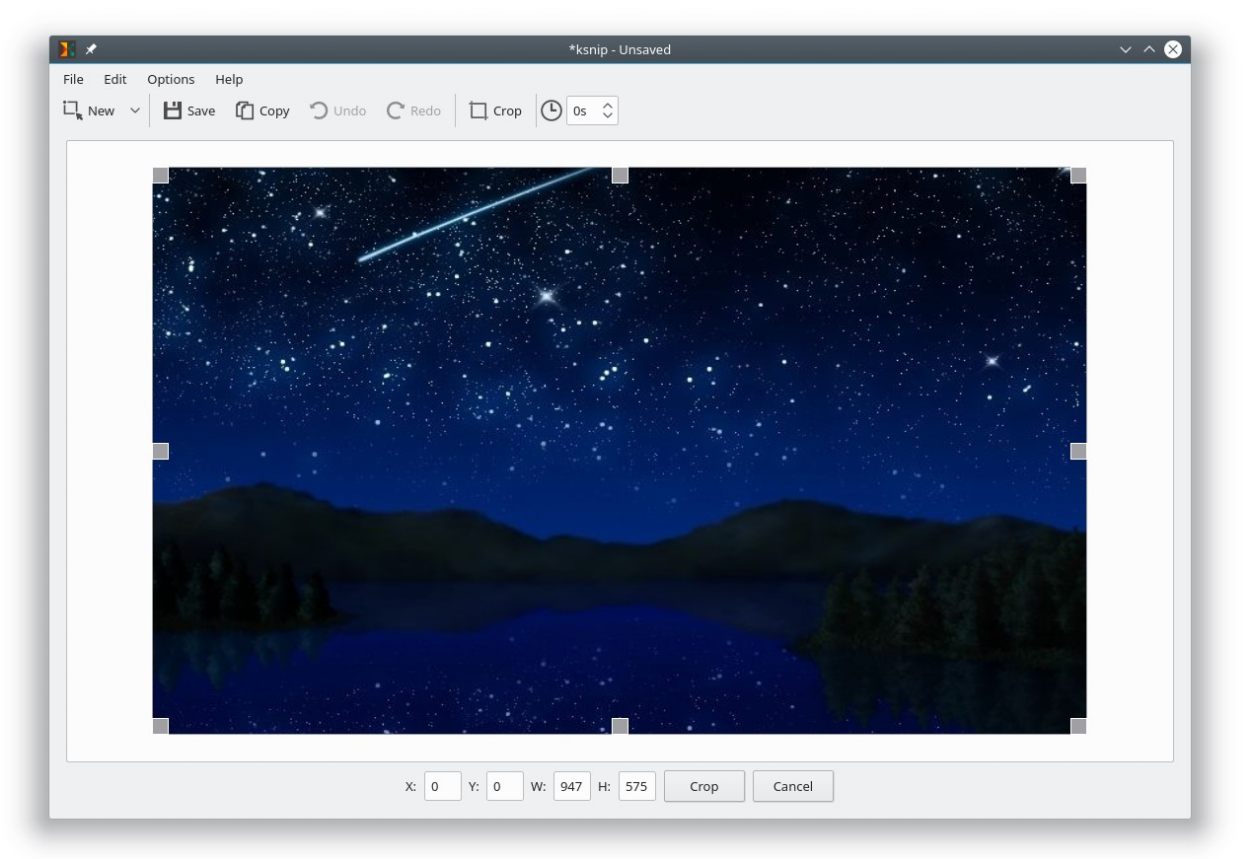
Ksnip is a Qt based cross-platform screenshot tool that provides many annotation features for your screenshots.
Features:
- Supports Linux (X11, Plasma Wayland, GNOME Wayland and xdg-desktop-portal Wayland), Windows and macOS.
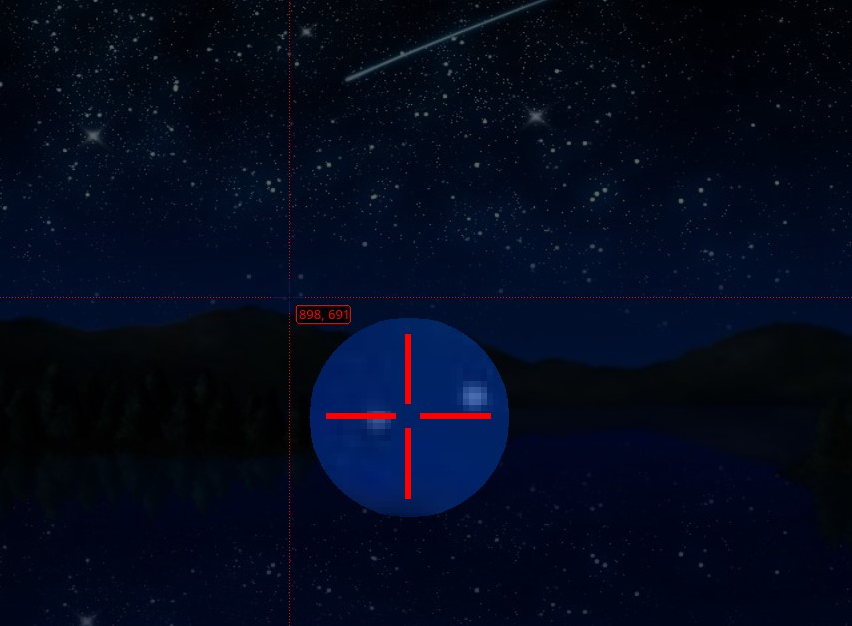
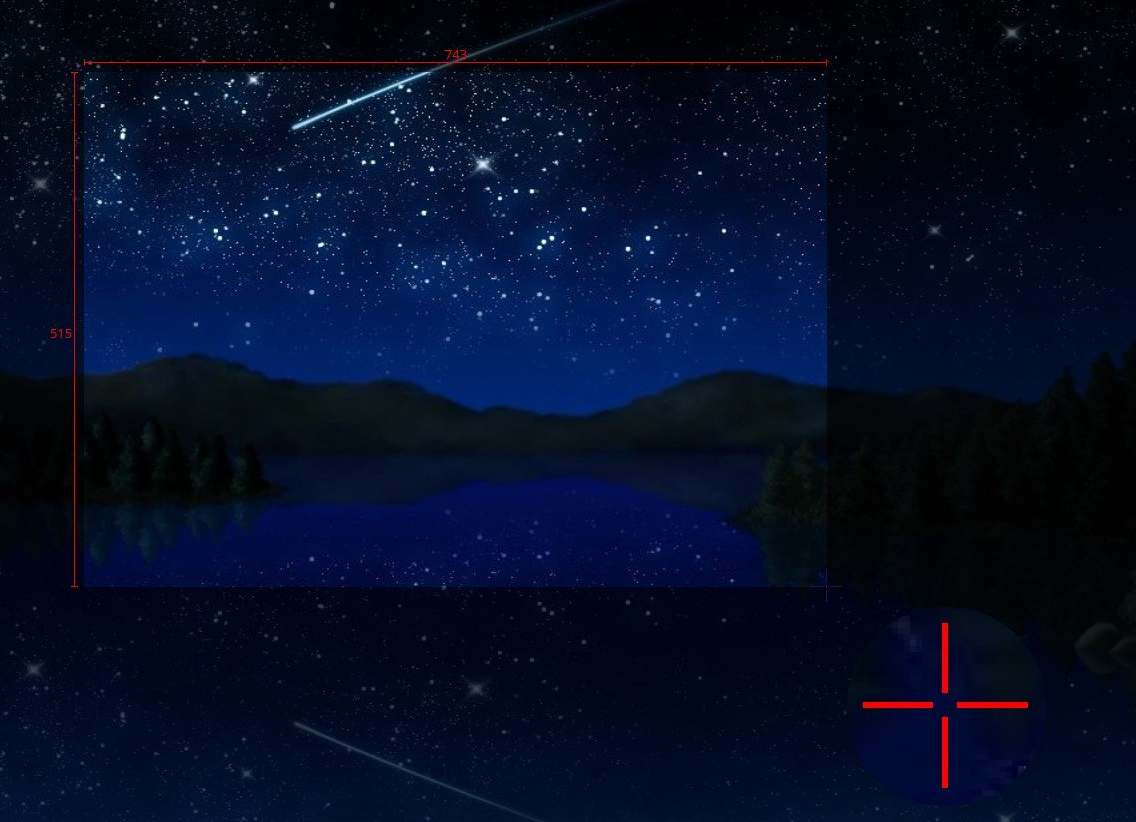
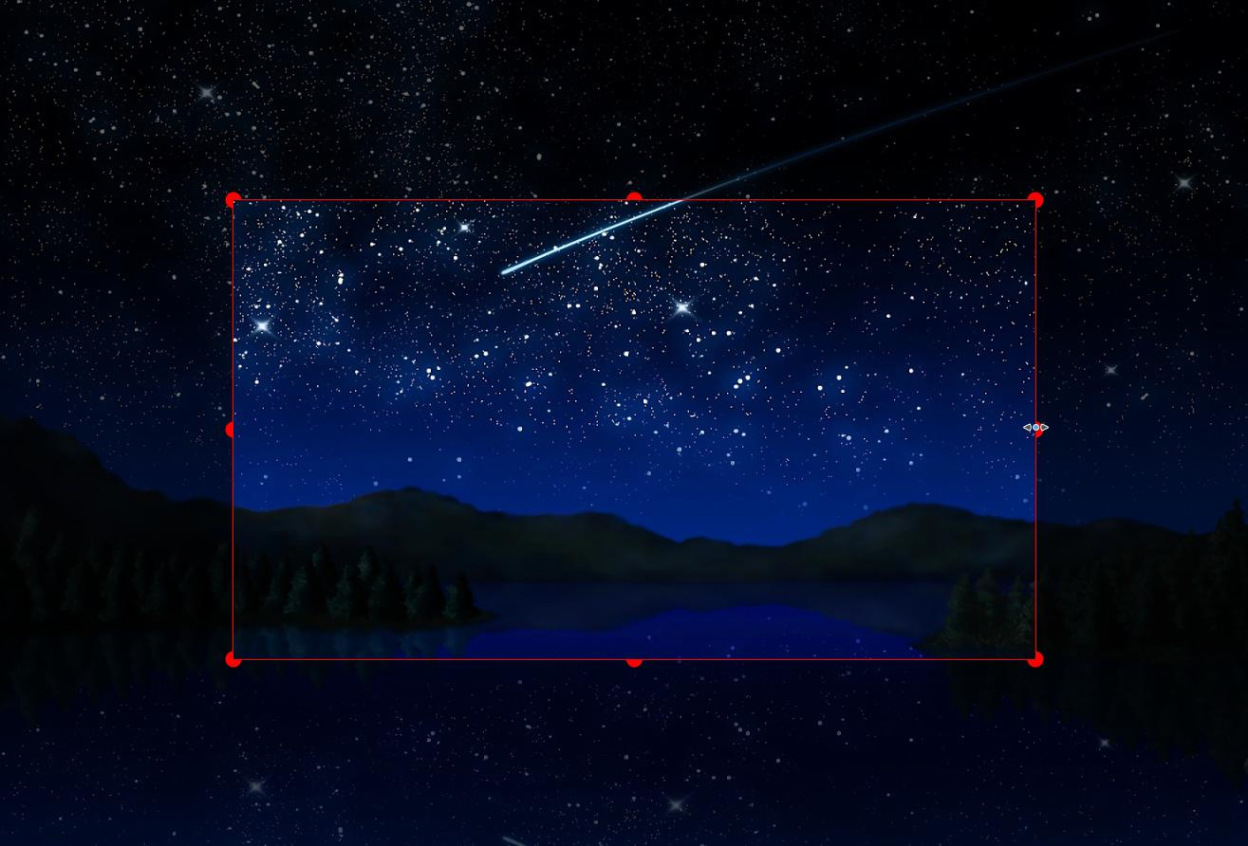
- Taking screenshot of a custom rectangular area that can be drawn with mouse cursor.
- Taking screenshot of last selected rectangular area without selecting again.
- Taking screenshot of the screen/monitor where the mouse cursor is currently located.
- Taking screenshot of full screen, including all screens/monitors.
- Taking screenshot of window that currently has focus.
- Taking screenshot of window under mouse cursor.
- Take screenshot with or without mouse cursor.
- Capture mouse cursor as annotation item that can be moved and deleted.
- Customizable capture delay for all capture options.
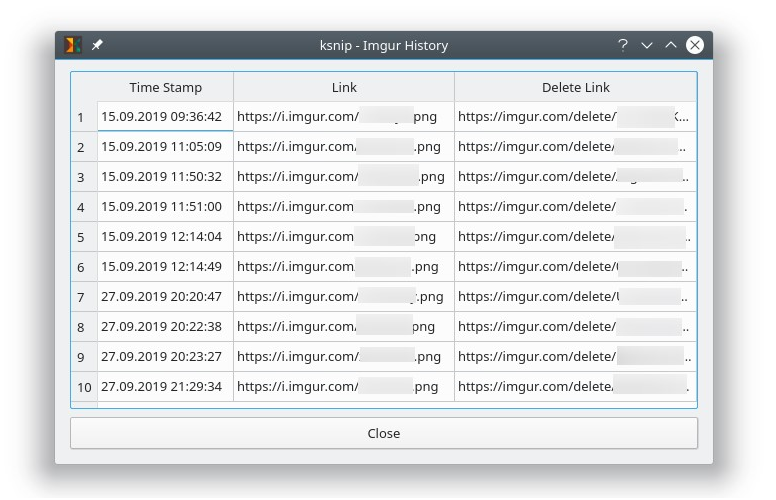
- Upload screenshots directly to imgur.com in anonymous or user mode.
- Upload screenshots via custom user defined scripts.
- Command line support, for taking screenshot and saving it to default location, filename and format.
- Filename wildcards for Year ($Y), Month ($M), Day ($D), Time ($T) and Counter (multiple # characters for number with zero leading padding).
- Print screenshot or save is to pdf/ps.
- Annotate screenshots with pen, marker, rectangles, ellipses, texts and other tools.
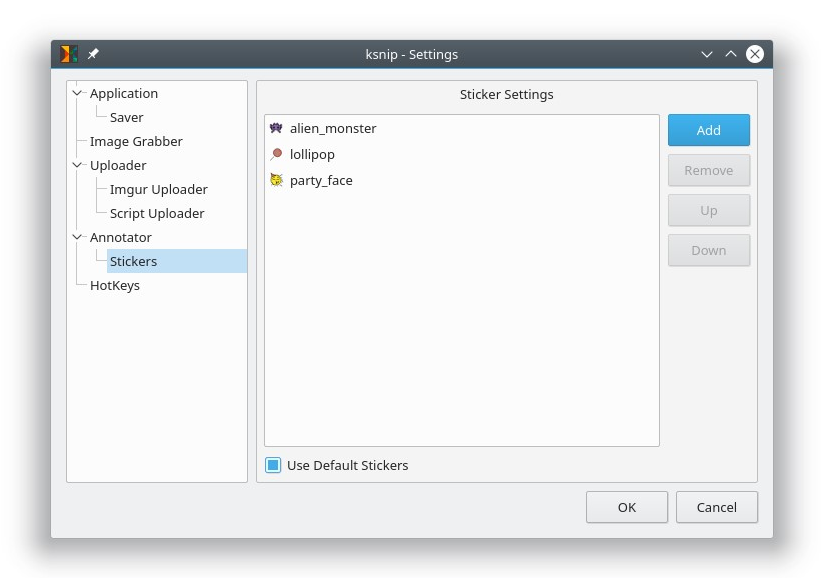
- Annotate screenshots with stickers and add custom stickers.
- Obfuscate image regions with blur and pixelate.
- Add effects to image (Drop Shadow, Grayscale, invert color or Border).
- Add watermarks to captured images.
- Global HotKeys for taking Screenshots (Currently only for Windows and X11).
- Tabs for Screenshots and images.
- Open existing images via dialog, drag-and-drop or paste from clipboard.
- Run as single instance application (secondary instances send cli parameter to primary instance).
- Pin Screenshots in Frameless windows that stay on top of other windows.
- User-defined actions for taking screenshot and post-processing.
- OCR support through plugin (Window and Linux/Unix).
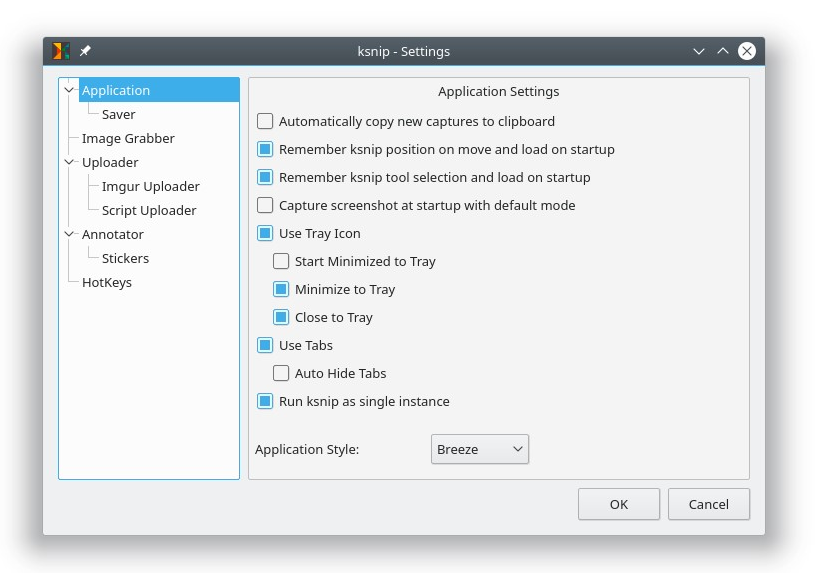
- Many configuration options.
Screenshots
Observed history
| App | Change | Version | When ↓ |
|---|
No observed changes yet.
The initial import establishes a baseline. Future version changes will appear here.
Browse the app catalogue →Upstream releases
Release notes supplied by the developer. These dates are not Flathub package publication times.
1.10.115 Mar 2023
- Fixed: DragAndDrop not working with snaps.
- Fixed: Loading image from stdin single instance client runner side doesn't work.
- Fixed kImageAnnotator: Fix for unnecessary scrollbars when a screenshot has a smaller size than the previous one.
- Fixed kImageAnnotator: Add KDE support for scale factor.
- Fixed kImageAnnotator: Show tab tooltips on initial tabs.
- Fixed kImageAnnotator: Sticker resizing is broken when bounding rect flipped.
1.10.022 May 2022
- New: Set image save location on command line.
- New: Add debug logging.
- New: Add FTP upload.
- New: Upload image via command line without opening editor.
- New: Add multi-language comment option to desktop file.
- New: Add MimeType of Images to desktop file.
- New: Add .jpeg to open file dialog filter (File > Open).
- New: Escape closes window (and exits when not using tray).
- New: Double-click mouse to confirm rect selection.
- New: Activate tab that is prompting for save.
- New: Add Save all options menu.
- New: Allow overwriting existing files.
- New: Allow setting Imgur upload title/description.
- New: Search bar in the settings dialog.
- New: Make implicit capture delay configurable.
- New: Shortcuts for Actions can be made global and non-global per config.
- New: OCR scan of screenshots (via plugin).
- New kImageAnnotator: Add optional undo, redo, crop, scale and modify canvas buttons to dock widgets.
- New kImageAnnotator: Cut out vertical or horizontal slice of an image.
- New kImageAnnotator: Middle-click on tab header closes tab.
- New kImageAnnotator: Add button to fit image into current view.
- New kImageAnnotator: Allow changing item opacity.
- New kImageAnnotator: Add support for RGBA colors with transparency.
- New kImageAnnotator: Add mouse cursor sticker.
- New kImageAnnotator: Allow scaling stickers per setting.
- New kImageAnnotator: Respect original aspect ratio of stickers.
- New kImageAnnotator: Respect original size of stickers.
- Fixed: Opens a new window for each capture.
- Fixed: First cli invocation won't copy image to clipboard.
- Fixed: Snipping area incorrectly positioned with screen scaling.
- Fixed: MainWindow position not restored when outside primary screen.
- Fixed: Interface window isn't restored to the default after tab is closed in maximized state.
- Fixed: Failed Imgur uploads show up titled as 'Upload Successful'.
- Fixed: Preview of screenshot is scaled after changing desktop size.
- Fixed: After an auto start followed by reboot/turn on the window section is stretched.
- Fixed kImageAnnotator: Adding image effect does not send image change notification.
- Fixed kImageAnnotator: Blur / Pixelate break when going past image edge once.
- Fixed kImageAnnotator: Item opacity not applied when item shadow disabled.
- Changed: Improve translation experience by using full sentences.
- Changed: Make switch 'to select tool after drawing item' by default disabled.
- Changed kImageAnnotator: Max font size changed to 100pt.
1.9.222 Nov 2021
- Fixed: Version `Qt_5.15' not found (required by /usr/bin/ksnip).
- Fixed: CI packages show continuous suffix for tagged build.
- Fixed: kImageAnnotator not translated with deb package.
- Fixed: Windows packages increased in size.
- Fixed: The string 'Actions' is not available for translation.
- Fixed: HiDPI issue with multiple screen on Windows.
- Fixed: Snipping Area not closing when pressing ESC.
- Fixed: Sometimes "Snipping Area Rulers" not shown after starting rectangular selection.
- Fixed: Cursor not positioned correctly when snipping area opens.
- Fixed: Mouse cursor not captured when triggered via global shortcut.
- Fixed: Dual 4K screens get scrambled on X11.
- Fixed: VCRUNTIME140_1.dll was not found.
- Fixed: Screenshot area issues when monitor count changes on Windows.
- Fixed: Wayland does not support QWindow::requestActivate().
- Fixed: Wrong area is captured on a Wayland screen scaling.
- Changed: Enforce xdg-desktop-portal screenshots for Gnome >= 41.
- Fixed kImageAnnotator: Crash while typing text on wayland.
- Changed kImageAnnotator: Show scrollbar when not all tools visible.
1.9.113 Sept 2021
- Fixed: MacOS package damaged and not starting.
- Fixed: Deb CI build is frequently failing due to docker image pull limit.
- Fixed: Dropped temporary images appear in the open recent menu.
- Fixed: Resizing window to match content doesn't work on opening first image/screenshot.
- Fixed: HiDPI issue with multiple screen on Windows.
- Fixed: Cursor not captured in rectangle capture.
- Changed: Migrate CI from Travic-CI to GitHub Action.
- Fixed kImageAnnotator: Crashes on destruction.
- Fixed kImageAnnotator: Memory leaks caught by ASAN.
- Changed kImageAnnotator: Use system font provided by QGuiApplication as default for text tool.