
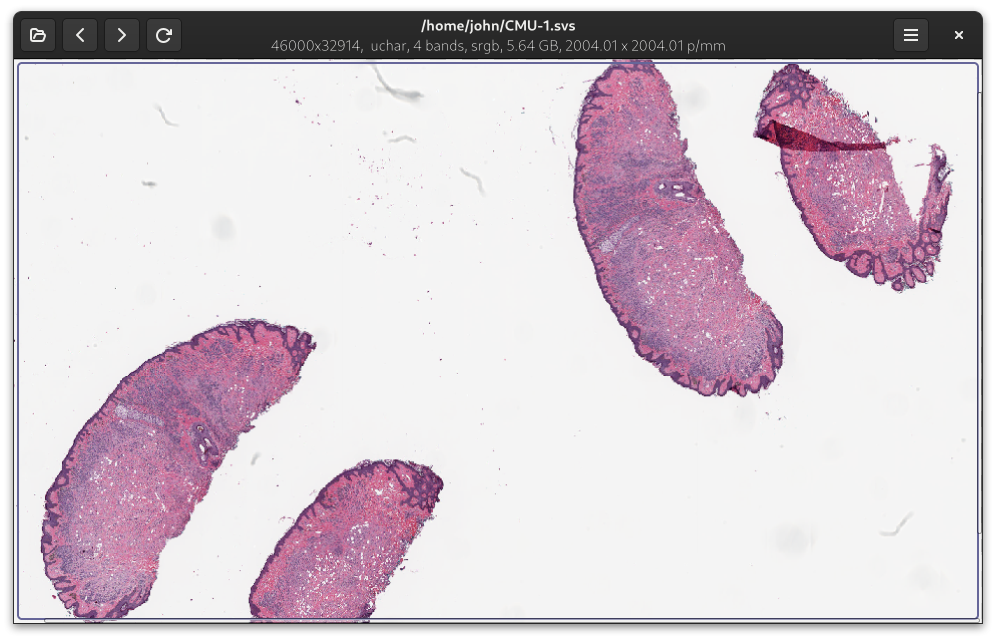
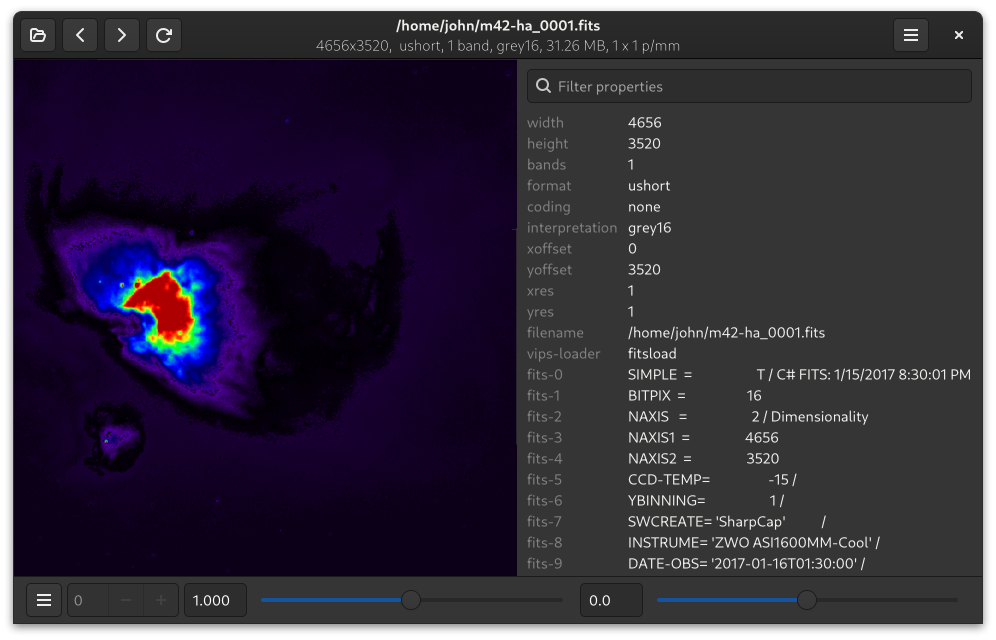
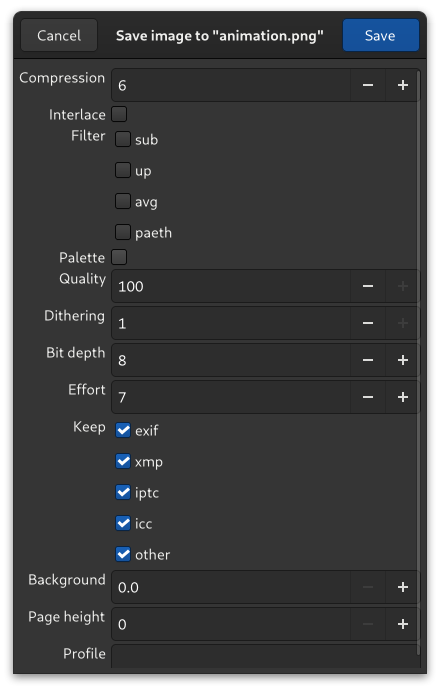
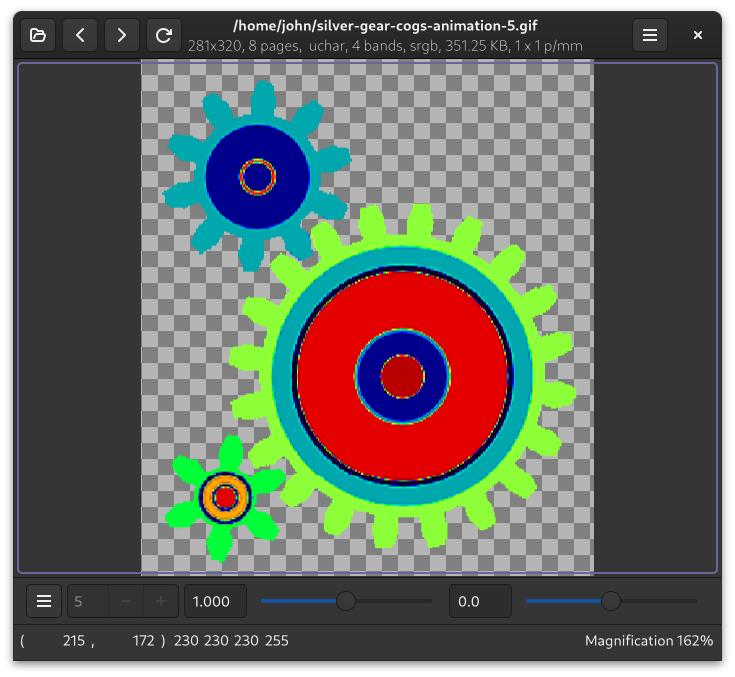
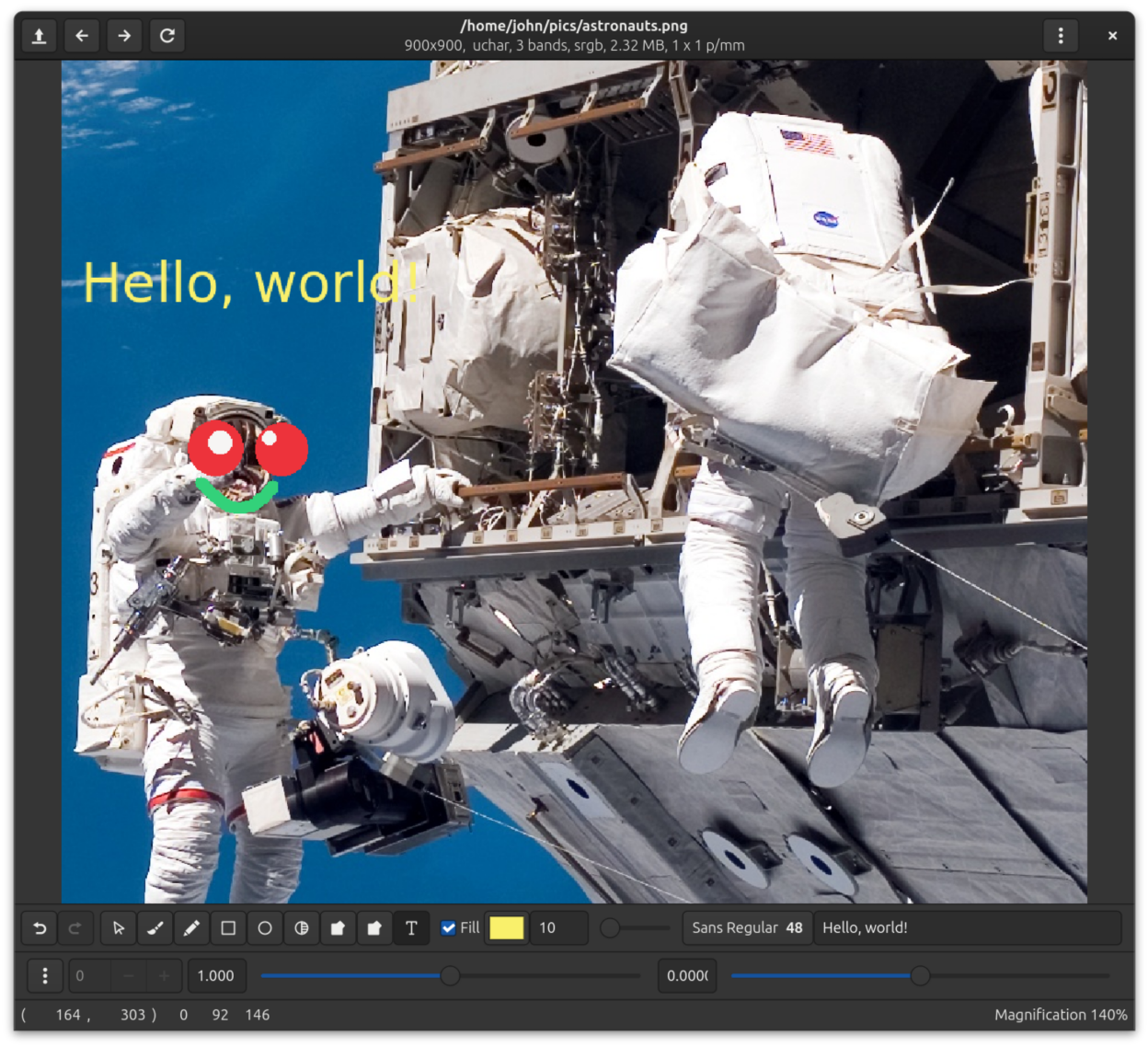
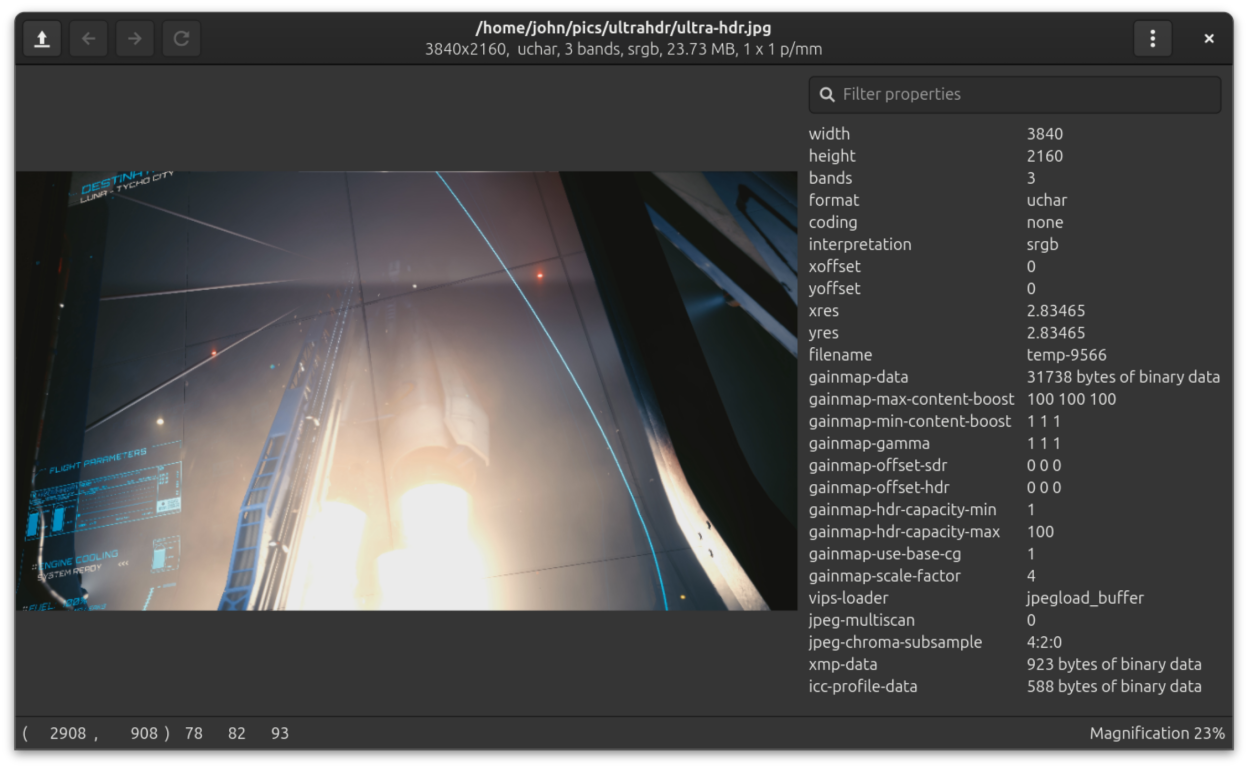
Vipsdisp can display huge (many, many gigabyte) images quickly and without using much memory. As well as the usual PNG, JPG, TIF, PDF, SVG, WEBP, JP2, JXL, QOI and GIF, it supports many scientific and technical image formats, including SVS, MRXS, OpenEXR, FITS, Matlab, NIfTI, Analyze, and PFM. It supports and translates HDR metadata between JPG, PNG, AVIF and JXL, though there's no HDR display yet. Vipsdisp supports pixel types from 1 bit mono to 128-bit double precision complex, you can convert image formats, it support copy-paste and drag-drop, and it has a range of useful visualisation tools and display modes. vipsdisp includes a very simple "paintbox" you can use to annotate images. It can paint on images in all these numeric formats.
Screenshots
Observed history
| App | Change | Version | When ↓ |
|---|---|---|---|
| updated | 4.2.0 | 17 Sept 2026 |
Upstream releases
Release notes supplied by the developer. These dates are not Flathub package publication times.
4.2.017 Sept 2026
This release is based on the latest nip4 code for lots of useful features, speedups and bugfixes. The big one is the new paintbox (see View > Paintbox), a simple tool for annotating images, but there's also support for QOI, PNGA, and HDR metadata.
4.1.419 Apr 2026
Disable file format limit checks, update runtime to 50, improve directory navigation sort order.
4.1.317 Dec 2025
This version fixes load cancel and adds UltraHDR and camera RAW support.
4.1.22 Aug 2025
This adds an icon to the Windows build.