
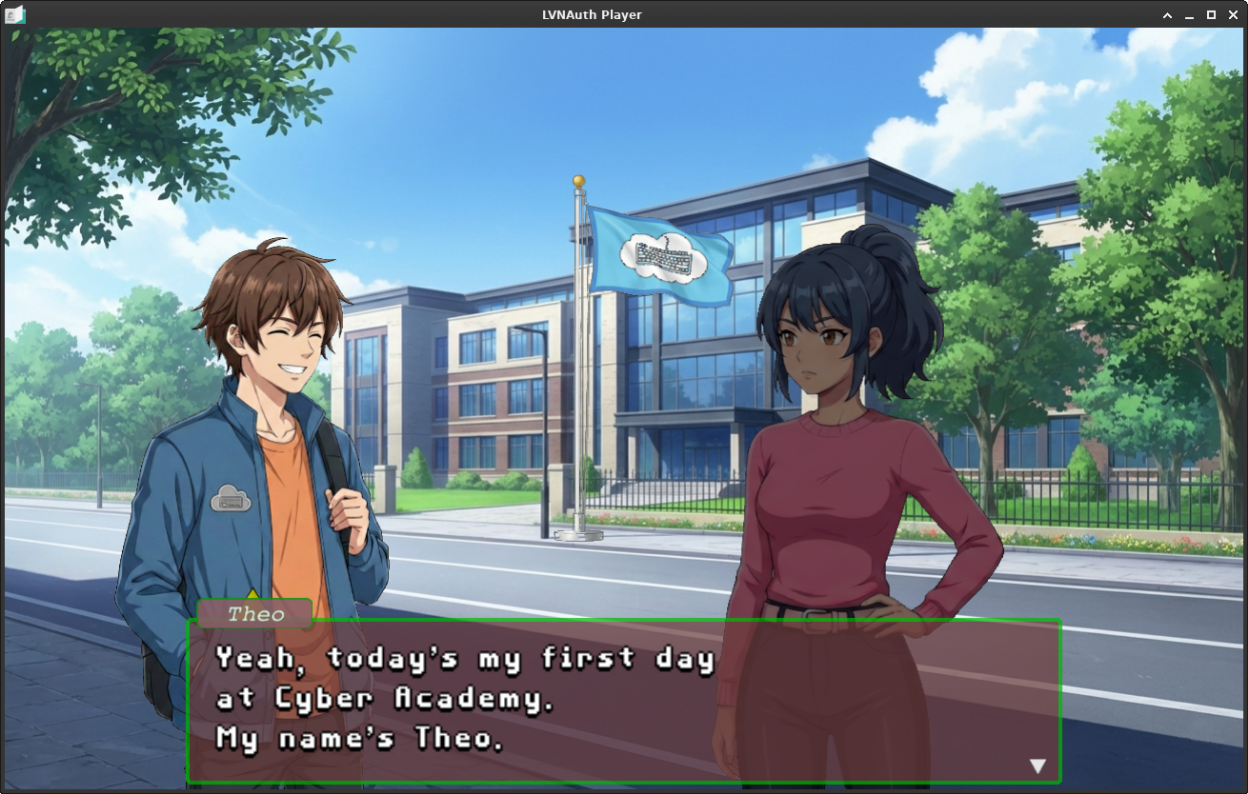
LVNAuth lets you create and play visual novels.
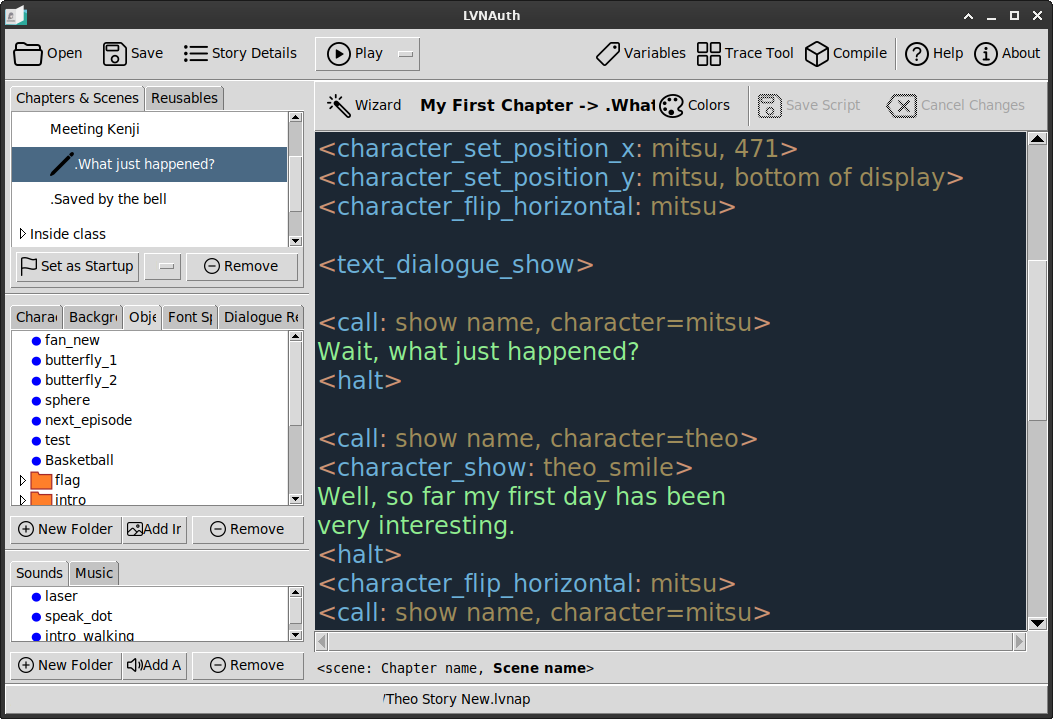
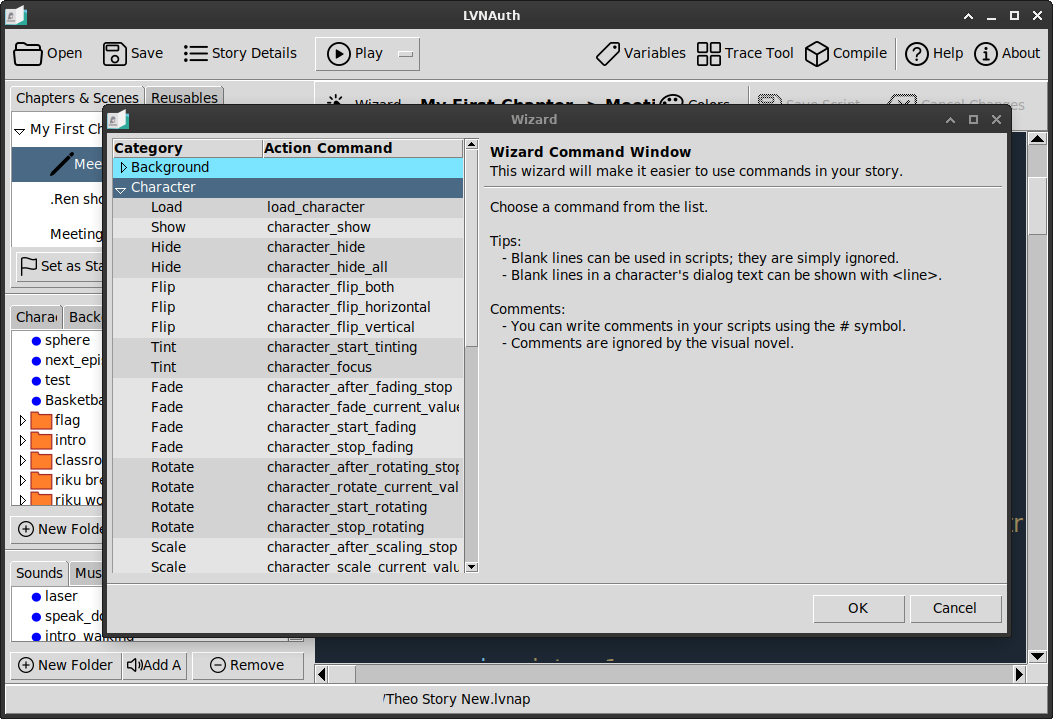
Manage your visual novel, from beginning to end, using LVNAuth's GUI editor. A command system: You can start or stop actions in your visual novel by using some simple commands. A built-in Wizard window will guide you with using commands so you don't have to memorize the commands. No programming experience required. LVNAuth is made for story writers.
Chapters and Scenes: You can have multiple scenes within a chapter.
Support for backgrounds, characters, including the ability to change a character's image to show a different facial expression, and object images. Images in .png format are recommended.
Support for Font Sprite Sheets and Font Kerning. There is also a built-in bitmap font tracing tool to convert variable width font sprite sheets to a fixed width.
Compile your story into a .tar.gz or .zip, ready to share with others.
Screenshots
Observed history
| App | Change | Version | When ↓ |
|---|
No observed changes yet.
The initial import establishes a baseline. Future version changes will appear here.
Browse the app catalogue →Upstream releases
Release notes supplied by the developer. These dates are not Flathub package publication times.
1.5128 Jun 2026
Improved command-line options for running the player binary executable. You can now use the following switches:
- Use
--fileto specify an .lvna file to execute. - Use the additional optional switch
--show-launchto show the startup window, allowing players to manually choose which chapter or scene to play. Omitting this switch will automatically play the startup scene.
Added a new <camera_reset> command to reset the camera zoom and camera position back to their defaults.
Optimized tint animation behavior: Setting a tint animation speed of 100 will now apply the tint instantly. This applies to tinting commands such as <character_start_tinting>. This is useful for carrying tints seamlessly across scenes without causing the character to quickly untint and retint (eliminating the slight visual flicker).
Bug Fixes:
- Fixed a bug that sometimes caused character movement animations to stop 1 pixel short of their intended destination.