
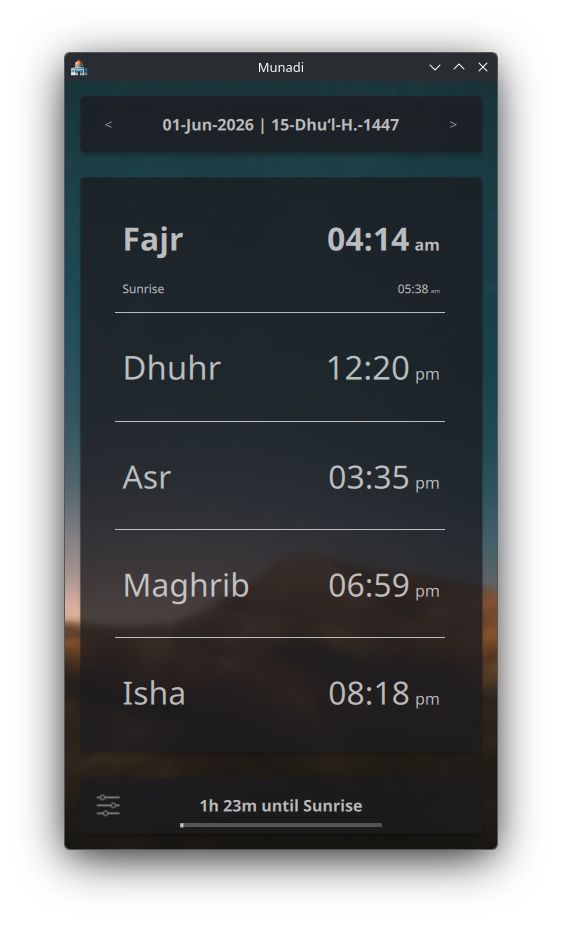
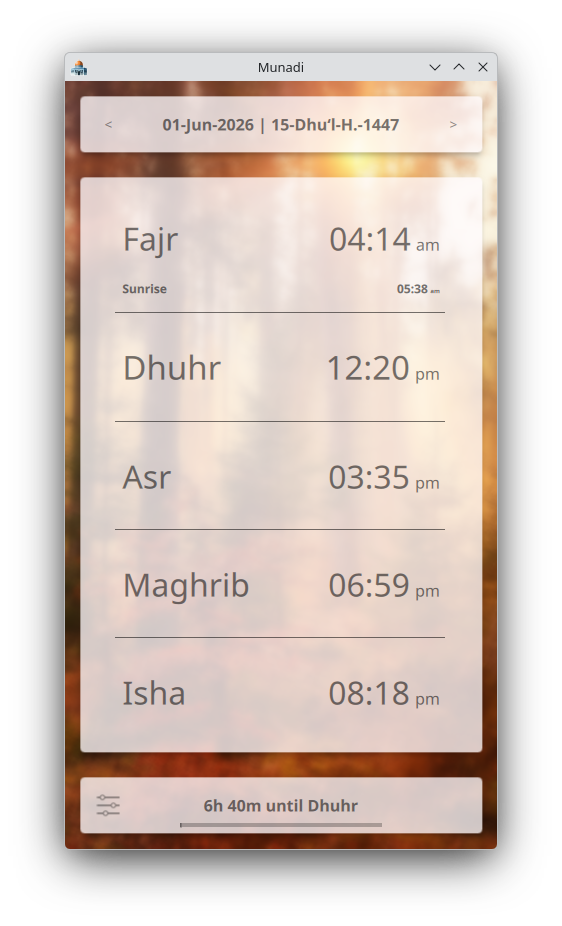
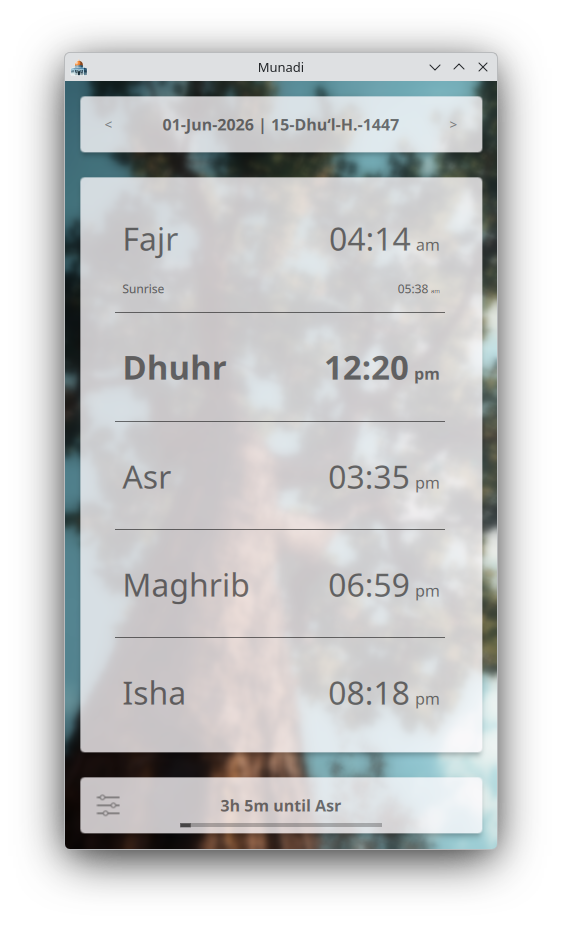
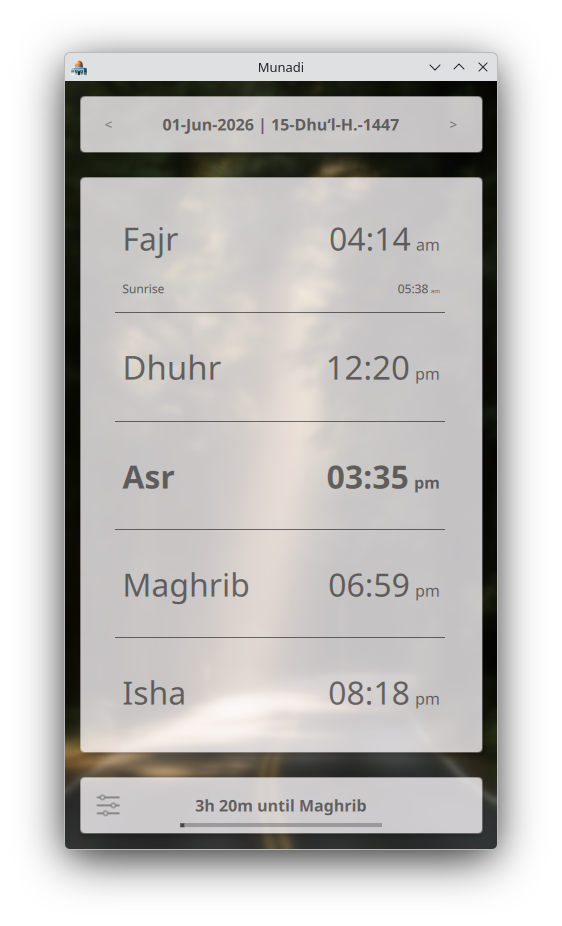
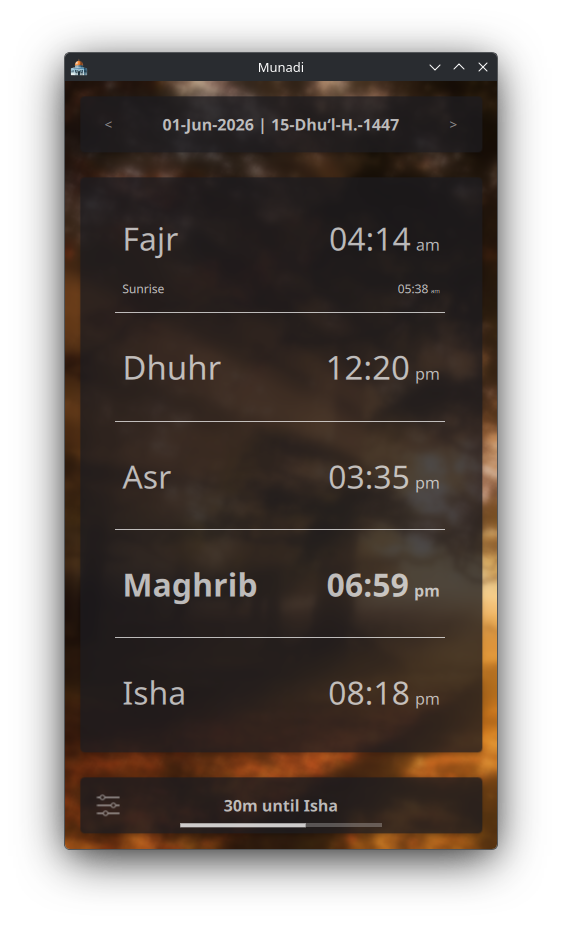
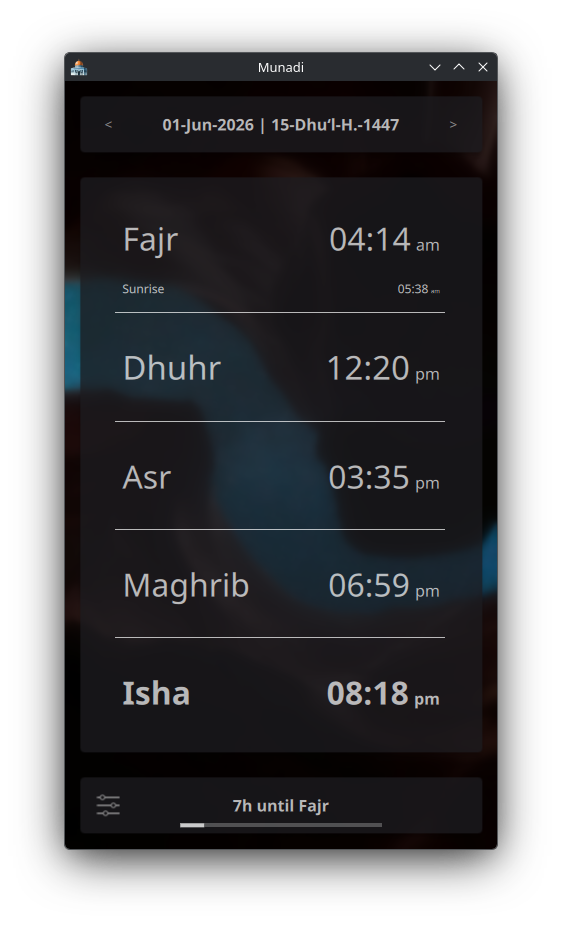
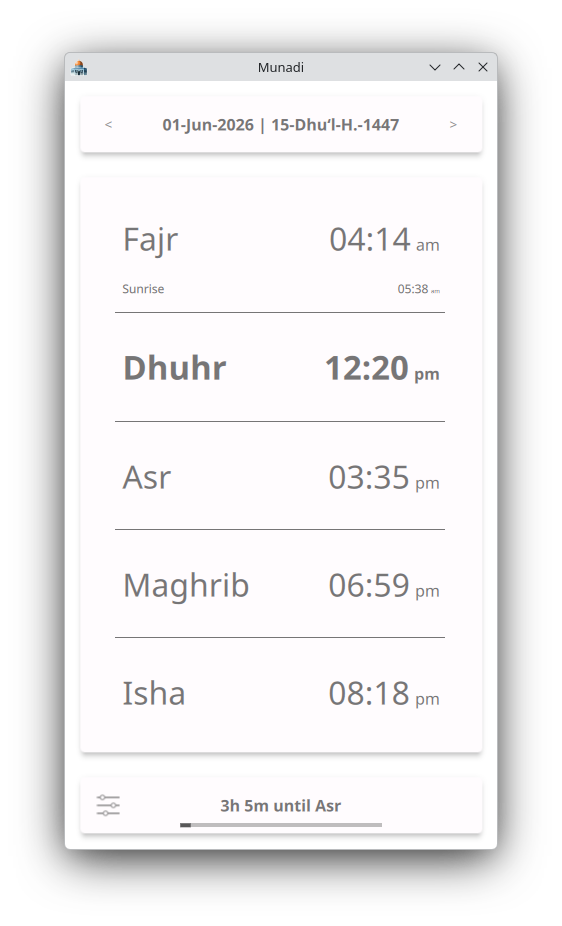
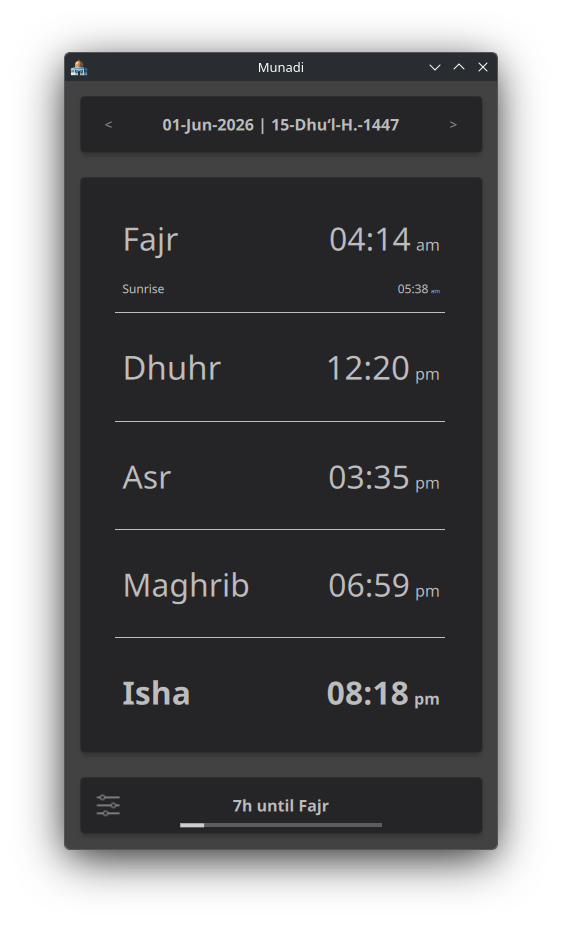
Munadi is a simple yet powerful athan app designed to be a companion in your daily life. It offers a clean, beautiful interface free from advertisements and tracking, delivering precise prayer alerts for any city worldwide. The app includes dual calendar support (Gregorian and Hijri), multiple calculation methods, and the ability to view prayer schedules for any date - past or future. A range of thoughtful settings allows you to tailor the experience to your personal needs.
Features:
- Prayer times for nearly any city around the globe
- Lightweight design with no advertisements or tracking
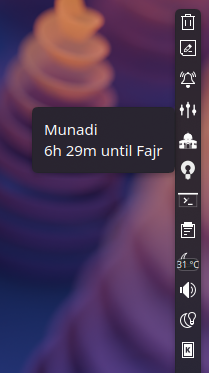
- Countdown to the next prayer, visible in tooltips
- View prayer times for past or future dates
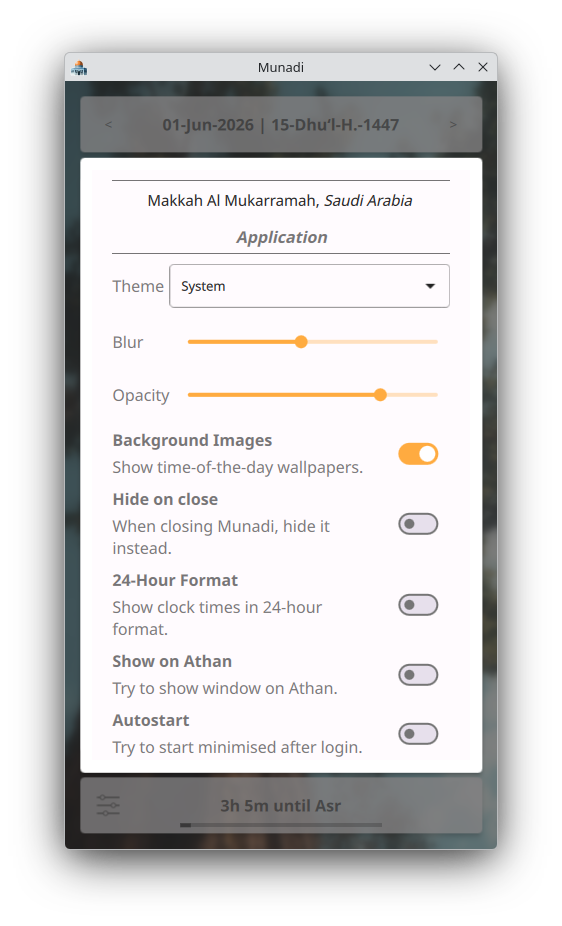
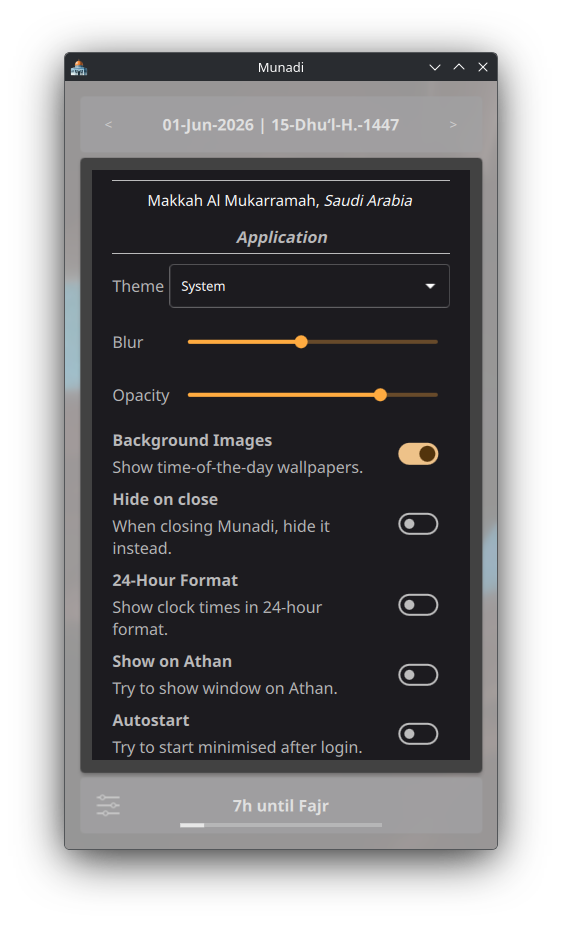
- Automatic switching between Dark and Light themes
- Customizable UI visual effects
- Dynamic wallpapers that reflect the time of prayer
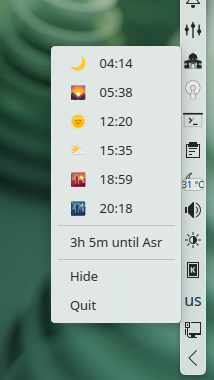
- Convenient system-tray support
- Flexible time format options
- Individual control to enable, mute, or adjust athan volumes
- Option to assign a unique athan for each prayer
- Fine-tune prayer times and Hijri date offsets
- Support for various global calculation methods
- Full Arabic and Bangla locale support with RTL layouts
Screenshots
Observed history
| App | Change | Version | When ↑ |
|---|
No observed changes yet.
The initial import establishes a baseline. Future version changes will appear here.
Browse the app catalogue →Upstream releases
Release notes supplied by the developer. These dates are not Flathub package publication times.
26.0815 Aug 2026
The 26.08 release introduces comprehensive Bangla localization and completes full Arabic and Bangla translations, now covering dynamic texts like calendar dates. We have enabled Right-to-Left layout support for Arabic, complete with minor UI adjustments for a seamless experience. Notable bug fixes resolve issues where certain numerals failed to translate in foreign locales, alongside correcting missing whitespaces and incomplete literals in the Arabic translations. Additionally, the underlying org.kde.Platform has been updated to version 6.11, and core libraries have been bumped to their latest releases for improved stability.
- Bangla localization
- Fix some numerals not being translated in foreign locale
- Fix missing whitespaces and incomplete literals in Arabic translations
- Update `org.kde.Platform` to `6.11`
- Full Arabic and Bangla localization, including dynamic texts like calendar dates
- Enable RTL (Right-to-Left) layout support for Arabic with minor UI adjustments
- Update libraries to the latest releases
26.065 Jun 2026
This release brings some nice UI enhancements and backend improvements to the app. Few itchy bugs were also squashed.
- Fix tooltip time-left string doesn't handle time jumps
- Fix custom audio list becoming stale if was configured for a prayer when a custom audio is removed randomly
- Monochrome tray icon now correctly tracks dark/light theme switches
- **New Icon**: Munadi now uses a new material-gradient inspired icon derived from Masjid Al-Aqsa
- Use the accent color derived from icon throughout
- Improve keyboard navigations throughout the app
- Improve UI geometry adjustment behaviors
- Use a thinner font stroke on prayer table
- Right align prayer times on the table
- Replace "+" and "-" buttons beside the speaker icon with "Add" and "Remove" texts
- Add a "Video" category option in file dialog to let users add video files as audio files too which is supported natively
- Few code restructures
- Lazy-load/save config and make settings changes atomic
- New file manager backend for improved, robust and stateless store management, improving experience inside sandboxes (e.g. flatpaks, snap)
- Upgrade to Qt 6.11.1
- Bring back Arabic support
- Drop $XDG_MUSIC_HOME permission on flatpak since it's not needed anymore
26.0418 Apr 2026
Bug fixes and minor UI changes
- Resolve typos in `install` and `uninstall` scripts, simplify few code
- Fix tooltip "Time Left" not updating when started hidden or after sleep
- Show time left to next date's Fajr after Isha instead of waiting for 23:59
- Prevent prayer labels running into adjacent time values; elide if parent too narrow
- Upgrade to Qt 6.11 (SFX standalone installer only)
- Left-align Prayer Times table labels
- Show "Time Left" string only on current date
- Clamp the Settings page width if parent window is too wide
- Limit smallest resizable window size
- Update underlying libs
- Simplify Prayer Times table object alignment approach
- Enable clickable hyperlinks on What's New page
- Publish "Munadi static app builder" image to project's registry
26.023 Feb 2026
Bug fixes, minor UI changes and new installer
- Fix 'System' theme doesn't follow system
- Fix muted athan plays on next start
- Fix time not updated on tooltip
- Allow exiting fullscreen during first onboarding
- Prevent texts running into each other and overflowing around
- Updates to android build
- Improve the looks of the main page
- Monochrome tray icon
- Two more built-in athans including fajr athan
- Munadi can now be installed using a self-extracting installer. No need for downloading loads of dependencies, just make it executable (chmod +x) and run the interactive installer. That's it! If you want to try it out, the latest version of the installer is available at https://gitlab.com/munadi/munadi/-/releases/.