
PreviewQt is a very simple application for previewing a wide range of files. Its main aim is on speed, striving to provide a preview as instantaneously as possible. It achieves this by being very lightweight and by its ability to sit in the system tray, ready to show whatever is thrown at it.
Supported file formats include:
- Images: more than 140 formats, including photo spheres, panoramas, and motion photos
- Video/Audio: all common formats
- Documents: PDF and office documents, including page navigation
- Archives: All common compressed archives (zip, etc.) by loading any supported file contained within
- Comic Books, including page navigation
- E-Books (epub), including page navigation and remembering where you left off
- Text files, including syntax highlighting and prettifying output for certain formats
- Windows DLL/EXE: Information about these files, including any embedded version information
- PhotoQt: Information about PhotoQt's backup and extension files
- MuseScore: Rendering score sheets including page navigation
- ICC color profiles: display information about color profiles including gammut plots
- Packages: Display information about DEB and RPM packages including AppImage files
- SQLite database files: Show structure and meta information about sqlite database files
- URL: Support for loading Websites (both local and remote), including pre-processing with yt-dlp for directly streaming contained media
Any file you encounter that is not yet supported by PreviewQt, please don't hesitate to get in touch. PreviewQt strives to one day support as many file types as possible.
If you are using KDE's Dolphin file manager, PreviewQt can be invoked by shortcut to load whichever file is currently highlighted to allow for previewing any file easily without having to set PreviewQt as default application. You can also pass files to PreviewQt by simply dropping them onto the application window, or by means of a remote application (small square) wth any file dropped on it passed on to PreviewQt. If you are running KDE Plasma 6, there is also a plasmoid that integrates nicely with your desktop.
If you like the overall concept of PreviewQt but would like to have more features, check out the fully featured image viewer PhotoQt, a sibling application to PreviewQt.
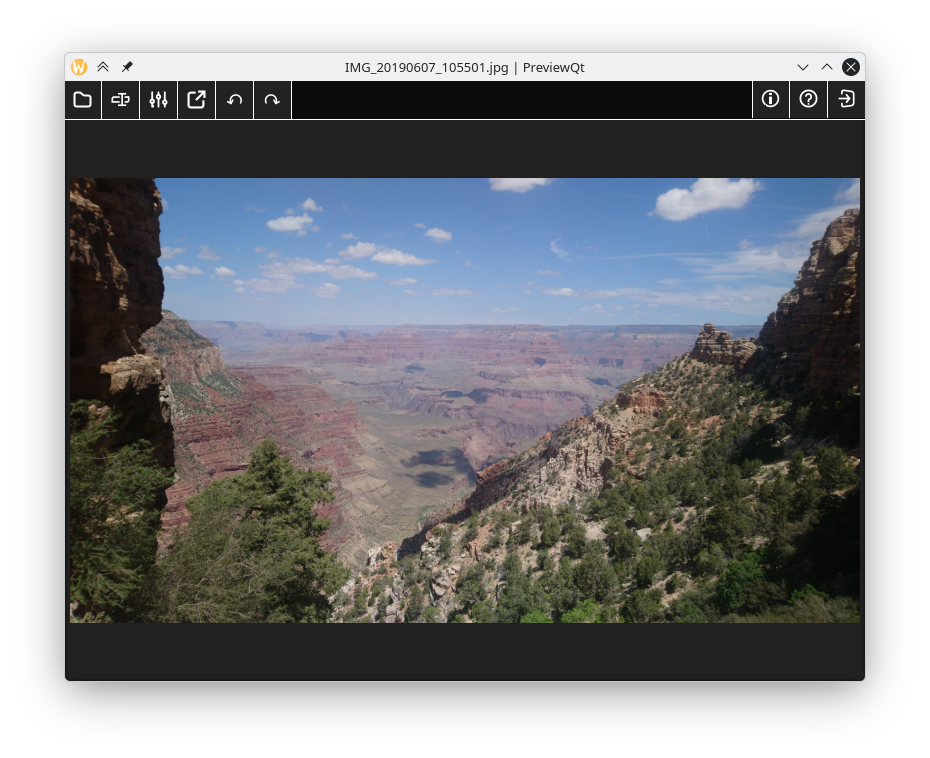
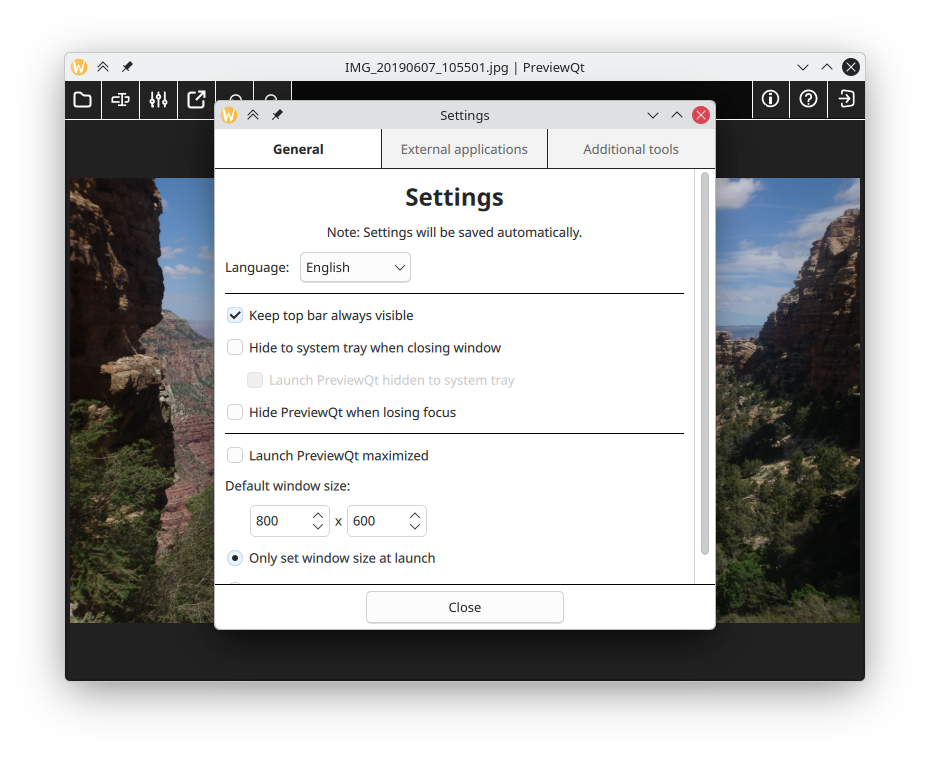
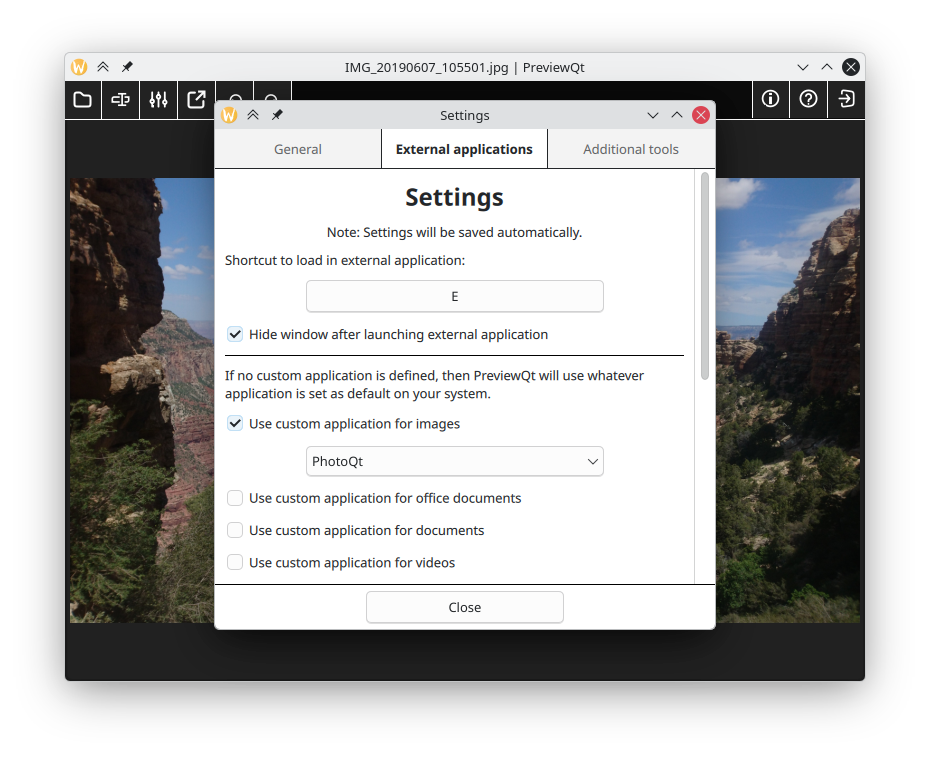
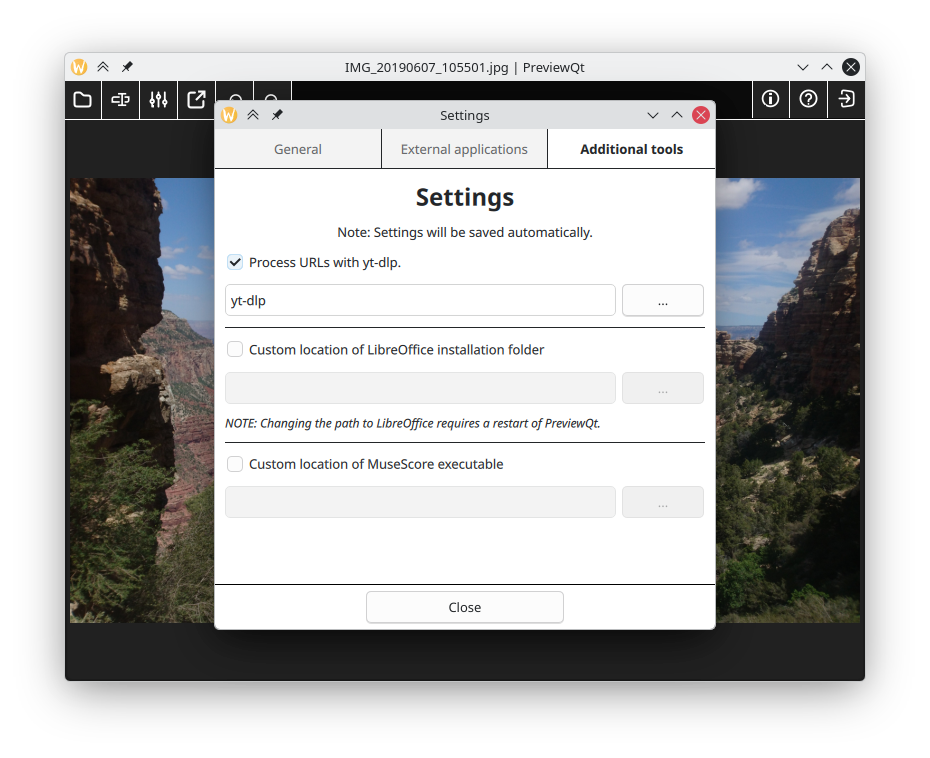
Screenshots
Observed history
| App | Change | Version | When ↑ |
|---|---|---|---|
| updated | 6.0 | 17 Sept 2026 |
Upstream releases
Release notes supplied by the developer. These dates are not Flathub package publication times.
6.017 Sept 2026
Another update of PreviewQt is ready. With an updated way of handling plugins for its various formats, PreviewQt now supports up to 234 different file formats. New formats in this version include ICC color profiles, Windows DLL/EXE, office documents, SQLite database files and more.
5.06 Feb 2026
It has been a little while since the last release of PreviewQt, so it is time for some updates. This release fixes a few smaller bugs, improves a couple things based on feedback I received, and adds support for even more files and content.
4.04 Mar 2025
It has been a little while since the last release of PreviewQt, so it's about time for some updates and a bunch of new features.
3.022 May 2024
PreviewQt 3.0 brings a whole range of new and exciting features, including e-book support, adjusting window size to content, and the ability to request PreviewQt (through shortcut) to load any selected file in the Dolphin file manager.