# Markdown Editor for Writing
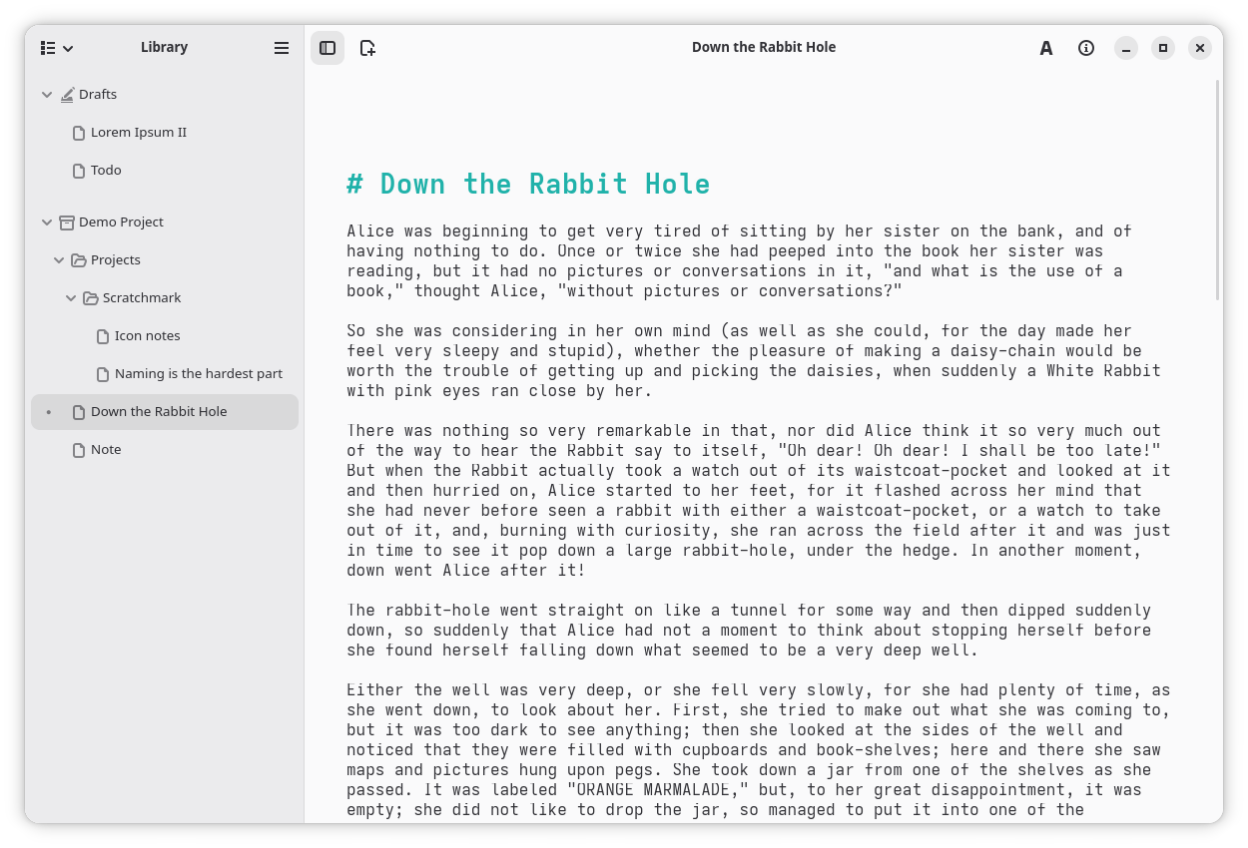
**Scratchmark** is a pleasant text editor for writing. It tries to give you everything you need and otherwise stay out of your way so you can just focus on the text. The app can be used for writing essays and making quick notes alike. Its file management is built around a folder structure that can handle large projects with lots of files. You can add any folder on your computer to the library, and move files around by dragging and dropping.
It uses Markdown, which means that ==all text formatting can be done by typing.==
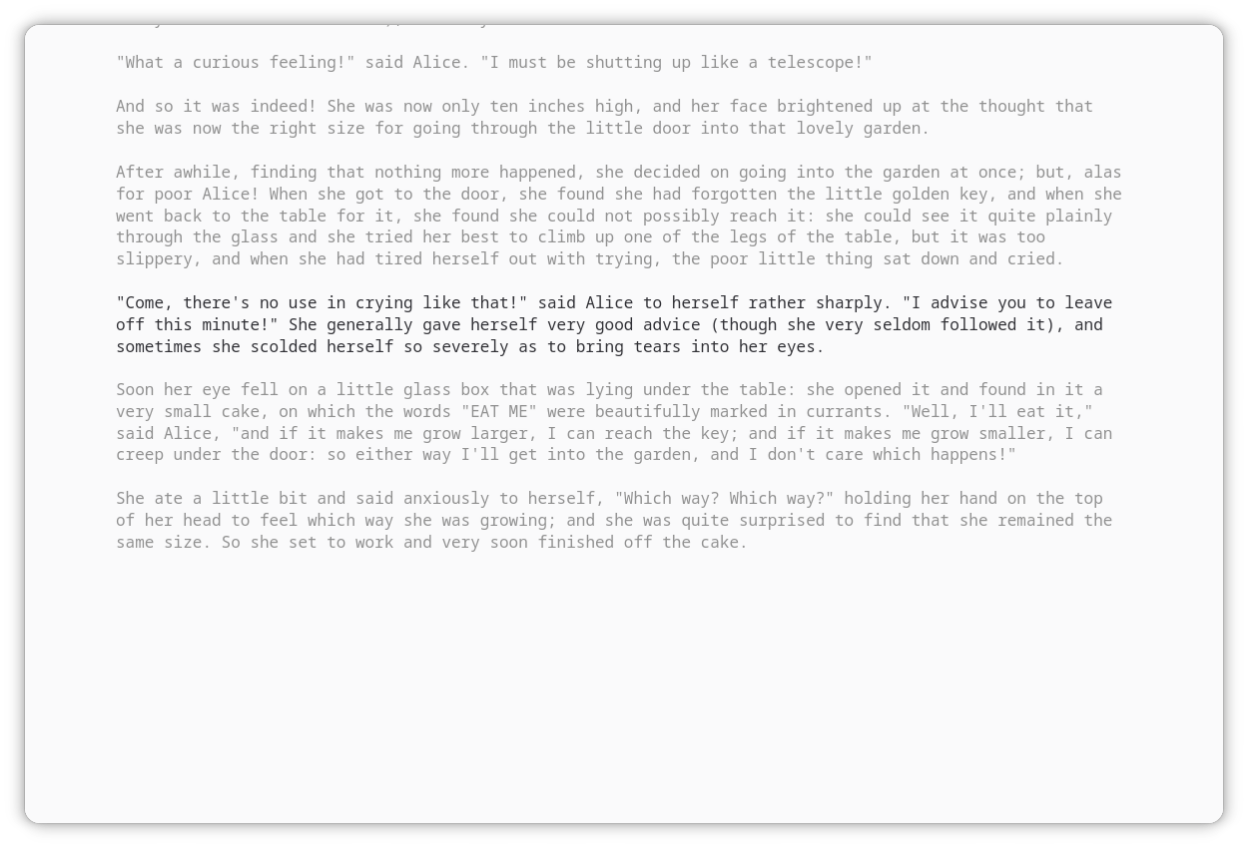
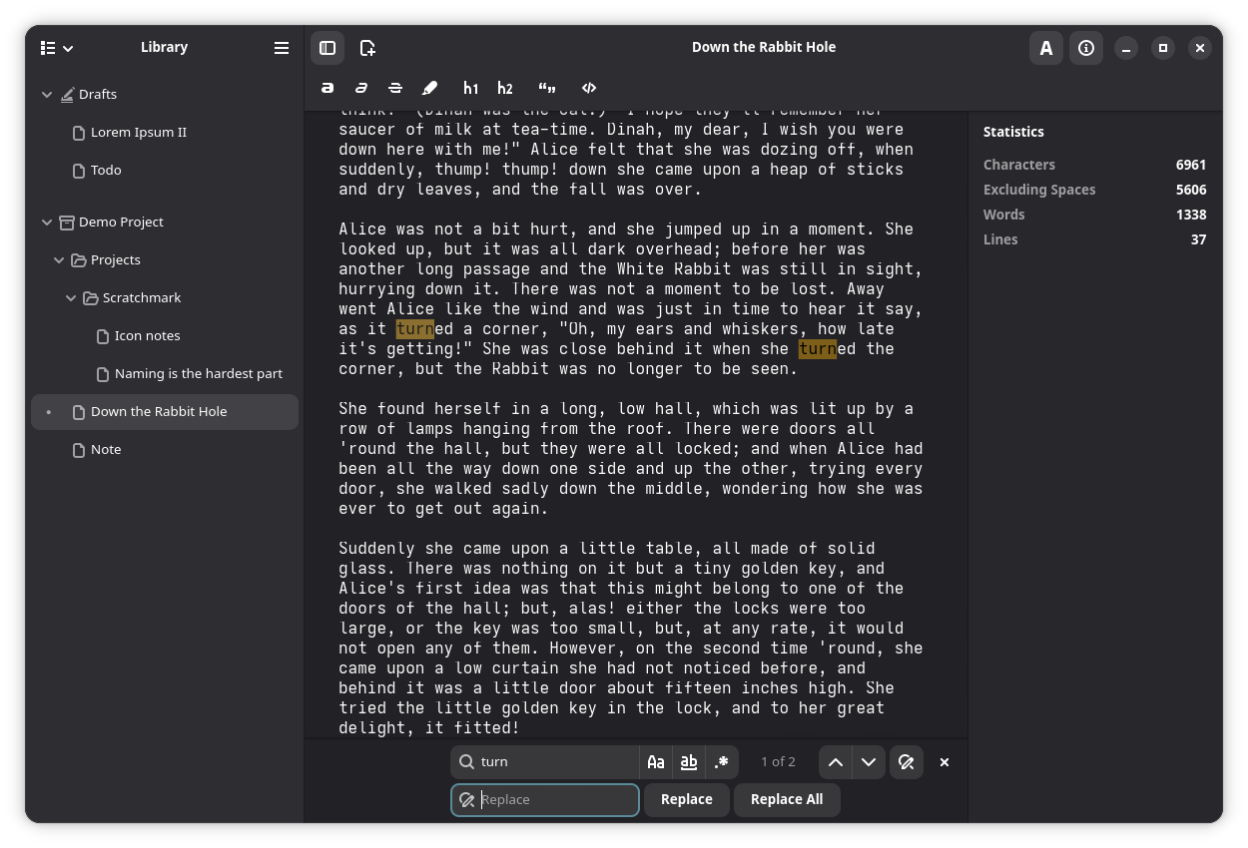
The editor is simple and intuitive, so anyone should be able to just pick it up and start writing. It can display simple writing statistics, and has features, such as focus mode and fullscreen support to reduce distractions.
Markdown is an open and widely used markup language. Documents created with Scratchmark are more or less compatible with other similar apps. If you already have a "notebook" or a project from another app, you can just add the folder to Scratchmark's library. This also goes the other way: if you've had enough of Scratchmark, it's easy to switch to something else.
Screenshots
Observed history
| App | Change | Version | When ↑ |
|---|
No observed changes yet.
The initial import establishes a baseline. Future version changes will appear here.
Browse the app catalogue →Upstream releases
Release notes supplied by the developer. These dates are not Flathub package publication times.
v1.10.05 Sept 2026
- Feature: Typewriter scrolling
- fix: Broken focus mode behavior
v1.9.131 Jul 2026
- Feature: Dynamic bottom margin
- i18n: Translated previously hardcoded English strings
v1.9.09 Jun 2026
- Feature: Spell check
- Feature: Show file extensions
- Feature: Allow custom file extensions
- Feature: Insert link
- Feature: Sort by time accessed
- Feature: Tabs as spaces
- Fix: Persistent library sort
- Fix: Prevent multiple simultaneous app instances
- Fix: Line copy include newline
- Fix: Inconsistent and broken icons
- New translations: Spanish, Estonian, Russian
v1.8.024 Feb 2026
- Feature: Sort library content
- Feature: Adjustable editor width
- Feature: Editor zoom shortcuts
- Fix: Library content refresh caused a small stutter
- Fix: Inline formatting actions lose selection
- Fix: Library context menus are diagonally aligned
- Misc: Create file/folder popovers are anchored to the parent folder instead of the toolbar
- Misc: Updated website url in about dialog
- i18n: Many previously hardcoded strings are now translated