SpeedyNote is a fast, open-source note-taking application designed for stylus users who need iPad-quality annotation on budget hardware. Built with native C++ and Qt, it delivers 360Hz stylus input on hardware as modest as an Intel Celeron N4000 at 1.1GHz — with no Electron bloat.
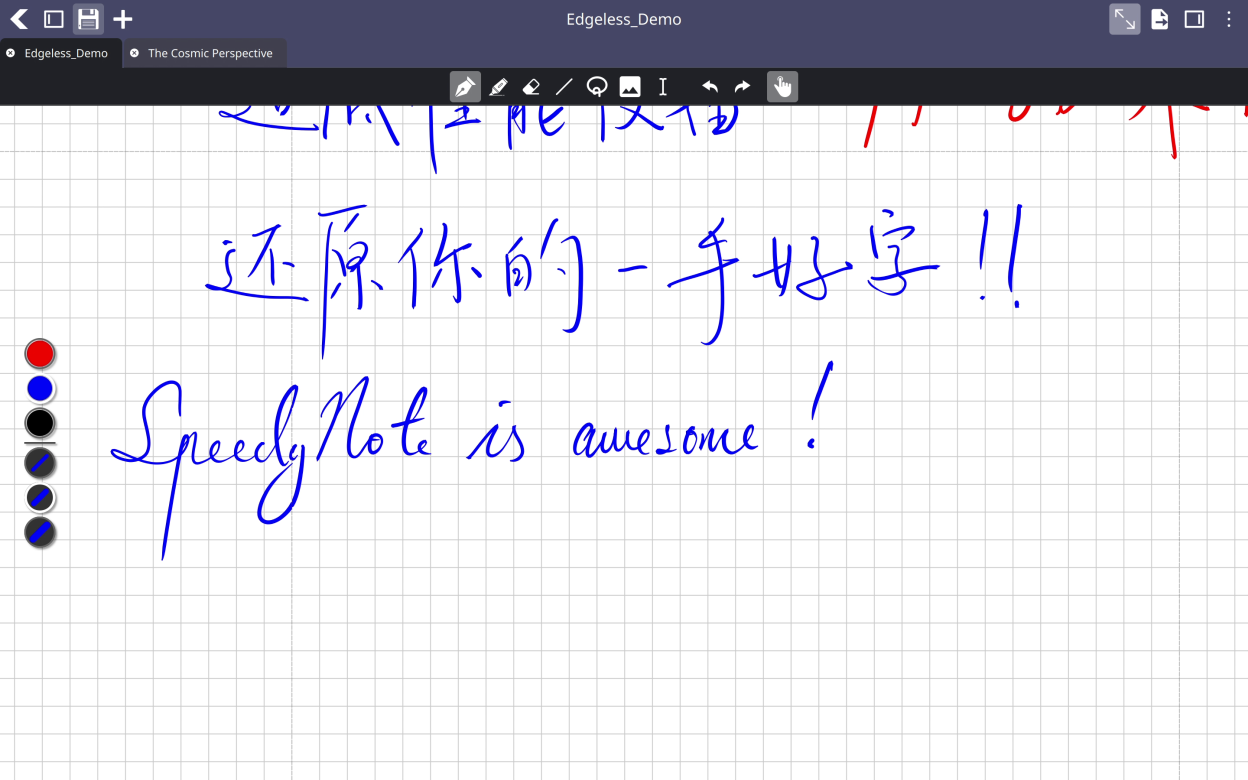
Annotate PDFs with pressure-sensitive inking tools including pen, marker, and highlighter, all rendered as vector strokes that zoom infinitely without pixelation. Organize your work with multi-layer editing, paged notebooks, or infinite edgeless canvases with lazy-loading tiles.
Key features include:
- Instant PDF loading with clickable internal links and outline navigation
- Multi-layer editing with add, delete, reorder, and merge operations
- Touch gestures: two-finger pan, pinch-to-zoom, and palm rejection
- Cross-platform note sharing via .snbx notebook packages
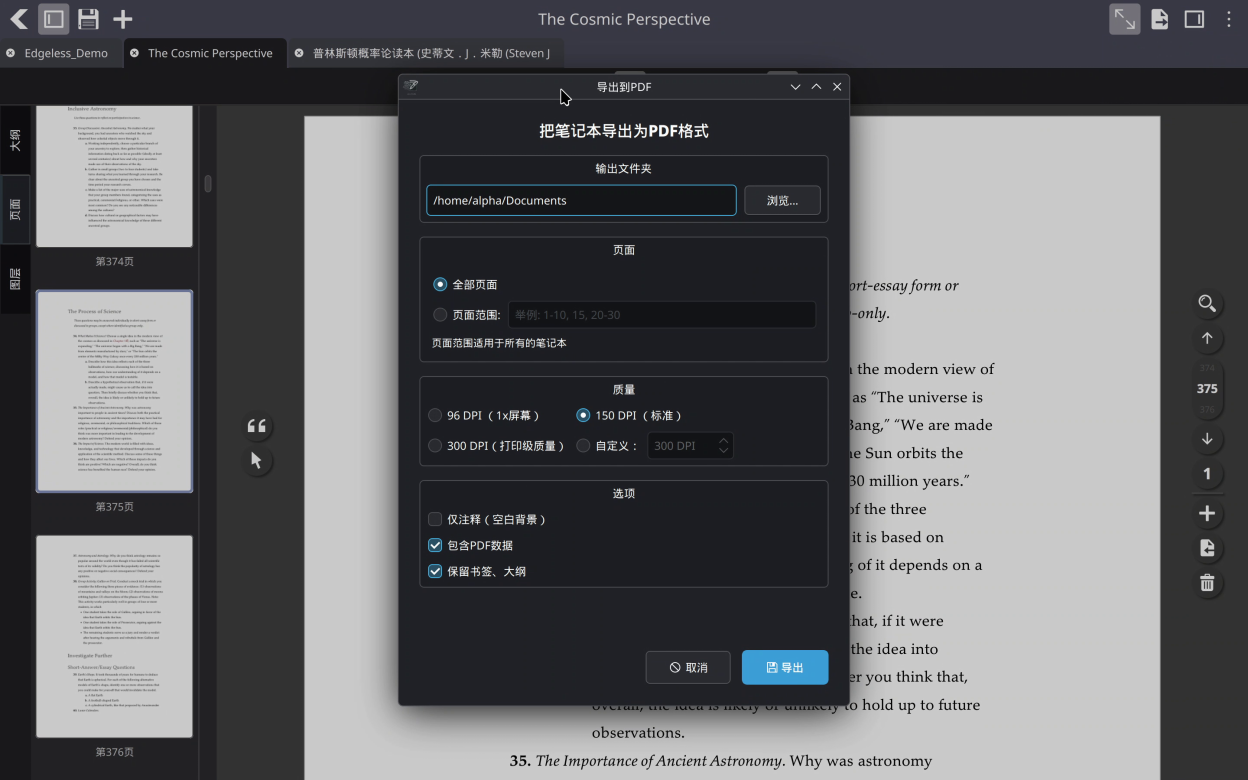
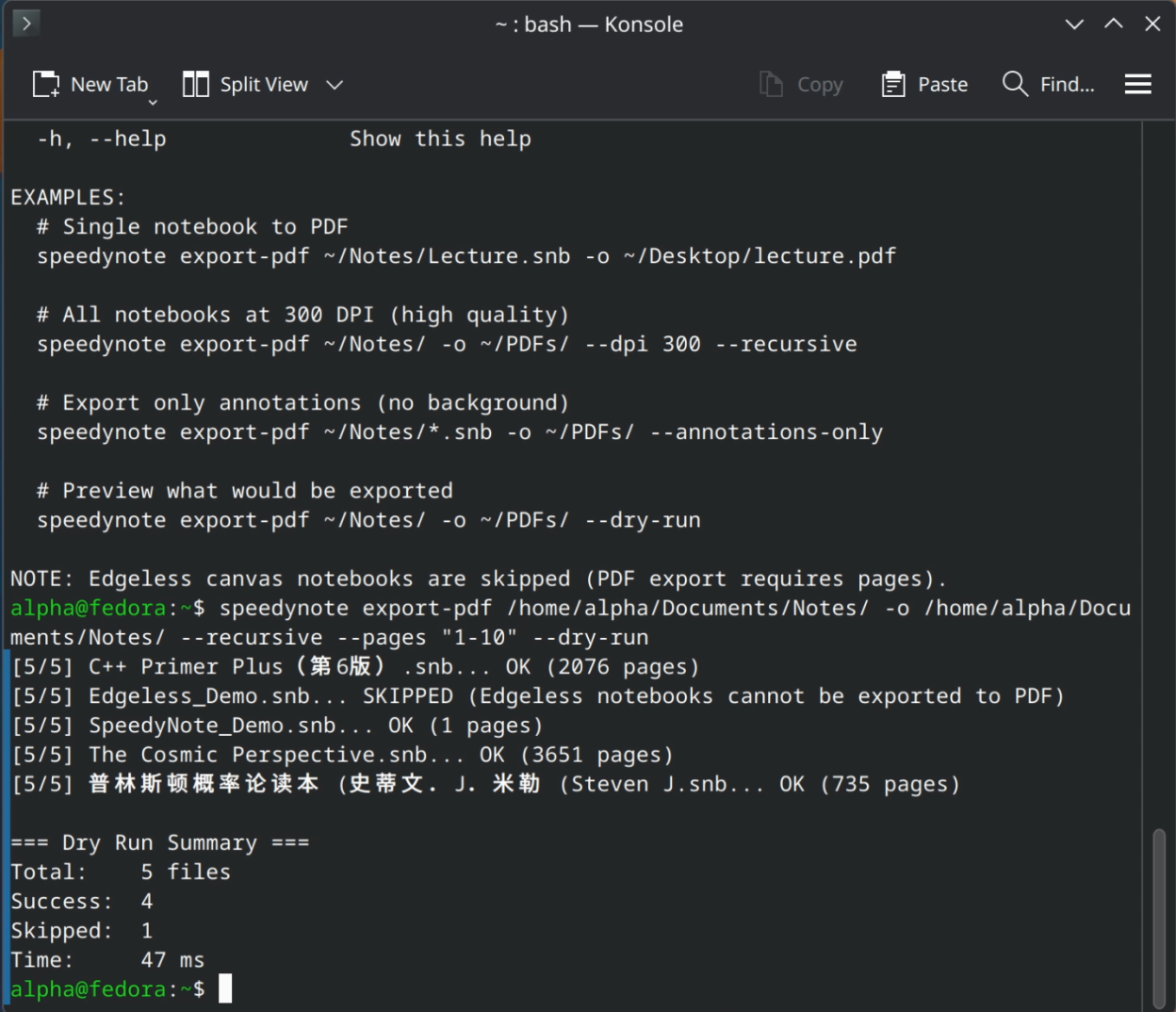
- Powerful command-line interface for batch PDF export and notebook management
- Multi-tab editing to work on multiple documents simultaneously
- Auto-save so you never lose work
Screenshots
Observed history
| App | Change | Version | When ↓ |
|---|
No observed changes yet.
The initial import establishes a baseline. Future version changes will appear here.
Browse the app catalogue →Upstream releases
Release notes supplied by the developer. These dates are not Flathub package publication times.
1.6.33 Sept 2026
Bug Fixes and Improvements:
- Fixed the problem that the add page button below the last page could cause undefined behavior when tapped by a finger, and not respond to stylus input at all.
- Fixed the problem that the missing pdf banner could not respond to stylus input, and physically shift during a viewport scroll.
- Fixed the problem that text annotations could be moved with the ObjectSelect tool.
- Fixed the problem that the PDF exporting tab would still show up right after an edgeless document was exported before saving, causing an invalid pdf range error.
1.6.22 Sept 2026
New Features:
- Added OCR options into the current document settings override panel.
- Added a confidence marker option to the OCR text overlay.
Bug Fixes and Improvements:
- Fixed the problem that the number of matches did not display correctly in edgeless mode.
- Fixed the problem that the colored markers on the scroll bar was not updated when a URL link or a markdown note was added to one of the slots.
- Fixed the problem that the scroll bars still hide themselves when the cursor is floating over them.
1.6.11 Sept 2026
New Features:
- Added a new right click menu for LinkObjects for copying text and deleting the LinkObject.
- Extra add page button positioned below the last page in paged mode.
Bug Fixes and Improvements:
- Corrected the behavior of the copy button on the object select action bar so that it copies the text of the annotation, instead of the linkobject itself.
1.6.031 Aug 2026
New Features:
- New LinkObject/Highlighter UX with region style selection, color override, and region selection.
- New position link object feature to link to a specific position in a document.
- Region outside of pages in paged mode now acts as the pan tool when any tool is selected.
Bug Fixes and Improvements:
- Repositioned the LinkObjectBar to be more accessible and intuitive.
- Repositioned the search button and the search bar for easier access.