
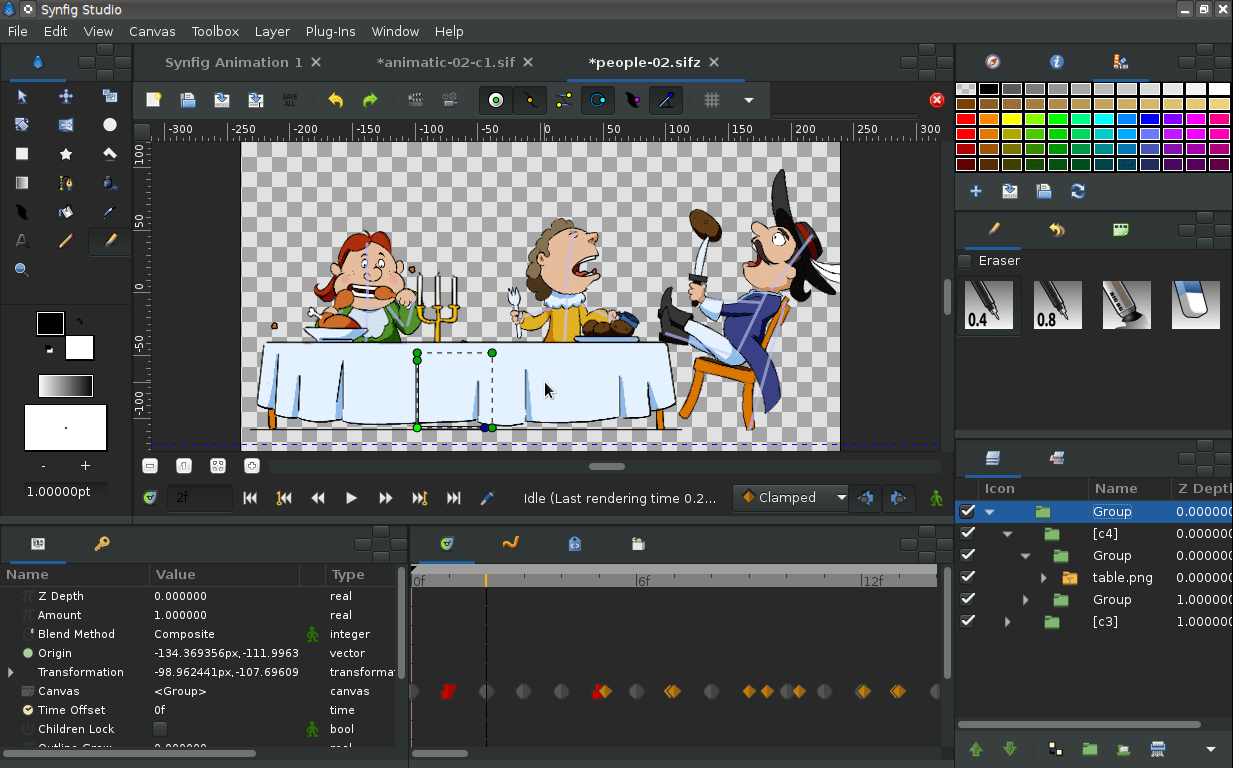
Synfig Studio is a free and open-source 2D animation software, designed as powerful industrial-strength solution for creating film-quality animation using a vector and bitmap artwork. It eliminates the need to create animation frame-by frame, allowing you to produce 2D animation of a higher quality with fewer people and resources.
Features:
- Can manipulate vector and bitmap artwork
- Automatic tweening (independent from FPS)
- Multitude of layers of various types (geometry primitives, shapes, gradients, fratals)
- Full-featured bone system
- Filters and effects for compositing (blurs, distortions, color manipulation, masks)
- All color operations use High Dynamic-Range Imaging (HDRI)
- Pentablet-friendly tools
- Sound support
- Linking data on file or parameter-level
- Automatic animation using mathematical functions
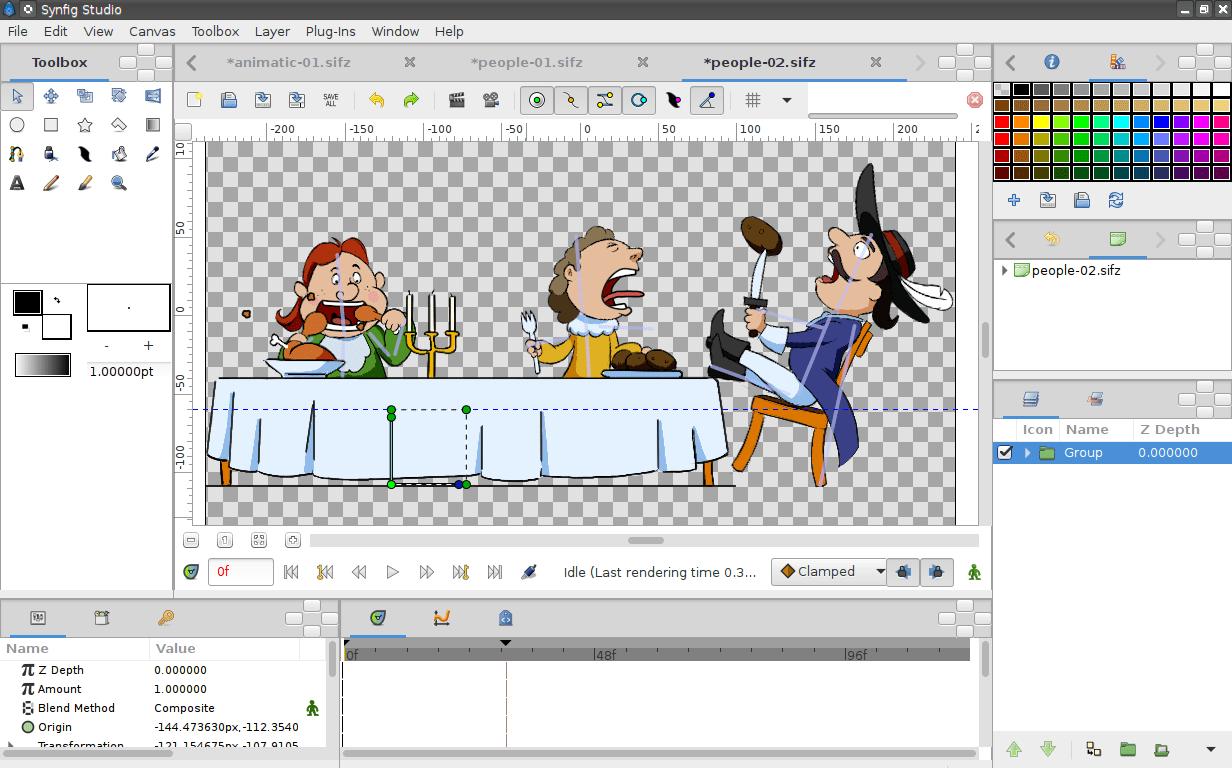
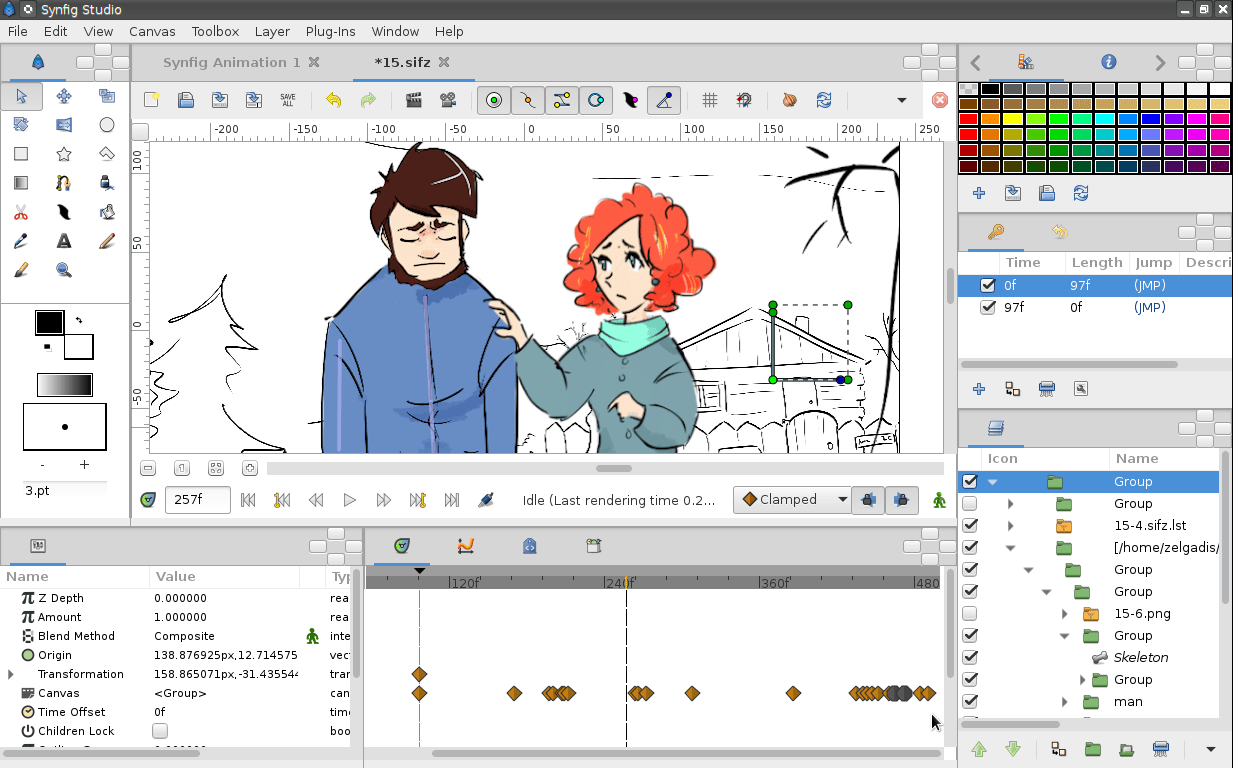
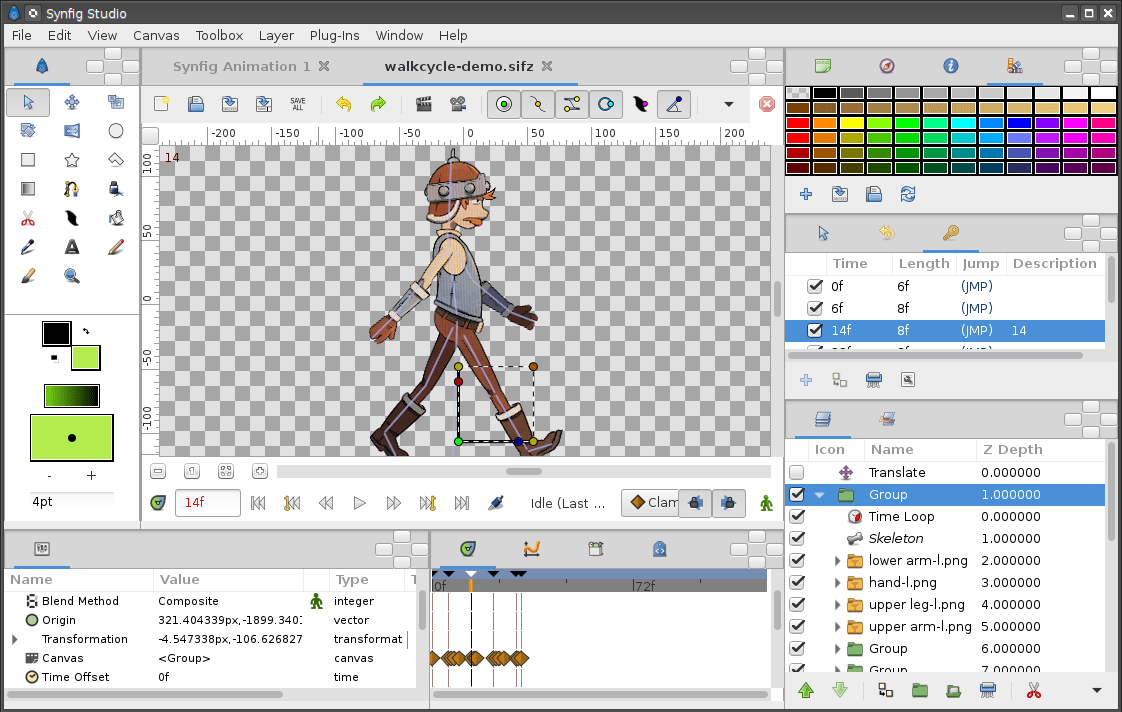
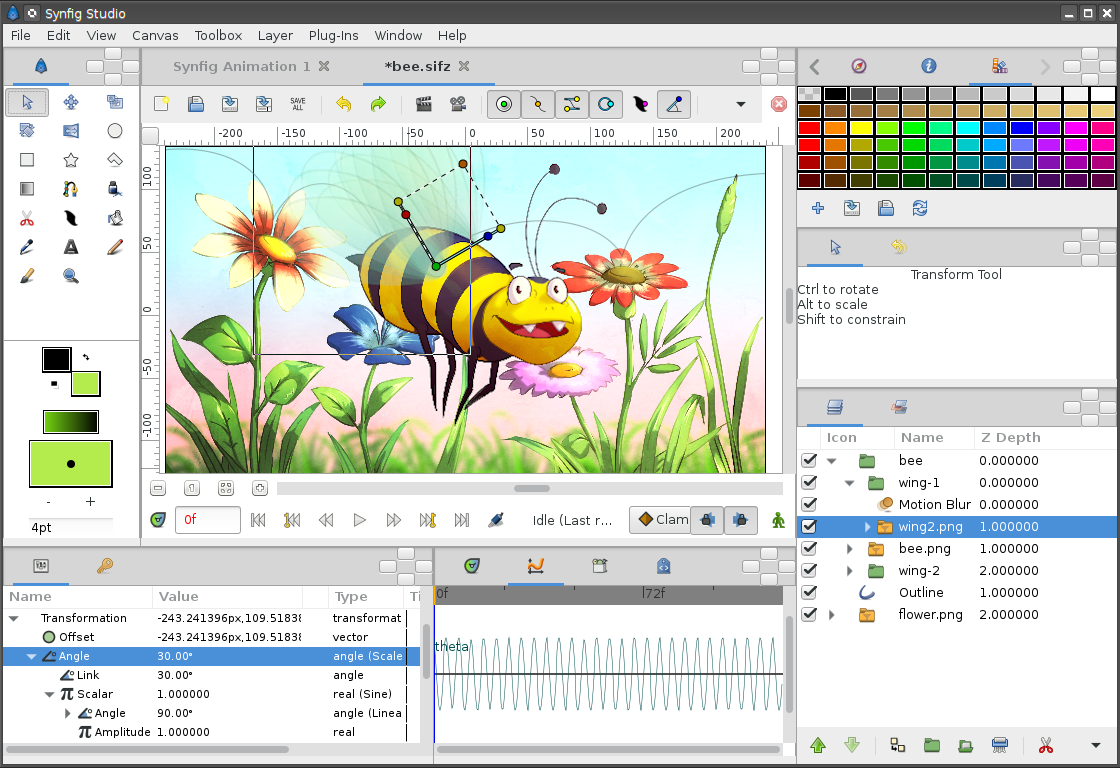
Screenshots
Observed history
| App | Change | Version | When ↓ |
|---|
No observed changes yet.
The initial import establishes a baseline. Future version changes will appear here.
Browse the app catalogue →Upstream releases
Release notes supplied by the developer. These dates are not Flathub package publication times.
1.5.323 Aug 2024
Synfig Studio version 1.5.3 delivers new features and important bugfixes for all platforms.
1.4.525 Jun 2024
Synfig Studio version 1.4.5 delivers some important bugfixes for all platforms.
- Fixed line end distortions when using the drawing tool
- Fixed an error that prevented importing images into an unsaved SIF file that had not yet been saved
- Fixed an error that caused the program to crash when trying to move an object that is attached to a curve, if that curve is exported
- Fixed an error when closing the program that occurred if bones were used in the active document
- Fixed an error that caused the program to crash when creating curves consisting of two points that are too close to each other
- Fixed a program crash when using a graphics tablet in Linux on the Wayland graphics system
- Fixed a program crash when clicking on rows in the Library Panel
- The "Open With History" button in the file open dialog is now only active when a file with the extension "sfg" is selected
- Fixed a the GUI crash when clicking on a control point with the Graphs panel active
- Pixel information about the current cursor position is now only requested if the Info panel is active
- Fixed memory leak when importing PNG files