jdMinecraftLauncher
Unofficial classic styled Minecraft Launcher
JakobDev ✓ Verified
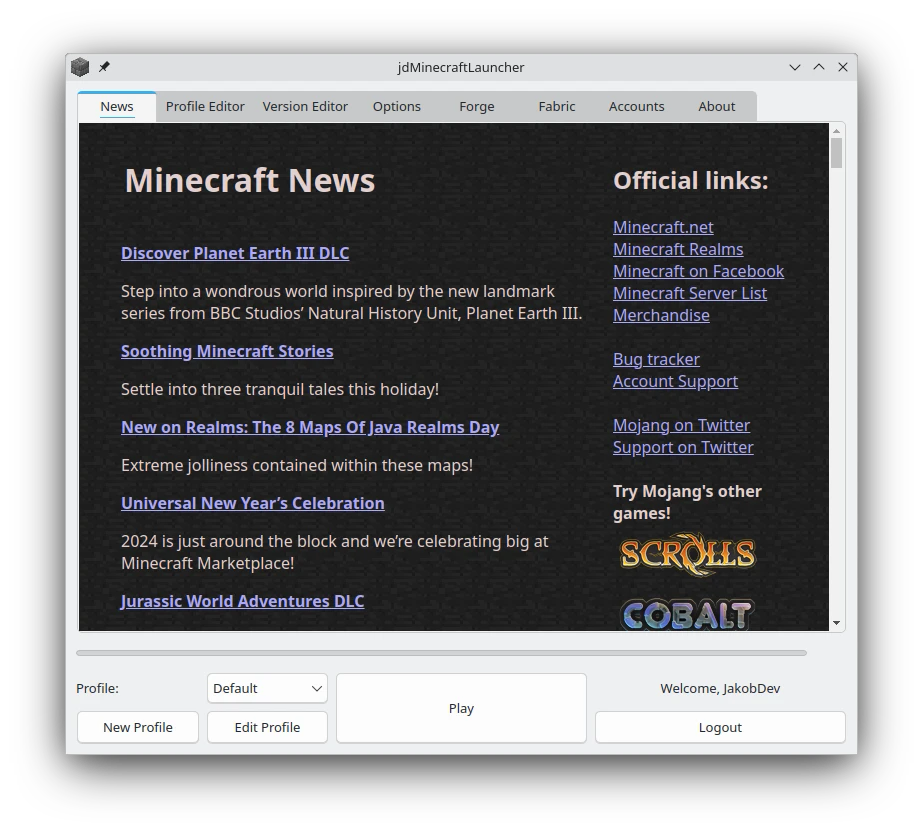
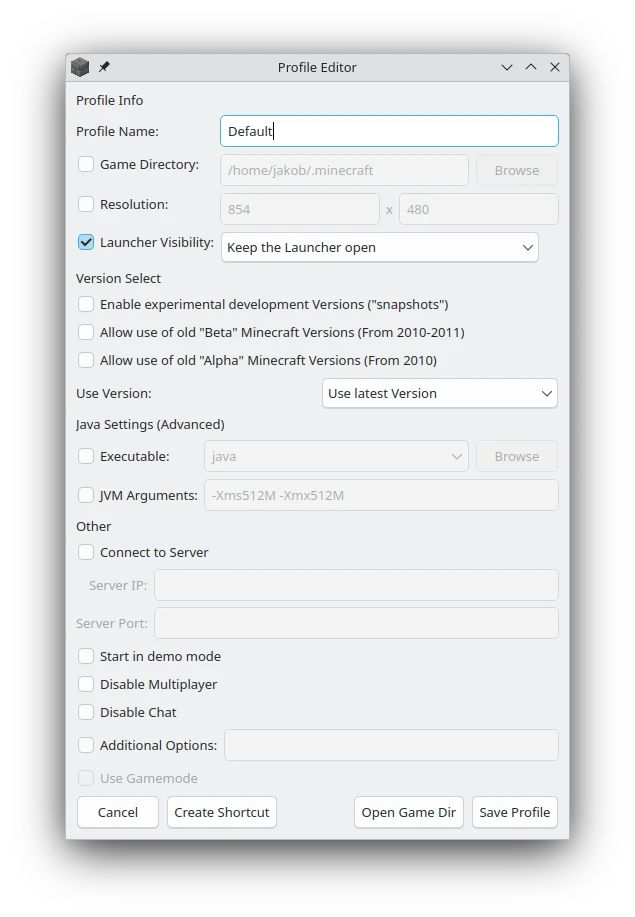
page.codeberg.JakobDev.jdMinecraftLauncherjdMinecraftLauncher is a Minecraft launcher which Look and Feel is close to the the good old official Launcher
Features:
- All Minecraft versions are supported
- Offline mode is available after your first login
- One click install of Forge, NeoForge, Fabric and Quilt
- FeralInteractive GameMode is supported
- Create Shortcuts in the Menu and on the Desktop to directly launch Minecraft
- For Developers commandline arguments and a D-Bus Interface are provided
- Profiles can be imported from the vanilla launcher
- Modrinth modpacks (.mrpack) can be installed directly through the Launcher
- Integrated into KRunner and GNOME Search
You need a Microsoft Account which owns Minecraft to use this Launcher
This Launcher is completly fanmade and not supported by Mojang/Microsoft
Screenshots
Observed history
| App | Change | Version | When ↑ |
|---|---|---|---|
| updated | 7.0 | 3 Oct 2026 |
Upstream releases
Release notes supplied by the developer. These dates are not Flathub package publication times.
7.030 Oct 2025
- A new Icon
- Startup times have been reduced
- It's now possible to install Mrpack files directly
- One-click installers for NeoForge and Quilt have been added
- Profiles now open in the existing instance instead of a new one
- Integration with KRunner and GNOME Search allows direct launching by entering the profile name
6.21 Feb 2025
- Fix bug with missing data files
6.11 Feb 2025
- The News are now shown in the style of the old launcher
- Running Minecraft in a Subsandbox is now enabled by default in a Flatpak
- Some Bugs were fixed
6.08 Mar 2024
- Lots of internal rewrites
- Allow running Minecraft in a Subsandbox
- Better Wayland experience
- Added Update checker