**This app is in early development. There may be bugs and incomplete/missing features!**
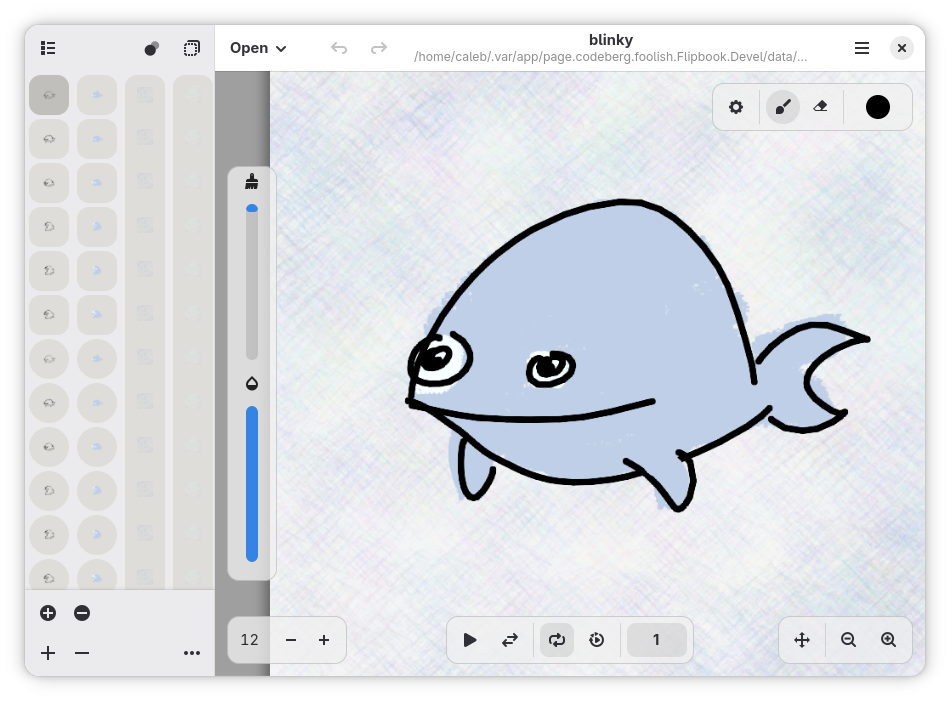
Create hand-drawn animations with a simple, streamlined experience. It is designed to let you focus on your art. Colors are automatically saved inside the project and can be exported and imported to others. Images can be imported as frames into a project. There are multiple brush styles to choose from.
Screenshots
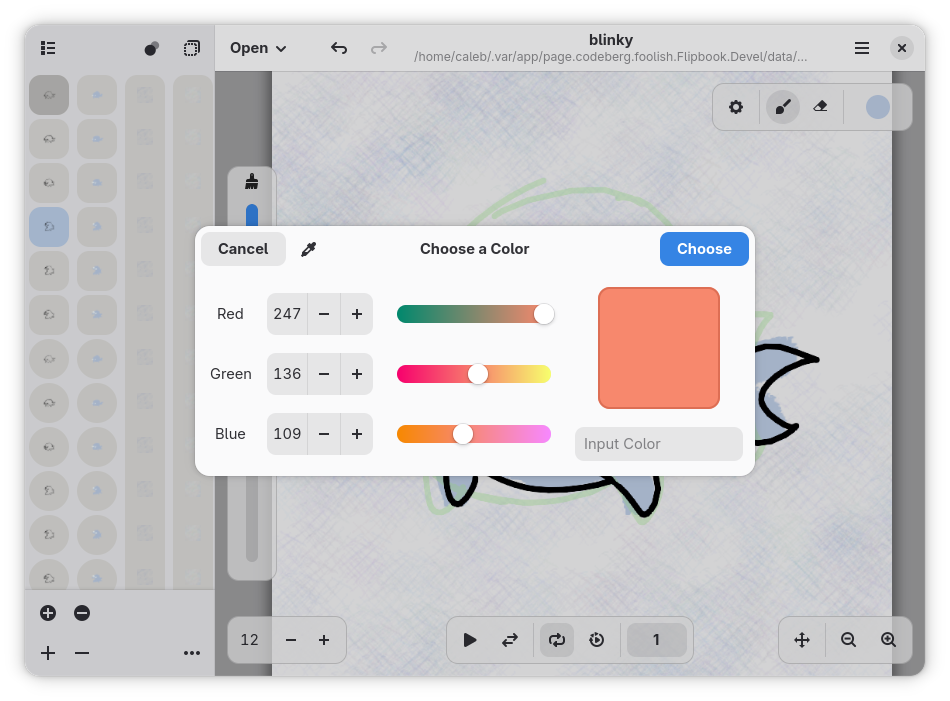
Observed history
| App | Change | Version | When ↓ |
|---|---|---|---|
| updated | 0.6 | 9 Oct 2026 |
Upstream releases
Release notes supplied by the developer. These dates are not Flathub package publication times.
0.69 Oct 2026
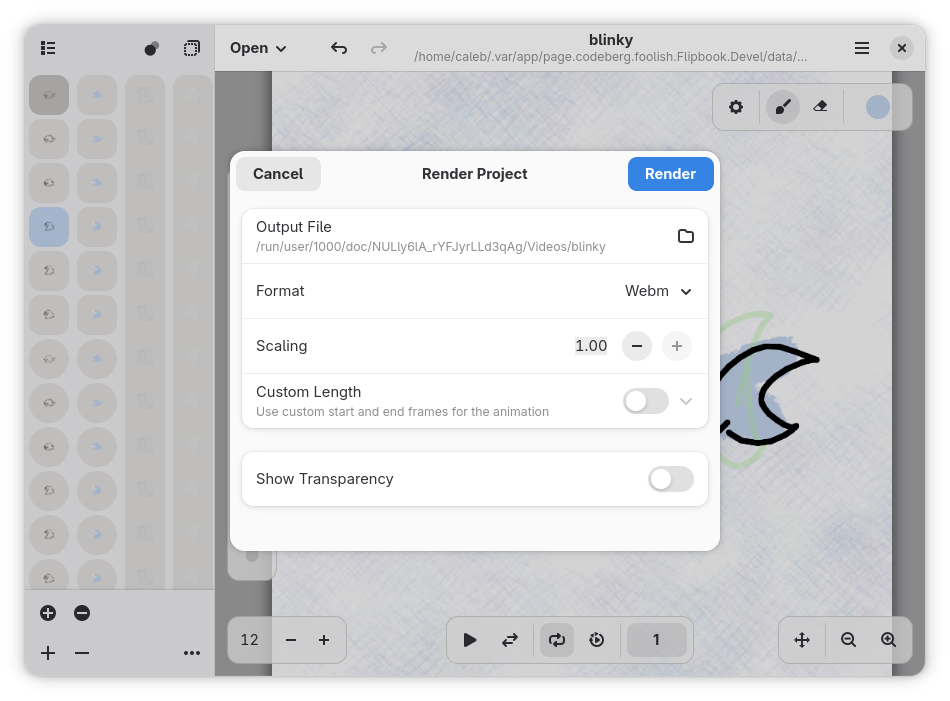
Added a render option to only render visible layers.
Added a render option to render layers using their custom opacity.
Layer opacity and visibility are now saved in project files.
Drawing now happens at the center of the pointer, rather than to the left.
0.524 Sept 2026
Stylus pressure is now supported. There are also new custom brush options related to stylus Pressure
Added a button to fullscreen the app.
The sidebar is now much larger.
Dragging layers is now more visually responsive.
Small visual improvements to some UI elements.
0.417 Sept 2026
IMPORTANT NOTICE: The project file format has changed and is incompatible with the previous one. Instructions to upgrade will be displayed when entering the app. They can also be found on Flipbook's webpage.
Multiple styling fixes in dark mode.
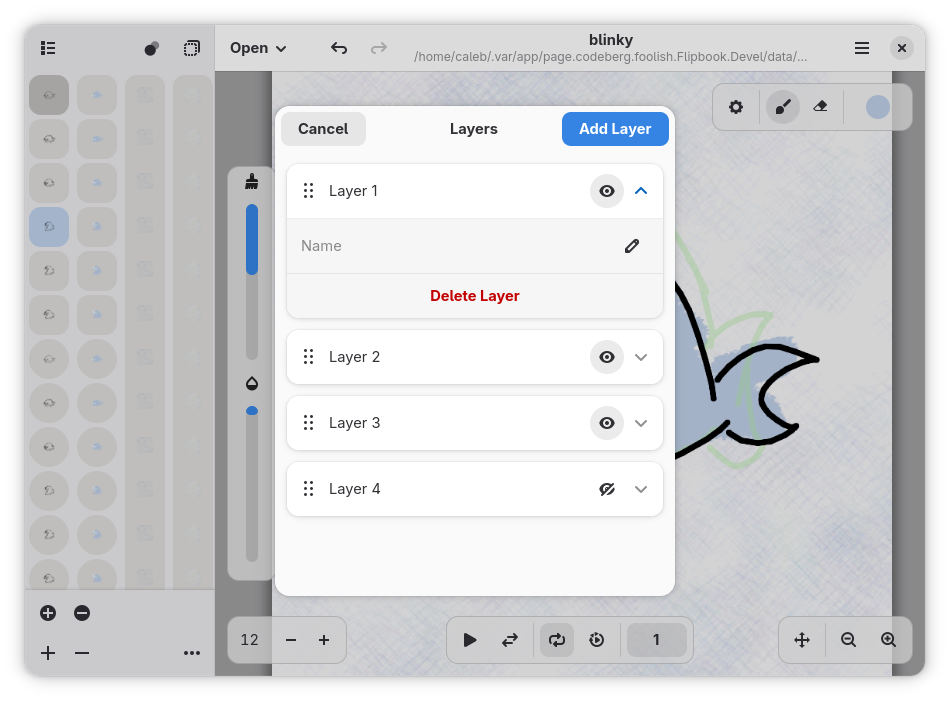
Layers are now inside the timeline. This allows for quicker and easier layer management.
The opacity of layers can now be changed.
Image importing is now much faster.
0.39 Sept 2026
Reworked the canvas UI to use screen space better and improve the touchscreen experience.
Can now make custom brushes! Custom brushes will be auto-saved and loaded across all projects.
Can no longer add translucent colors. Use the new opacity slider instead.
Fixed bug where the rendered file would not be named properly and would appear hidden.
New dialog to select colors. It is more friendly to touchscreens and less buggy overall.
Fix bug where canvas contents would shrink past the size of the canvas widget.
Can now undo and redo actions made in the color palette.
The folder of new projects can now be changed when creating them.
Added a button to set the hold of the currently selected frame(s).
The frame rate of a project can now be changed after creation.
Quick playback can now be done using a button. It was previously only accessible using the keyboard.
The current frame number will now be displayed in the canvas.
Can jump to a certain frame number by clicking on the number in the canvas.
Drawing speed has been improved and should now work better on touchscreen devices.