Gamepad Mirror
Visualize your gamepad's inputs
Vendillah ✓ Verified
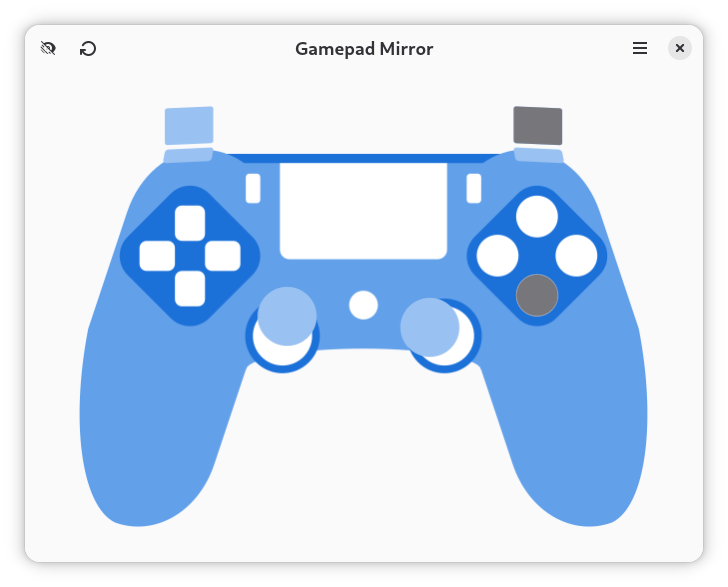
page.codeberg.vendillah.GamepadMirrorA simple application to visualize a gamepad's input using libadwaita and libmanette. The app's main goal is to support gamepad visualization during a stream or recording, without getting in the way of playing the game. It can also be used to simply test whether your gamepad works and your desktop is picking up on the signals, rather than visiting closed source websites that profile you and possibly sell your data.
Currently, the app
- supports flashing facepad buttons;
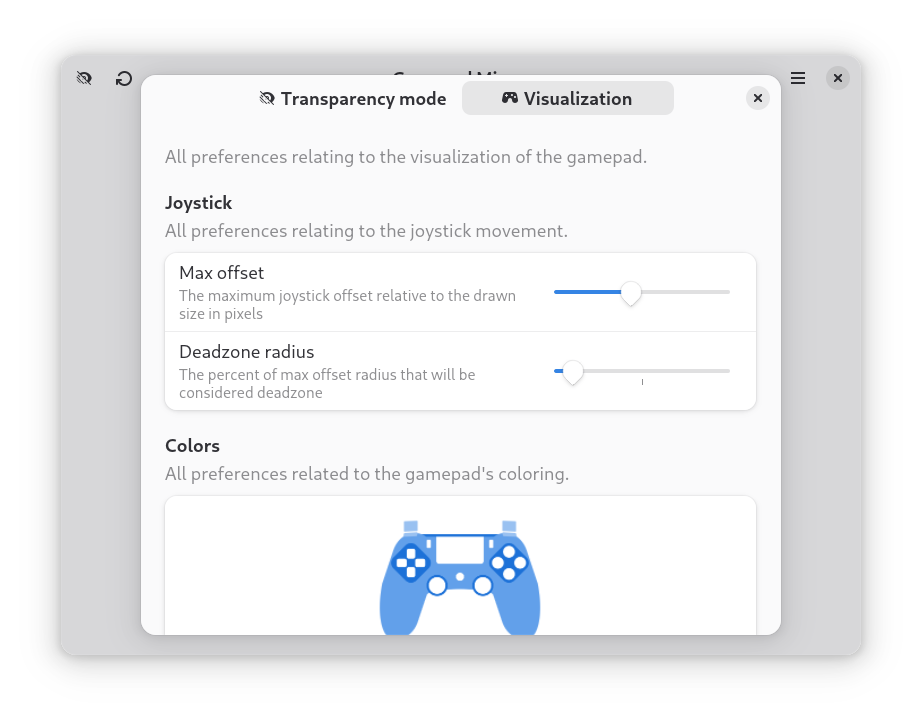
- supports joystick offset visualization from its origin;
- _does not_ support other buttons;
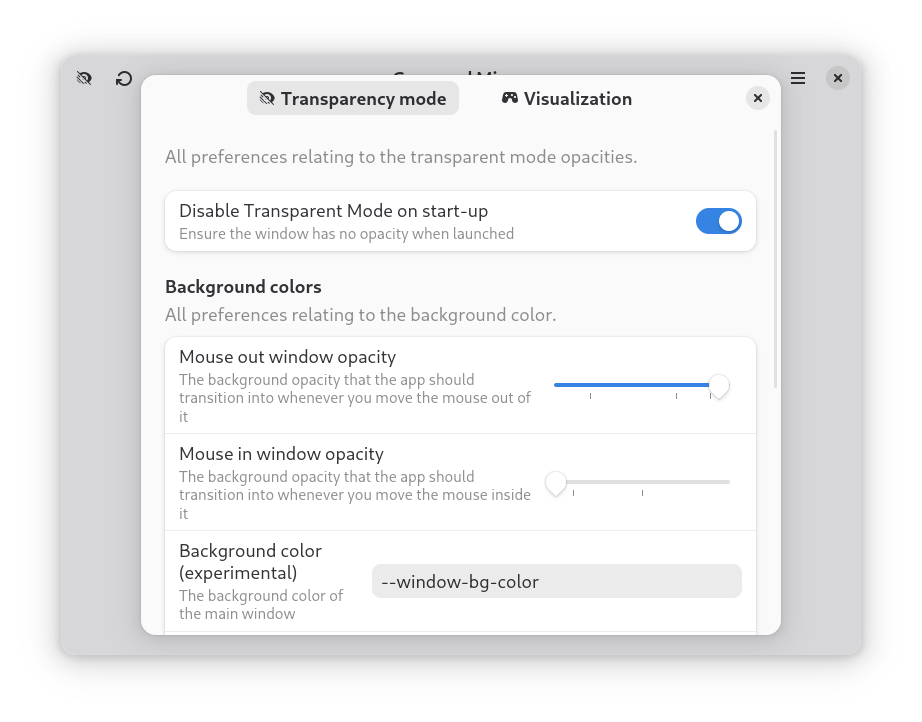
- supports transparent window;
- supports mouse position dependent transparent mode;
- supports basic gamepad custom recoloring;
- supports 10 gamepad color presets (that override your custom colors by double click);
- supports tiny window sizes;
- _does not_ (yet) support adding quick controls on small windows (requiring to enlarge it again);
- supports rescanning of (dis)connected gamepads;
- _does not_ distinguish between multiple gamepad sources.
Tip: You can/need to right click the header bar and select 'Always on Top'. The app cannot do that itself, since it will be running on Wayland that restricts this behavior.
Screenshots
Observed history
| App | Change | Version | When ↑ |
|---|
No observed changes yet.
The initial import establishes a baseline. Future version changes will appear here.
Browse the app catalogue →Upstream releases
Release notes supplied by the developer. These dates are not Flathub package publication times.
0.314 Oct 2025
Release description
- Add gamepad custom coloring and presets
- Change default gamepad presets
- Fix joystick visualization regressions
- Fix missing shortcuts menu
0.221 Sept 2025
Release description
- Add preferences dialog for transparent mode and visualization
- Add reload monitor button
0.110 Sept 2025
Release description
- Add persistent transparent mode button
- Add highlight support for all inputs