
Librerama
A free/libre collection of fast-paced mini-games
Michael Alexsander ✓ Verified
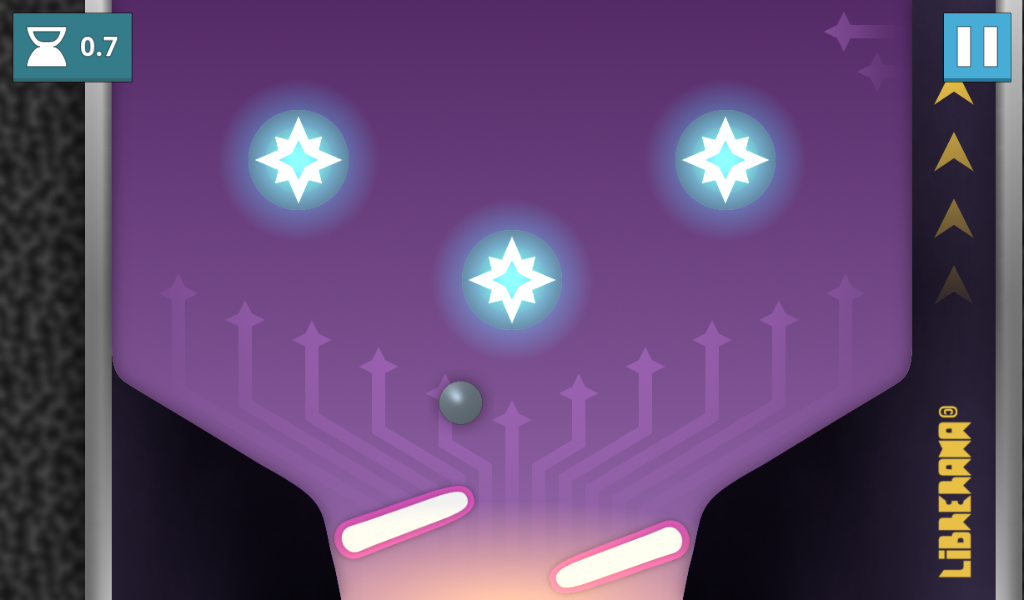
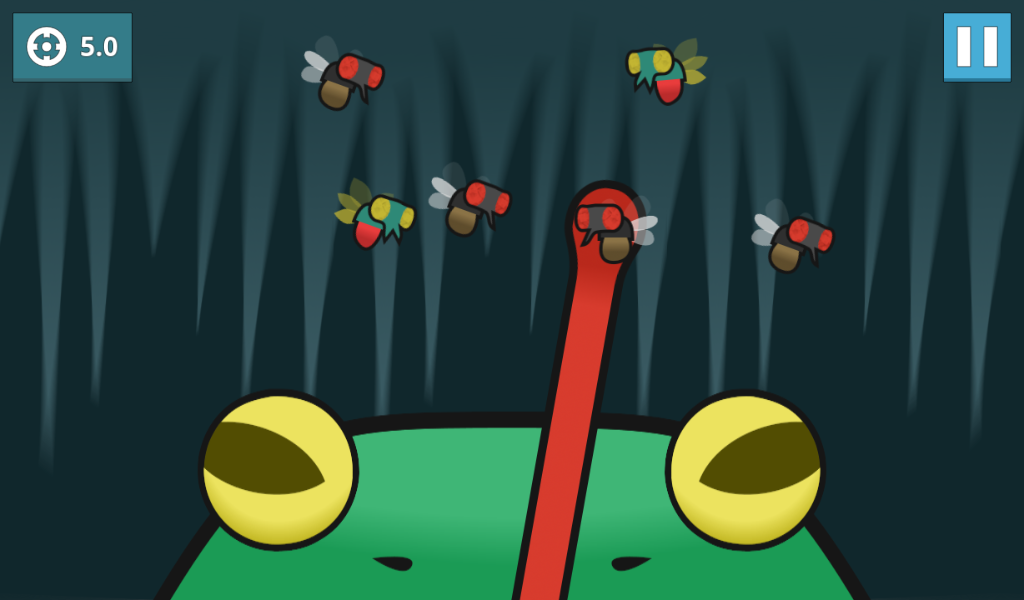
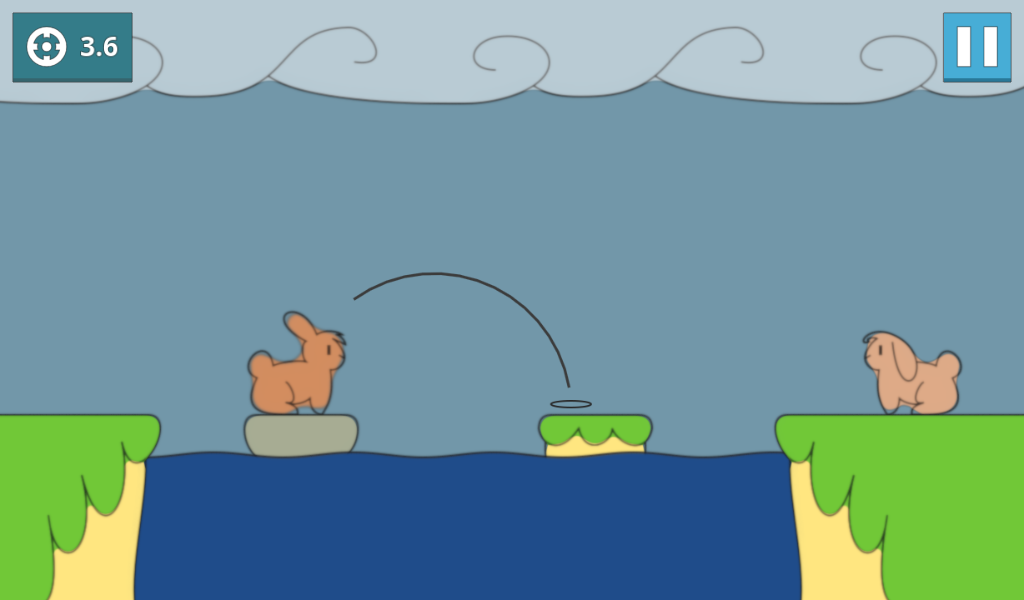
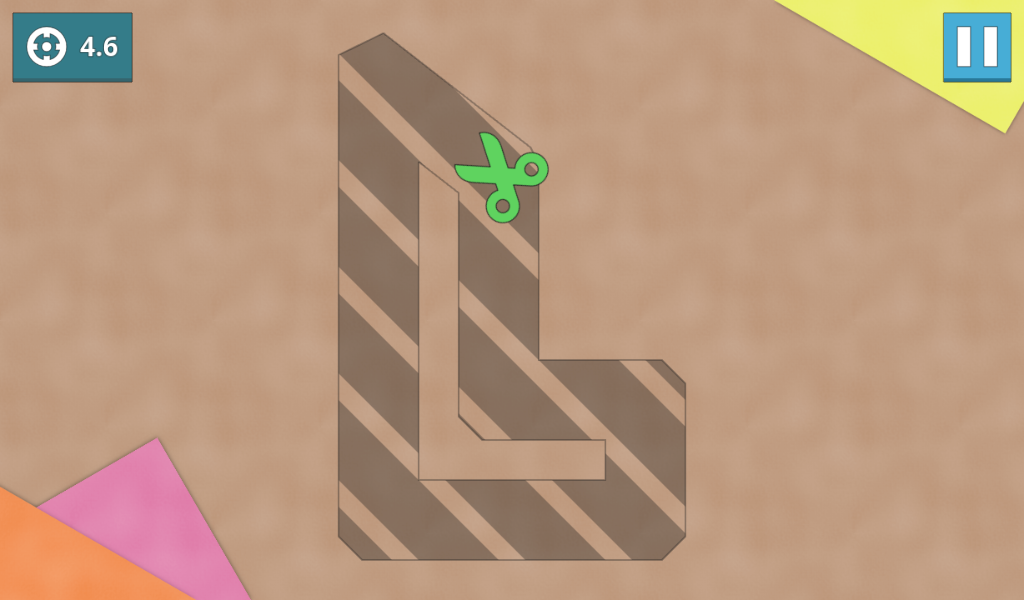
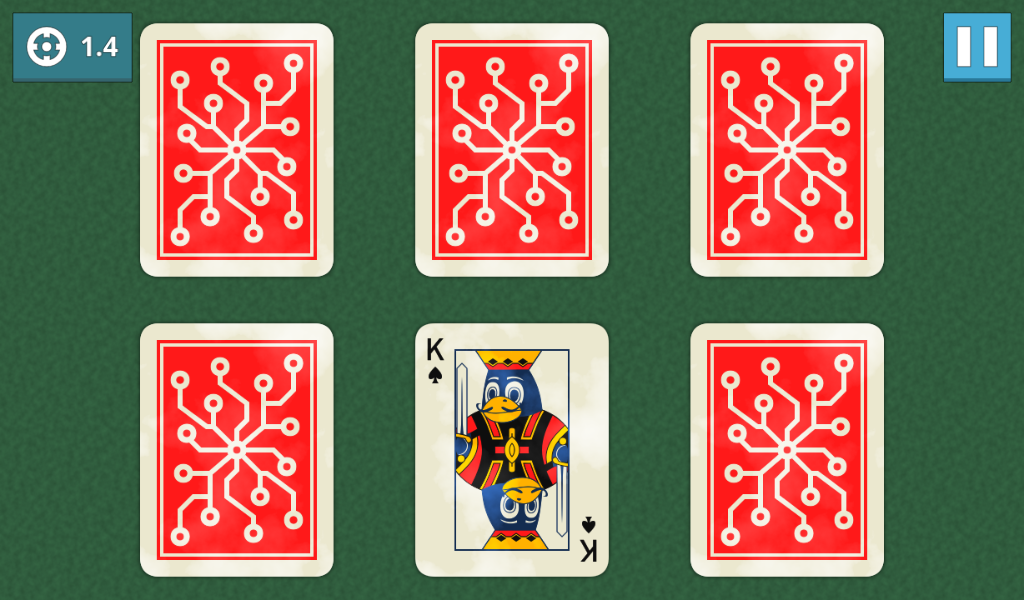
page.codeberg.yeldham.LibreramaLibrerama is an arcade compilation of very small, fast-paced mini-games (nicknamed "nanogames"), with the main objective being to rack up the highest score possible by winning the most nanogames you can before getting a game over, while they progressively increase in both speed and difficulty.
While the game itself comes with its own collection of nanogames, custom ones can also be made and played.
This game is a work-in-progress! Which means that a lot of things are missing, and what is present can change at any moment.
Screenshots
Observed history
| App | Change | Version | When ↑ |
|---|
No observed changes yet.
The initial import establishes a baseline. Future version changes will appear here.
Browse the app catalogue →Upstream releases
Release notes supplied by the developer. These dates are not Flathub package publication times.
0.7.018 Apr 2026
Added
- Add quickplay! Just click the button and you'll immediately start playing. The nanogame selection screen can still be accessed via the "Collection" button.
- Add nanogames:
- - File Organizer
- - Fliperama
- - Swatter Swindler
- Joystick cursor improvements:
- - Snapping! Now if something that can be interacted with is close to the cursor, pressing the action command will snap it to that position and execute the action there.
- - Slowdown near edges of nanogame elements that require precision.
- Add joypad controls for paged UI sections.
- Add translations:
- - Esperanto
- - French
- - Polish
- - Portuguese
- - Russian
- - Spanish
- - Turkish
- Add a translation completeness percentage in the settings, and in the intro when playing for the first time.
- Add a bouncing animation when lobby assistants are speaking.
Changed
- Make directional touch controls more forgiven. Now once pressed, they will still remain active if your finger slides outside of the touch area to a certain extent.
- Nanogames:
- - Gravity Shift: Improve particles on robot destruction.
- - Punchbag Wallop:
- - - Make all punching bags break at the same quantity of hits (6), each swinging away increasingly more according with the difficulty.
- - - Add an indicator for how many hits are left for the bag to break. To avoid inferring that mashing is necessary.
- - - Make the boxer translucent when missing a punch.
- - Rope Hop:
- - - Add arrows to hint that the player can move while jumping.
- - - Lower the volume level of enemy jumps.
- - Thing Factory: Make destruction particles have the same color as the thing they came from.
- - Void Avoider:
- - - Limit width of playable area to a fixed size.
- - - Make black holes reach top speed gradually instead of immediately.
- Improve the coloration from the time of day in the lobby.
- Make focused state of volume sliders clearer.
Fixed
- Fix incorrect score being shown in the pause screen before the end of the first nanogame.
- Nanogames:
- - Anagogic Clock: Fix incorrect area of validation for the hour hand when the answer was 12 o'clock.
- Fix joycursor speed changing with the nanogame speed.
- Fix joycursor not moving to the direction of the joystick if it was moved before the kickoff ended.
- Fix incorrect button theme being used when finishing the new player introduction dialog in the lobby.
0.6.16 May 2023
Fixed
- Fix focus and visibility problems with the speech buttons in the lobby.
- Fix "Quit" button being shown in the lobby when playing on the browser.
0.6.025 Apr 2023
Added
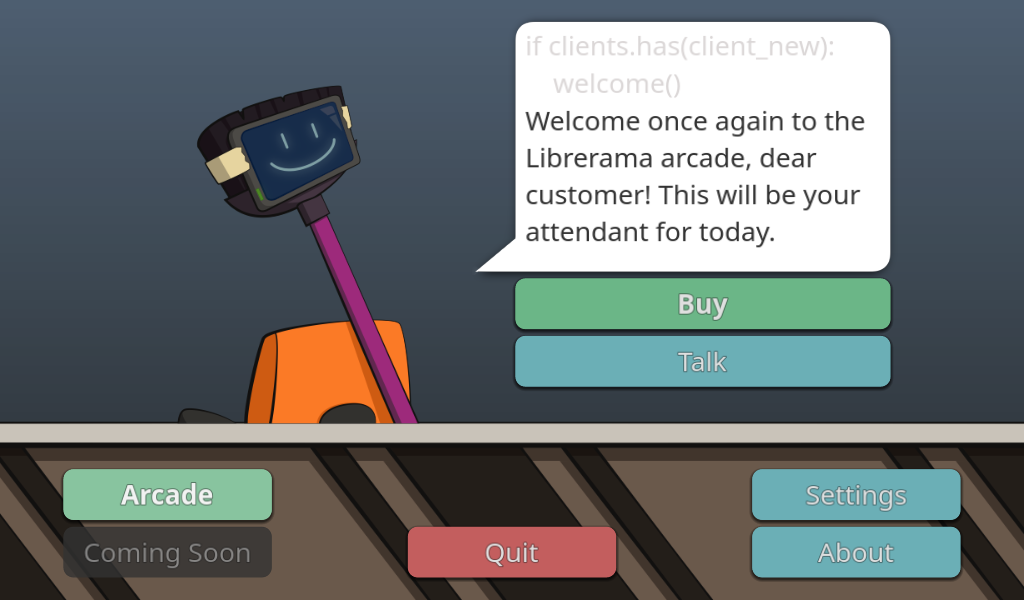
- Add lobby! This will be the entrance point to the rest of the game, and where you will be able to buy nanogames (and more in the future), or just talk with the staff (position that for now is solely occupied by a lovable placeholder).
- Add option to pick a specific control type in the control settings.
- Add tutorial section to the arcade menu.
- Add help button to the search bar in the nanogame selection screen, which shows a popup explaining the search features. This should hopefully make them more discoverable.
- Add asynchronous shader compilation for the desktop. This will help avoid the micro-stutters that occur when particles appear for the first time.
- Add Dutch translation (thanks to Vistaus).
- Add keyboard shortcut ("/") to quickly focus the search bar across menus.
Changed
- Change the initial quantity of nanogames given at the start to 6. More can be bought with tickets in the new lobby.
- Allow binding the joysticks in the control settings.
- Make nanogame inputs use the left joystick by default when using a joypad.
- Nanogames:
- - Anagogic Clock: Allow a margin of error of 1 minute in both hour and minute hands on all difficulties.
- - Buzzing Lunch: Vertically increase the tongue's hitbox to avoid potential cases where collisions won't register on higher speeds.
- Take into account the joystick deadzone on some areas.
- Make use of multithreading when switching scenes and loading nanogames (if the platform allows it).
- Hide pause button when using a joypad.
- Add best scores that haven't beat any previous ones if there's still space in the statistics screen.
- Keep popup dialogs centered when the screen size is changed.
- Stop the community nanogames warning from appearing at the start when community nanogames were enabled before.
- Better center status icons in the nanogame HUD.
- Give a more subtle appearance to the nanogame description panel in the pause screen.
Fixed
- Fix overuse of VRAM.
- Nanogames:
- - Countin' Candy: Fix one of the answers sometimes showing a less than 1 value in difficulty 3.
- - Woozy Chomper: Fix Woozy's body segments still moving once the nanogame is over.
- Fix actions from joypad inputs and touch buttons not triggering if they were held before a nanogame is listening for inputs.
- Fix cases where a selected nanogame button couldn't be pressed when using the randomize feature in the nanogame selection screen.
- Fix search bars with text changing size when the window is resized.
- Fix rare, yet insistent bug in the nanogame selection screen when typing too fast, again...
- Fix best scores not being updated if a new one has the same points as the others.
- Fix being able to pause just as the gates in the nanogame HUD close at the start, which caused problems with the music.
0.5.020 Nov 2021
Added
- Add joypad support for nanogames with the input type "Screen" (now called "Drag and Drop"), making the game fully playable through a controller!
- Add nanogames:
- - Digital Warp
- - Garden Thyme
- - Gravity Shift
- - Hop for Love
- Add current nanogame summary to the pause screen.
- Add some eye candy to the arcade menu.
Changed
- Rename the "Screen" input type for nanogames to "Drag and Drop".
- Keep pause button visible during nanogame intermissions.
- Nanogames:
- - Countin' Candy: Slightly decrease max possible quantity of candy.
- - Gadget Inspection: Tone down target area size decrease on later difficulty levels.
- - Punchbag Wallop: Make difficulty 1 punching bag swing away after 3 hits and decrease punches needed from 12 to 9, to better exemplify how later difficulty levels work. Also increase hits needed from 5 to 6 for the difficulty 3 bag.
- - Thing Factory: Change some visuals to better indicate the objective.
- Allow wrapping around when switching tabs with the joypad triggers.
Fixed
- Fix weird resolution in nanogames while in windowed mode if the window size is never changed.
- Fix crash when using the joypad triggers while changing the controls in the settings dialog.
- Fix nanogame buttons in the selection screen not being reorganized on language change.