Commit is an editor that helps you write better Git and Mercurial commit messages.
After installing make sure to launch the application and follow the instructions.
Commit will pop up automatically when you make a commit in one of your projects.
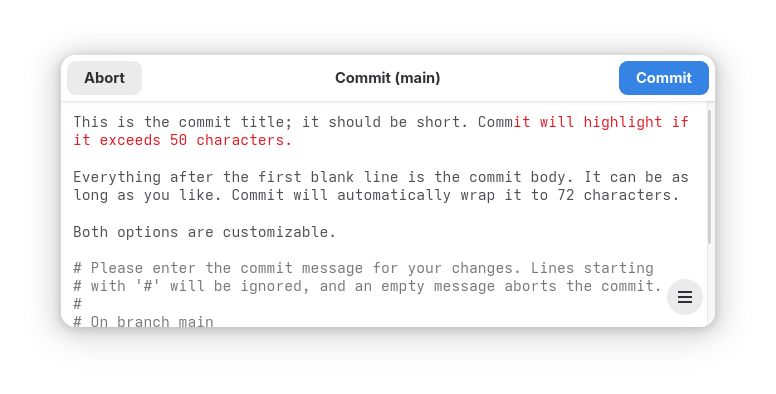
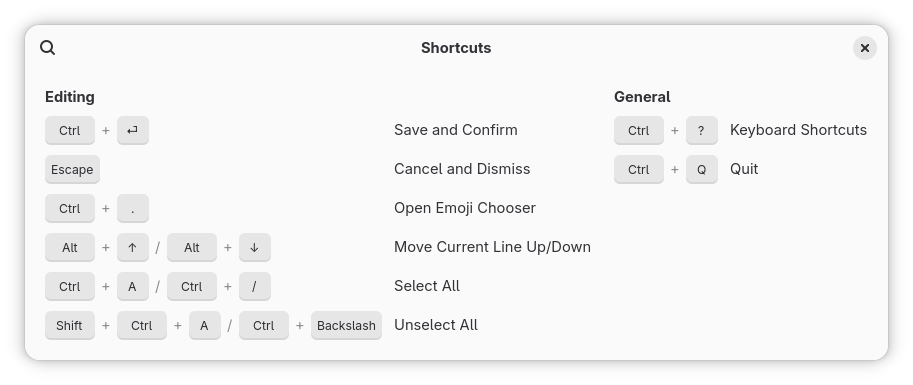
To save your commit message, press the Commit button or the Ctrl+Return shortcut.
To abort and dismiss Commit, press the Abort button or the Escape key.
Features:
- Highlights overflow of the commit title
- Smart body wrapping
- Inserts a blank line between title and body
- Spell checking
- Comments are read-only and excluded from "Select All"
- Displays project folder and branch in window header
- Dark mode support
- Keyboard navigation and shortcuts
- Undo/Redo support
- Emoji picker
- Supports git commit, merge, tag --annotate, add --patch, rebase --interactive
- Supports Mercurial commit
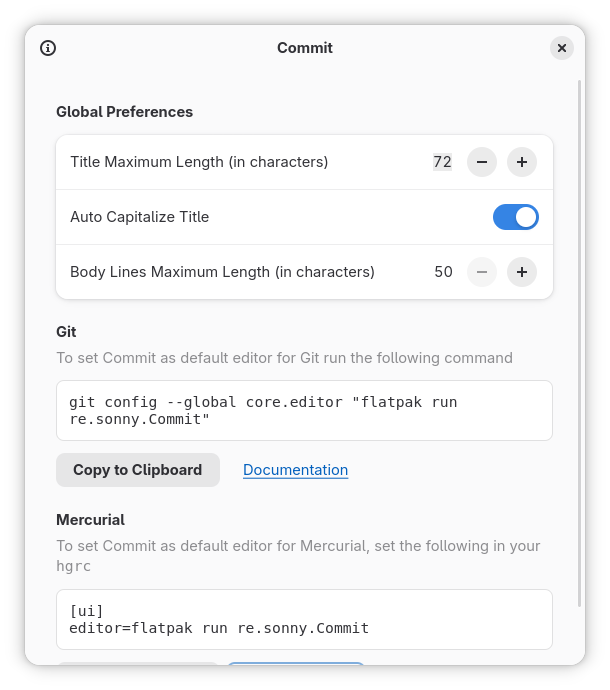
- Auto capitalize the commit title
- Welcome window with settings and instructions
- Highlight syntax for Git, Mercurial and diffs
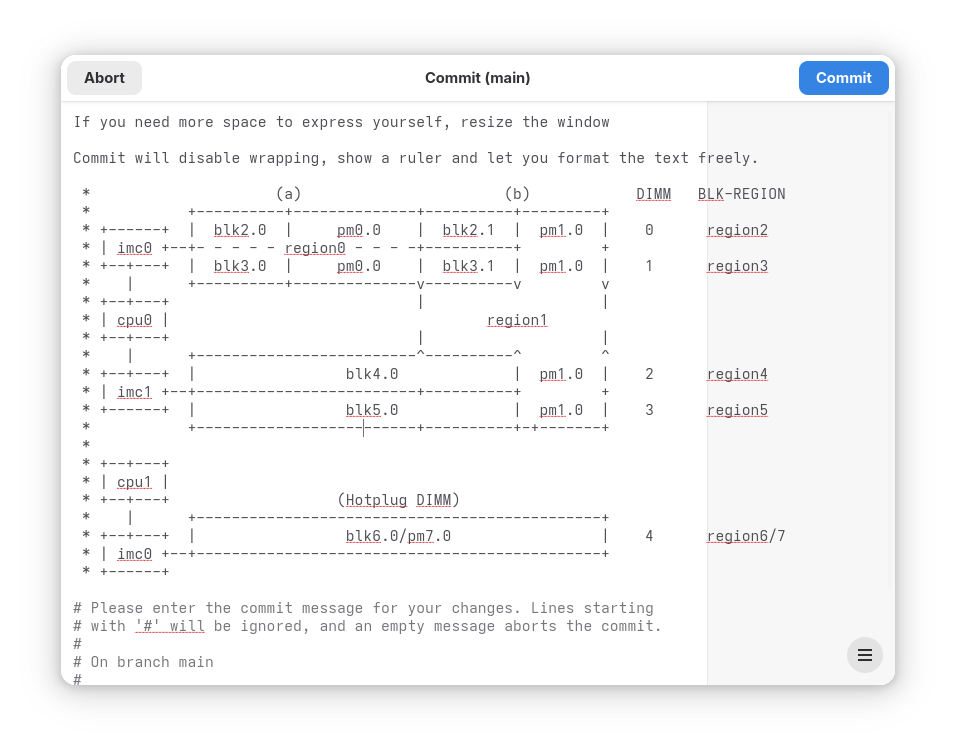
Screenshots
Observed history
| App | Change | Version | When ↑ |
|---|---|---|---|
| updated | 4.6 | 25 Sept 2026 |
Upstream releases
Release notes supplied by the developer. These dates are not Flathub package publication times.
4.625 Sept 2026
- GNOME Platform 51
4.511 Jan 2026
- Add "Toggle Line Comment" shortcut
- Fix type detection for XDG_CONFIG_HOME
4.413 Oct 2025
- Support XDG_CONFIG_HOME git config
- GNOME Platform 49
4.328 Mar 2025
- GNOME Platform 48