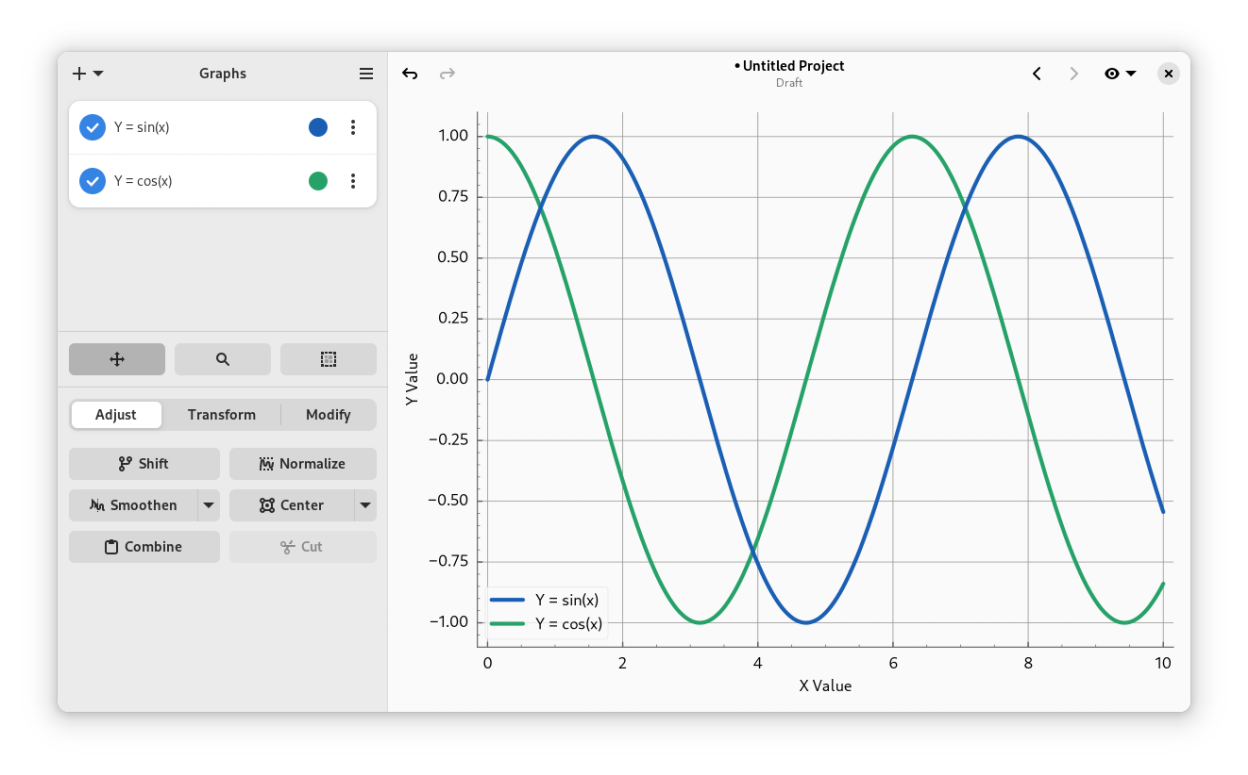
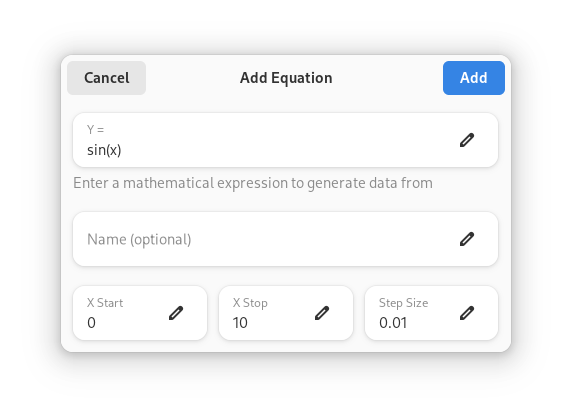
Graphs is a simple, yet powerful tool that allows you to plot and manipulate your data with ease. New data can be imported from a wide variety of filetypes, or generated by equation. All data can be manipulated using a variety of operations such as the ability to select, cut, translate, multiply, center and smoothen data, as well as apply any custom transformations on the data.
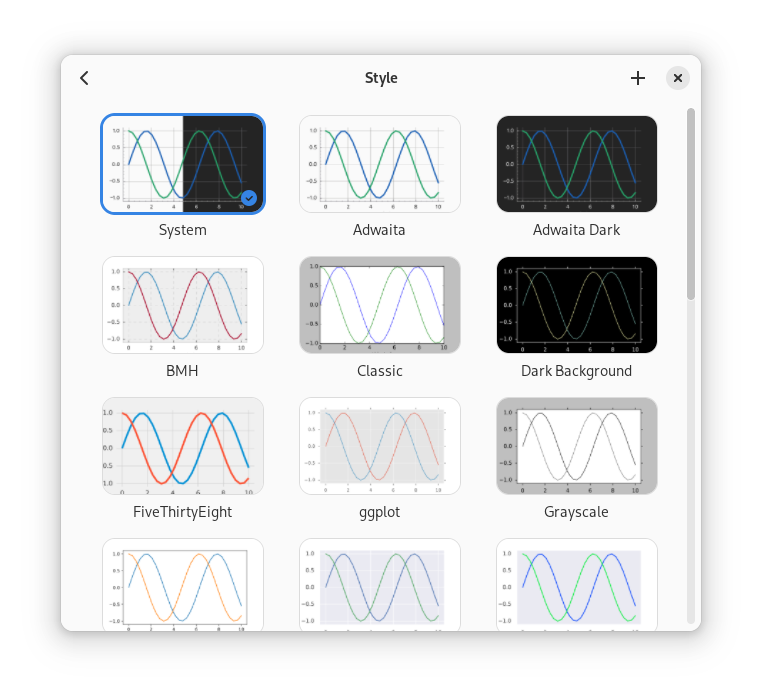
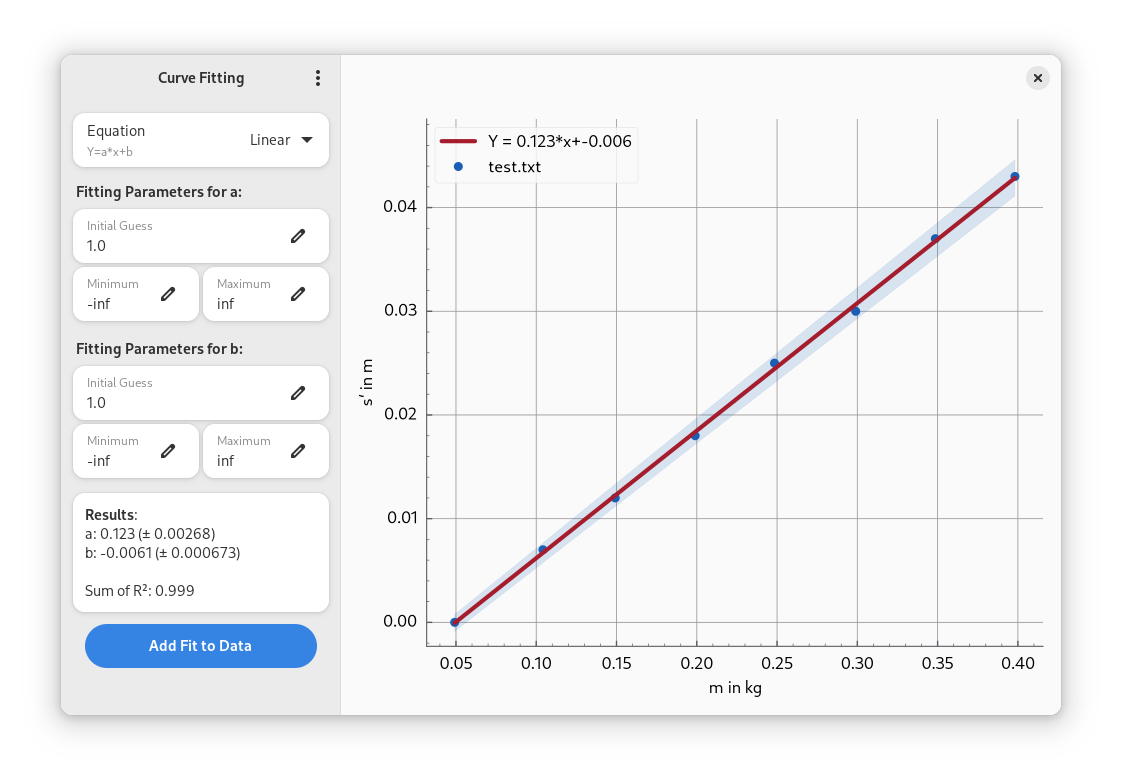
Moreover, Graphs supports curve fitting on imported data and offers extensive customization options for the style of the plots. You can fine-tune and personalize stylesheets to your liking.
Graphs is an excellent fit for both plotting and data manipulation. The plots created with Graphs can be saved in a variety of formats suitable for sharing and presenting to a wide audience, such as in a scientific publication or presentations. Additionally, the option to save plots as vector images allows for easy editing in software like Inkscape for further refinement. Graphs is written with the GNOME environment in mind, but should be suitable for any other desktop environment as well.
For any feedback, questions or general issues, please file an issue on the GitLab page.
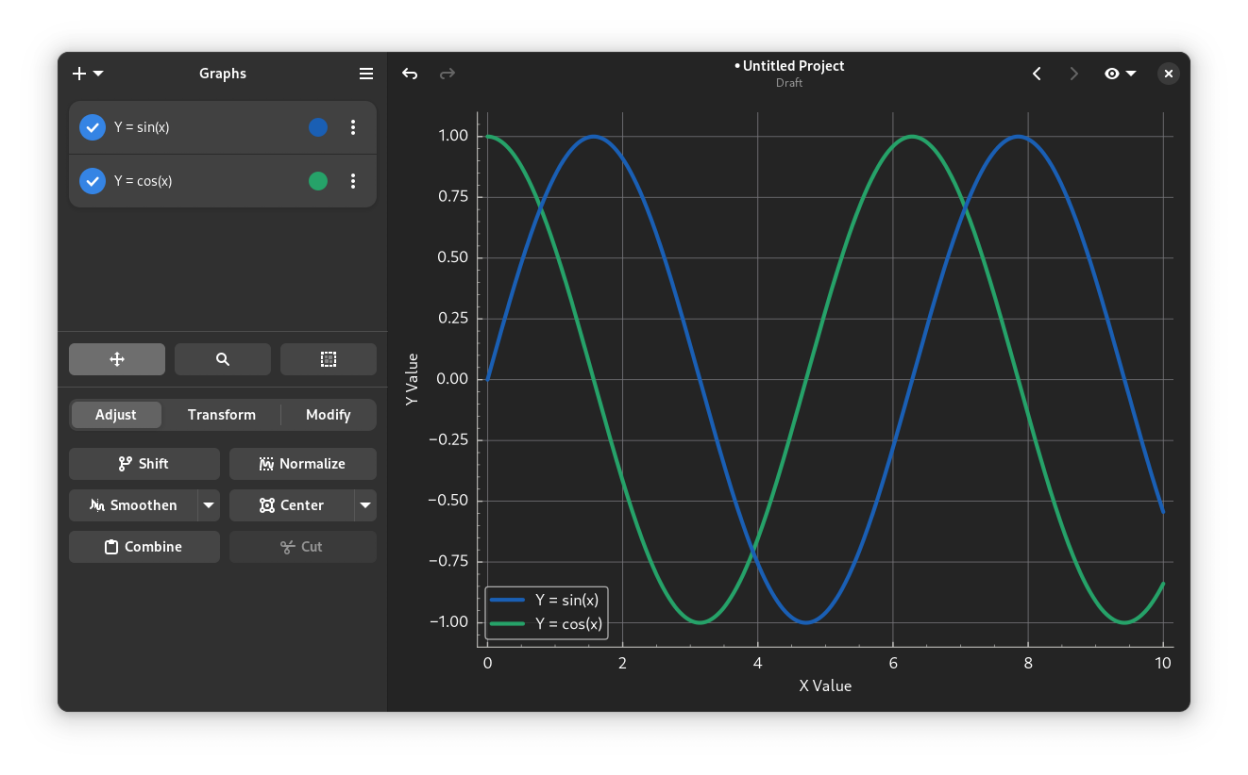
Screenshots
Observed history
| App | Change | Version | When ↑ |
|---|---|---|---|
| updated | 2.0.7 | 8 Oct 2026 |
Upstream releases
Release notes supplied by the developer. These dates are not Flathub package publication times.
2.0.71 Sept 2026
Bug fixes:
- Fixed an issue with custom transformations on equations where parenthesis were not set around the x-variable
- Fixed an issue where files would get overwritten on export if multiple items shared the same name
- Fixed an issue where files would not get saved when exporting multiple items if the filename of one of the items contained a backslash
2.0.69 Aug 2026
Minor update bringing a significant performance increase when interacting with the canvas.
Improvements:
- Panning and zooming the canvas using a scroll wheel or touchpad is significantly smoother
- Equation data is no longer regenerated more often than needed
- Translation updates
Bug fixes:
- Scrolling no longer floods the view history with intermediate steps
- Fixed the limits used by the shift operation when a range is selected
2.0.525 Jun 2026
- Fixed an issue where the highlight was no longer visible.
2.0.423 Jun 2026
Bug fixes:
- Fixed a bug where import from projects did not work
- Fixed a bug where project import did not load all items properly
- Fixed an issue where the y-label of the previews was not set properly