
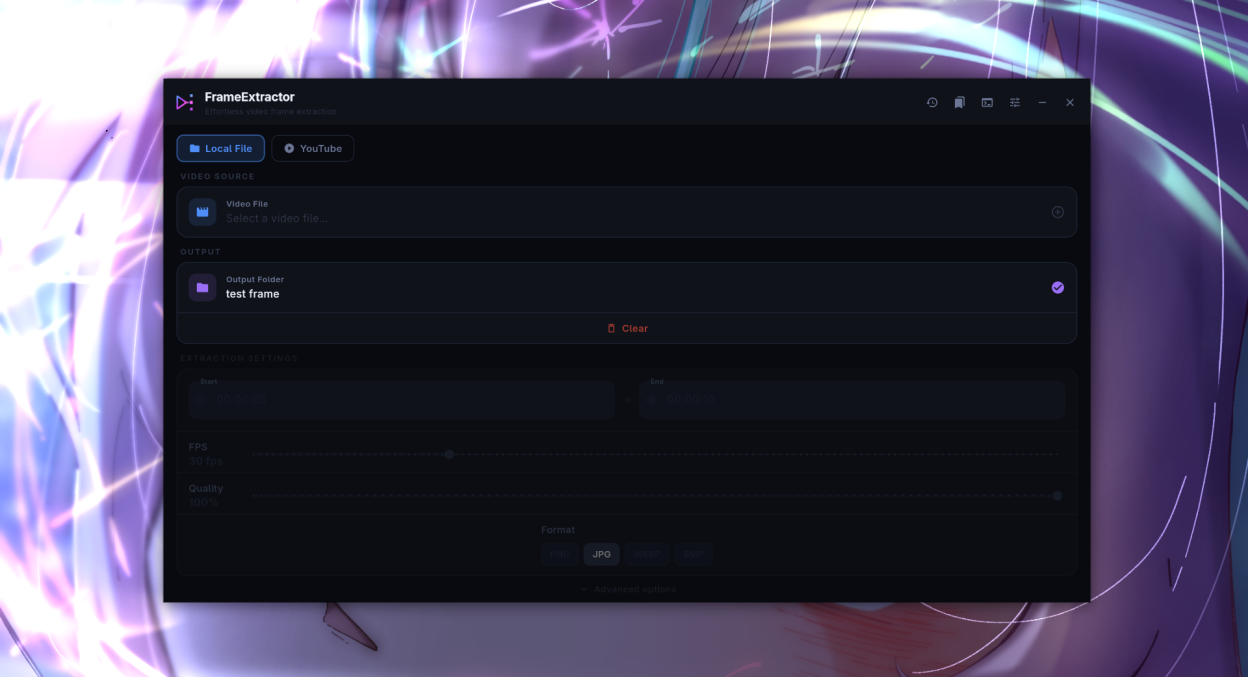
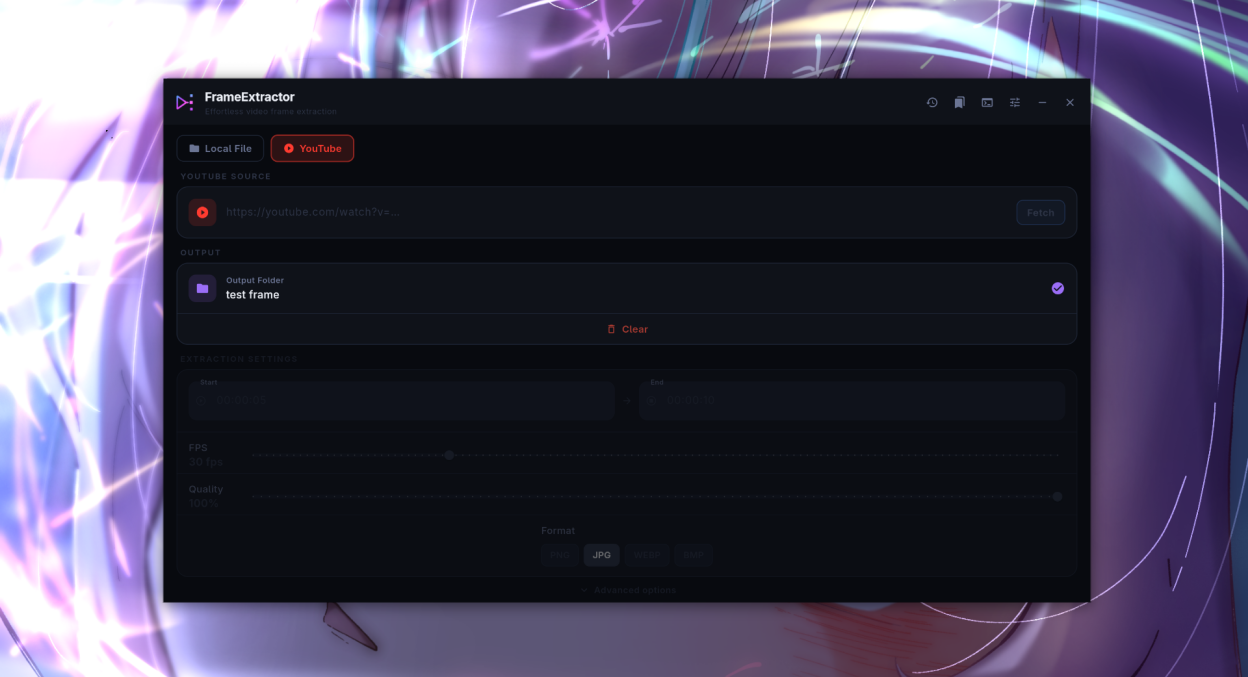
FrameExtractor is a modern cross-platform video frame extractor with a clean dark UI. It supports local video files and can download and extract frames directly from YouTube URLs.
Features:
- Extract frames from local video files (MP4, MKV, AVI, MOV, and more)
- Extract frames directly from YouTube URLs via yt-dlp
- Adjustable FPS, output format (PNG, JPG, WebP, BMP), quality, and scale
- Live frame count and size estimates before extraction
- Frame preview with scrubber before committing to a full extraction
- Batch extraction across multiple time ranges
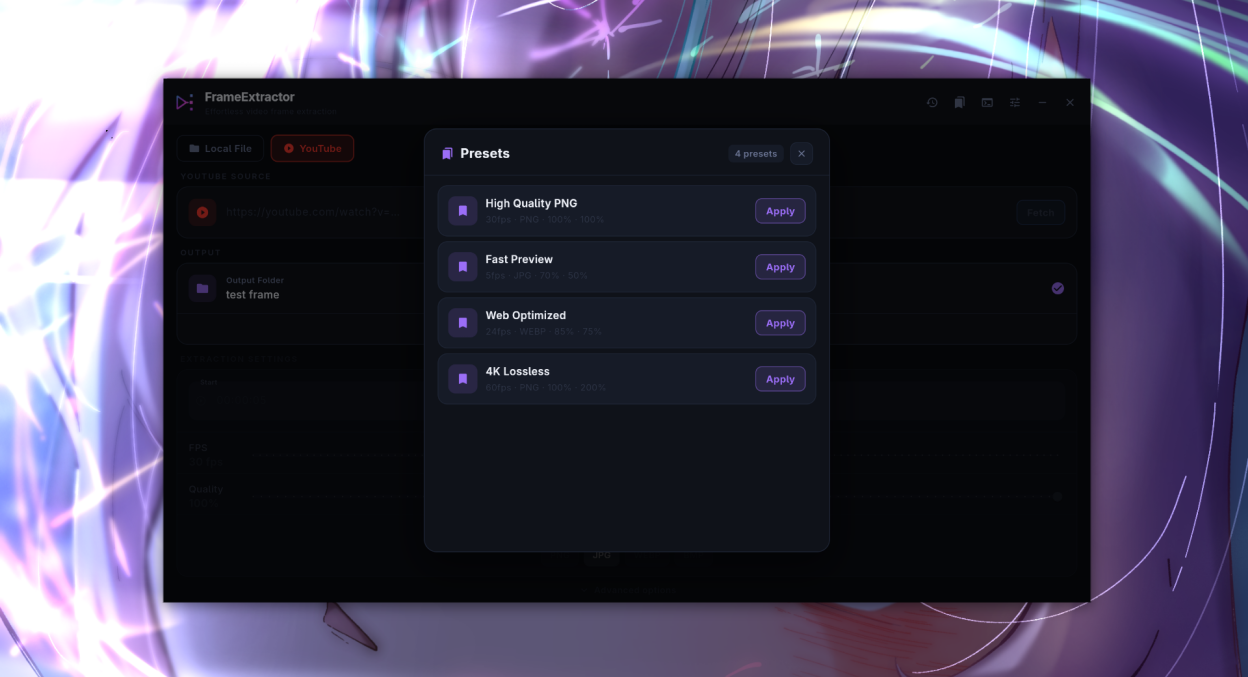
- Preset system to save and reuse extraction settings
- Extraction history with one-click re-extraction
Screenshots
Observed history
| App | Change | Version | When ↑ |
|---|
No observed changes yet.
The initial import establishes a baseline. Future version changes will appear here.
Browse the app catalogue →Upstream releases
Release notes supplied by the developer. These dates are not Flathub package publication times.
1.2.013 Apr 2026
Major feature release with preset system, extraction history, frame preview, and batch extraction.
- Preset system to save, browse, and apply named extraction presets
- Extraction history with one-click open folder and copy path
- Frame preview screen with scrubber and set-as-start/end controls
- Batch extraction across multiple time ranges in a single run
- Live frame count and estimated output size display
- Video metadata card showing duration, resolution, FPS, and codec
- Drag and drop video files onto the app window
- Settings persistence across sessions
- Real-time time range validation with inline error messages
- Close confirmation dialog when extraction is in progress
1.1.32 Apr 2026
Update checker, new application icon, and CI/CD fixes.
- Added update checker
- New FrameExtractor application icon for Windows and Android
- Added RPM build support
- Fixed AppImage launch failure
- Fixed application crash on Android at startup
1.1.226 Mar 2026
Style and theme switcher, keyboard shortcuts, and Linux AppImage fix.
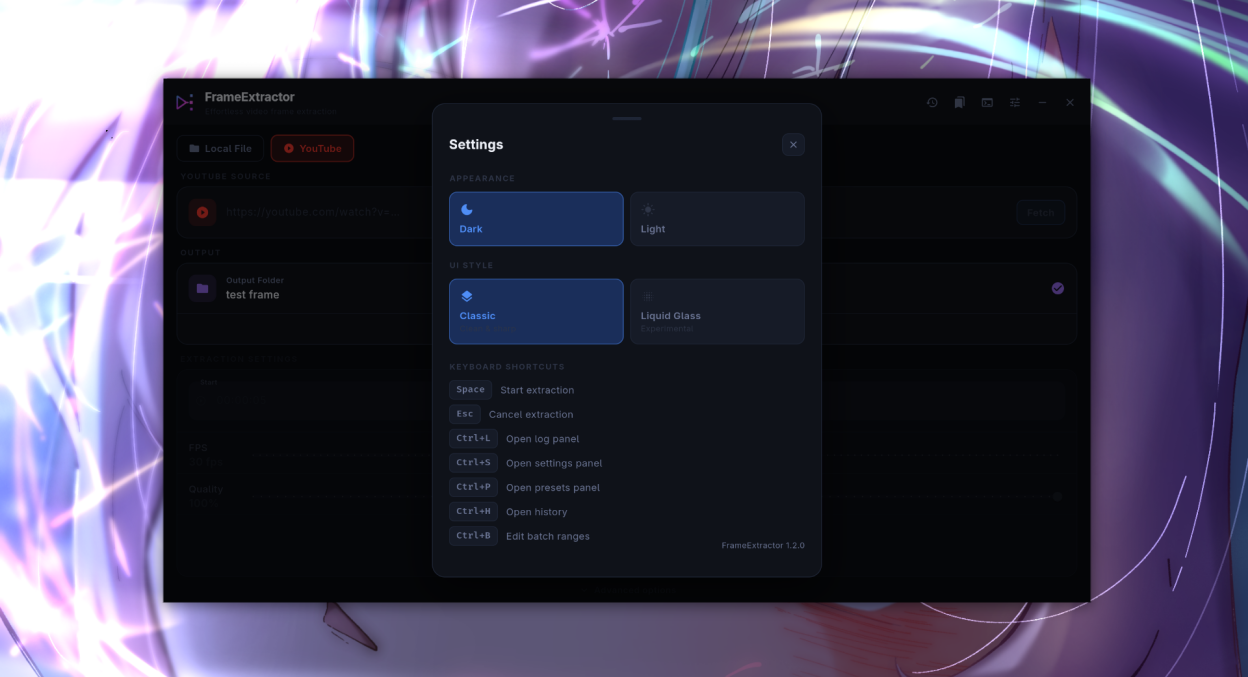
- Classic and Liquid Glass (experimental) style switcher
- Dark and Light theme switcher
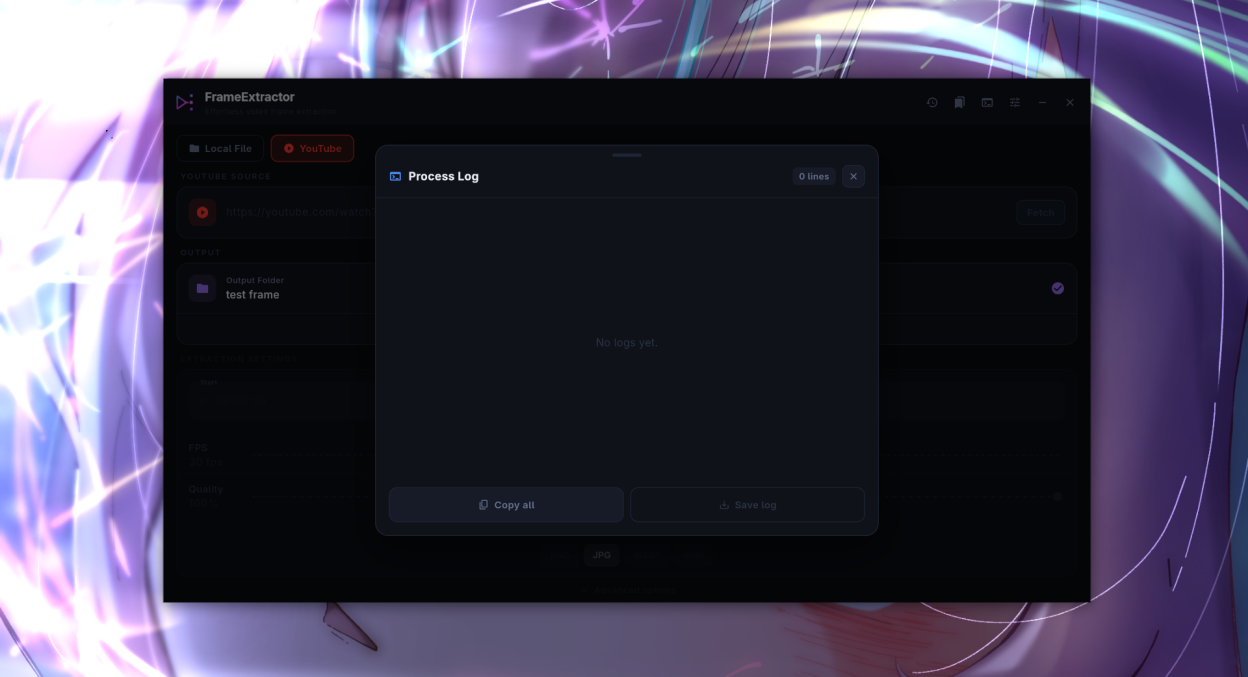
- Keyboard shortcuts: Space (Extract), Esc (Cancel), Ctrl+L (Log), Ctrl+S (Settings)
- Log and Settings now appear as dialogs on desktop
- Fixed Linux AppImage launch error caused by unexpanded variable in AppRun
1.1.122 Mar 2026
Android extraction fixes and UI improvements.
- Fixed frame extraction on Android with Scoped Storage support
- Fixed YouTube download error on Android external storage
- Improved SAF URI resolution with fallback to writable app directory
- Mouse cursor and text cursor improvements on interactive elements
- Hint bar below Extract button explaining required selections
- Clear button on video file and output folder rows
- Color-coded log lines and log line count badge
- Progress card background tinted by current phase