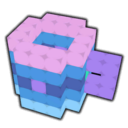
Woxel uses intuitive controls akin to Minetest and Minecraft, while providing a design experience similar to Goxel and Magicalvoxel.
Woxel is a great way to turn Minecraft players into 3D asset creators for games! Try the Web version at woxel.xyz
Mouse locks when you click on the window, press ESCAPE or TAB to unlock the mouse.
- W,A,S,D = Move around based on relative orientation to X and Y.
- SPACE + L-SHIFT = Move up and down relative Z.
- F = Toggle player fast speed on and off.
- 1-7 = Change move speed for selected fast state.
- P = Toggle pitch lock.
- Left Click / R-SHIFT = Place node.
- Right Click / R-CTRL = Delete node.
- Q / Z / Middle Click / Mouse4 = Clone color of pointed node.
- E / Mouse5 = Replace color of pointed node.
- R = Toggle mirror brush.
- V = Places voxel at current position
- X + C / Slash + Quote = Change texture of pointed node.
- F1 = Resets environment state back to default.
- F2 = Toggle HUD visibility.
- F3 = Save. (auto saves on exit, backup made if idle for 3 mins)
- F8 = Load. (will erase what you have done since the last save)
Your state is automatically saved on exit.
Check the console output for more information, arguments can be passed to the program to export your project, create a new project, load a project from file, change mouse sensitivity and apply custom color palettes to projects.
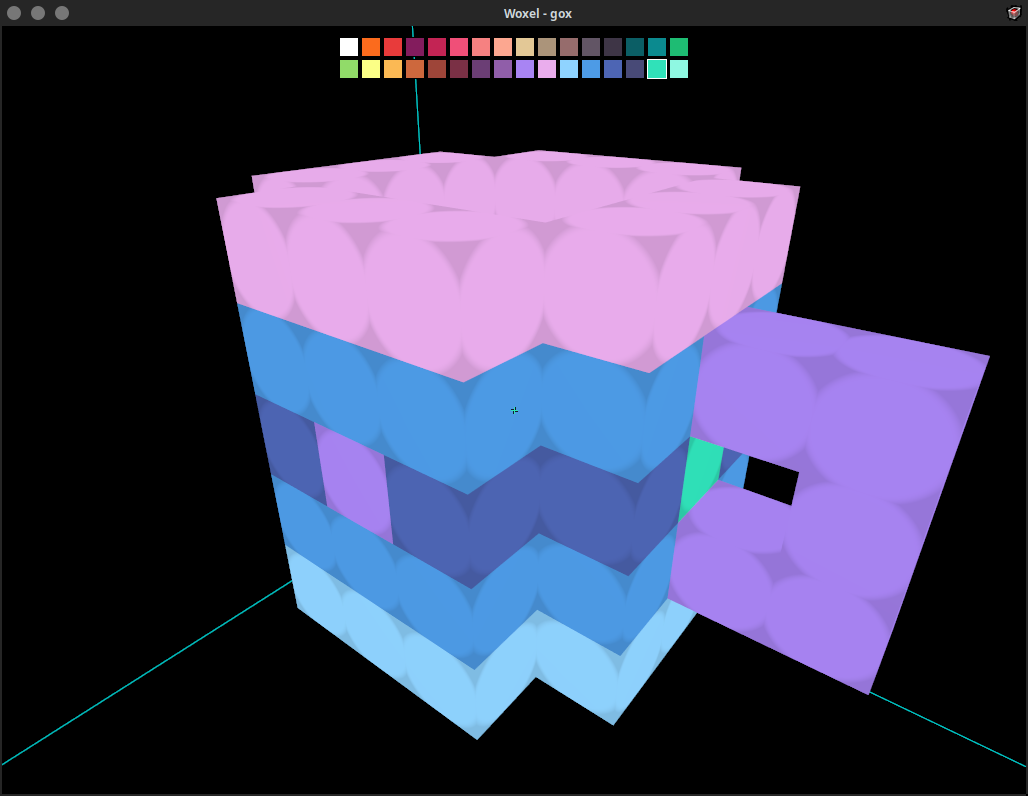
Screenshots
Observed history
| App | Change | Version | When ↓ |
|---|
No observed changes yet.
The initial import establishes a baseline. Future version changes will appear here.
Browse the app catalogue →Upstream releases
Release notes supplied by the developer. These dates are not Flathub package publication times.
1.410 Oct 2023
No release notes supplied.