
Go2TV
Cast media files to Smart TVs and Chromecast devices
Alexandros Ballas ✓ Verified
app.go2tv.go2tvGo2TV lets you play video, audio, and image files on your Smart TV or Chromecast device directly from your computer. It works with Smart TVs (Samsung, LG, Sony via DLNA/UPnP), Chromecast devices, BubbleUPnP, and GMediaRender. No need to copy files to a USB drive or set up a media server. Just select your file, pick your device, and play. Supports auto-discovery, transcoding for incompatible formats, external and embedded subtitles, seek support, and both GUI and CLI modes.
Screenshots
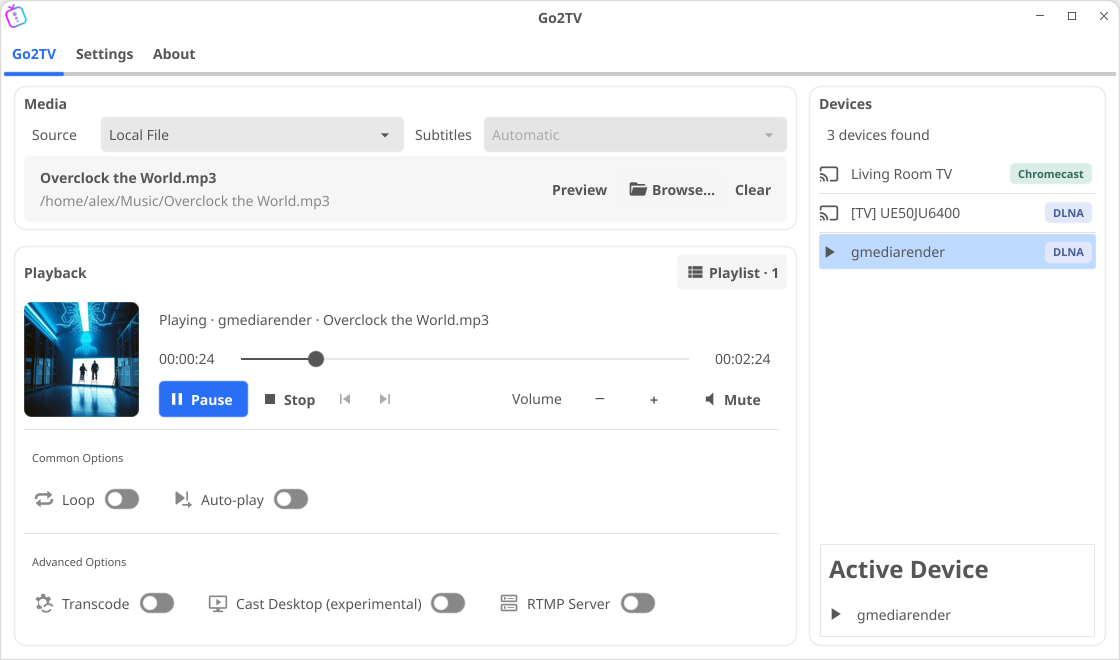
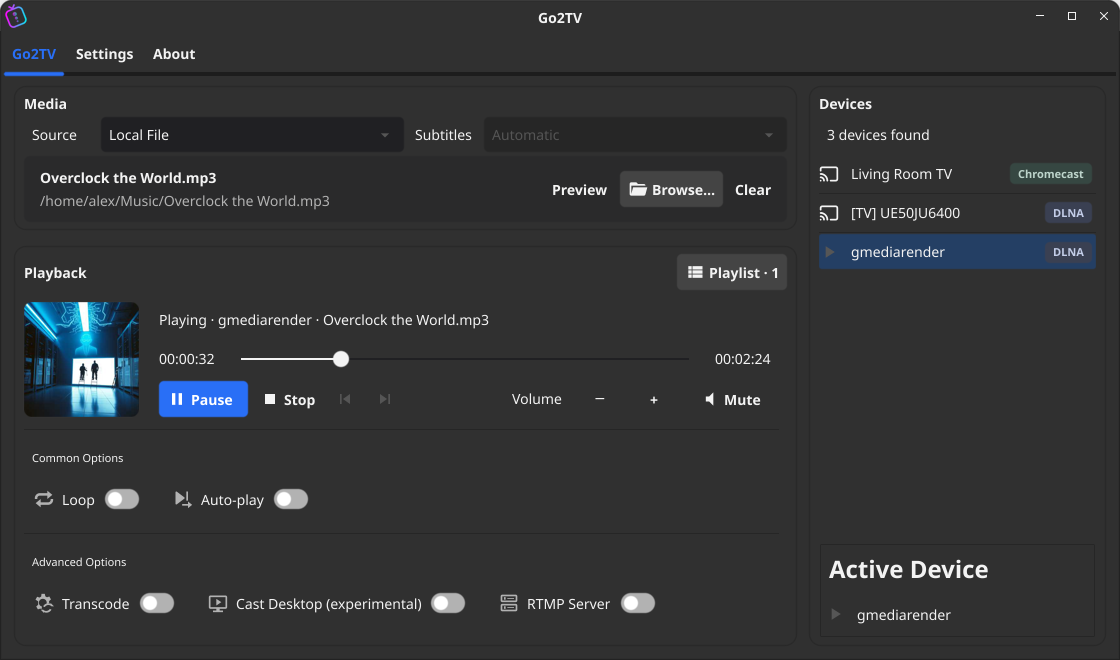
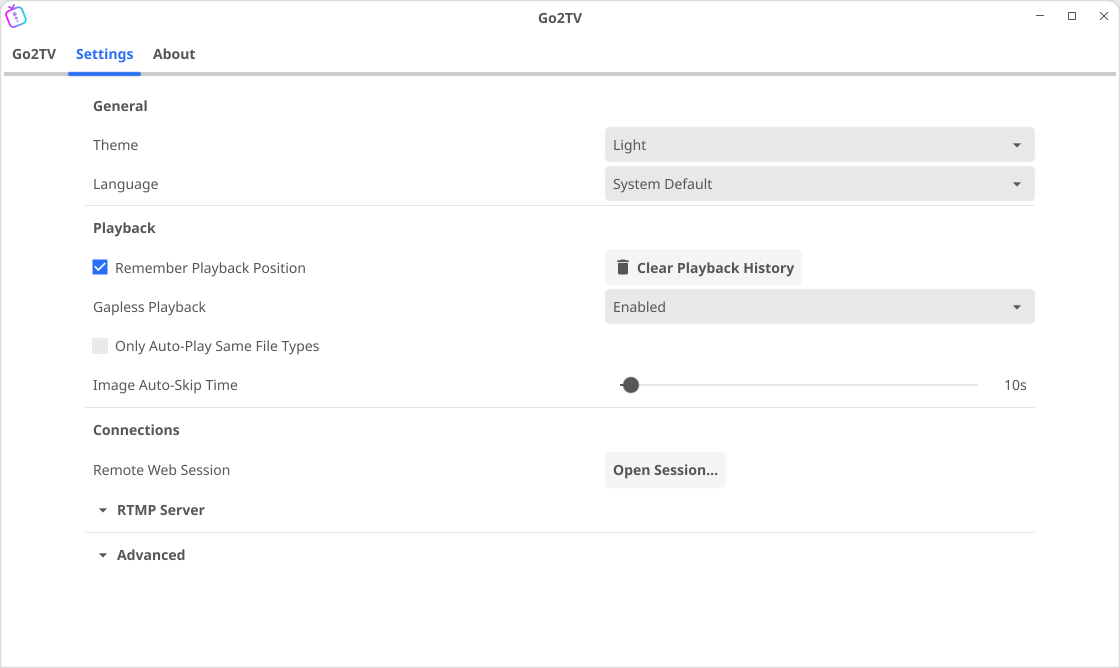
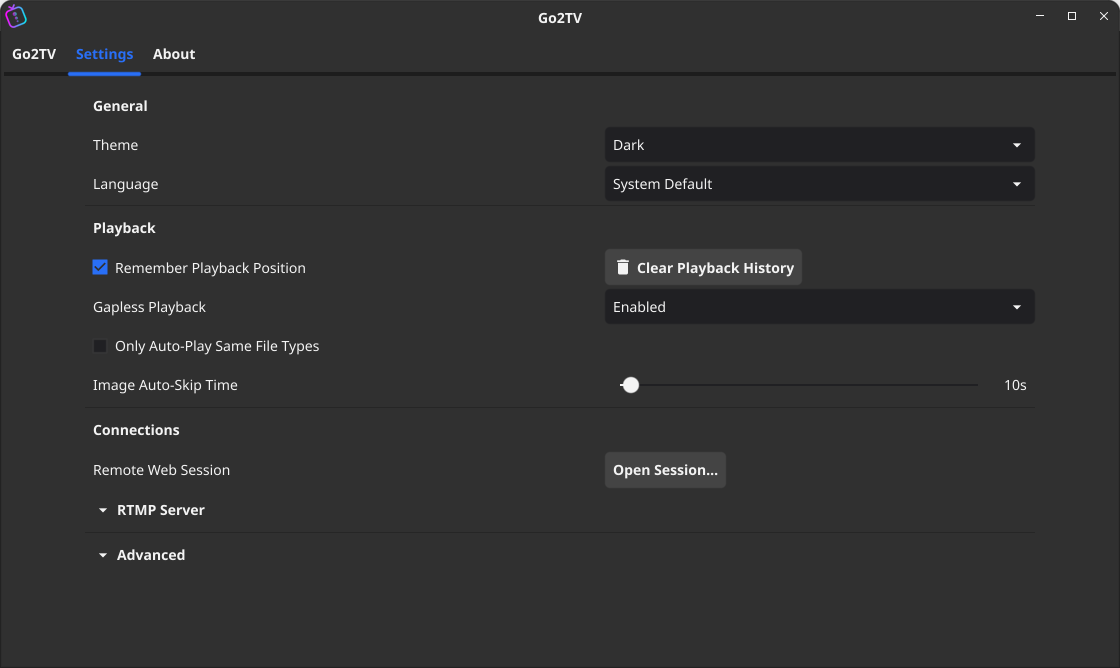
Observed history
| App | Change | Version | When ↓ |
|---|---|---|---|
| updated | 2.7.0 | 11 Oct 2026 |
Upstream releases
Release notes supplied by the developer. These dates are not Flathub package publication times.
2.7.09 Oct 2026
- Added torrent playback from magnet links and .torrent files, with casting support during downloads and subtitle support.
- Added ASS/SSA subtitle support, preserving styles and fonts during transcoding.
- Added support for burning PGS and other image-based subtitles into transcoded video.
- Improved automatic subtitle selection and fixed subtitle conversion and timing when seeking.
- Fixed stopping media during cast startup and skipping tracks during DLNA gapless playback.
- Improved video casting performance with hardware decoding and software fallback.
- Fixed AppImage hardware transcoding on older NVIDIA cards (GTX 10xx / Pascal) by locking bundled FFmpeg to 8.1.2.
- Android: Updated the target SDK to Android 15 (API 35).
- Android: Added support for selecting WebVTT subtitle files.
- Android: Added a compact Settings tab with theme, playback position, and update notification options.
- Android: Added resume playback support to continue media from the last saved position.
- Android: No longer keeps the screen awake unnecessarily while casting in the background.
- Android: Fixed volume and mute controls targeting the previous Chromecast after switching devices.
- Linux: Added MPRIS support for desktop media controls and playback metadata.
- Linux: Added AppManager support for updating AppImages with zsync delta updates.
2.6.116 Sept 2026
- Fixed a `getprotocolinfo` call error in version 2.6.0 that caused many MKV files to fail to play.
2.6.014 Sept 2026
- Desktop App: Refreshed the interface while keeping the existing functionality.
- Desktop App: Improved responsiveness on low-resolution displays and narrow/portrait window layouts.
- Desktop App: Cast Desktop now supports DLNA devices.
- Improved overall performance.
- Fixed an "Unexpected response from D-Bus" error affecting some Flatpak installations.
- Fixed a Chromecast race condition that could cause the app to crash.
2.5.04 Aug 2026
- Added an optional web interface with real-time playback controls and a media library browser.
- Improved Chromecast autoplay stability.
- Improved transcoding performance and seeking speed.
- Desktop App: Fixed playlist ordering when adding multiple items. Previously, items could be added in a random order.
- Desktop App: Added support for external media in the file picker, along with other UX improvements.
- Desktop App: Fixed audio/video synchronization issues during screencasting.
- Android: Kept active casts running in the background using a foreground service and wake/Wi-Fi locks.
- Android: Added an optional battery optimization exemption.
- Android: Added support for opening media files through the system share menu.
- Android: APKs are now signed with a stable key, allowing future updates to install over the existing version. Users must uninstall version 2.4.0 before installing this release.
- Android: Fixed a crash affecting certain devices.