

Enjoy your music library, local/remote folders or music server; with a powerful music player.
- Supports Jellyfin, Navidrome/OpenSubsonic, Plex and Emby servers, local folders, WebDAV/Nextcloud and Samba shares
- Rufin Connect syncs your devices, continues playback from another device and streams its local library
- Gapless playback or crossfade, and loudness normalization
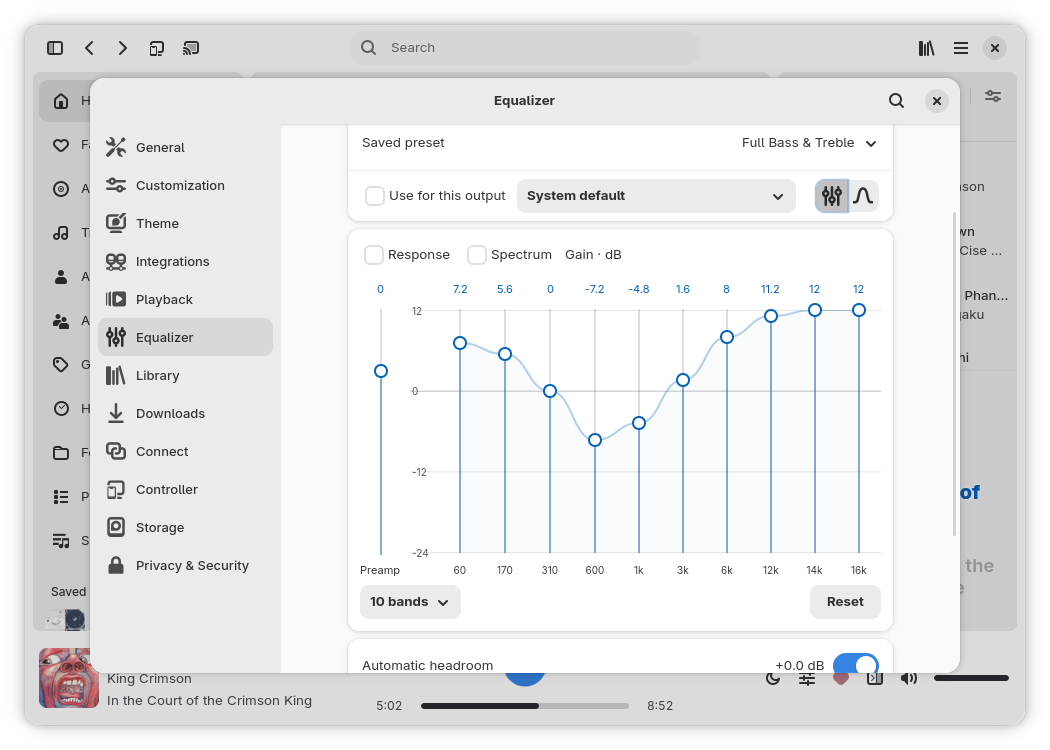
- Graphic and parametric equalizer with presets, multichannel output and Dolby/DTS passthrough
- Next track recommendations with Auto DJ, Mix with filters and sleep timer
- Downloads with automatic rules and transcoding
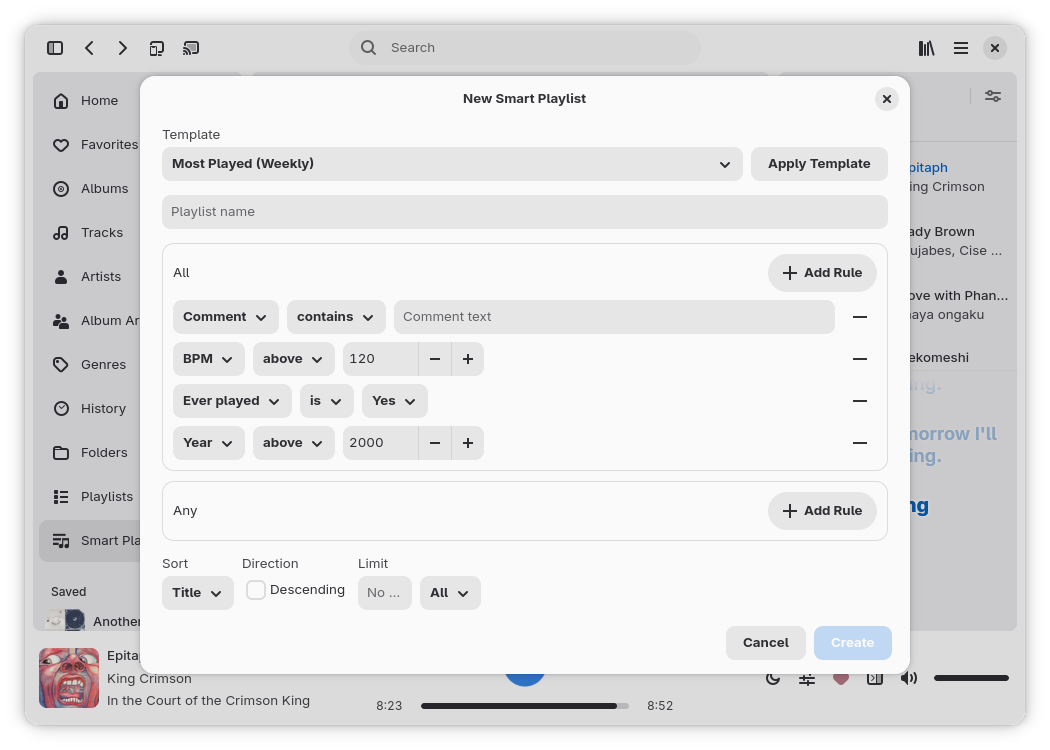
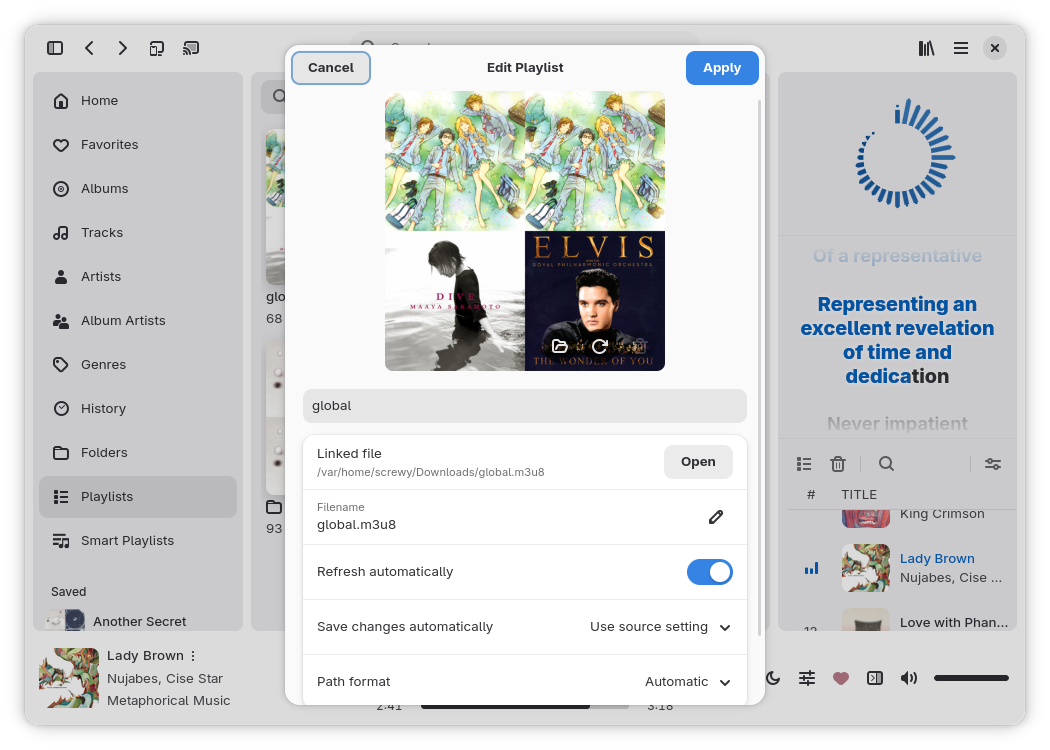
- Playlists across sources, and smart playlists built on metadata and listening activity
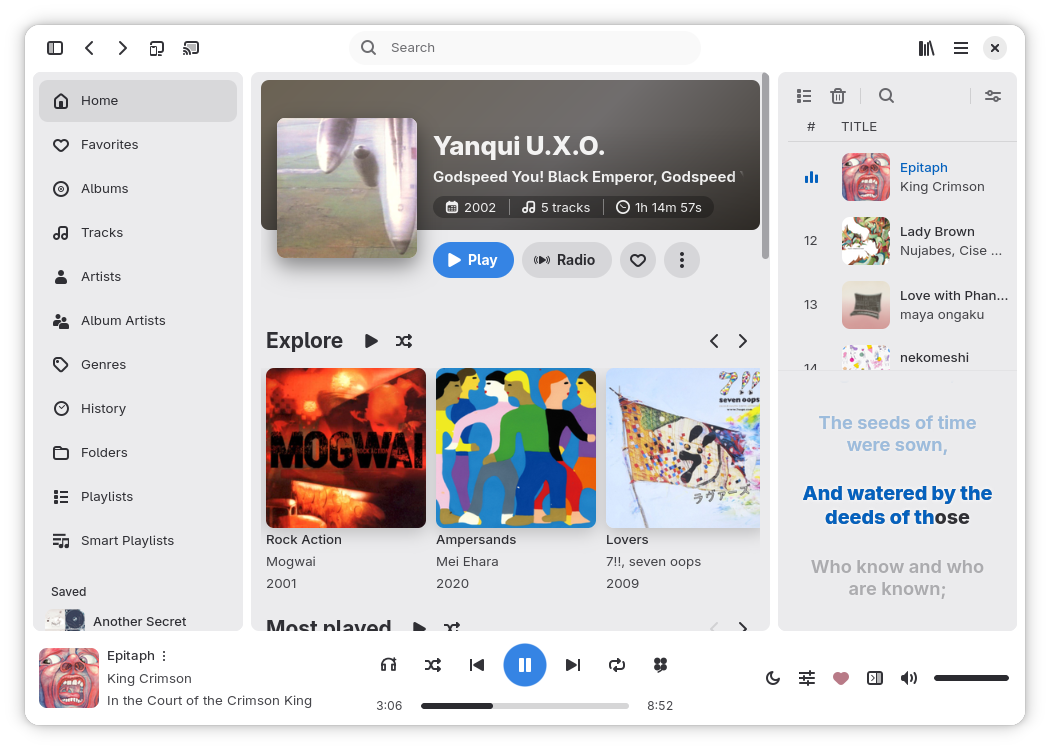
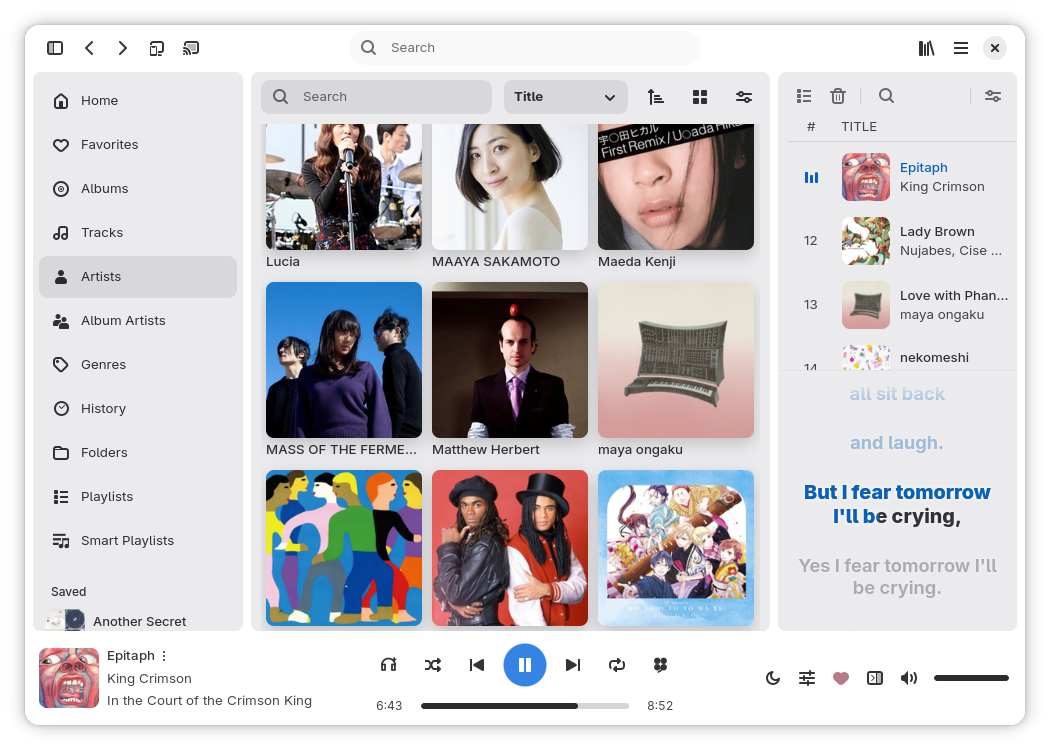
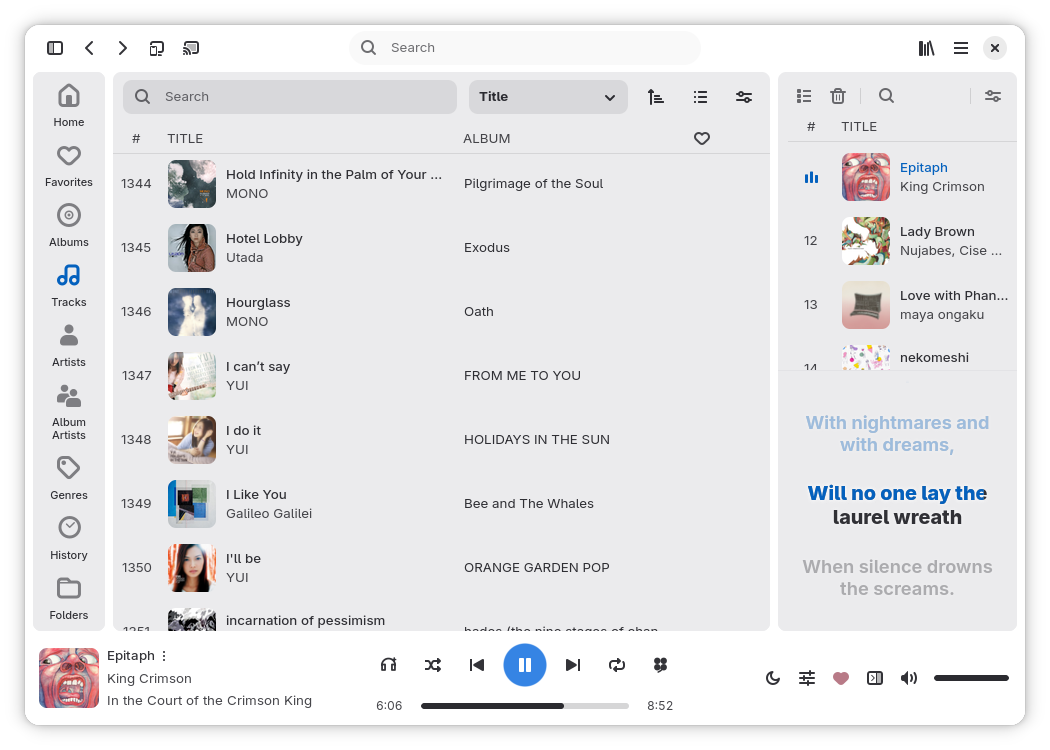
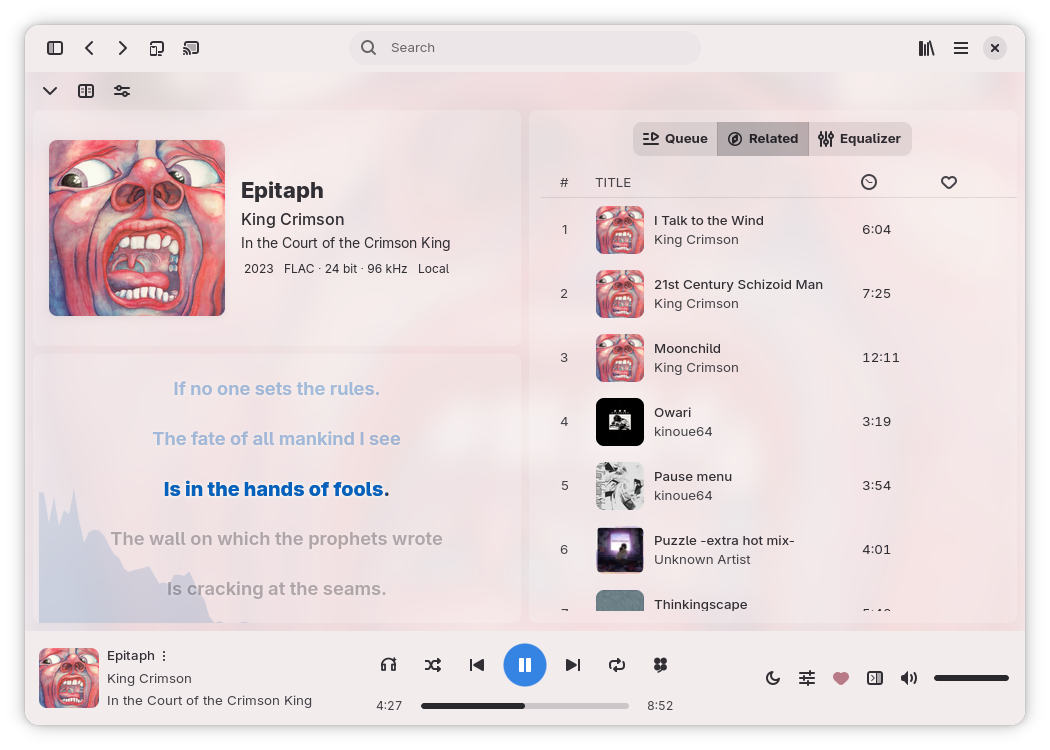
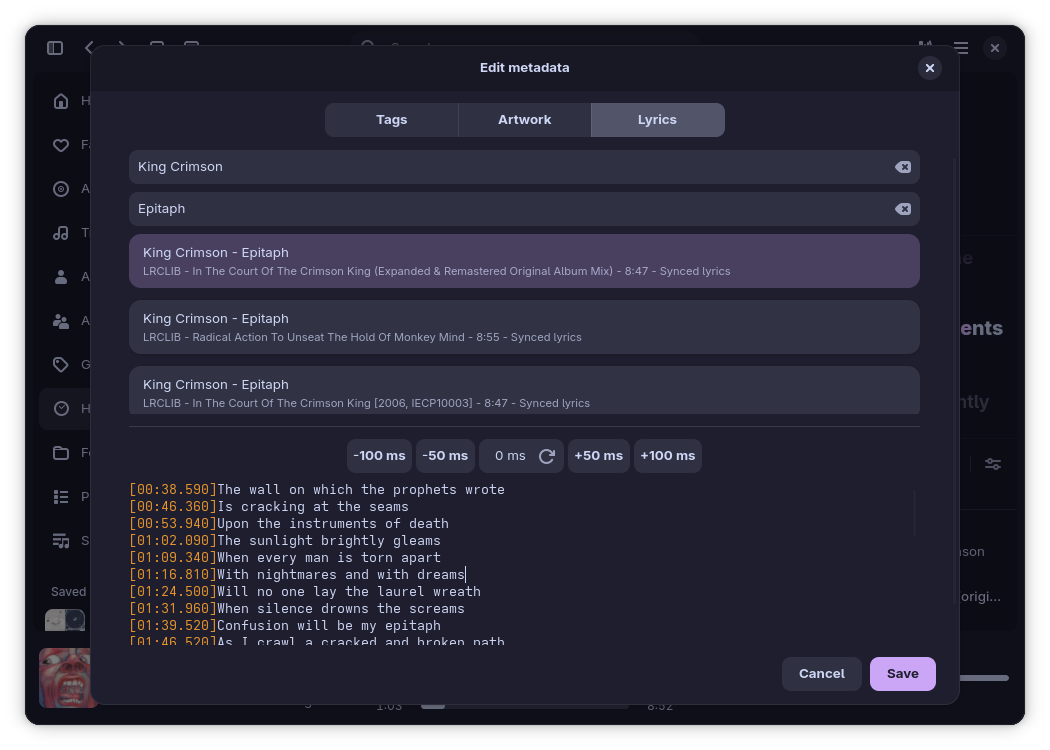
- Synced lyrics with karaoke mode, Japanese readings, search/edit/automatically save lyrics
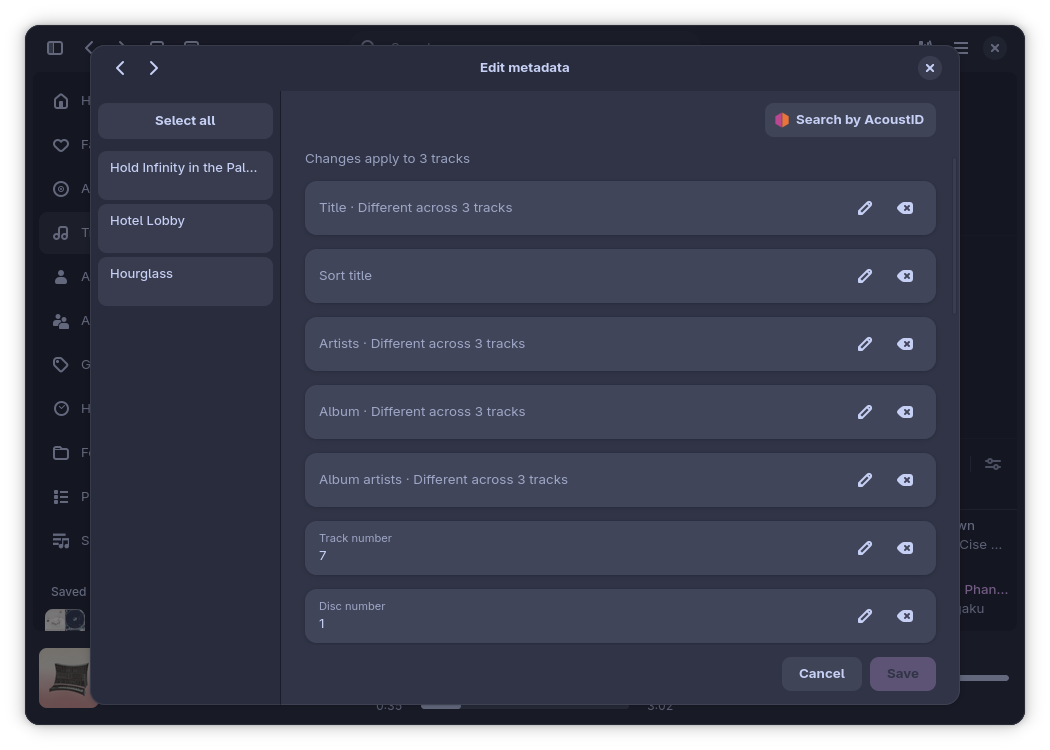
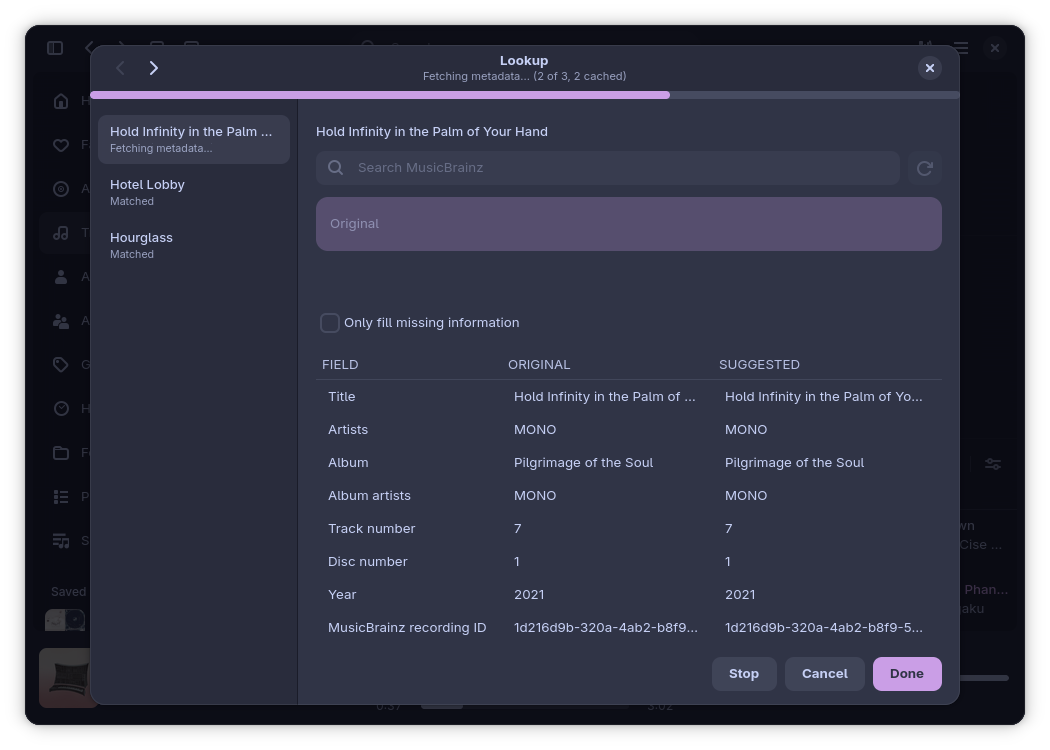
- Metadata and artwork editor with bulk edits, audio fingerprint calculation & lookup
- Last.fm, Libre.fm, ListenBrainz and Discord Rich Presence integrations
- Casting to UPnP and Chromecast, a Web UI and an HTTP API for scripts
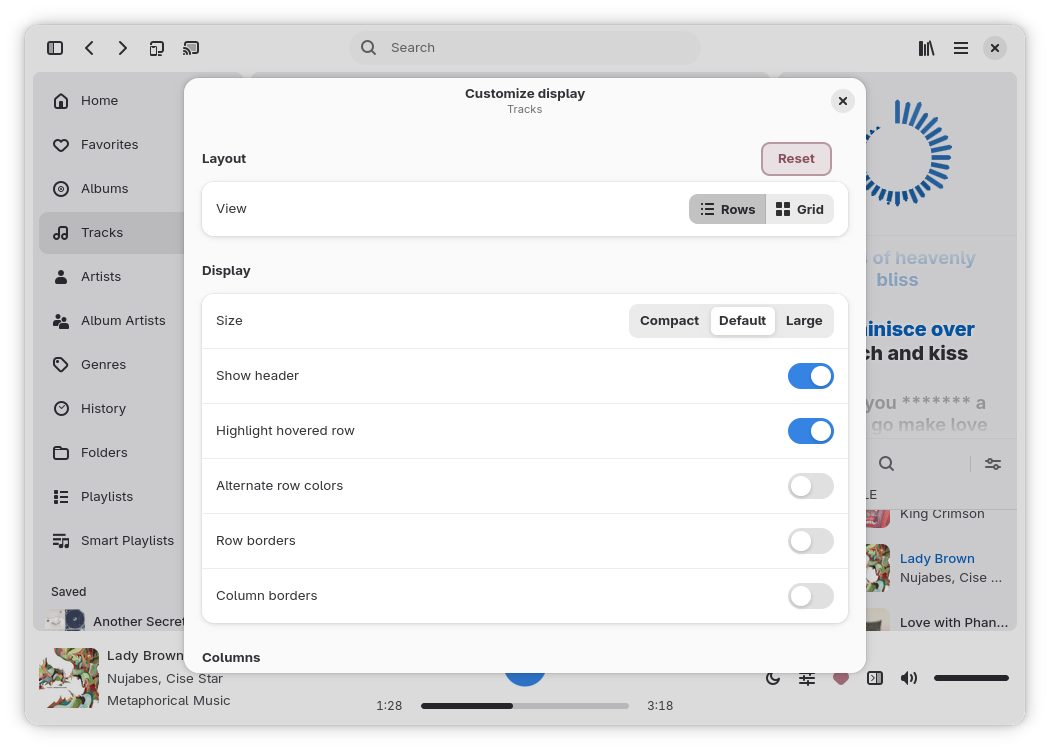
- Custom themes, a mini player, fullscreen visualizer and an extensive keyboard shortcuts catalog
- Broad codec support including separable CUE tracks
Screenshots
Observed history
| App | Change | Version | When ↓ |
|---|---|---|---|
| new | 0.19.0 | 22 Nov 2026 |
Upstream releases
Release notes supplied by the developer. These dates are not Flathub package publication times.
0.19.019 Nov 2026
Rufin repo is now at the organization! This is only a minor release because app IDs changed. Even though I tried my best to make sure the new id does as little damage as possible, if there happens to be an issue I intend to do a patch release shortly after.
And an announcement: Last.fm has made a sudden change that their API is no longer offered for free, starting from December 1. This affects of course scrobbling and extra metadata lookups for us. Since Rufin also started to support self-hosted scrobblers like Koito and Maloja on top of already available ListenBrainz and Libre.fm, I believe we cover the scrobbling department enough. Currently there is not a real plan about this, it might just stop working.
0.18.018 Nov 2026
This release brings three substantive features alongside a more polished UI: internet radio, a new recommendation engine behind Auto DJ and Mixes. Rufin will also move to an organization by the next release, and the app ID will change. This can create some issues for Flatpak and Android users, therefore it is recommended to export a backup. Additionally, the Matrix chat has also moved to #rufin:rufin.app, come say hi!
- Internet radio: We now have new Radio route! You can add a radio station yourrself or use the ones that come with the app. Rufin shows the song a station announces and what you have heard so far, and tries to fetch artwork and lyrics. Particularly, LISTEN.moe radio is also watched from its websocket to show timed/karaoke lyrics.
- Auto DJ and radios are now powered by ListenBrainz similarity results. Rufin asks about similar songs to ListenBrainz and queues the items that exist in your library from the returned items. The external lookup can be toggled off, and Rufin recommendations can be just used as fallback. This keeps recommendation plugins work. By default, Navidrome recommenddations are not overridden as it also has this behavior.
- Play random is now Quick Mix. You have a large combination of choices to define a mix easily.
- Home gets a new "Mixes" section, with ready mixes such as On repeat, Rediscover, and much more.
- Smart playlists get a new editor with groups of rules, so "all" and "any" can be combined. Values are suggested as you type, and there are new rules such as "In playlist", "Compilation" and "in the last N days". The templates used for Mixes also appear as templates here.
- Less redrawing while a track plays, which easens the CPU usage.
- Android gets a new rail in the sidebar, and settings alongside are polished for a slightly better user experience.
- Separate stream quality for mobile data.
- Row swipes and the long press sheet can be customized.
- You can now choose the app icon in Android.
- Playlist folders can hold both playlists and smart playlists, a playlist can be in several folders, and a whole folder can be played.
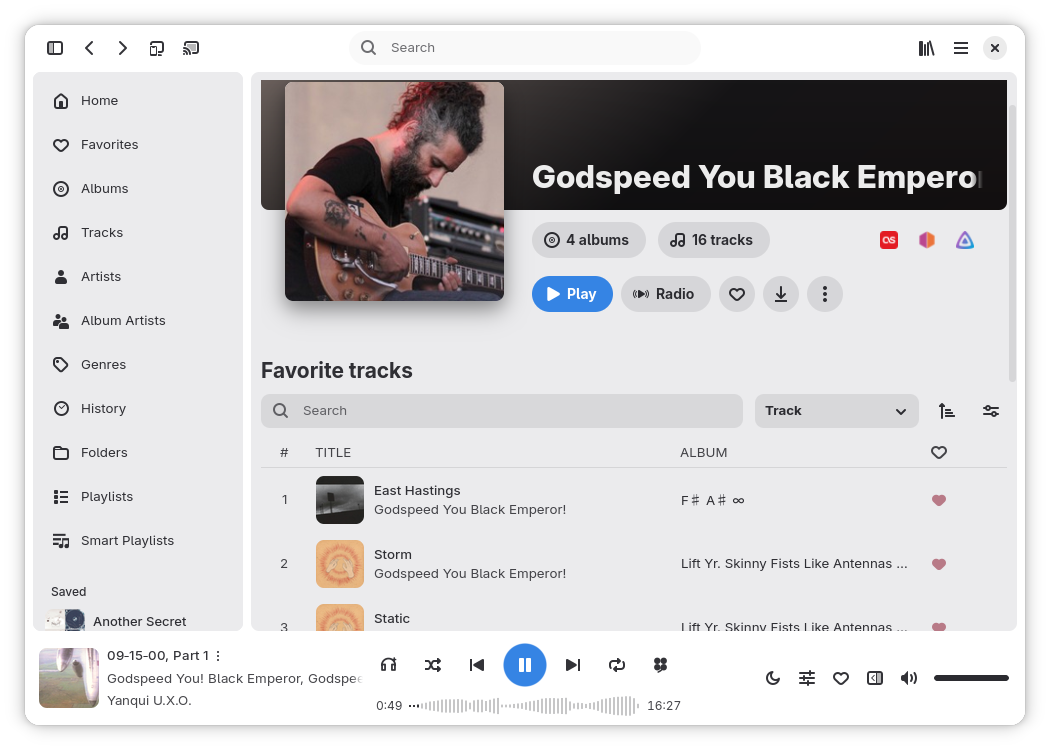
- Artist pages group releases by more types, such as demos, remixes, soundtracks and live. Release types can be looked up from MusicBrainz and edited.
- An album's version (mix, edition or remaster) and disc subtitles are shown beside its year, and there is a new Grouping column.
- You can now import activity from ListenBrainz exports, Last.fm CSVs or play counts from other players (in a structured jsonl), they are matched best-effort.
- Tracks can be deleted permanently from the context menu, after enabling "Allow permanently deleting tracks".
- Lyrics lookup tries every name a song goes by (without "(Live)" or "Remastered", each credited artist), and alternative names (useful for Japanese lyrics).
- Home, Customization and Playback in settings are split into tabs. Integrations is also reorganized.
- Scrobbling works with self-hosted ListenBrainz servers such as Koito and Maloja.
- Animated covers play on pages and sidebar, thanks @karigaa.
- Stream quality now has more formats supported, and a mobile data option is added for Android.
- Servers with a local and a public address switch between them when the network changes or one stops answering, Plex included.
- Web UI gets the fullscreen player and GTK's narrow layouts.
- Album, artist and playlist pages scroll as a whole, with a strip showing the name and play button once you scroll past the header. Headers fit small windows better.
- You can now drag an item to the sidebar to pin it.
- Grid covers get new hover controls: favorite and rate right from the cover. You can also enable ratings to be shown on the grid.
- The tray icon can be symbolic (monochrome).
- Settings are kept in rufin.toml, which can be edited by hand. Your settings.json is moved over automatically.
- Added Turkish translation by uma.
- Fixed symlinked folders not being scanned on Windows.
- Fixed the fullscreen player running off the window when resizing quickly.
- Fixed PulseAudio output failing for every following track in some cases.
0.17.110 Nov 2026
A patch release for icon/layout issues in Android and some other fixes.
- Added instructions for Gentoo ebuild, thanks kariga
- Fixed some file scanning edge cases for local sources such as artist splitting and album recognition
- Better integration with Android media widget
- Polishes tablet, foldable and TV layouts
- Fixed a context menu popover issue, thanks kariga
- Added Indonesian translations
0.17.010 Nov 2026
Been a long while! After 2 months of work, the Android app is finally done. It is a standalone native player with a phone-first interface built with Jetpack Compose, and it runs the same Rust core as the desktop app, so sources, playback and library features are shared. You can install it via Obtainium. Since this is the first released version, there might be some rough spots. Rufin Connect is also rebuilt to go with it, and I want to improve both based on feedback. This release also includes a large backend rewrite, which makes the app faster and lighter on resources.
- Rufin Connect can now stream your local library to another device. Adding a device is faster, and Connect performs better overall.
- Preferences gets a new look: a sidebar with more categories, including Storage, where you can see and manage the space the cache uses.
- The equalizer gets a new layout. You can choose a graphic equalizer with 10, 18 or 31 bands or a parametric one, save presets per device, and import AutoEQ/APO files. Crossfeed is also added.
- The visualizer gets more settings and better preset management.
- A sleep timer is added.
- You can share the server link of a track from the context menu. On Android, you can also share the song or selected lyrics as a card.
- A Details dialog is added for tracks, albums and artists.
- Metadata editing now works on a selection. The tracks you selected are listed on the side of the editor, so you can move between them without closing it. You can also look tags up on MusicBrainz and AcoustID, with fingerprints calculated on your device.
- Playlists and smart playlists can be organized into folders.
- Search can now find tracks by their lyrics. This works by reading lyrics Rufin has already cached, and you can enable automatic lyrics download to keep the cache up-to-date.
- Rufin now has a mini player, and the window now adapts down to phone sizes.
- You can choose a starting page instead of Home.
- Sorting tracks by artist or album artist now orders albums by year and tracks by disc and track number.
- There is a new "Use sort tags" setting, off by default. Artists and albums sort by their name unless you enable it.
- Context menu actions now apply to everything you selected, so you can do batch actions.
- "Go to" gets folder and server destinations.
- Deleted built-in smart playlists such as Most Skipped no longer come back.
- You can now set the public address and the local address of a music server separately.
- Playback status, including pauses and seeks, is now reported to Navidrome/OpenSubsonic servers.
- Loaded lyrics are exposed over MPRIS with xesam:asText, so external tools and shell extensions can show them.
- Web UI is refined to match the GTK desktop after the recent changes, and it also can show preferences and metadata editing.
- Cover corners are less rounded and match the pane radius, so less of the artwork gets cut.
- Download transcoding is configurable now. This also fixes transcoded downloads from Jellyfin failing as unauthorized.
- Flatpak runtime is updated to GNOME 51.
- Fixed album and artist radios not using the server mixes, so AudioMuse-AI works for them as well.
- Fixed Jellyfin tracks not using their own cover when distinct covers are enabled, thanks to @luniiya.
- Fixed an issue with editing a server address failing silently when the password was not entered again.
- Fixed an issue with some track names being duplicated.
- Fixed Plex refreshes failing on titles with invalid Unicode. Those tracks are imported regardless now.
- Fixed buttons turning all white under some system theme overrides.
- Fixed the release date missing in the album grid for local files.
- Fixed the Playlists route appearing empty in some cases.
- Fixed imported playlists not finding existing tracks in Flatpak.
- Fixed empty slots on Home reacting to hover, thanks to @PonyLucky.
- Replaced the misaligned repeat and shuffle icons.
- And several other smaller fixes and improvements.