
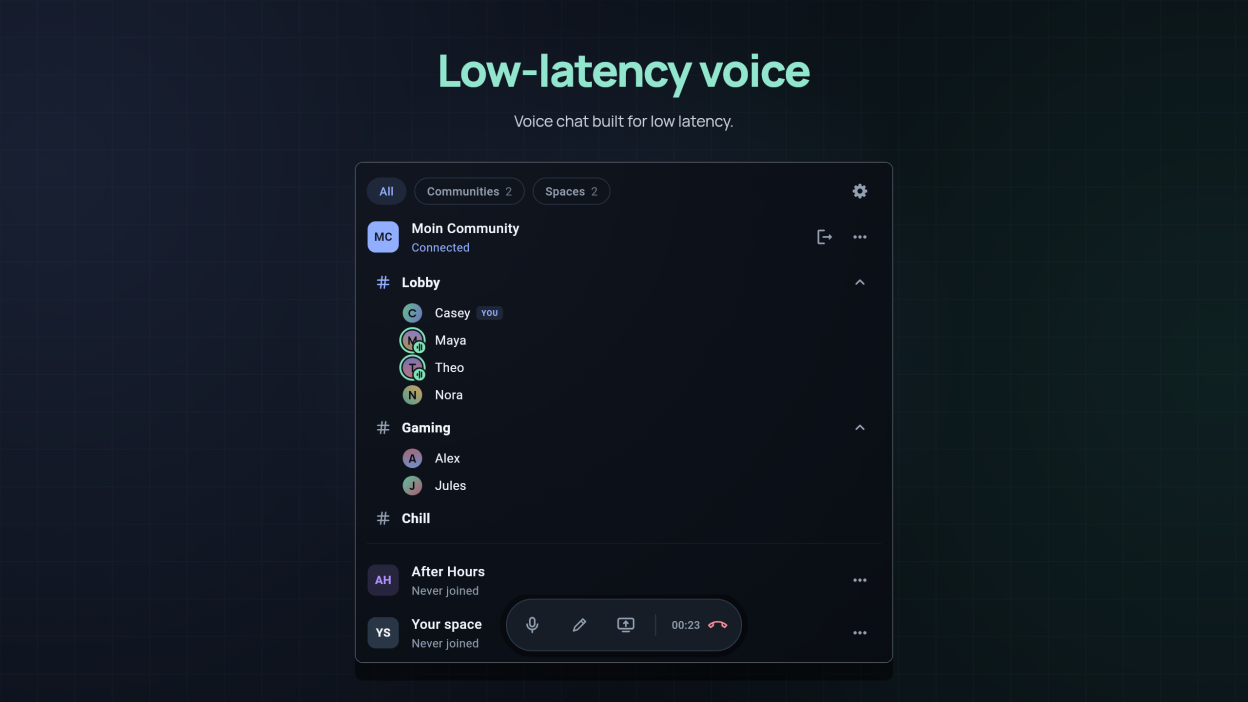
Fast, low-latency voice chat and high-quality screen sharing for teams and communities.
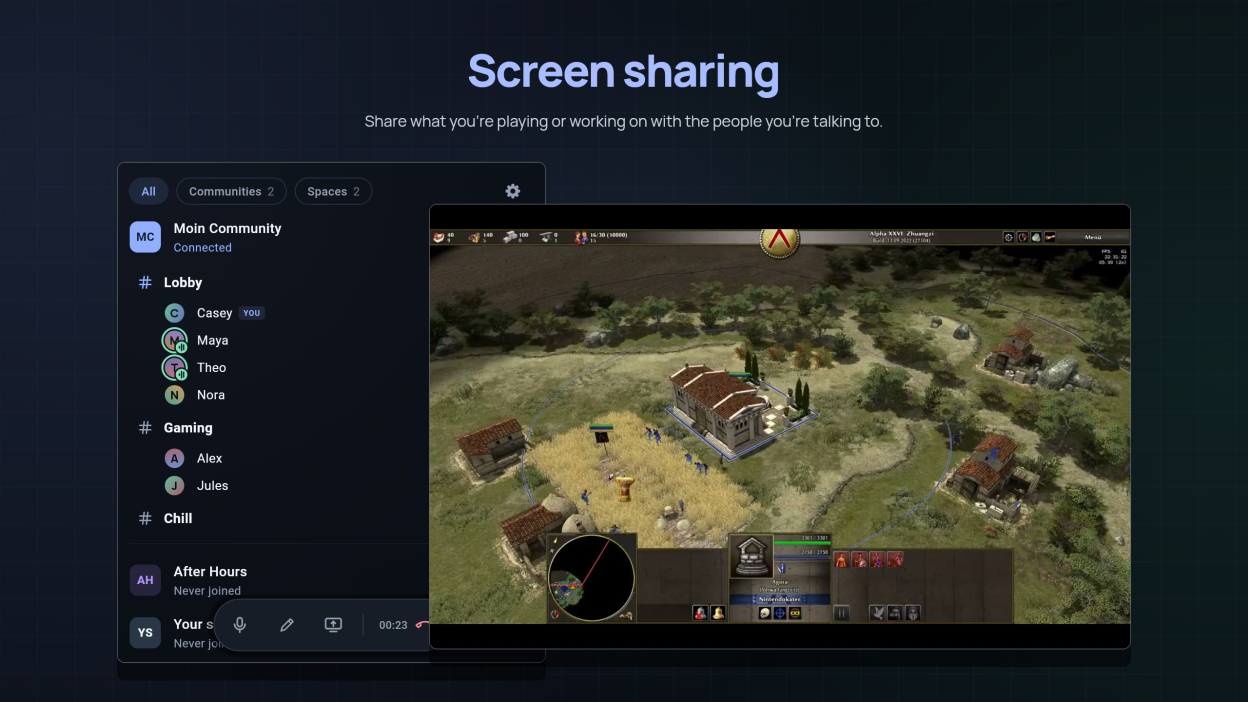
Moin keeps conversations close to real time, so talking while you work or play feels natural. Share a window or a whole screen with the people you are talking to, in high quality and without a separate tool.
Create a space, invite the people you want, and start talking. Hardware video encoding is used when your graphics card supports it. Without one, screen sharing may use the OpenH264 Video Codec provided by Cisco Systems, Inc., which Moin downloads from Cisco the first time it runs; Settings › Video turns it off.
Screenshots
Observed history
| App | Change | Version | When ↓ |
|---|---|---|---|
| updated | 2026.8 | 14 Oct 2026 | |
| new | 2026.8 | 28 Sept 2026 |
Upstream releases
Release notes supplied by the developer. These dates are not Flathub package publication times.
2026.814 Oct 2026
Added
- When a new version of Moin is available, a button appears beside Settings to update, and to restart once it is installed
- Before you share your screen, a preview shows it as viewers will see it, with what it sends and roughly how much you upload, while you choose what to share and its resolution, frame rate, and bitrate
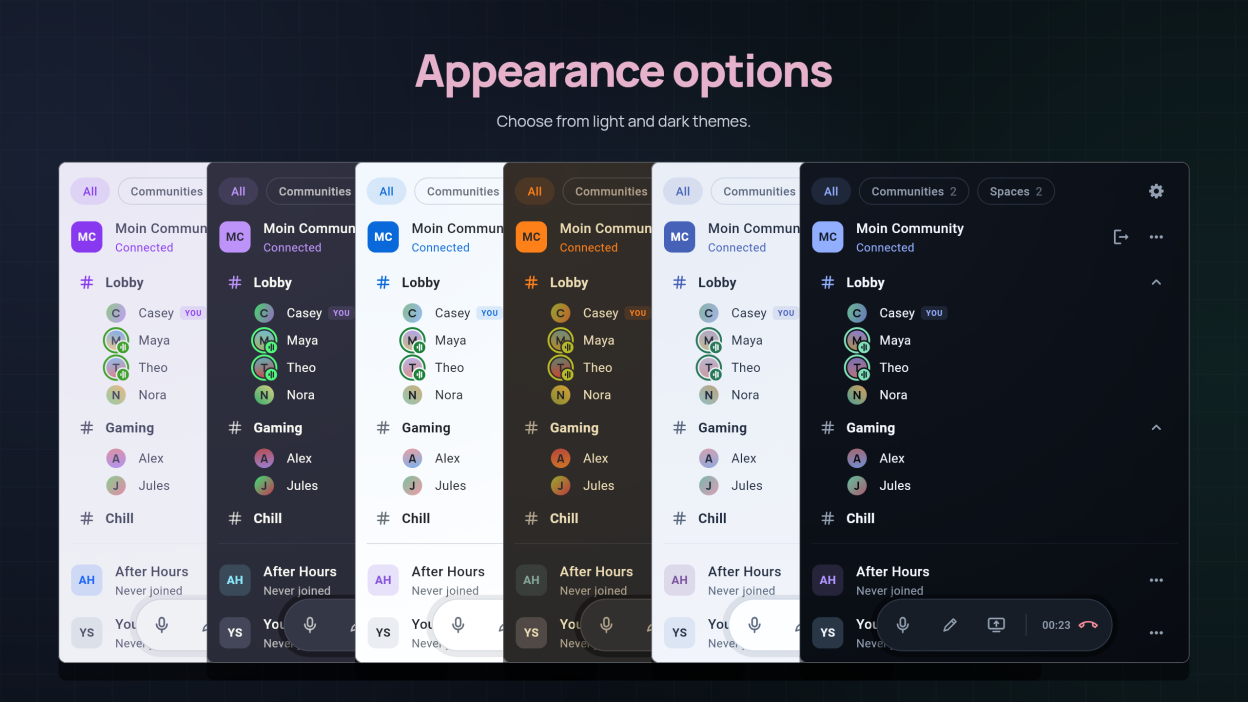
- Everyone's picture is drawn from their name in your theme's colors, and Settings › Appearance › Avatars lets you choose from seven designs, such as pixels, faces, or a tin can
- While you share, a Live tab on the call controls shows what you send and lets you change its resolution, frame rate, and bitrate, right away for everyone watching
- A room whose people you hide shows their pictures beside its name instead, popping in one after another, up to four, or three and how many more, with a ring around whoever is speaking in your room
Changed
- The call controls float in a small rounded dock over the bottom of the list, and only while you are in a room, in place of the bar that showed your picture and name
- Setting a status opens out of the dock and closes back into it
- Hiding the people in a room folds them away from the bottom up as they fade, and showing them unfolds them from the top, so the list moves the moment you click
- The tour no longer ends in a call: it asks you to leave your space before it finishes, and closing it early takes you out too
- Rooms and the people in them sit closer together under a community, and each room's # sits centred under its picture, so more fits on screen
- Icon buttons are one size across the app, small and round like Settings, and the ones down the side of the connections list line up under Send feedback and Settings
- Disconnect is a button of its own on the community or space you are connected to, beside More actions, instead of inside that menu
- A pinned community or space shows its pin as a small badge on its picture instead of beside its buttons, where it looked like one of them, and More actions says Pin at top
- Resolution, frame rate, and bitrate are chosen where you start a share instead of in Settings › Video, and are remembered for your next share
- The share window opens first, and your desktop's own picker opens when you click Choose source
- A member's menu says Direct or Relayed for your connection to them, instead of Directly or Via server
- A screen share you are watching recovers by itself after a hiccup, instead of closing until you open it again
- A screen share you open while Cisco OpenH264 is still downloading waits in its tile and starts playing once the codec is ready
- The ring around whoever is speaking or muted sits just apart from their picture, so it stands out on pictures of every color, and the moving bars sit on a small green badge
Removed
- Muting your microphone before you join a room: the microphone button appears once you are in, as you last left it
Fixed
- The tour counts only the steps it shows: with your name already saved it runs 1 to 9 instead of jumping from 3 to 5 of 10
- Watching a screen share no longer stops when the sharer's frame rate drops or recovers
- A screen share's window no longer stays on top of the main Moin window, so you can switch back to it
- Sharing a window no longer stops when you resize it while someone is watching
- Quitting Moin during a call leaves the call, so the others see you go instead of losing their connection to you
- The pulsing red Live dot beside a screen share takes far less of your processor while the share runs
Security
- People you aren't in a call with, and people removed from a server, can no longer get your IP address by connecting to your device
2026.78 Oct 2026
Added
- Choose in Settings › Video whether screen sharing uses hardware acceleration, Cisco OpenH264, or both, and see which one your share runs on
- Stream details in Settings › Troubleshooting shows each screen share's size, frame rate, and decoder under the sharer's name
Changed
- A screen share's size and frame rate no longer show under the sharer's name unless Stream details is on in Settings › Troubleshooting
2026.67 Oct 2026
Added
- What's new in Settings lists what changed in the version you have, and after an update a What's new button appears beside Settings until you open it
2026.57 Oct 2026
Added
- Voice activity, a new Input mode in Settings that sends your voice only while you speak, with Automatic or Threshold detection
- Set how loud each screen share plays with a slider under its speaker button
- Move the pointer over a screen share to see its size and frame rate under the sharer's name
- Pick a status from Quick, your pinned statuses, or Recent, the last three you set
Changed
- Room messages are now called Status, and the button is a pencil
Fixed
- A screen share with sound no longer drops most of its frames when the sound falls behind the picture