

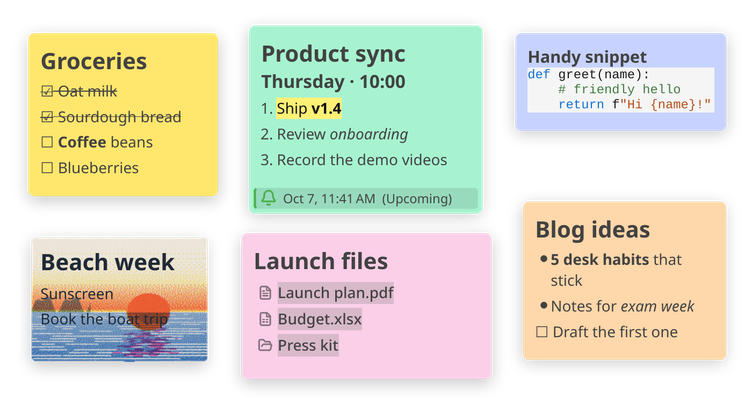
Capture ideas, tasks, and deadlines on colorful notes that live on your desktop instead of disappearing into a folder. Each note holds rich text, checklists, screenshots, file shortcuts, and a reminder — so the thing you want to remember stays in front of you until you act on it.
Features:
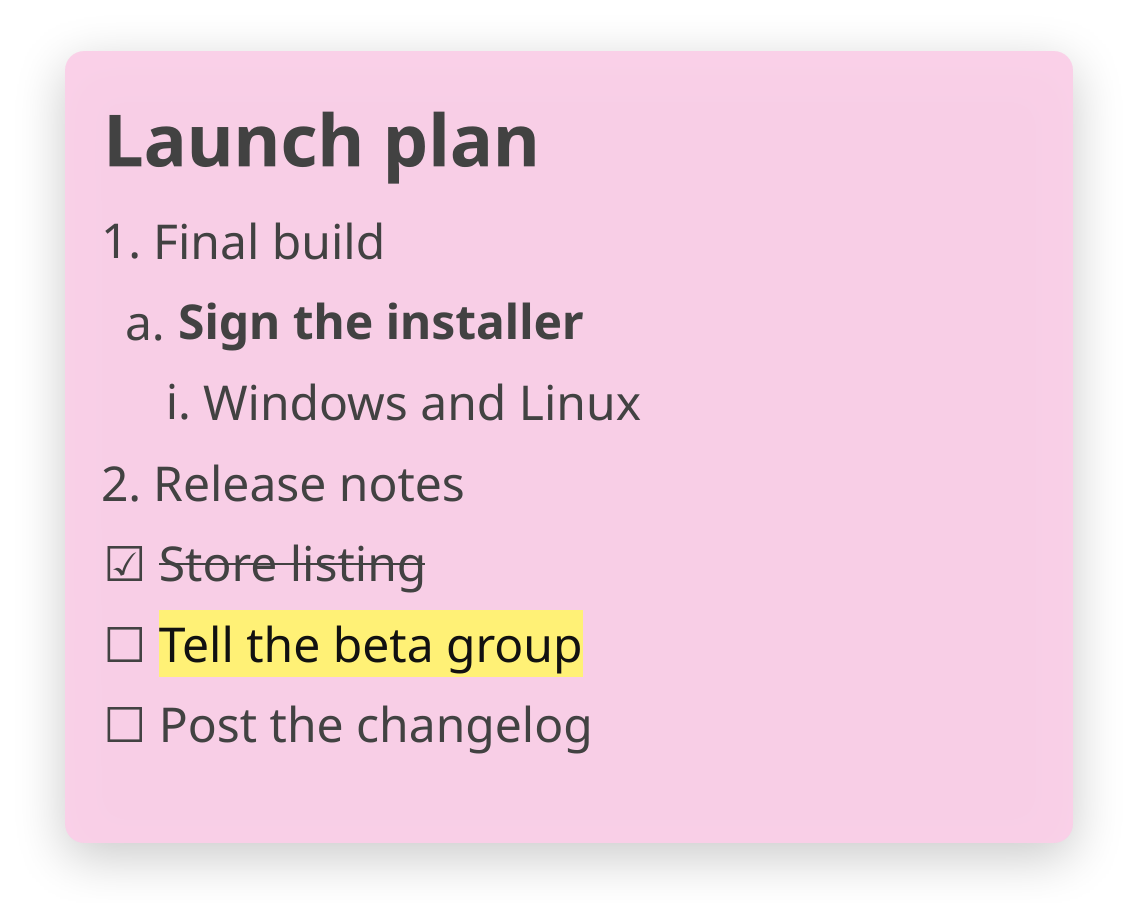
- Rich text formatting (bold, italic, strikethrough, titles)
- Customizable colors and background images
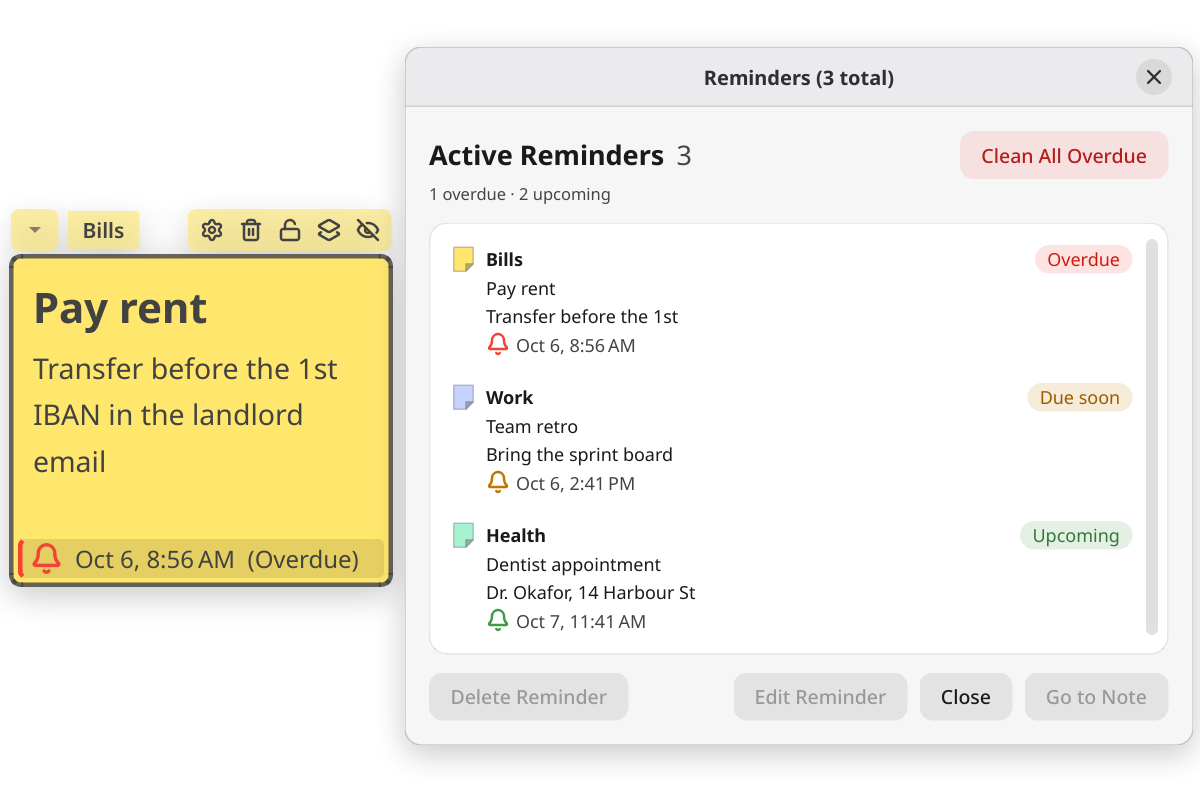
- Reminder system with desktop notifications
- Dark and light theme support
- Drag and drop file shortcuts
- Checkbox and todo lists with strikethrough
- Code block auto-detection with syntax styling
- Customizable in-app keyboard shortcuts
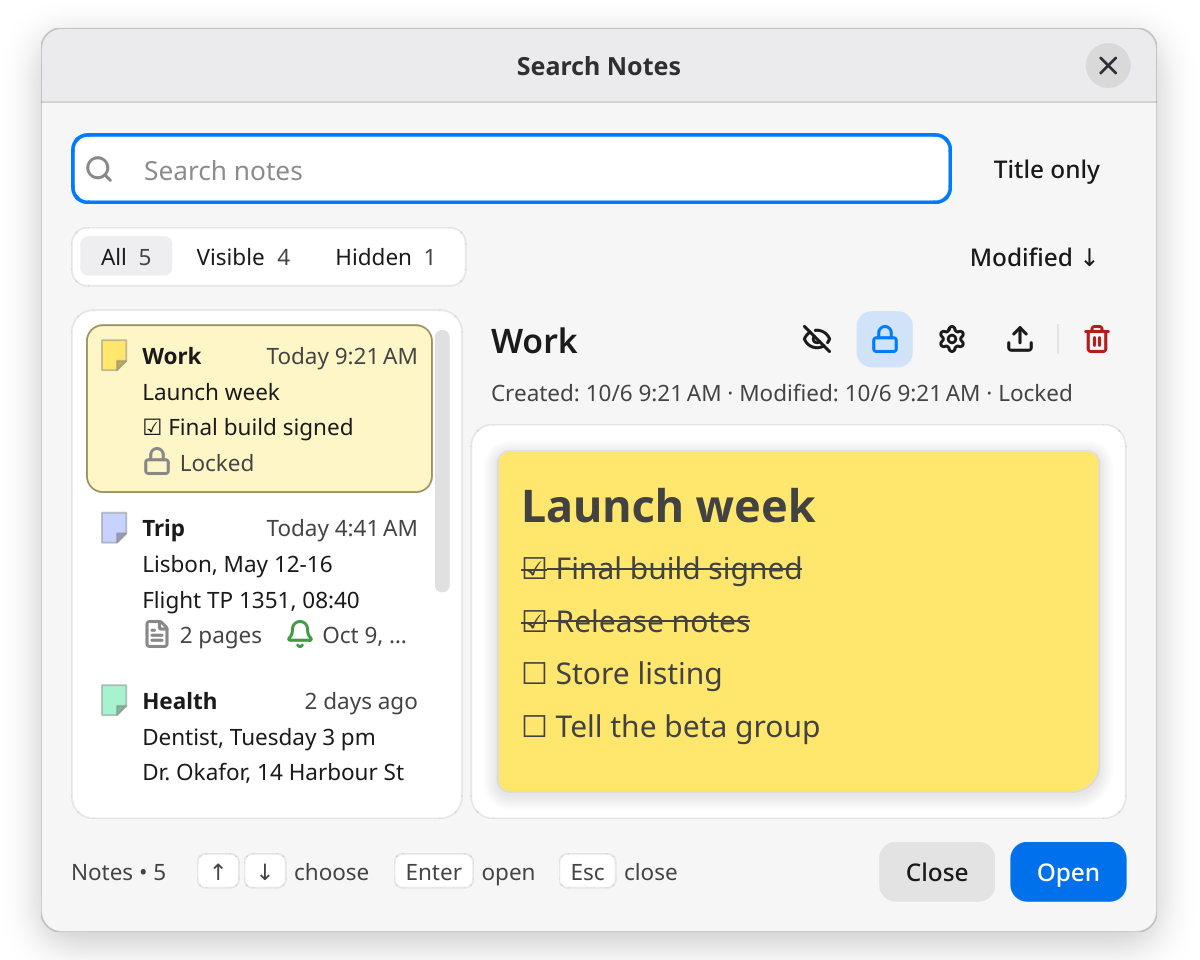
- Export to TXT, Markdown, JSON
The free version includes up to 4 notes (tabs count toward the limit). Premium removes the limit and unlocks inside the app (About › Activate Premium…), on up to 5 computers per account. The app uses the network only once, at activation.
Screenshots
Observed history
| App | Change | Version | When ↓ |
|---|---|---|---|
| updated | 1.5.1 → 1.6.5 | 16 Nov 2026 | |
| updated | 1.5.0 → 1.5.1 | 31 Oct 2026 | |
| new | 1.5.0 | 30 Oct 2026 |
Upstream releases
Release notes supplied by the developer. These dates are not Flathub package publication times.
1.6.514 Nov 2026
The hub docks to the edge of the screen too, and side notes work on KDE Plasma as a native Wayland app.
- Dock the hub to the left or right edge of the screen from its menu: it becomes a slim rail of its buttons above your side notes
- Move a side note's tab up, down or to the other edge from its right-click menu
- On KDE Plasma, notes and the hub dock to the screen edge while the app runs as a native Wayland app
- A collapsed note is only as wide as its title, and the app icon sits on a cream tile that shows on dark backgrounds
- Copying a link copies its whole address, and header buttons no longer overlap on a narrow note
- On GNOME a side note no longer opens invisible and the tray menu no longer leaves the cursor spinning; on COSMIC notes and the hub can be dragged
1.6.07 Nov 2026
Side notes on the edge of the screen, an archive for finished notes, and a lighter look.
- Dock a note to the left or right edge of the screen from its right-click menu: it waits there as a slim tab and opens with a click (not available while the app runs as a native Wayland app)
- Archive a note to keep it without keeping it on your desktop; archived notes are found again in Search Notes and don't count toward the Free limit
- Paste a web address onto selected words and they become a link to it
- A pasted web address links whole, inside a sentence too
- File and folder icons in notes are as tall as a line of text, and lines holding a file keep even spacing
- A note with a background picture wears the picture's color on its header, and the formatting bar is a light shade of the note's color
- Right-click Paste works with only a picture on the clipboard, and changing the language can no longer freeze the app
1.5.130 Oct 2026
Files from any folder, and backgrounds that are kept.
- Drop or paste files, folders, pictures and sound clips from any folder; when Better Stickies can't open an item on its own, it asks once with an Allow Access window and remembers your choice
- Show in File Manager opens the item's folder
- Dragging a shortcut out to your file manager works for files in any folder
- A note keeps its background image when the picture can't be opened at startup, and shows it again once the file is back
1.5.026 Oct 2026
Native Wayland, a toolbar over selected text, find in a note, redesigned Settings, and reminders kept inside each note.
- Runs as a native Wayland app on Wayland desktops, sharper on scaled displays; on KDE Plasma, always on top and saved note positions keep working
- Dragging a note or the hub is your desktop's own window move
- Select text with the mouse for a small toolbar with strikethrough, highlight, link and code block
- Find in a note with Ctrl+F, and make a new note from a note with Ctrl+N
- Settings group their options on cards, with a switch for each on/off option
- A welcome note shows new users what to try
- Each note keeps its reminder in its own file, and the daily backups include reminders; once 1.5 has run, 1.4 can no longer open the notes
- Code blocks take the note's colors, and a code block of ordinary sentences shows as plain text
- Confirmations name their action, and moving a note to the trash can stop asking
- Reminder times follow your 12- or 24-hour clock
- New notes use your system's font
- The app starts straight from its files instead of copying about 200 MB to a temporary folder at every start