
Readest is a modern, feature-rich ebook reader designed for avid readers offering seamless cross-platform access, powerful tools, and an intuitive interface to elevate your reading experience.
Built as a modern rewrite of Foliate, Readest leverages Next.js 15 and Tauri v2 to deliver a smooth, cross-platform experience across macOS, Windows, Linux, Android, iOS, and the Web.
Whether you're analyzing complex texts, immersing yourself in stories, or exploring new ideas, Readest adapts to your needs with powerful features for deep, thoughtful reading.
Key features include:
- Multi-format support for EPUB, MOBI, KF8 (AZW3), FB2, CBZ, TXT, and PDF (experimental).
- Switch between scrolling or paginated reading modes for your preferred reading style.
- Full-text search across the entire book to find relevant sections quickly.
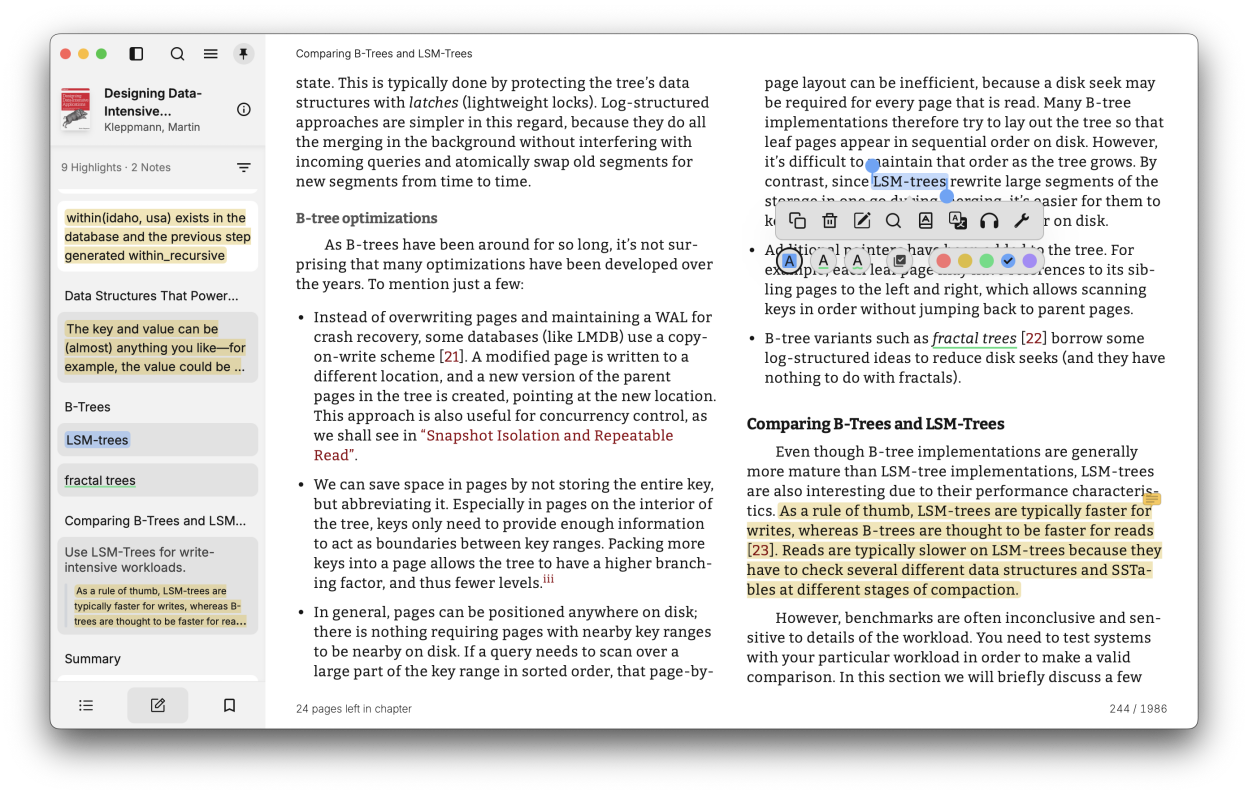
- Add highlights, bookmarks, and notes to enhance your reading experience and learning.
- Easily excerpt text from books for detailed notes and analysis.
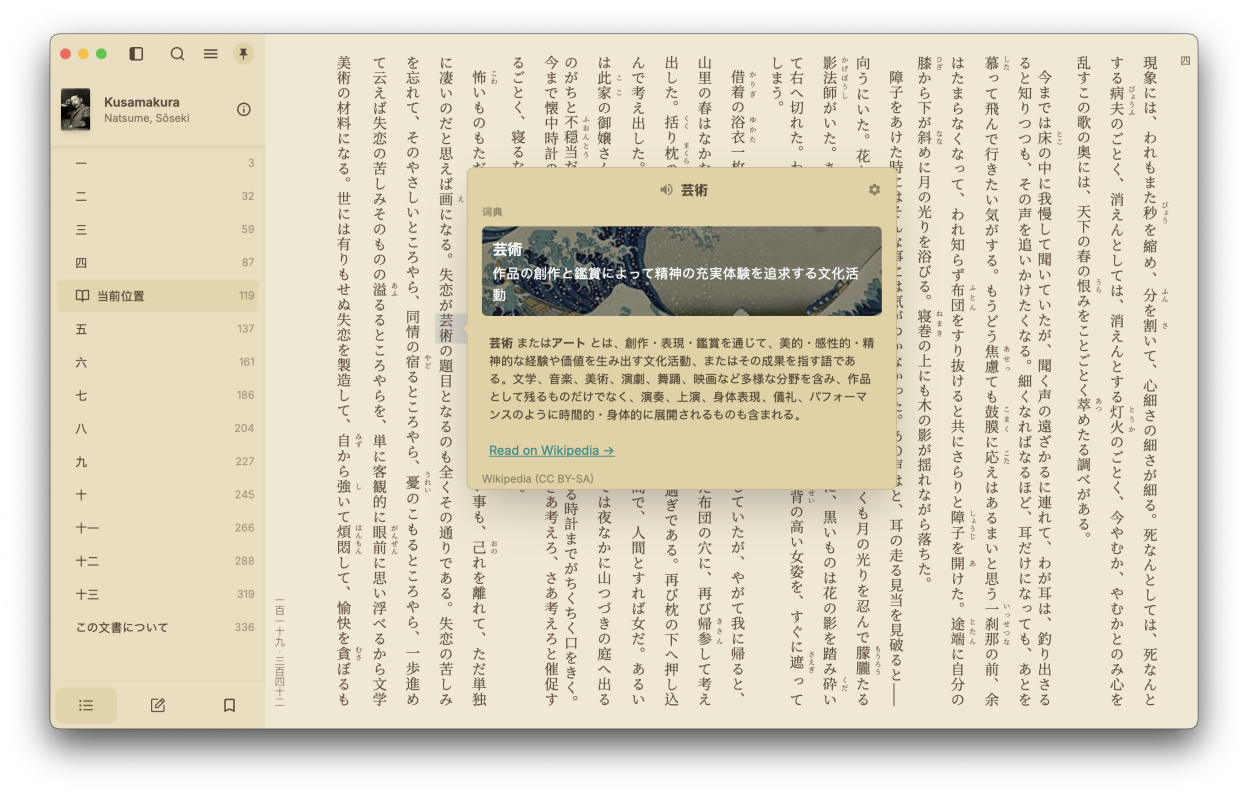
- Instantly look up words and terms with built-in dictionary and Wikipedia integration.
- Translate selected text instantly using DeepL for accurate translations.
- Parallel Reading: Read two books or documents simultaneously in a split-screen view, perfect for researchers, language learners, and multitaskers.
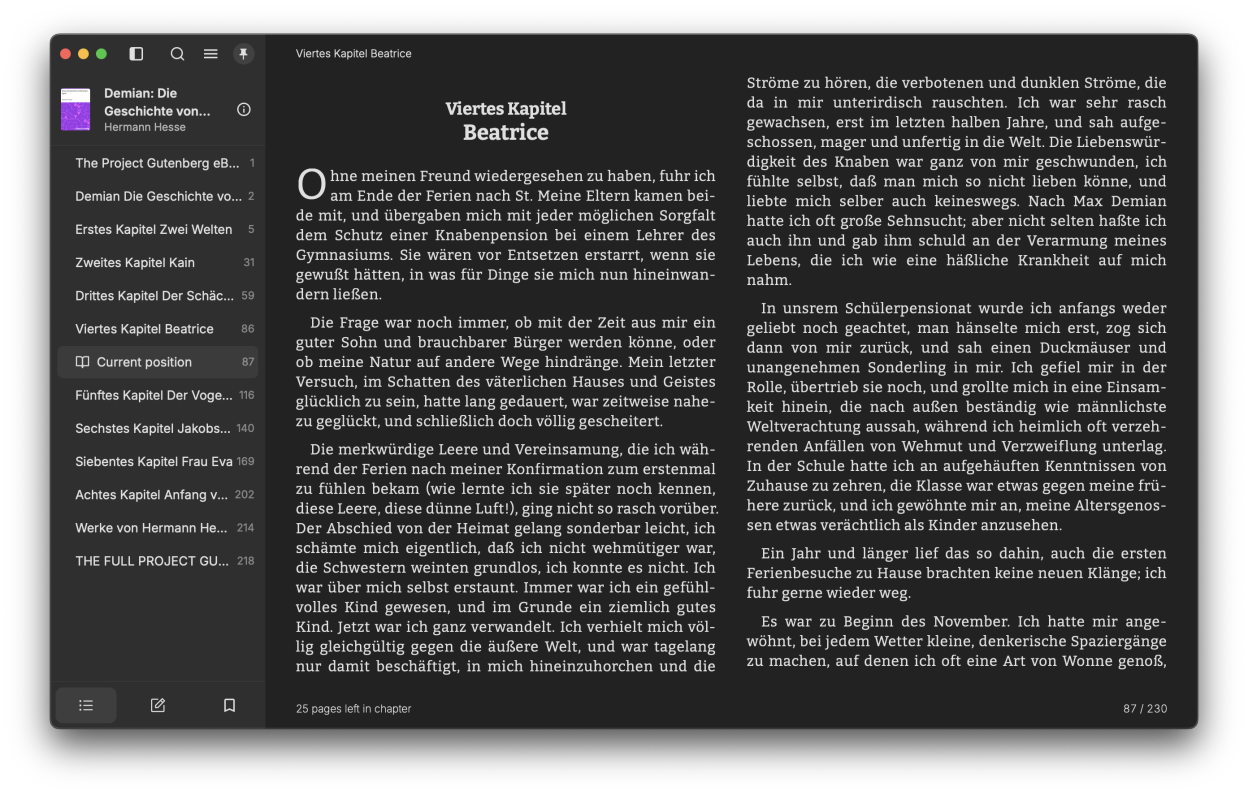
- Customize fonts, layout, theme mode, and theme colors for a personalized reading experience.
- Cross-platform synchronization of book files, reading progress, notes, and bookmarks across all supported platforms.
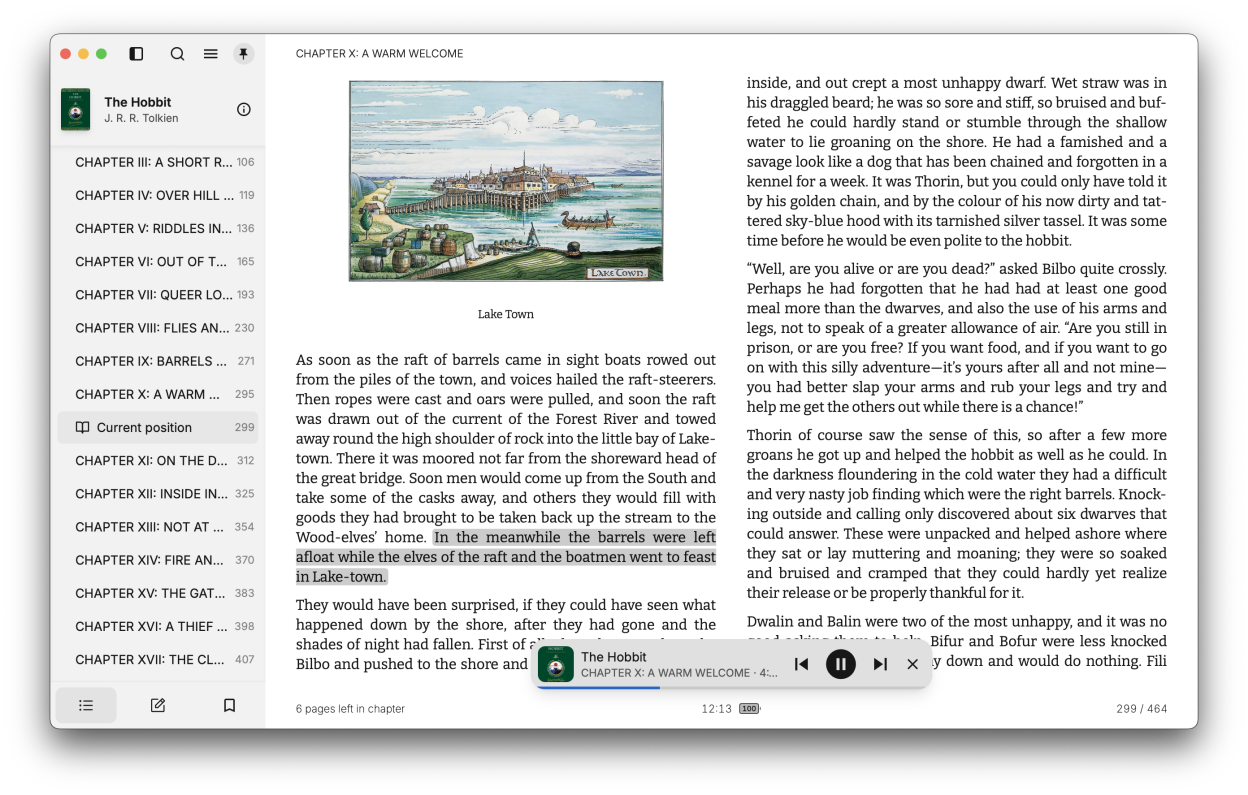
- Text-to-Speech functionality for a more accessible reading experience.
- Organize, sort, and manage your entire ebook library with advanced library management tools.
- One-click file association to quickly open files in Readest from your file browser.
Readest also includes custom CSS support for personalized styling, and code syntax highlighting for technical books. The application is designed to honor the legacy of deep reading while embracing modern technology for an enhanced experience.
Screenshots
Observed history
| App | Change | Version | When ↓ |
|---|---|---|---|
| updated | 0.12.16 | 14 Oct 2026 |
Upstream releases
Release notes supplied by the developer. These dates are not Flathub package publication times.
0.12.1614 Oct 2026
- Text-to-Speech: Added Readest Voice premium read-aloud voices for Plus and Pro, you can now connect your own OpenAI-compatible voice service, and Edge voices work again
- Annotations: You can now handwrite and draw on your pages, and share passages as quote card images
- Library: Books now show their page count with a new Pages sort and filter that syncs across devices, and numbered titles sort in natural order
- Sync: Custom fonts download when you need them and can be removed from the cloud, custom theme edits now sync, and deleted books no longer come back
- Sync: KOReader progress sync and WebDAV sync are more reliable, and signing out only logs out the current device
- Reading: Very large or link-heavy chapters no longer freeze the reader, and fixed layout issues with headings, blockquotes, footnotes, and background textures
- Audiobooks: Audiobookshelf playback now works in the web app, chapters are detected more reliably, and you can pair audiobooks with books streamed from Audiobookshelf
- Linux: Fixed a freeze with two open windows, the main window reopens maximized, and Reveal in Folder works again
- PDF: You can hide page thumbnails in the PDF table of contents
- More: The share sheet opens again on iOS 16, with polish for the drawing tools, bottom sheets, and bookshelf header
0.12.125 Oct 2026
- Text-to-Speech: You can now listen sentence by sentence and loop a passage with A-B repeat, control playback from your desktop's Now Playing controls
- Reading: Added dialogue highlighting for quoted speech, a Column Gap setting for two-page spreads
- Sync: Added a Readest plugin for CrossPoint e-readers for reading progress sync
- Sync: You can now sync reading progress to Pagebound, sign in to Hardcover more easily, and note edits are no longer overwritten by older synced copies
- PDF: PDFs now blend smoothly with your reading theme with smart image inversion, show page thumbnails in the table of contents
- PDF: Highlighting and text selection on scanned PDFs is smoother and more accurate, and very large scanned pages no longer crash the reader on iOS
- Translation: You can now add your own translation providers with a reusable prompt library, look up words with an AI context dictionary
- Annotations: A global note now appears on every occurrence of its text, exports can include the sentence around each highlight
- Android: Added home screen widgets for your current book and bookshelf, automatic e-ink full refresh every few page turns
- More: Images now have a long-press and right-click menu to copy or save them, Windows shows PDF thumbnails in Explorer
0.12.1022 Sept 2026
- Library: You can now organize books into configurable bookshelves, tag books in bulk
- Audiobooks: You can download Audiobookshelf books for offline listening, stream audiobooks from OPDS catalogs and BookOrbit
- Reading: You can now open HTML files as books, and select, highlight, and look up text in Paragraph Mode
- Sync: Reading progress refreshes when you return to the app, WebDAV sync is more reliable, and Readwise exports now include bookmarks
- TTS: You can now browse and resume your books from Android Auto and pick up recent books from CarPlay
- PDF: Page-turn animations now work on PDFs, comics, and fixed-layout books, and wide comic pages get a spread of their own
- KOReader: Added background sync, group downloads, and more library controls, and highlights you delete stay deleted
- Dictionary: Pronunciations can play automatically on lookup, accented words are easier to find
- More: Backups are much faster and keep the screen awake, and fixed freezes on App launch and in image-heavy chapters
0.12.88 Sept 2026
- Reading: Customize the information shown in headers and footers, resize text with zoom shortcuts
- Sync: You can choose whether to use Readest Cloud before signing in, and recover missing covers during sync
- Annotations: You can now import highlights, bookmarks, and reading progress from ReadEra, and sync your notes and highlights to Notion
- Audiobooks: You can now stream ebook-only titles from Audiobookshelf
- Text-to-Speech: use Apple Enhanced and Premium voices on the web, and optionally skip parenthetical readings in Japanese books
- Web Imports: You can now clip signed-in pages and import web novels that require an account, with more reliable text decoding
- Styling: Your library and reader can now use separate theme modes and colors, and e-ink mode is available on every platform
- PDF: You can lock horizontal panning while zoomed, highlights stay visible in dark mode, and PDFs work on older devices
- Dictionary: Dictionary entries can now play embedded audio, jump to parts of speech, and enlarge images
- Sharing: Nearby BookDrop now offers easier pairing, transfer sounds, and more reliable device discovery and reconnection