
ACBR is a free and open source comic book reader and converter.
Main Features:
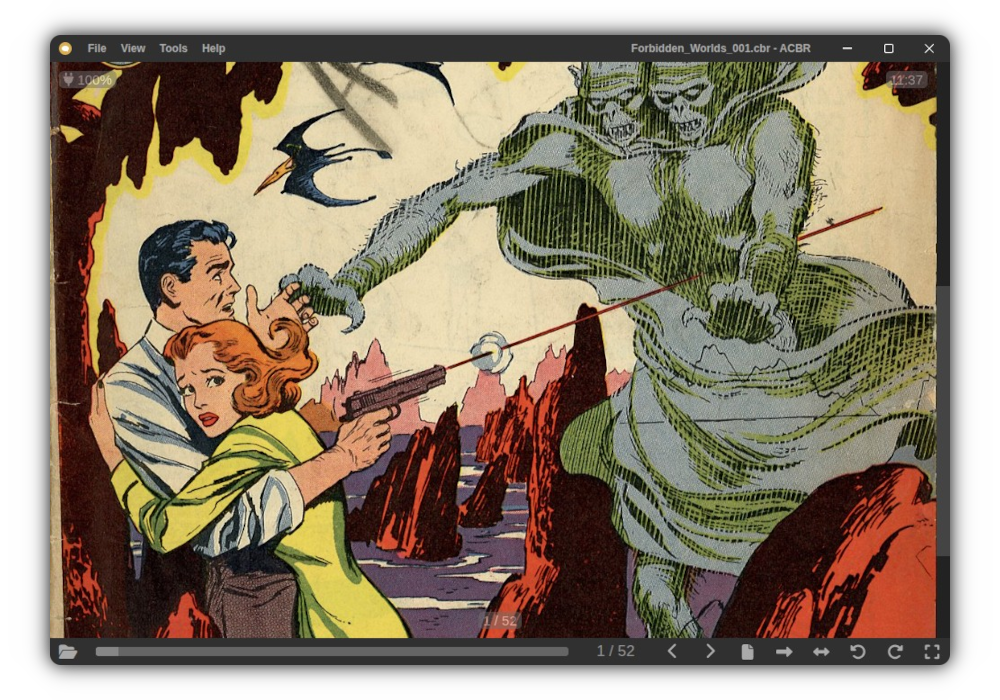
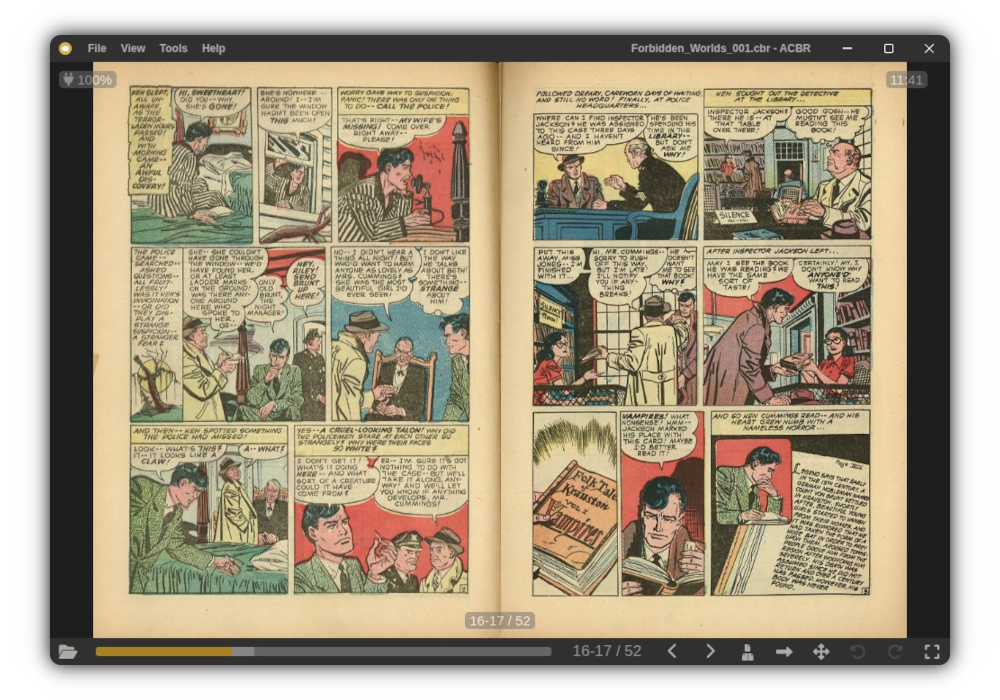
- Compatible file formats: CBZ, CBR, CB7, PDF, EPUB, MOBI 7, FB2, JPG, PNG, WebP and AVIF
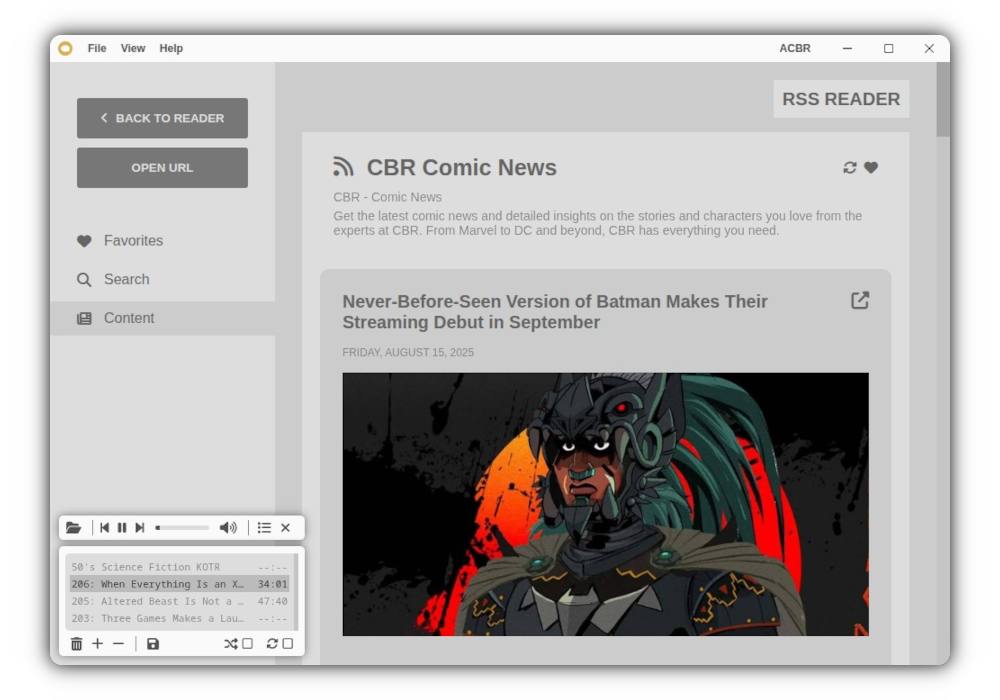
- Single and double page modes, page rotation, integrated video and audio player, metadata editor, Komga and Kavita server browser, RSS reader, partial gamepad support...
- UI available in: English, Spanish, Russian, German, Arabic, Filipino, Japanese and French
Included Tools:
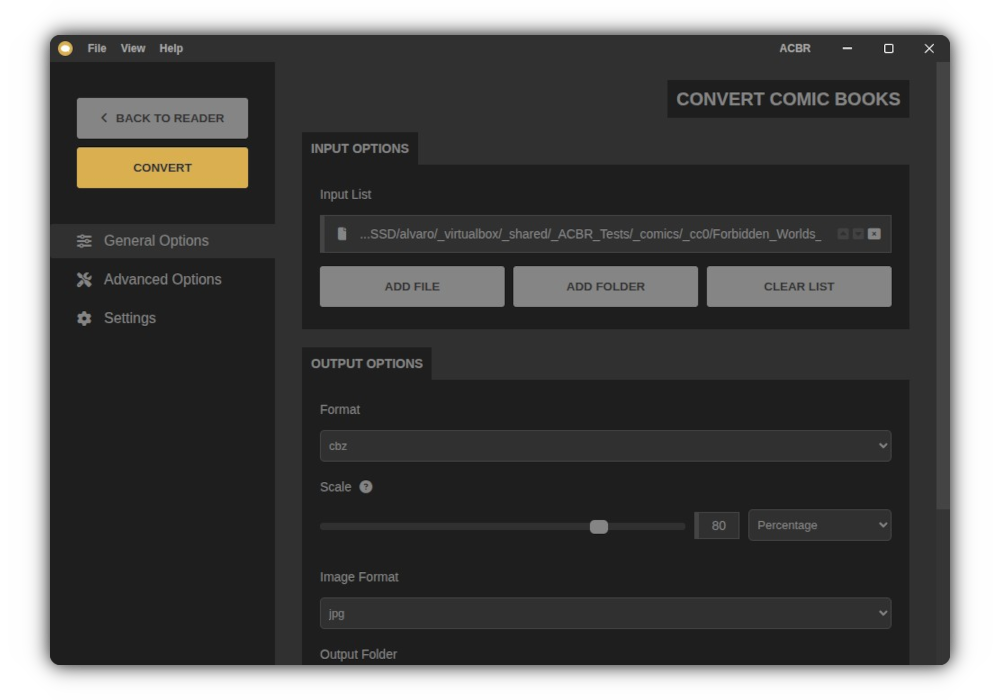
- Convert, resize or extract comic book files
- Convert and resize image files
- Extract color palettes from images
- Create comic book page and thumbnails templates
- Search for and open public domain online books and audiobooks
- Search for and open RSS feeds from podcasts and websites
- Search for and open radio station streams
- ...
Screenshots
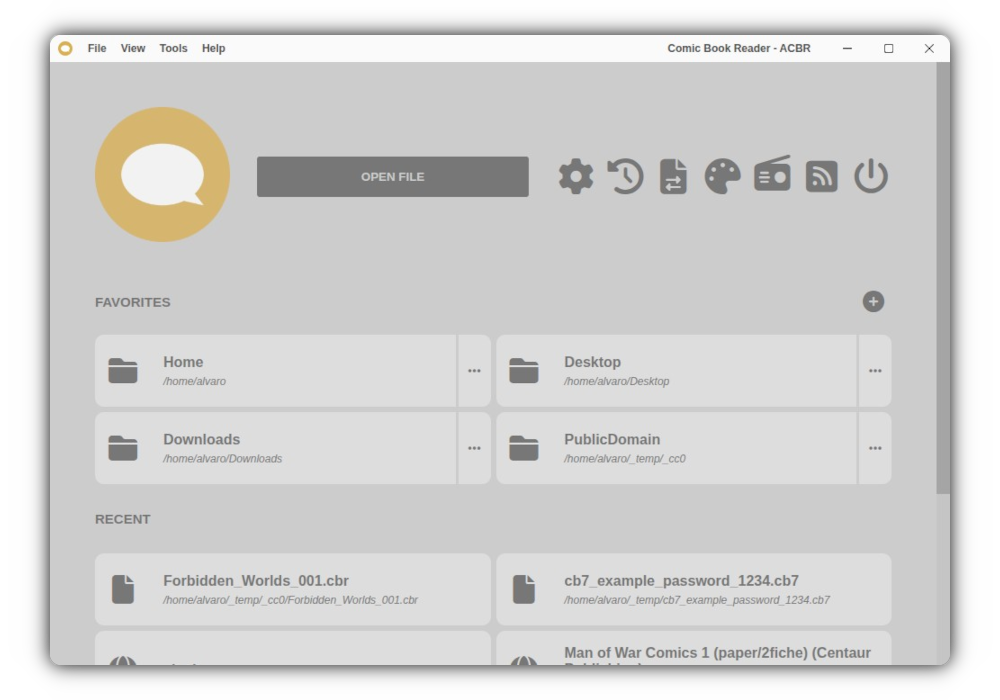
Observed history
| App | Change | Version | When ↓ |
|---|---|---|---|
| updated | 3.26.3 | 13 Oct 2026 |
Upstream releases
Release notes supplied by the developer. These dates are not Flathub package publication times.
3.26.313 Oct 2026
- Fixed a bug introduced in the previous release that made switching between servers not work in the Server Browser under some circumstances.
3.26.213 Oct 2026
- Fixed not being able to browse a server in the Server Browser if a connection with it was already established from the reader to open a book from the history and it is still the current one.
3.26.112 Oct 2026
- Fixed the flatpak build failing to encrypt credentials and add servers to the saved list in the Server Browser. A change in the way the credentials are encrypted and decrypted was needed. Besides fixing the problem this new method has better long term support but, sadly, it also means that any server saved with the previous version of ACBR will need to be deleted from the list and saved again if a Linux build was used (the Windows build seems to be compatible).
3.26.012 Oct 2026
- Added support for Komga and Kavita media servers. The menu "Servers > Server Browser" now opens a tool to connect to, browse and open books from them.
- Added more advanced PNG image options to the conversion tools and a new output toggle to make more clear when the advanced image options are going to be applied or not, being now able to force them to be applied even when a 100% scale is set and "Keep original" is selected as image format (by default, the original untouched images were always used in this case, if possible, with no option to override it).
- Added a private mode that can be enabled from "File > Private Mode" that makes the file history and reading progress not be updated during that session while it's on.
- Fixed the advanced image processing options not applying when the output image format was set to "Keep original" in the conversion tools.