
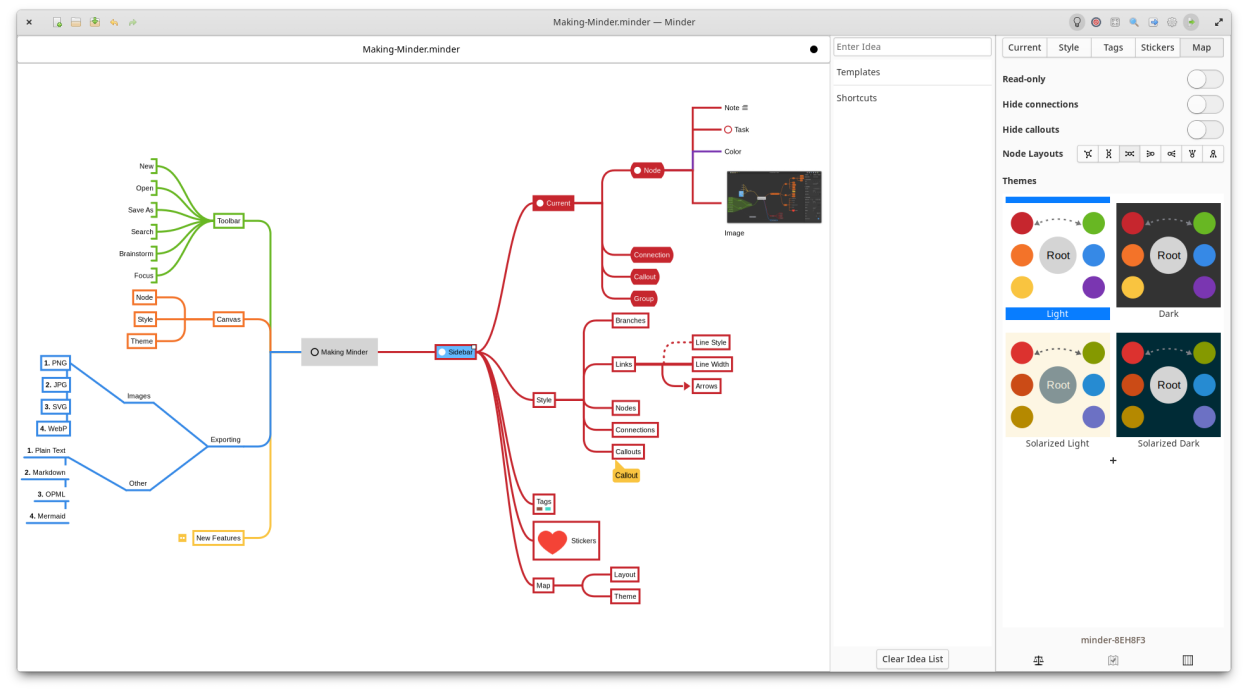
Use the power of mind-mapping to make your ideas come to life. Minder provides a mindmap creation and exploration environment that focuses on a clean interface with smooth animations and rich, expressive elements to help capture and organize your ideas quickly and stay in the your flow.
- Quickly create visual mind-maps using the keyboard and automatic layout.
- Choose from many tree layout choices.
- Support for Markdown formatting.
- Support for insertion of Unicode characters.
- Add notes, tasks, and images to your nodes.
- Add node-to-node connections with optional text and notes.
- Stylize nodes, callouts, links and connections to add more meaning and improve readability.
- Save and reuse style settings within and across open mindmaps.
- Add stickers, tags, callouts and node groups to call out and visibly organize information.
- Quick search of node and connection titles and notes, including filtering options.
- Zoom in or enable focus mode to focus on certain ideas or zoom out to see the bigger picture.
- Enter focus mode to better view and understand portions of the map.
- Quickly brainstorm ideas with the brainstorming interface and worry about where those ideas belong in the mindmap later.
- Unlimited undo/redo of any change.
- Automatically and manual saving supported.
- Colorized node branches.
- Open multiple mindmaps with the use of tabs.
- Built-in and customizable theming.
- Gorgeous animations.
- Import from OPML, FreeMind, Freeplane, PlainText/Markdown (formatted), Outliner, Portable Minder, filesystem and XMind formats.
- Export to CSV, FreeMind, Freeplane, JPEG, BMP, SVG, WebP, Markdown, Mermaid, Mermaid Mindmap, OPML, Org-Mode, Outliner, PDF, PNG, PlainText, filesystem, XMind and yEd formats.
- Printer support.
Screenshots
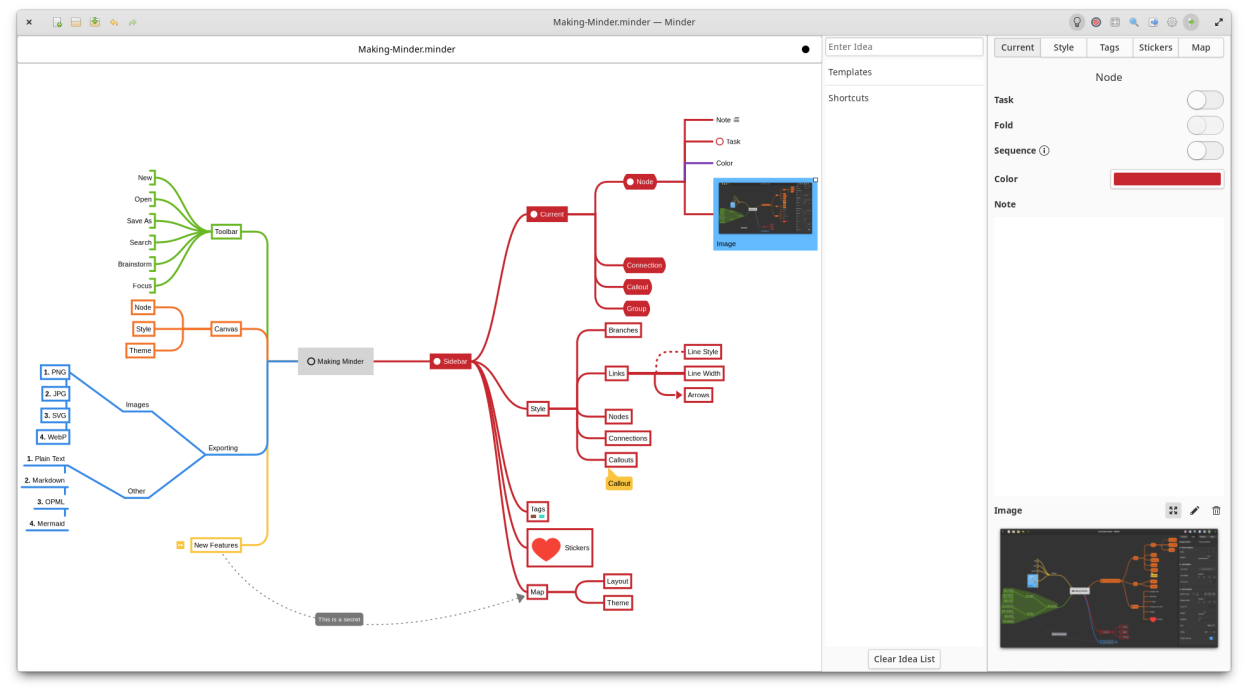
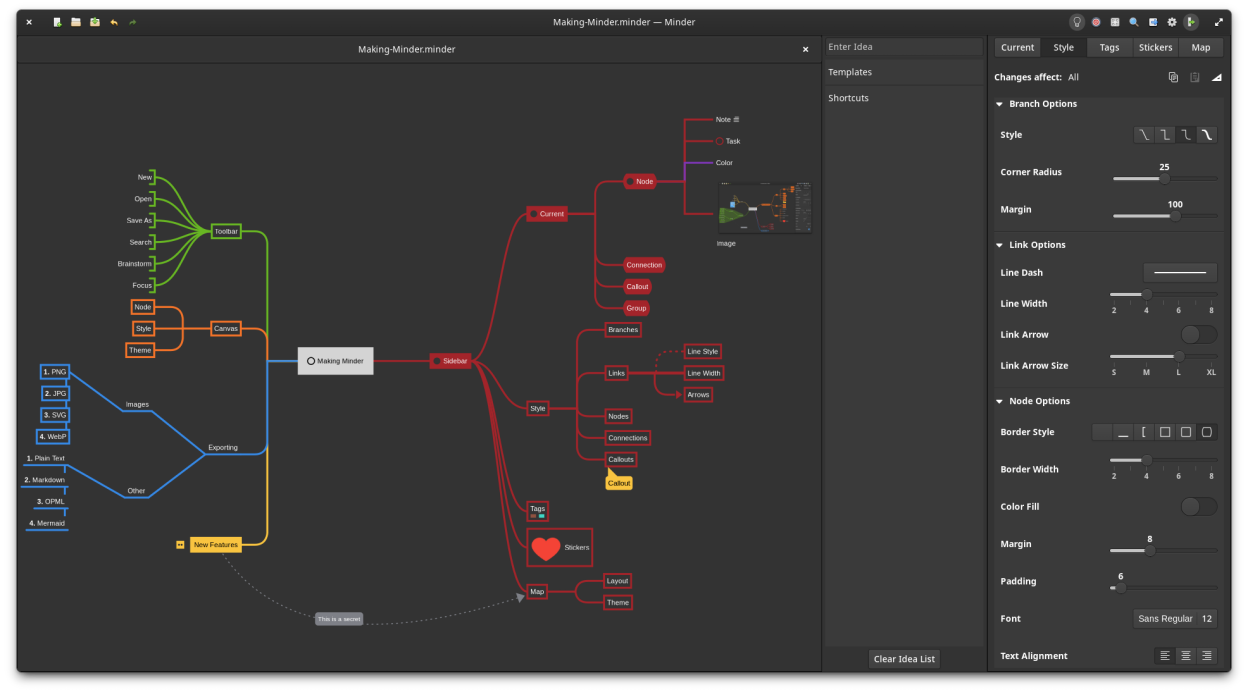
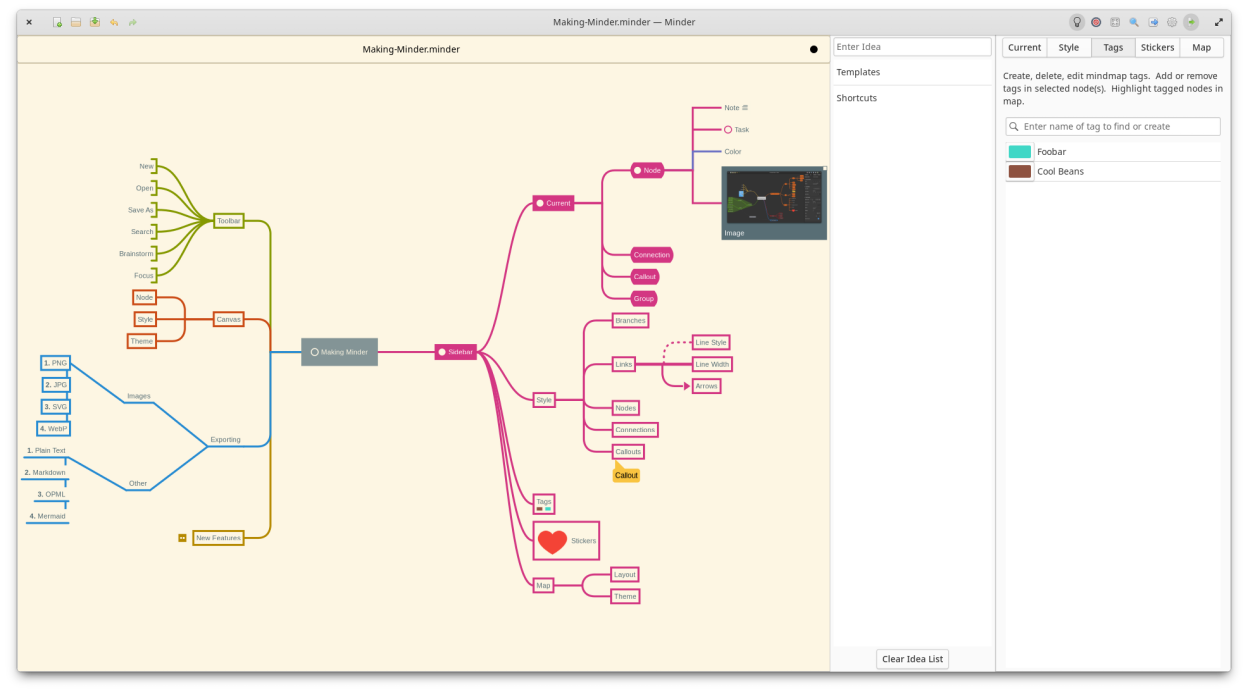
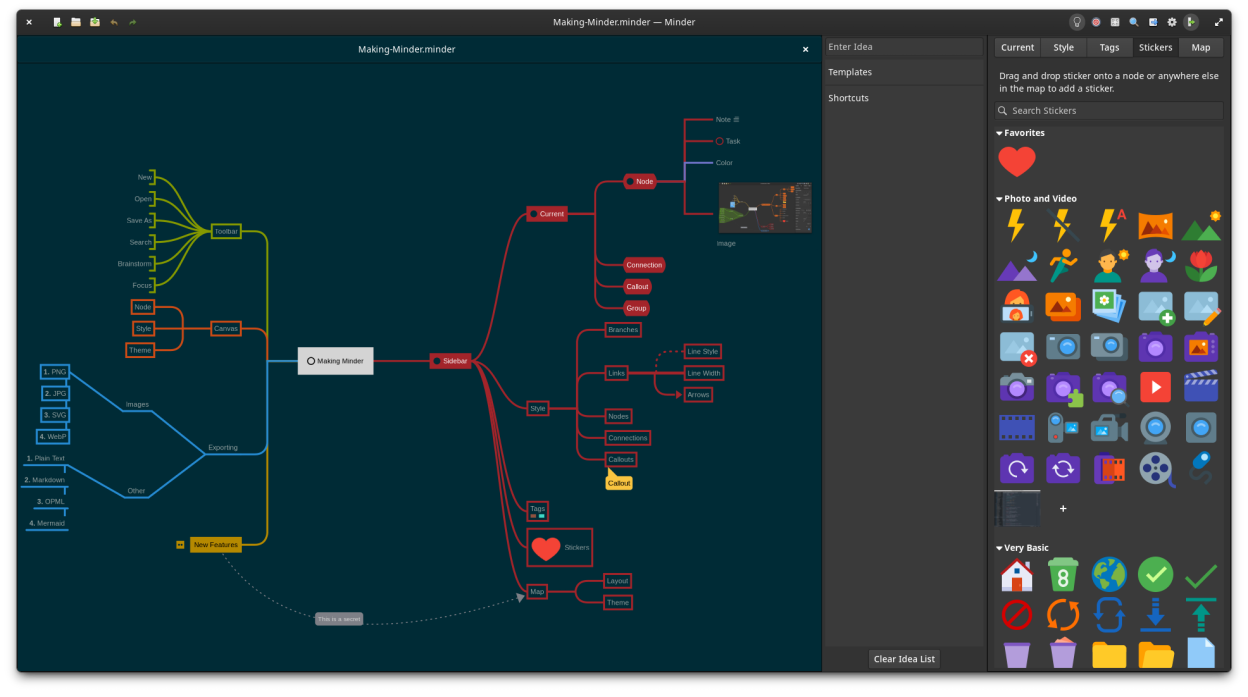
Observed history
| App | Change | Version | When ↓ |
|---|---|---|---|
| updated | 2.0.9 | 1 Oct 2026 |
Upstream releases
Release notes supplied by the developer. These dates are not Flathub package publication times.
2.0.919 Apr 2026
New
- Added syntax highlighting support for Markdown strikethrough and highlighting in notes.
- Added Markdown highlighting theming support.
- Added Markdown syntax insertion menus for canvas text and notes.
Changes
- Updated Italian translation (thanks to Albano Battistella).
Bug Fixes
- Fixed issues with saving custom themes.
- Fixed issue where nodes with rendered Markdown text were not updated when markdown enablement was changed in settings.
2.0.85 Apr 2026
Bug Fixes
- Fixed issue with rendering node text when themes are changed.
- Fixed Flathub linter warnings.
2.0.75 Apr 2026
Changes
- Added Georgian translation (special thanks to Ekaterine Papava).
- Removed markup characters from nodes when nodes are not being edited to improve display.
- Improved coloring of URLs when node is selected.
Bug Fixes
- Fixed issue resetting application shortcuts to the Minder defaults.
- Fixed issues with RTL language display.
- Fixed issue with selecting the first root node via keyboard shortcut when no other nodes are selected.
- Fixed issue with drag and drop of tags on nodes.
- Fixed issue with copying nodes with tags.
2.0.531 Jan 2026
Changes
- Improved .minder file icon image.
- Improved connection drawing to avoid lines overlapping with other connection lines.
Bug Fixes
- Fixed runtime string in About window.