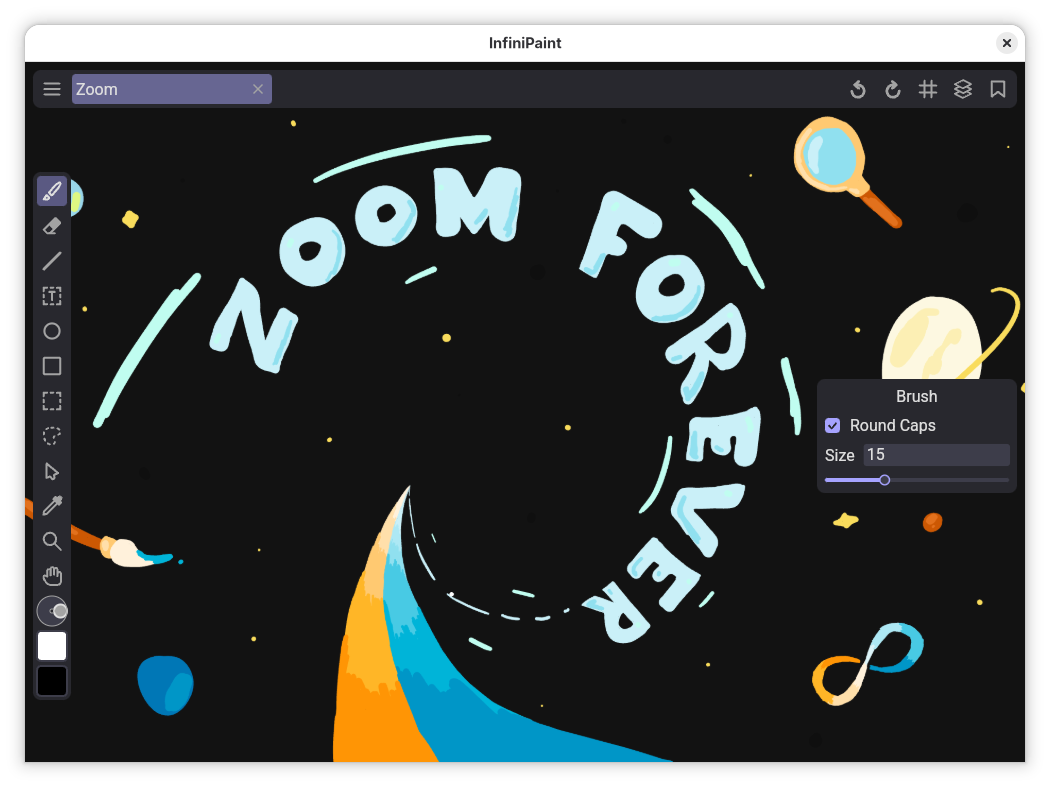
InfiniPaint is a collaborative, infinite space, infinite zoom, canvas note-taking/drawing app. Unlike many other infinite canvas apps, there is no zoom in or zoom out limit. This means that this app is very good at things such as drawing sketches of the solar system to scale, or just drawing any massive objects with tiny details. Of course, this app is also perfectly well suited for use as a normal canvas.
Features:
- Infinite canvas, with infinite zoom
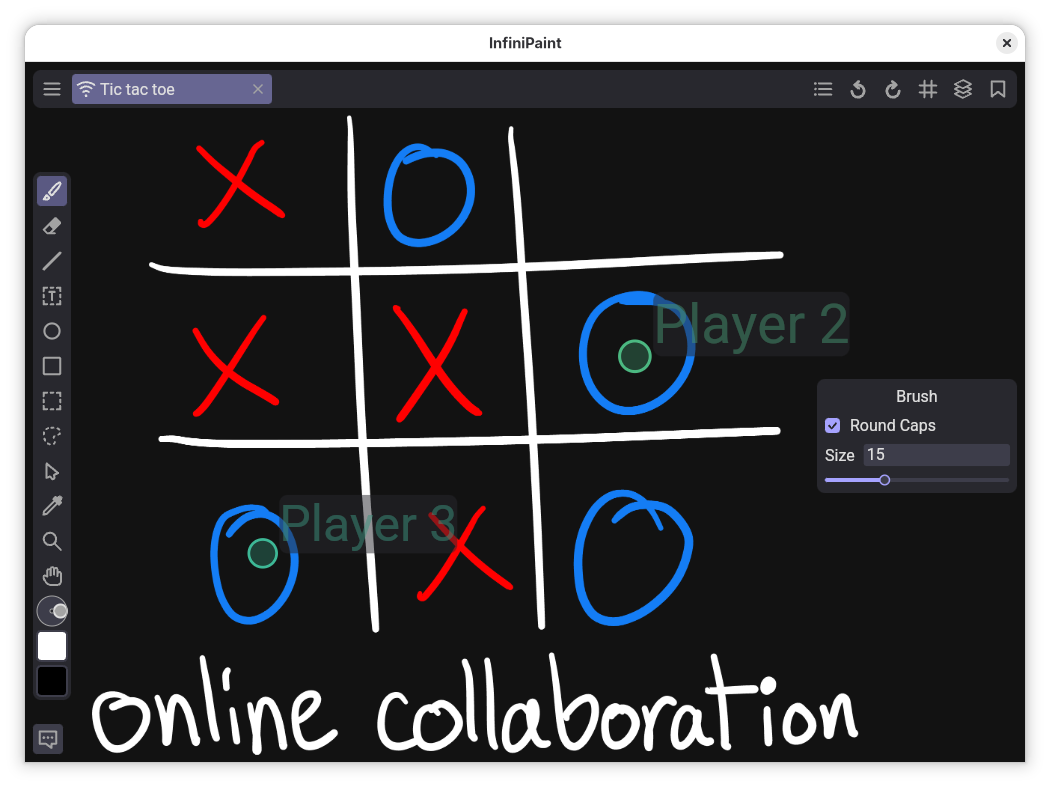
- Open online lobbies for collaboration
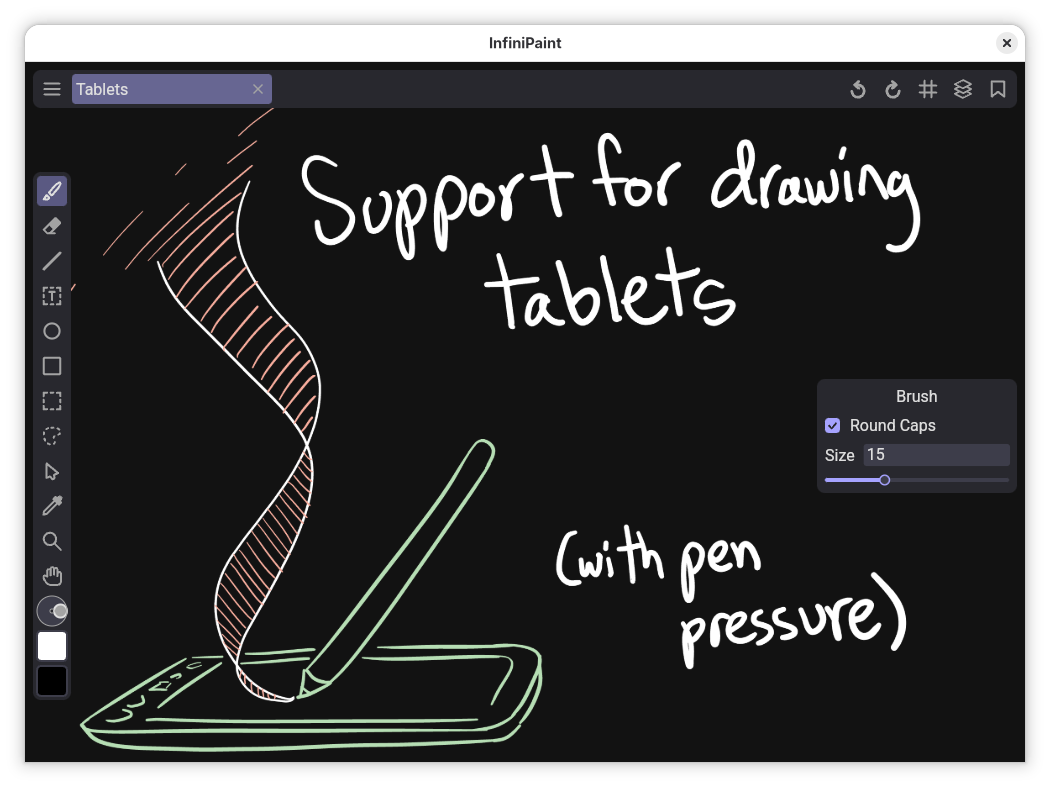
- Graphics tablet support (Pressure sensitive brush and eraser detection)
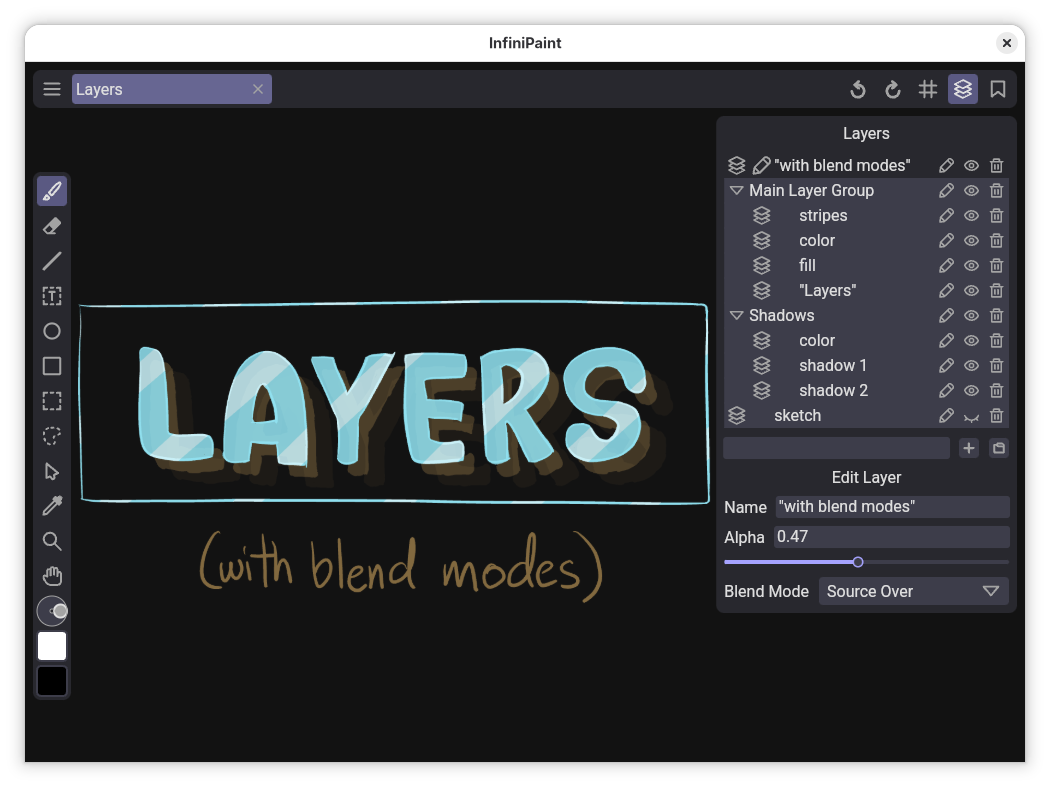
- Layers with blend modes
- Saveable color palettes
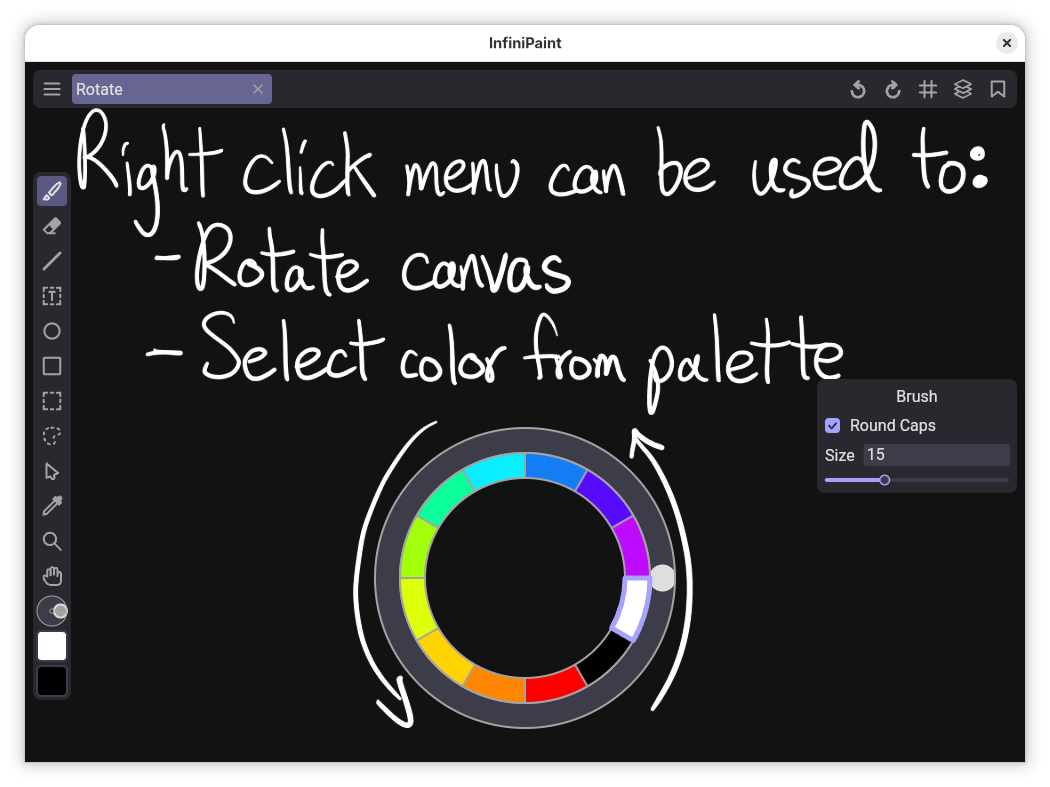
- Right click to open a quick menu
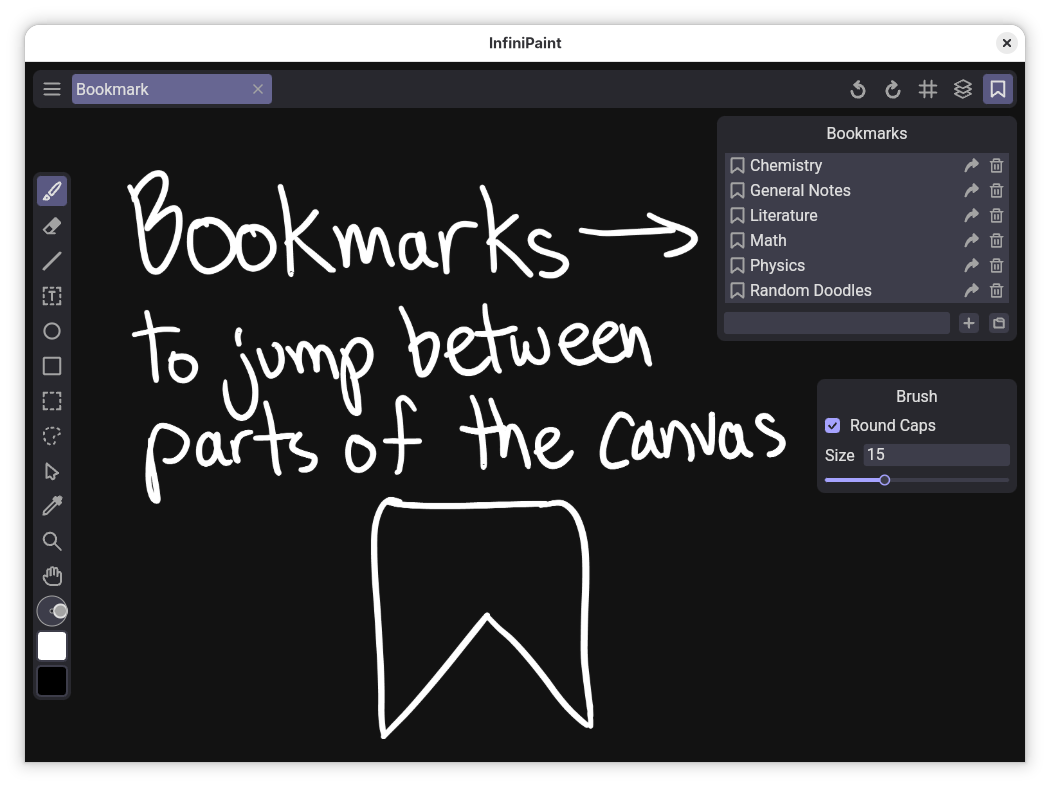
- Place bookmarks on the canvas to jump to later
- Undo/Redo
- Screenshot to export parts of the canvas to a picture (can export to raster formats or SVG)
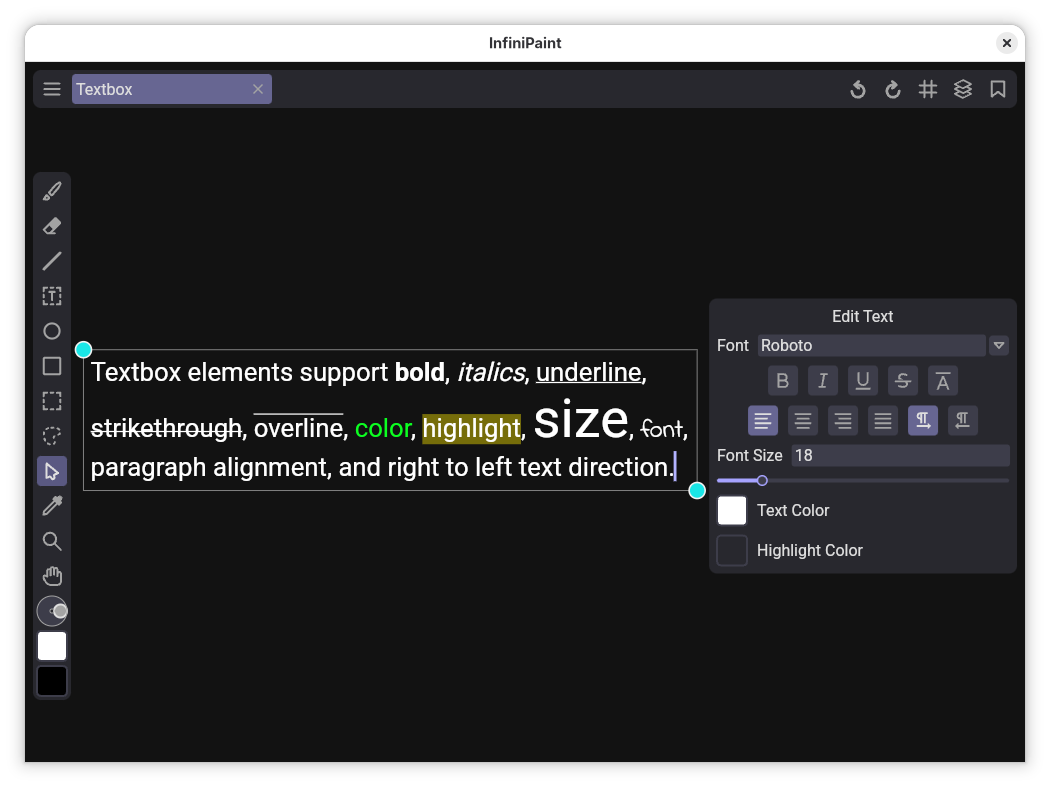
- Place text boxes with formatting
- Other tools such as: Rectangle select tool, Lasso select tool, Color picker tool, Grid tool, Rectangle tool, Ellipse tool, Line tool
- Copy and paste objects on the canvas, and between different canvases
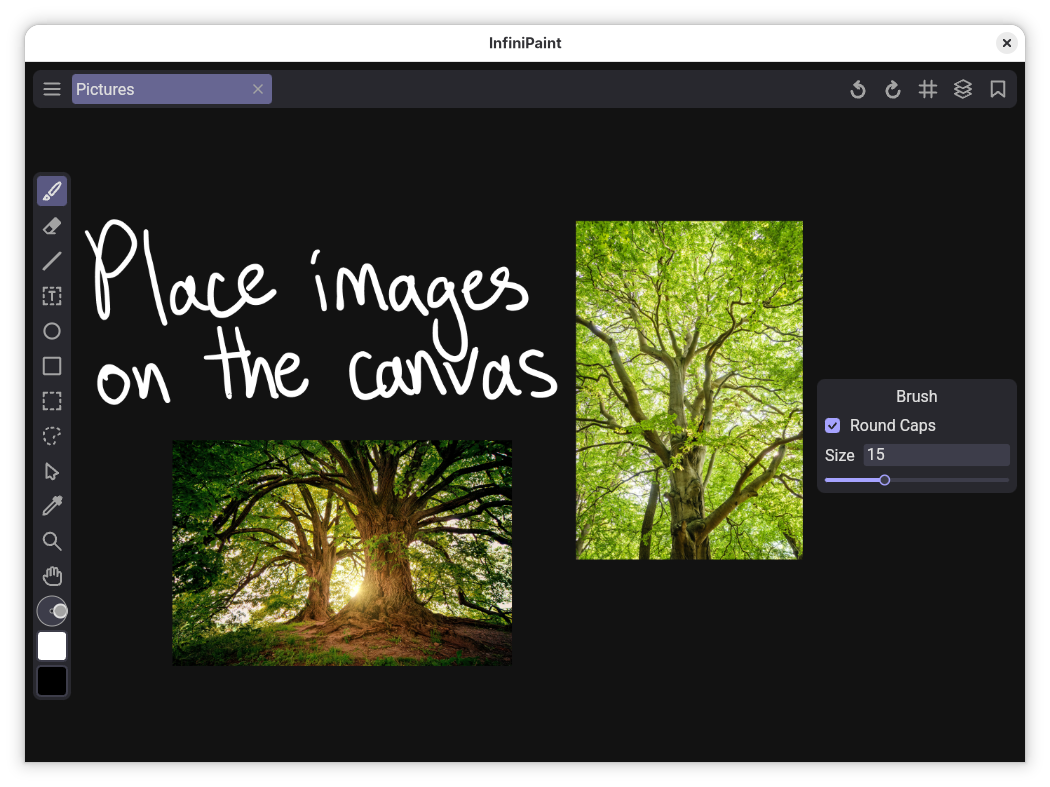
- Insert images and files on the canvas
Screenshots
Observed history
| App | Change | Version | When ↓ |
|---|---|---|---|
| updated | 0.6.3 | 14 Oct 2026 |
Upstream releases
Release notes supplied by the developer. These dates are not Flathub package publication times.
0.6.314 Oct 2026
Patch update:
- Fixed window scaling issues under Wayland that caused the program to crash
0.6.210 Oct 2026
Minor update:
- Big improvements to touch support, with addition of touch settings tab
- Added rotation angle popup
- Fixed crash when loading very old files
- Textboxes now show text being composed
- Wayland is now used by default
0.6.18 Sept 2026
Patch update:
- Added fill color 1 and back color 0 to theme editor
- Added disable touch for drawing option
0.6.04 Jun 2026
Major update:
- Added "Erase details" option to eraser
- Meshes (brushstrokes and lines) consume less memory
- Zooming into edges is consistent across computers
- Fixed canvas scale up bug online
- Fixed crash when downloading resource from canvas
- Locked brush size saved in files
- App doesn't crash when attempting to open an invalid file from "Open with" menu
- Added foreground and background FPS cap to improve efficiency