
About JPEG2PDF
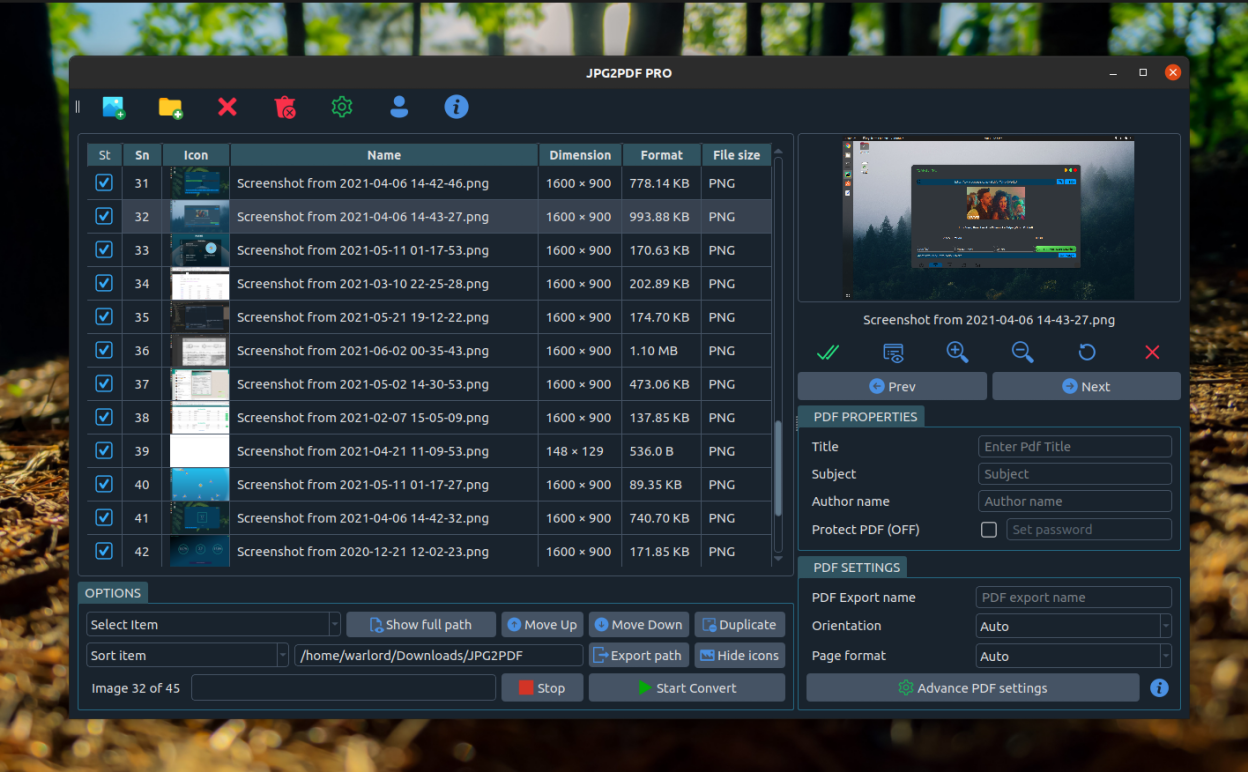
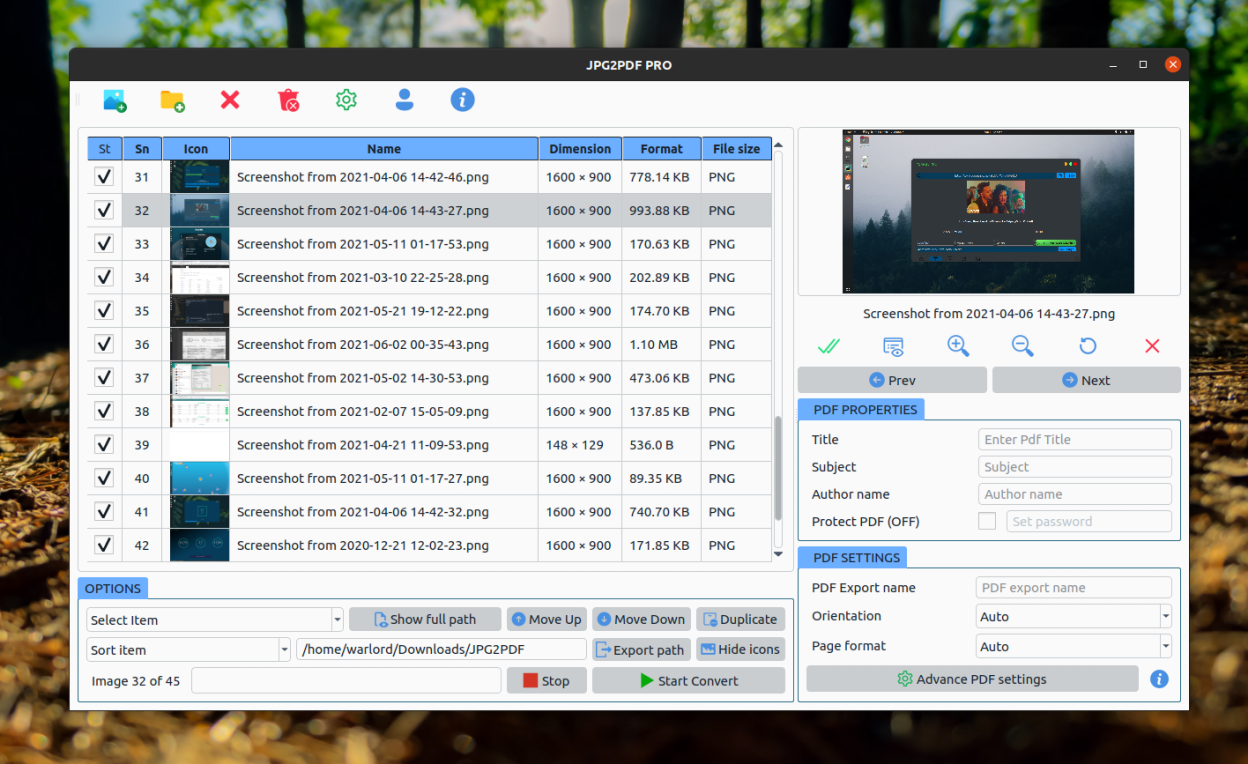
JPEG2PDF is a fast and easy-to-use image to PDF converter for Linux. Convert JPG, JPEG, PNG, BMP, GIF, TIFF, SVG, WebP, and other image formats into high-quality PDF documents in just a few clicks. Create single or multi-page PDF files from your photos and images while preserving image quality and page layout.
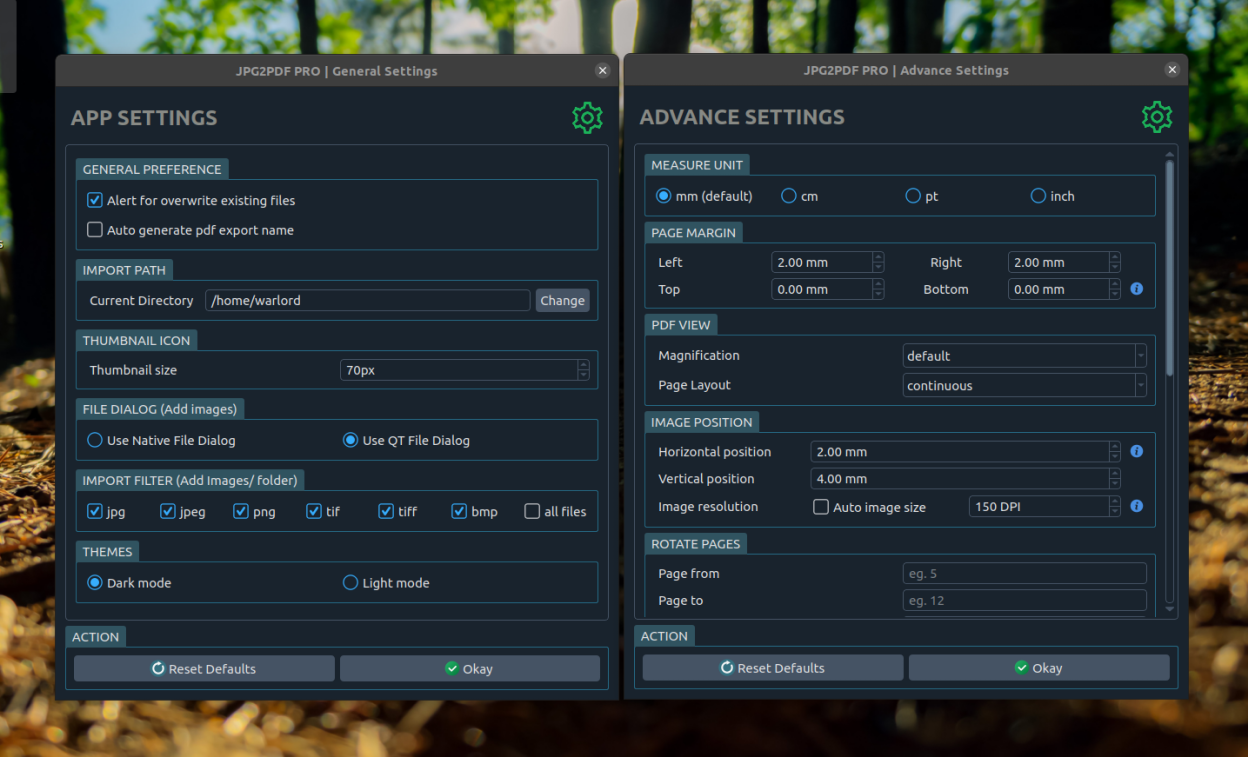
Whether you need to convert scanned documents, photos, screenshots, receipts, or artwork into PDF, JPEG2PDF provides powerful customization options, including page size, margins, orientation, DPI, page numbering, grayscale conversion, and AES-256 PDF encryption.
Features
- Convert JPG, JPEG, PNG, BMP, GIF, TIFF, SVG, WebP, and other image formats to PDF.
- Batch convert multiple images into a single PDF or create separate PDF files.
- Automatic image orientation and intelligent page formatting.
- Adjust page margins and image alignment.
- Support for standard paper sizes including A4, A3, A5, Letter, Legal, and more.
- Rotate selected images or PDF pages before exporting.
- Create grayscale or black-and-white PDF documents.
- Add automatic page numbers with customizable fonts and styles.
- Set custom DPI for optimal print and image quality.
- Protect PDF documents using AES-256 encryption with password security.
- Fast, lightweight, and privacy-friendly with all processing performed locally.
Screenshots
Observed history
| App | Change | Version | When ↓ |
|---|---|---|---|
| updated | 2026.10.1 | 14 Oct 2026 |
Upstream releases
Release notes supplied by the developer. These dates are not Flathub package publication times.
2026.10.114 Oct 2026
A big update with many features requested by users:
- Sort images by name, date changed, file size or date taken, drag them into any order, or move them to the top or bottom
- New images are ticked automatically; click the tick column header to tick or untick all
- Rotate or crop single images; your image files are never changed
- Put 2, 4, 6 or 9 images on one page, great for receipts and ID cards
- Make a separate PDF for each image with the same name, including all pages of multi-page TIFF files
- Make PDFs smaller with image compression
- Clean up scans: straighten tilted pages, cut off dark borders and make text clearer
- Split into several PDFs, or add images to the end of an existing PDF
- Legal and custom page sizes
- Presets, PDF preview, undo, built-in help and keyboard shortcuts
- Save PDFs to any folder, including USB drives
- Clearer, larger text with an adjustable text size, and plain-language messages
- Fixed: PDFs are now saved in the JPEG2PDF folder shown in the app (PDFs made before stay in the JPGE2PDF folder)
2026.7.21 Jul 2026
Runtime updates
2024.2.11 Feb 2024
Stable release 2024.2.10 revision 2