
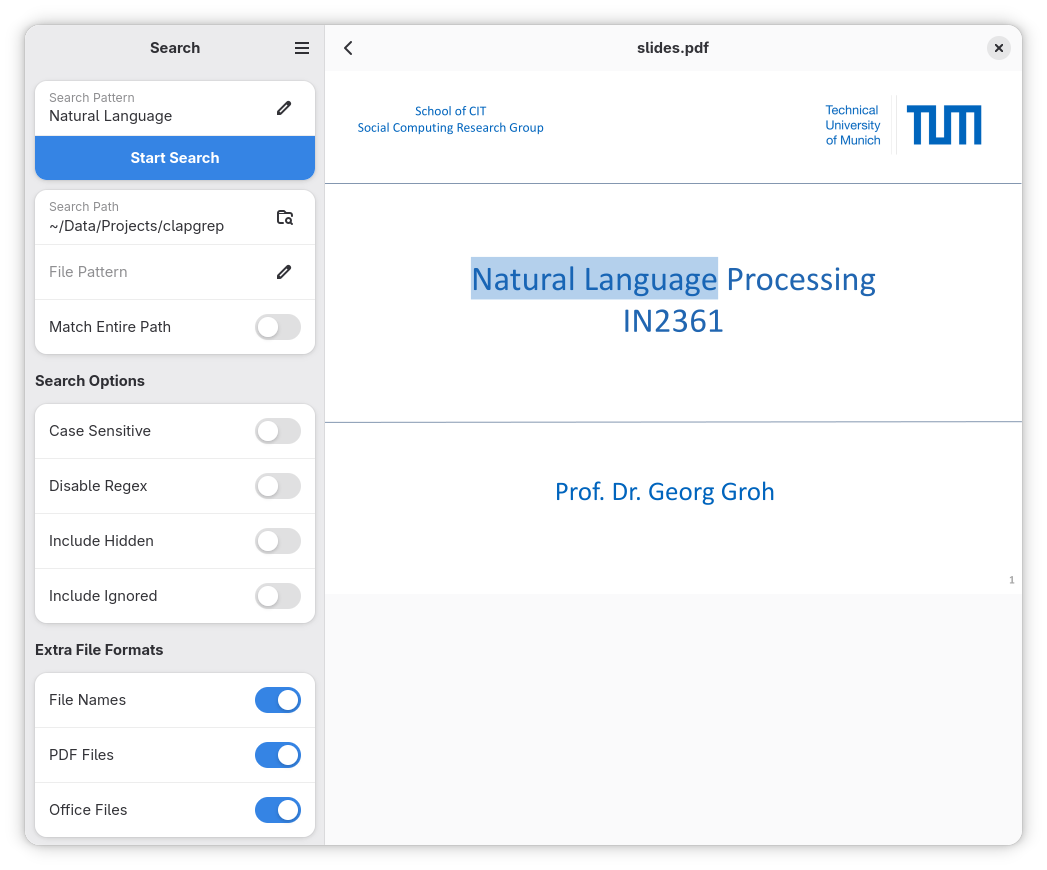
Ever had a folder full of PDF files, where you knew, somewhere in there, is what you're looking for. But you did not know in which file. So you had to search each of them at a time...
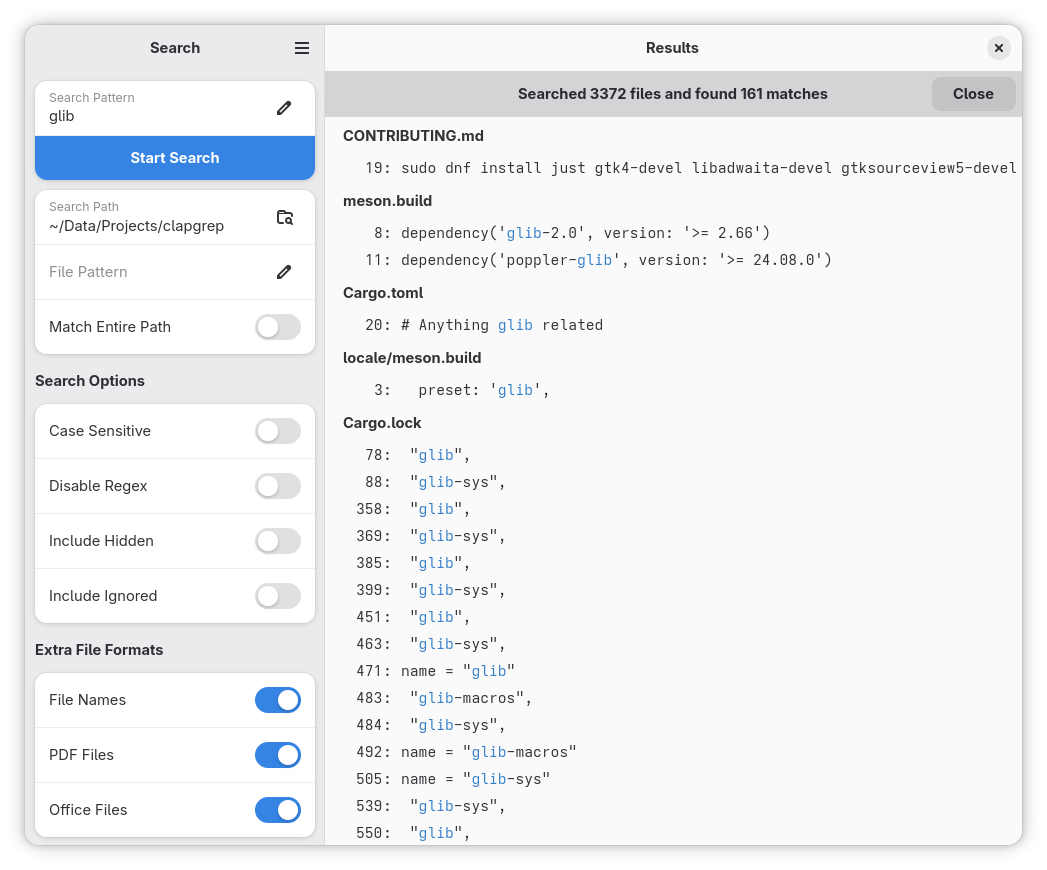
With Clapgrep this is no longer necessary! Simply open the folder with Clapgrep, enter the search term, and Clapgrep will do all the hard work of finding out on which page / line in which file the information is that you are looking for!
Clapgrep can currently search all sorts of text files, PDFs and Office documents, with more to come.
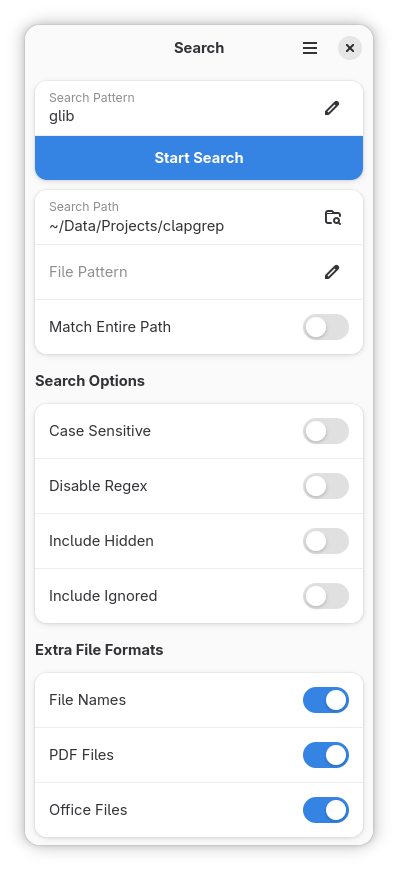
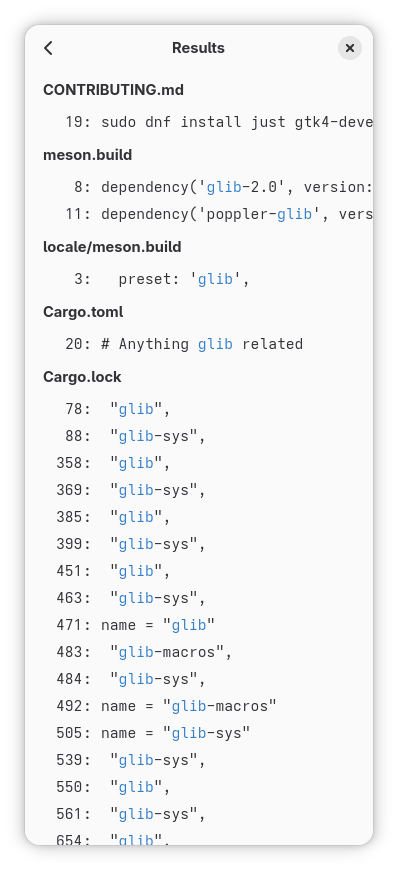
Screenshots
Observed history
| App | Change | Version | When ↓ |
|---|---|---|---|
| updated | 26.09 | 6 Oct 2026 |
Upstream releases
Release notes supplied by the developer. These dates are not Flathub package publication times.
26.092 Sept 2026
Translations:
- Added Czech translations.
- Added Spanish translations.
- Added Turkish translations.
- Added Chinese translations.
- Added Tamil translations.
- Updated Russian translations.
Bug fixes:
- Null bytes in files are now properly handled.
- The hidden file search toggle was inverted.
- Prevent multiple windows as it currently behaves very weirdly.
- Fix Nautilus extension support when not installed via Flatpak.
26.0211 Feb 2026
Translations:
- Updated German translations.
- Set up Weblate to make contributing translations easier.
Bug fixes:
- Increased minimum window width to 360px to avoid clipping.
25.1031 Oct 2025
Translations:
- Added French translations.
- Updated Occitan translations.
Bug fixes:
- Fixed a crash when attempting to re-open a directory which no longer exists.
25.0921 Sept 2025
New Features:
- Switched to the new Adwaita shortcuts dialog.
Bug fixes:
- Reduced memory usage.
- Improved UI responsiveness during search.
- Fixed keyboard navigation in the results list.