
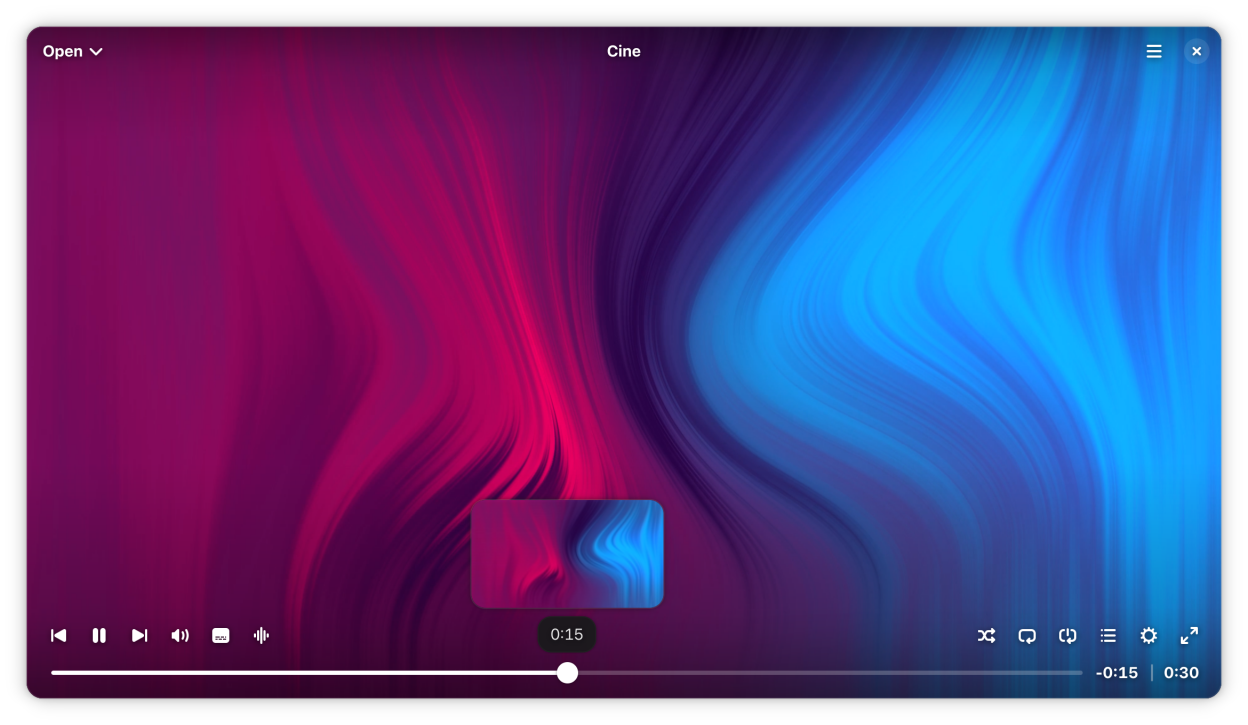
Cine combines a clean interface with a high-performance engine to deliver a seamless viewing experience.
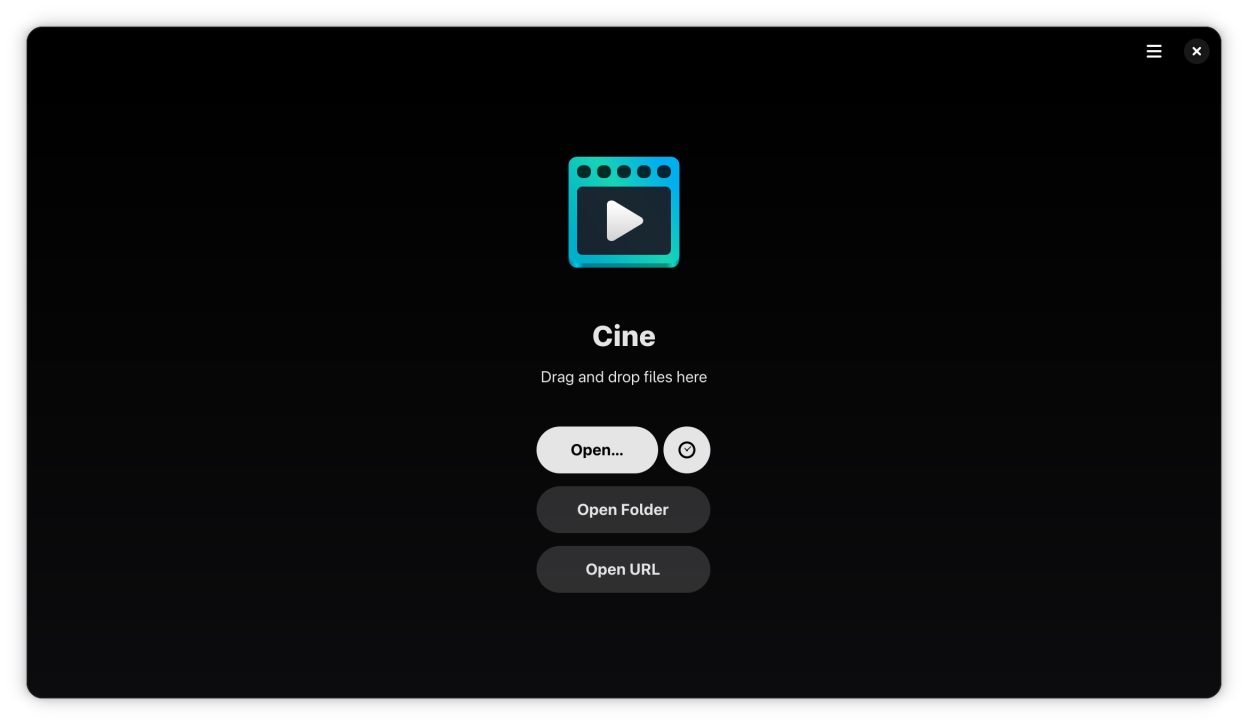
- Simple Design: A refined, distraction-free interface
- MPV-Based: Leverages the robust power of MPV for great playback and format support
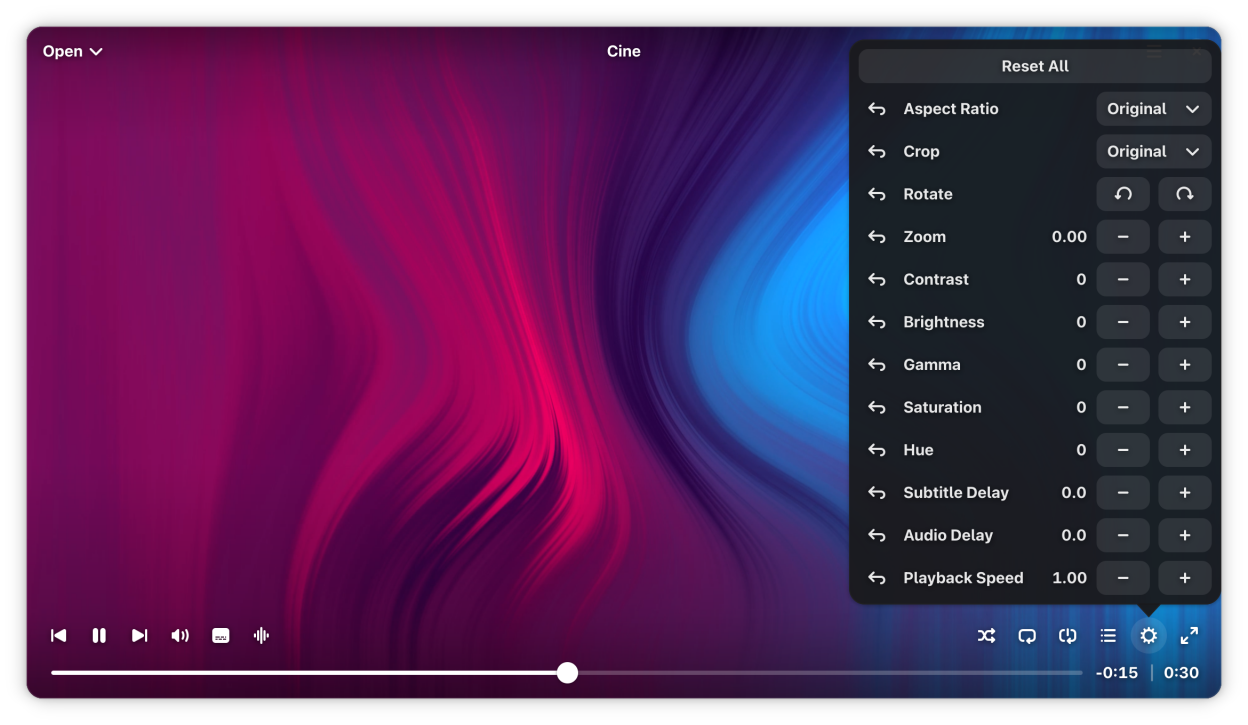
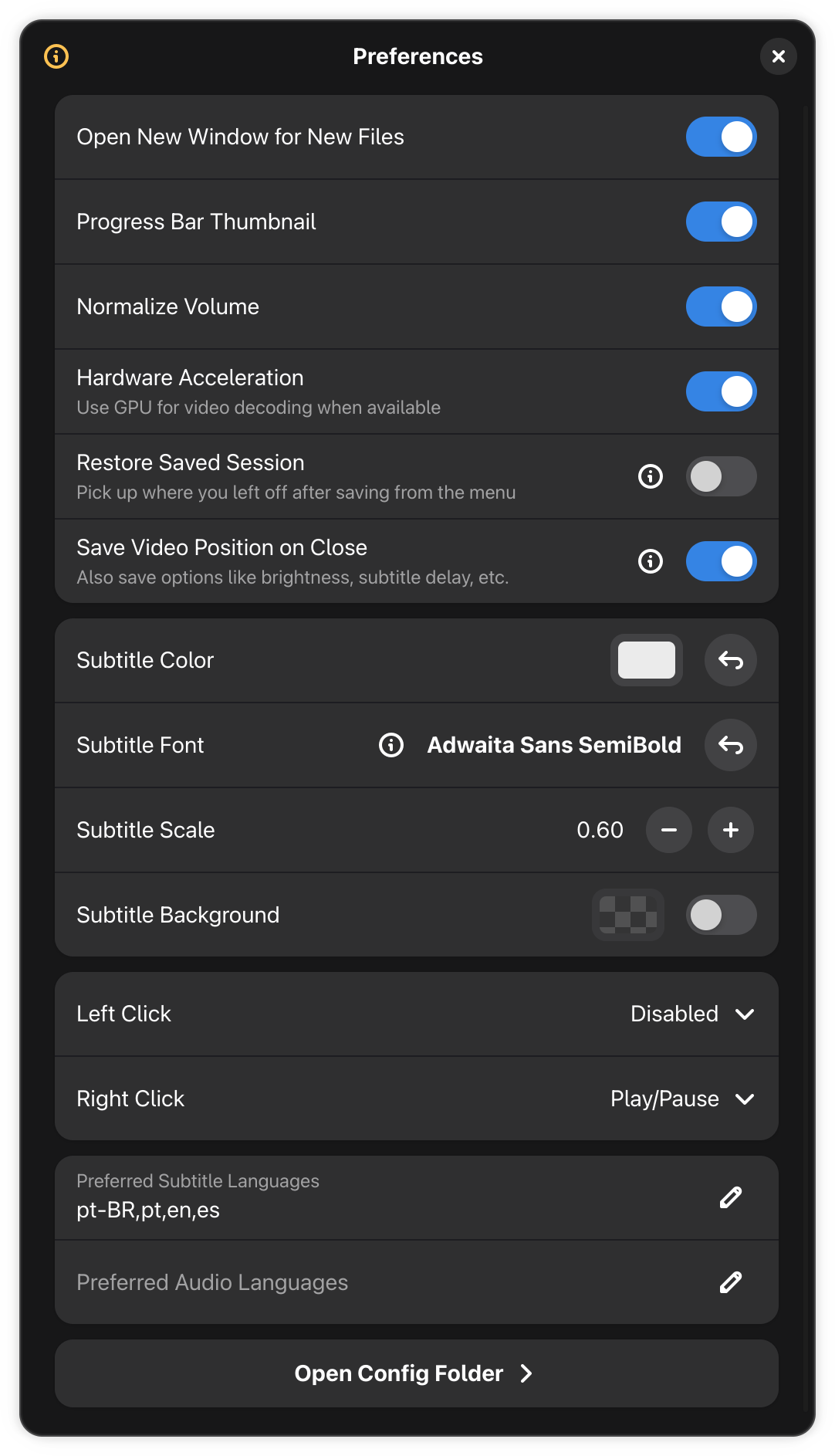
- Audio and Subtitles: Control track selection and synchronization for both
- Video Controls: Easily adjust brightness, contrast, zoom, aspect ratio, etc.
Screenshots
Observed history
| App | Change | Version | When ↓ |
|---|---|---|---|
| updated | 1.8.6 | 24 Sept 2026 |
Upstream releases
Release notes supplied by the developer. These dates are not Flathub package publication times.
1.8.624 Sept 2026
- Added Czech translation
- Updated GNOME runtime to 51
1.8.416 Aug 2026
- Changed directory filter types to load images in playlist as well
- The loop state is now persistent
- Video flip now works with hardware decoding enabled
- Fixed thumbnail wrongly showing for online videos
- Fixed seek bar chapter marks not showing sometimes
1.8.23 Aug 2026
- New: Added A-B Loop button
- Fixed thumbnail showing for audio files
- Fixed drop overlay being stuck sometimes
1.8.129 Jul 2026
- Added a preference for Graphics Offload; disable if you encounter playback issues
- Is now possible to set "ENTER" or "KP_ENTER" keys in input.conf
- Improved performance of time/chapter tooltip
- Thumbnail preview is super fast now
- Moving the cursor over the tooltip/thumbnail while scrubbing will not lose the drag event anymore
- Fixed HDR not working for thumbnail
- Fixed a crash that could occur when hiding the time tooltip
- Fixed video jitter while scrubbing and stopping
- Fixed some custom keys not working
- Fixed subtitle file drop not adding when video was paused