
Image Compare
Image comparison and visual diff tool
gimletlove ✓ Verified
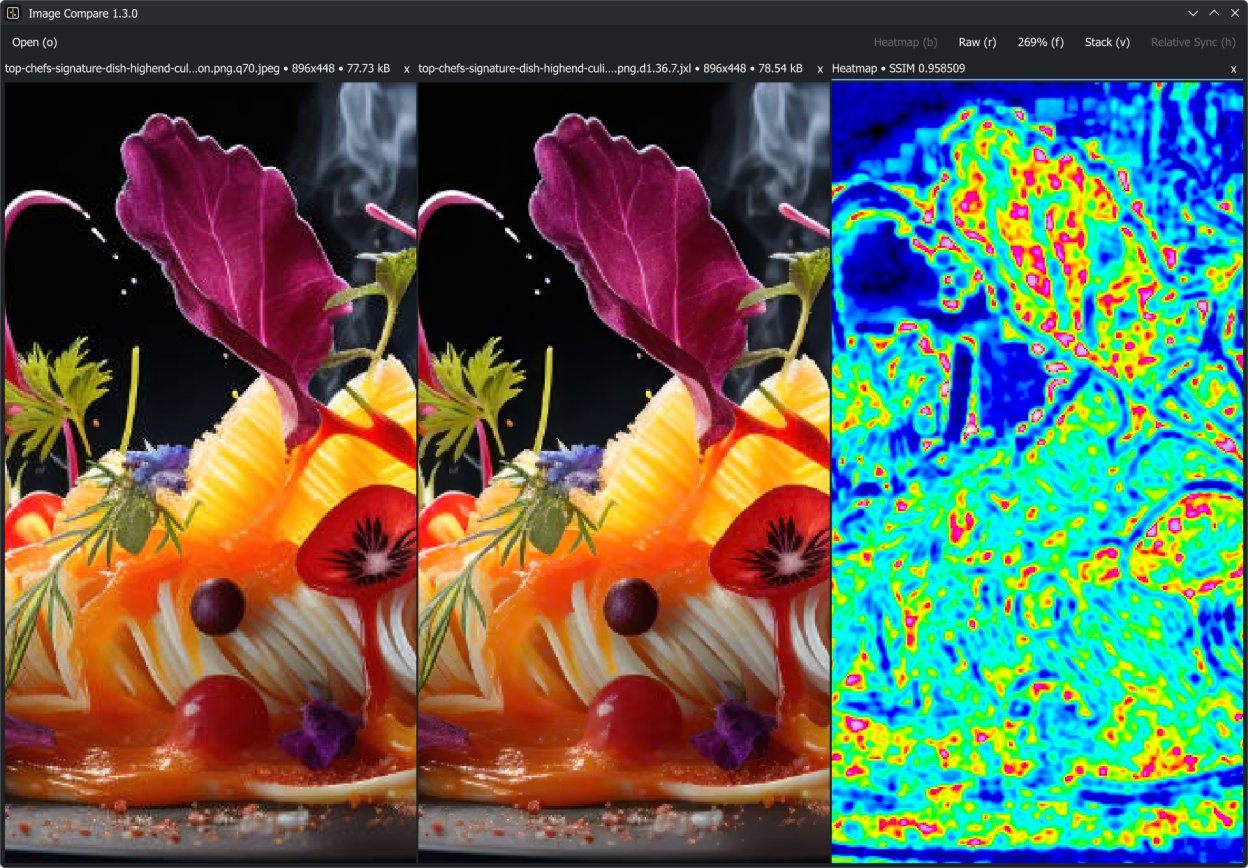
io.github.gimletlove.imagecompareImage Compare is a desktop image comparison and visual diff tool for Linux and Windows. Compare two or more images side by side, in a stacked view, or in a grid layout, and generate luminance SSIM heatmaps to highlight structural differences between two images.
Use it to compare different versions of the same image, choose the best-quality copy from multiple sources, check compression artifacts, inspect scans or image exports, compare edited or upscaled versions, and catch subtle changes in color, sharpness, cropping, scaling, or encoding.
- Open images using drag-and-drop, the file picker, command-line arguments, or a file manager's Open With action
- Compare up to 12 images side by side, in a stacked view, or in a grid layout
- Synchronize zoom and pan across all images
- Keep the same proportional region visible across different resolutions
- Lock individual images to zoom and pan them independently
- Flip between images in the same position using stacked view
- Generate and export luminance SSIM heatmaps to highlight structural differences between two images
- Switch between color-managed rendering using embedded profiles and raw rendering
- Copy image paths, open containing folders, and close files from image context menus
Screenshots
Observed history
| App | Change | Version | When ↓ |
|---|---|---|---|
| updated | 1.4.0 | 1 Oct 2026 |
Upstream releases
Release notes supplied by the developer. These dates are not Flathub package publication times.
1.4.01 Oct 2026
- Support up to 12 images with a more balanced grid layout
- Generate heatmaps even faster using multiple CPU cores
- Build heatmaps from the displayed images without decoding the files again
- Match transparency handling in luminance comparisons to the black viewer background
- Disable stacked image cycling while an image is focused
- Simplify large parts of the codebase and some bug fixes
1.3.012 Aug 2026
- Replace the remaining libvips functionality with Qt-native APIs
- Replace dE00 heatmaps with luminance SSIM heatmaps
- Significantly reduce heatmap generation time and memory usage
- Many general fixes and improvements
- Rework and simplify large parts of the codebase
1.2.123 Jul 2026
- Add option to lock individual images from the synchronized zooming and panning
- Show the application version in the window title and add the application icon to Windows builds
- Improve workspace labels, spacing, and tooltips
1.2.016 Jul 2026
- Improve rendering for significantly reduced memory usage and cpu usage during panning/zooming
- Load images up to 4x faster with half peak memory usage
- Generate heatmaps 30% faster with 55% lower peak memory usage
- Improve QML compilation, workspace controls, image export, and application shutdown handling