

Use the power of mind-mapping to make your ideas come to life. Minder provides a mindmap creation and exploration environment that focuses on a clean interface with smooth animations and rich, expressive elements to help capture and organize your ideas quickly and stay in the your flow.
- Quickly create visual mind-maps using the keyboard and automatic layout.
- Choose from many tree layout choices.
- Support for Markdown formatting.
- Support for insertion of Unicode characters.
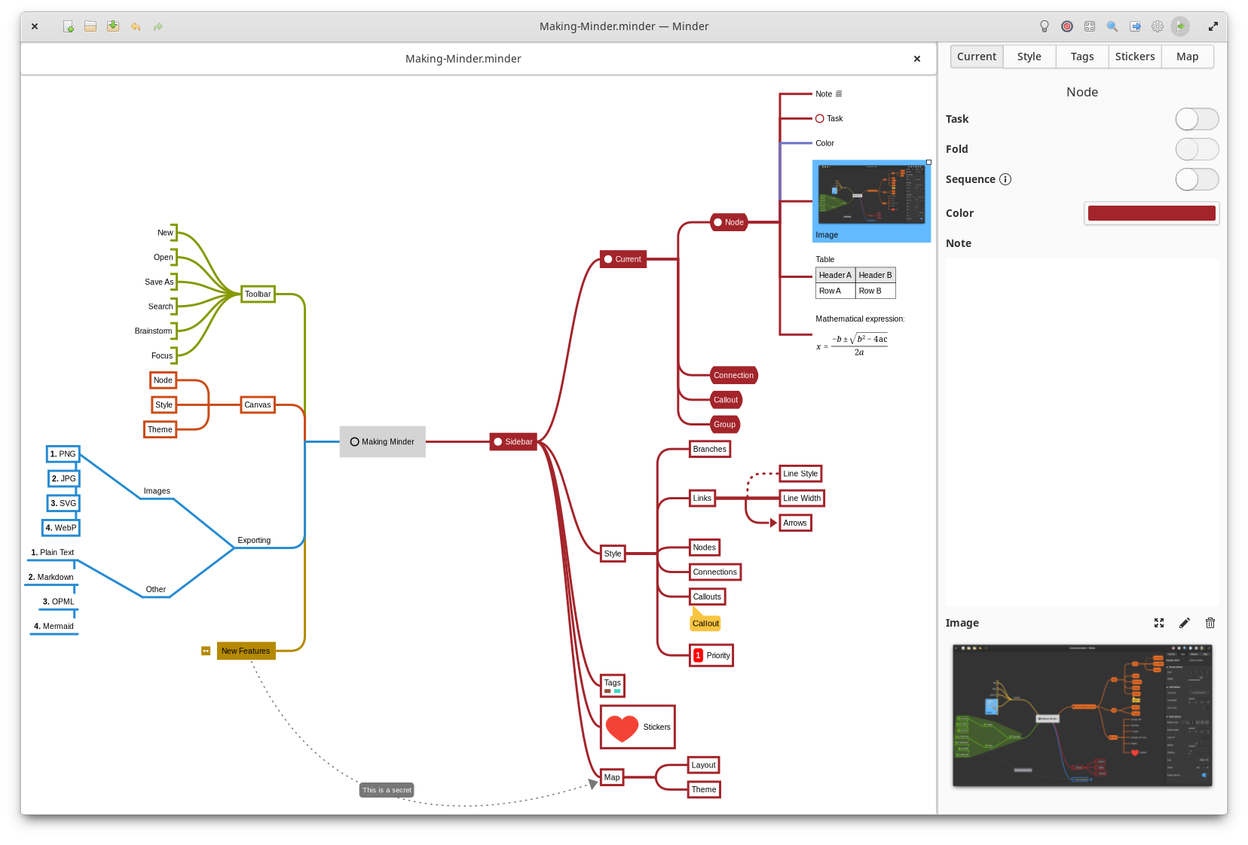
- Add notes, tasks, images, formulas and tables to your nodes.
- Add node-to-node connections with optional text and notes.
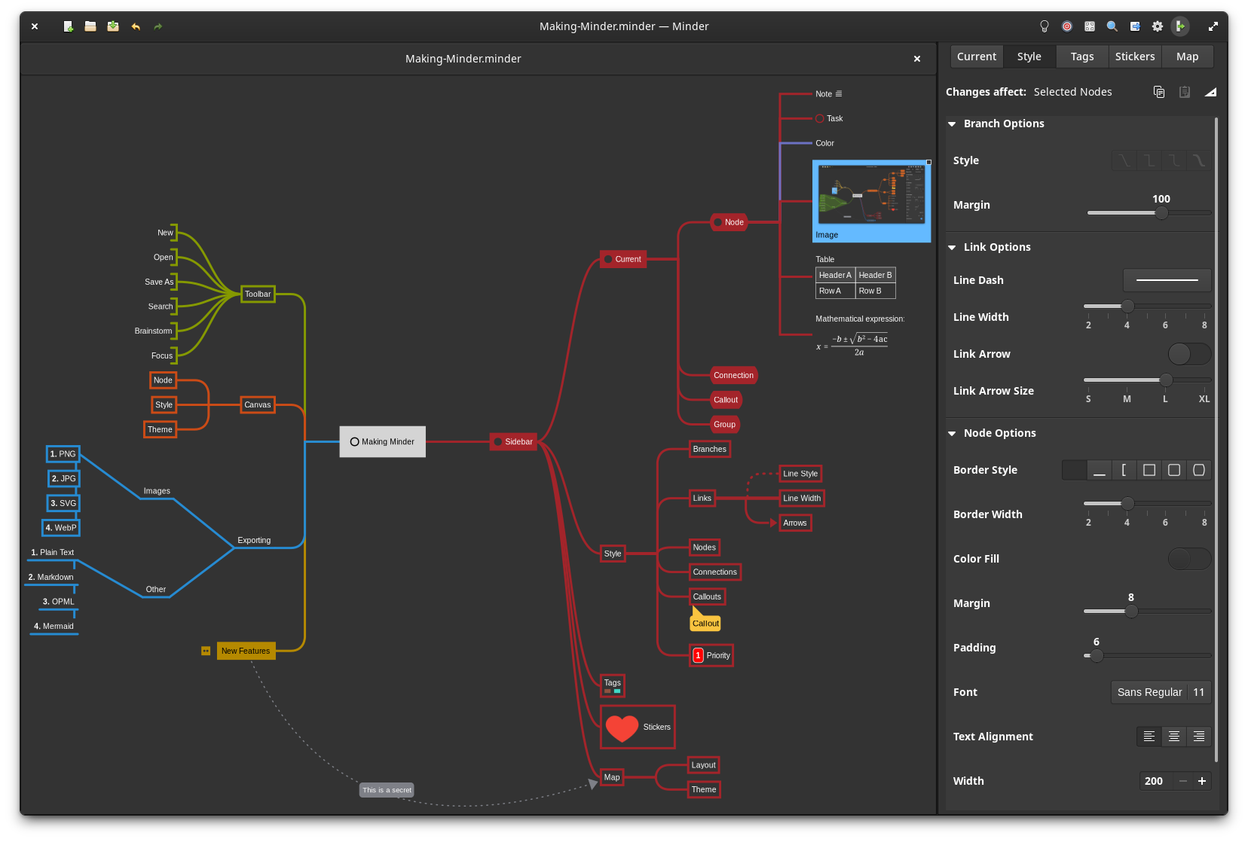
- Stylize nodes, callouts, links and connections to add more meaning and improve readability.
- Save and reuse style settings within and across open mindmaps.
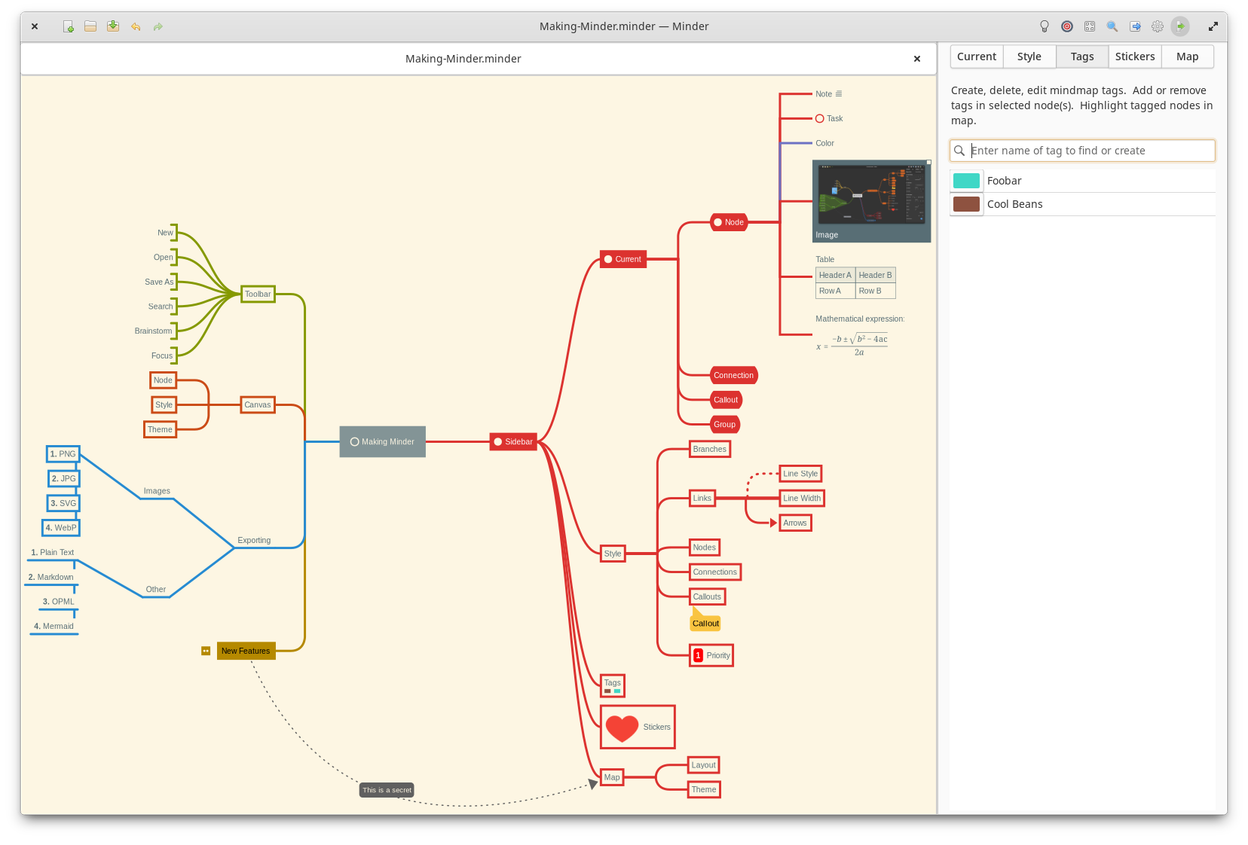
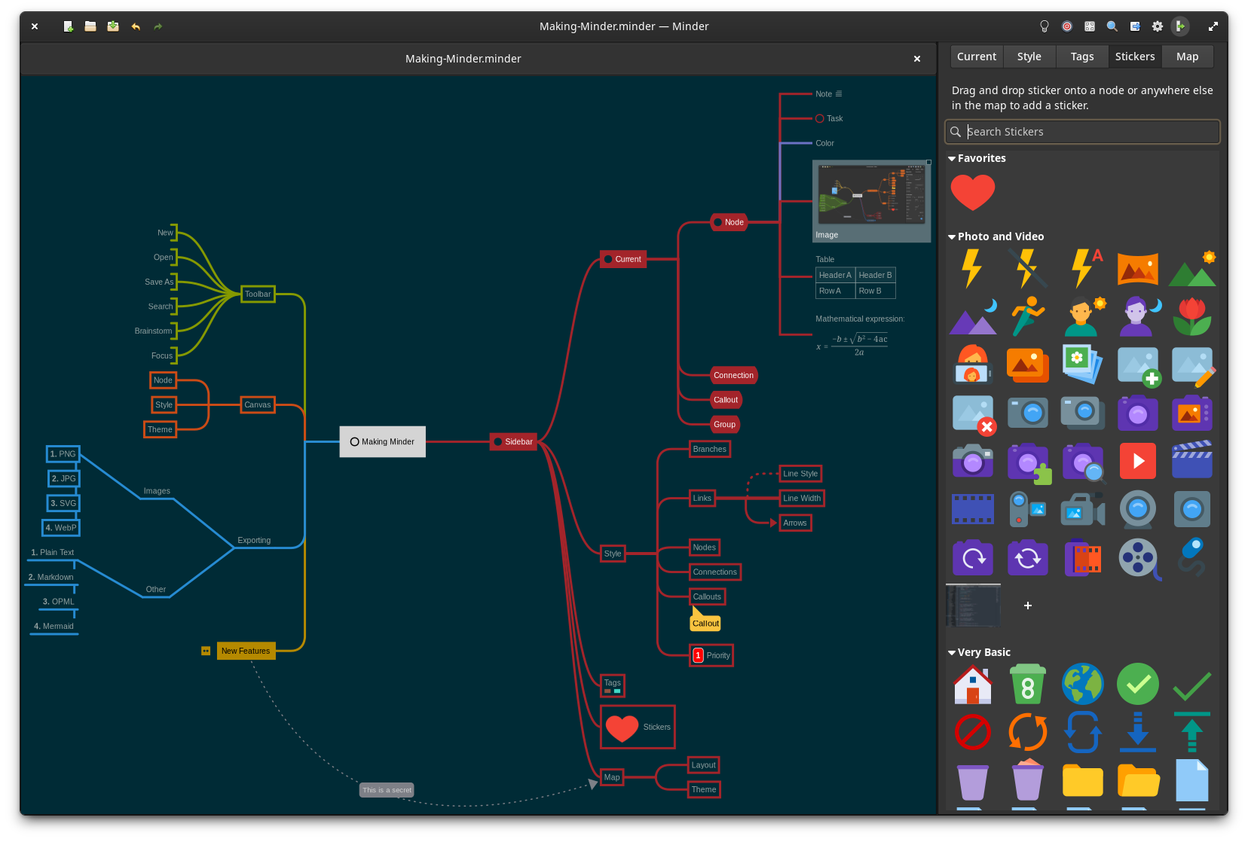
- Add stickers, tags, callouts and node groups to call out and visibly organize information.
- Quick search of node and connection titles and notes, including filtering options.
- Zoom in or enable focus mode to focus on certain ideas or zoom out to see the bigger picture.
- Enter focus mode to better view and understand portions of the map.
- Quickly brainstorm ideas with the brainstorming interface and worry about where those ideas belong in the mindmap later.
- Unlimited undo/redo of any change.
- Automatically and manual saving supported.
- Colorized node branches.
- Open multiple mindmaps with the use of tabs.
- Built-in and customizable theming.
- Gorgeous animations.
- Import from OPML, FreeMind, Freeplane, PlainText/Markdown (formatted), Outliner, Portable Minder, filesystem and XMind formats.
- Export to CSV, FreeMind, Freeplane, JPEG, BMP, SVG, WebP, Markdown, Mermaid, Mermaid Mindmap, OPML, Org-Mode, Outliner, PDF, PNG, PlainText, filesystem, XMind and yEd formats.
- Printer support.
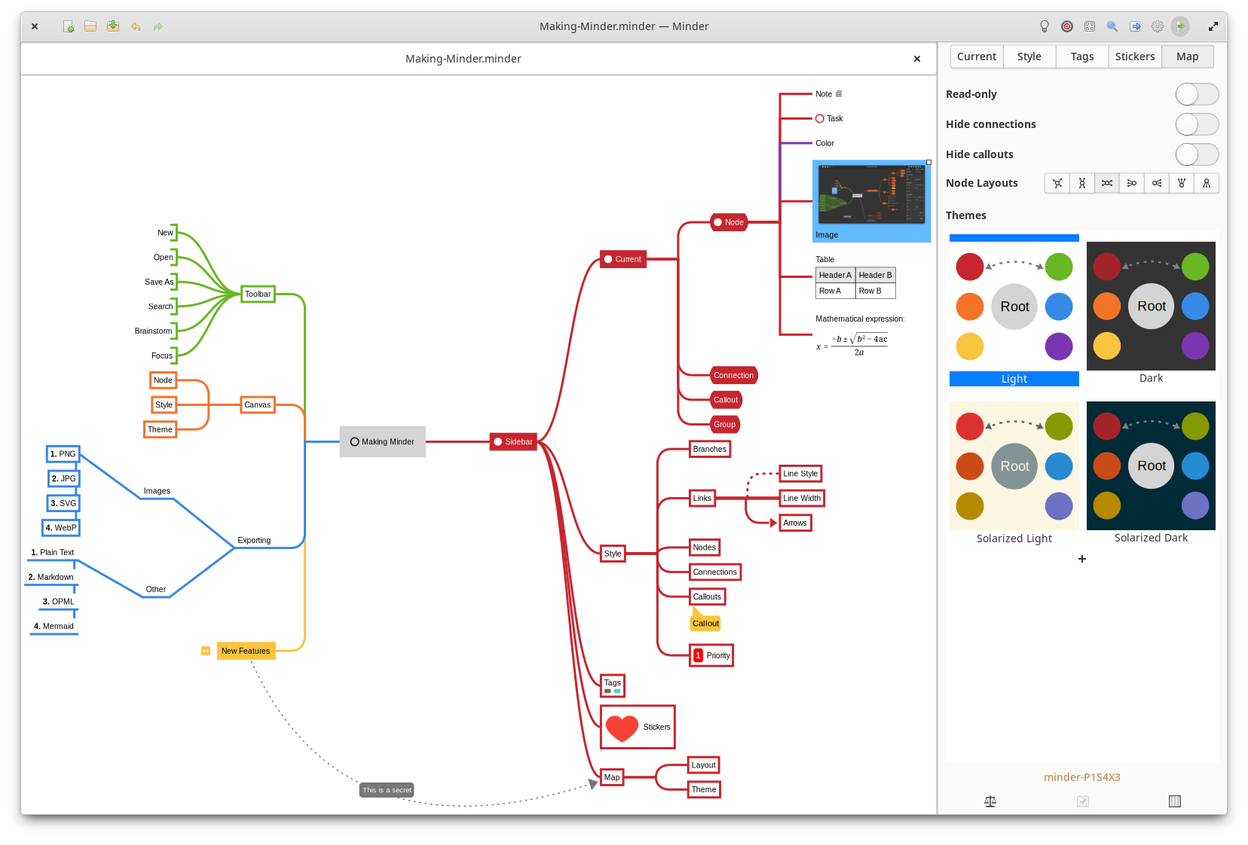
Screenshots
Observed history
| App | Change | Version | When ↓ |
|---|---|---|---|
| new | 3.0.0 | 13 Nov 2026 |
Upstream releases
Release notes supplied by the developer. These dates are not Flathub package publication times.
3.0.026 Oct 2026
Important Note: This release changes Minder's application ID which effectively makes it new application according to your system. If you have previously used Minder, it is highly recommended that you save any unsaved documents in the older version of Minder to your file system; otherwise, your data could be lost. Note that any mindmaps created with 2.x versions of Minder will still be compatible with this version.
New
- Added keyboard support for moving up and down search results in search entry field.
- Added support for showing Markdown text styling in callouts and connections.
- Added support for removing Markdown markup in callouts and connections.
- Added support for displaying highlighted text in note tooltips.
- Added new default keyboard shortcuts for attaching nodes.
- Added support for embedding LaTeX formulas in node text (thanks to @dragonleopardpig).
- Added support for formula OCR on image paste (thanks to @dragonleopardpig).
- Added support for editable tables in nodes (thanks to @dragonleopardpig).
- Added support for embedding LaTeX into node text (thanks to @dragonleopardpig).
- Added support for adding priority flags to nodes.
- Added release notes on startup after upgrade and via the miscellaneous menu.
- Added Persian translation (thanks to Farooq Karimi Zadeh).
Changes
- Updated Swedish translation (thanks to Daniel Nylander).
- Updated German translation (thanks to Benjamin Weis).
- Changed application ID from com.github.phase1geo.minder to io.github.phase1geo.minder.
- Updated application icon.
- Updated codebase to eliminate using obsoleted library functions.
- Improved search results to eliminate displaying Markdown markup characters.
- Cleaned up Minder local data directory contents.
- Improvements to symbolic icons to improve memory footprint of application.
- Improved shortcut searching in preferences to include section and group text.
- Added support for mousing over the sidebar button to display the sidebar without stickiness.
Bug Fixes
- Fixed Vala compiler warnings.
- Fixed issue displaying note tooltips that contain strikethrough text formatting.
- Fixed issue with keyboard shortcut when pressed key is a symbol or movement key (thanks to Antoine Goulin).
- Fixed displayed application name in system (thanks to Ballo Gyorgy).
- Fixed display issues with preferences window (thanks to Ballo Gyorgy).
- Fixed handling of SVG images in Minder (thanks to @dragonleopardpig).
- Fixed issue with dragging/dropping image onto nodes.
- Fixed issues with image handling when nodes containing images are copy-pasted.
- Fixed issue with insertion cursor display.
- Fixed issue with insertion cursor color used in root nodes in certain themes.
- Fixed issue where clicking the fold button in a mind map always folded the selected node instead of the intended node.
2.0.919 Apr 2026
New
- Added syntax highlighting support for Markdown strikethrough and highlighting in notes.
- Added Markdown highlighting theming support.
- Added Markdown syntax insertion menus for canvas text and notes.
Changes
- Updated Italian translation (thanks to Albano Battistella).
Bug Fixes
- Fixed issues with saving custom themes.
- Fixed issue where nodes with rendered Markdown text were not updated when markdown enablement was changed in settings.
2.0.85 Apr 2026
Bug Fixes
- Fixed issue with rendering node text when themes are changed.
- Fixed Flathub linter warnings.
2.0.75 Apr 2026
Changes
- Added Georgian translation (special thanks to Ekaterine Papava).
- Removed markup characters from nodes when nodes are not being edited to improve display.
- Improved coloring of URLs when node is selected.
Bug Fixes
- Fixed issue resetting application shortcuts to the Minder defaults.
- Fixed issues with RTL language display.
- Fixed issue with selecting the first root node via keyboard shortcut when no other nodes are selected.
- Fixed issue with drag and drop of tags on nodes.
- Fixed issue with copying nodes with tags.