
Fast Reader
Reading one word at a time
Quantum_mutnauQ ✓ Verified
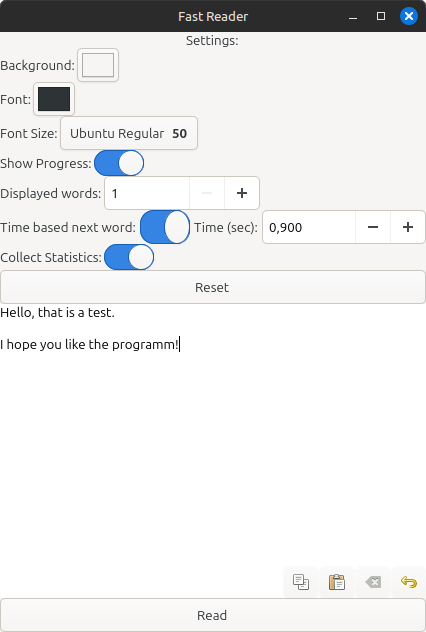
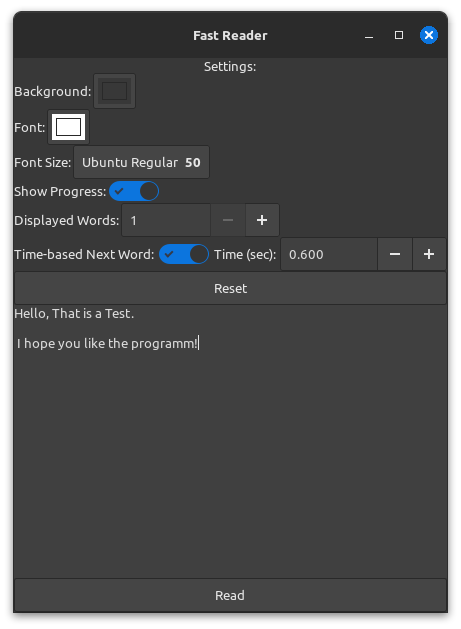
io.github.quantum_mutnauq.fast_reader_gtkFast Reader helps you to read more quickly, by showing only one word after the other. Therefor the eyes don’t have to move from word to word, that reduce the speed of reading. To read the text you only have to copy the text into the big field in the middle and to start it. You can choose two different basic settings. Either you can choose the next word bei using the button „→“ or you can use the „Time based next word“. By this setting can be the duration of the word chosen. The selection is processed with a factor so that longer words are not displayed too short. This dynamic setting ensures that longer and more complex words are given more time to provide a natural and fluid reading experience. Reading can be started via the “Read” button. Experienced readers can even have more than one word displayed at once. This increases the reading speed even further.
This program offers individual settings to improve reading:
- Background colour
- Font colour
- Font and size
- Reading progress in the text
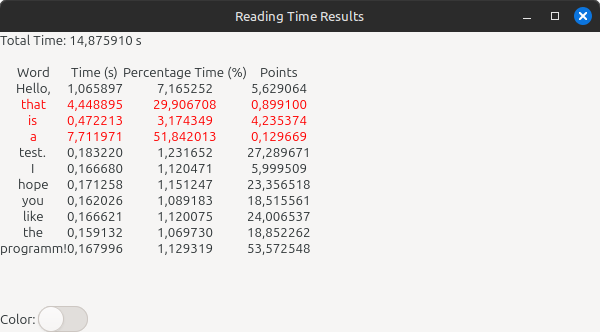
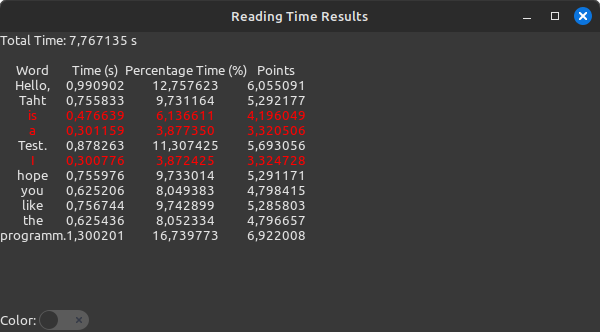
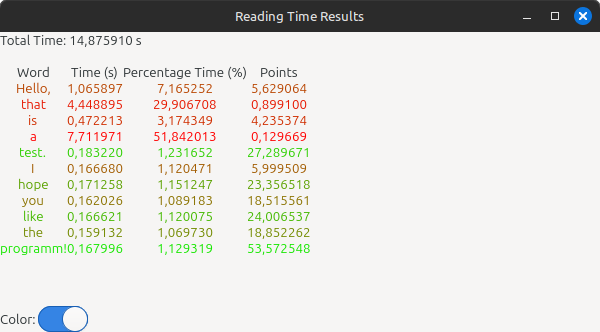
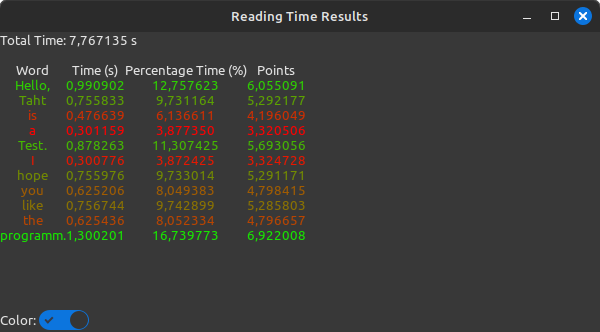
used to highlight which words took a particularly long time and which were read quickly.
In the "Advanced settings for time-based next word", you can extend the display time for longer words. Here, you can set the duration of the time and from how many characters this time should be used. Additionally, you can also specify a delay at the start, so that the first word remains on the screen for a longer period.
- Customizable Settings: Tailor your reading experience by adjusting settings like background color, text color, font size, and display of progress indicators.
- Text Input: Easily input text into the application through a dedicated text entry field.
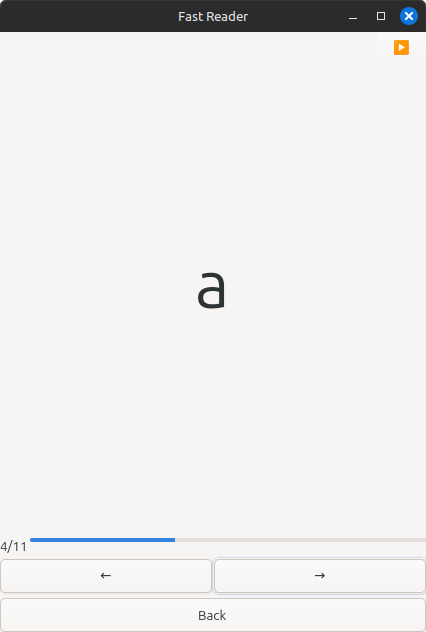
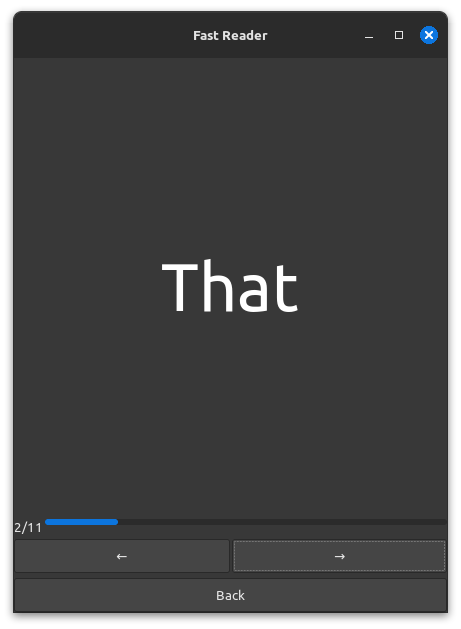
- Word-by-Word Display: The text is broken down into individual words, presented one at a time, facilitating focused reading.
- Navigation Options: Seamlessly navigate through the text using intuitive navigation buttons or convenient keyboard shortcuts.
- Progress Indicators: Keep track of your reading progress with helpful indicators displaying your current position in the text and overall progress.
- Time-Based Word predictions: You can set a variable time calculate by a formal for the display of each word. The formula for calculating the word display time is: "Time-Per-Word × (Cube Root of Word-Length)". This dynamic adjustment ensures that longer, more complex words are allotted more time, providing a natural and responsive reading experience.
- Statistic Collection: Generates statistics for you, showing how long you took to read each word.
- Colorize Statistics: Makes the statistics colorful (optional), allowing you to quickly see how long you took per word and identify which words were very slow or fast.
Screenshots
Observed history
| App | Change | Version | When ↓ |
|---|---|---|---|
| updated | 8.2 | 15 Sept 2026 |
Upstream releases
Release notes supplied by the developer. These dates are not Flathub package publication times.
8.215 Sept 2026
Version 8.2
Feature added:
- Added LTR navigation
- Fixed memory leaks
8.11 Jun 2026
Version 8.1
Feature added:
- Mouse back/forward buttons to switch between the main page and reading view
- One-finger swipe on touchscreens to switch between the main page and reading view
Flatpak Changes:
- Updated SDK
- Added mobile platform support
8.023 Dec 2025
Version 8.0
Other Changes:
- Added percentage to Reading progress
Flatpak Changes:
- Removed unnecessary keys in the metainfo
- Updated libconfig
7.911 Oct 2025
Version 7.9
Other Changes:
- Fixed issue where Copy, Paste, Clear, and Undo buttons would move around when hovered over
Flatpak Changes:
- Updated SDK
- Updated libconfig