

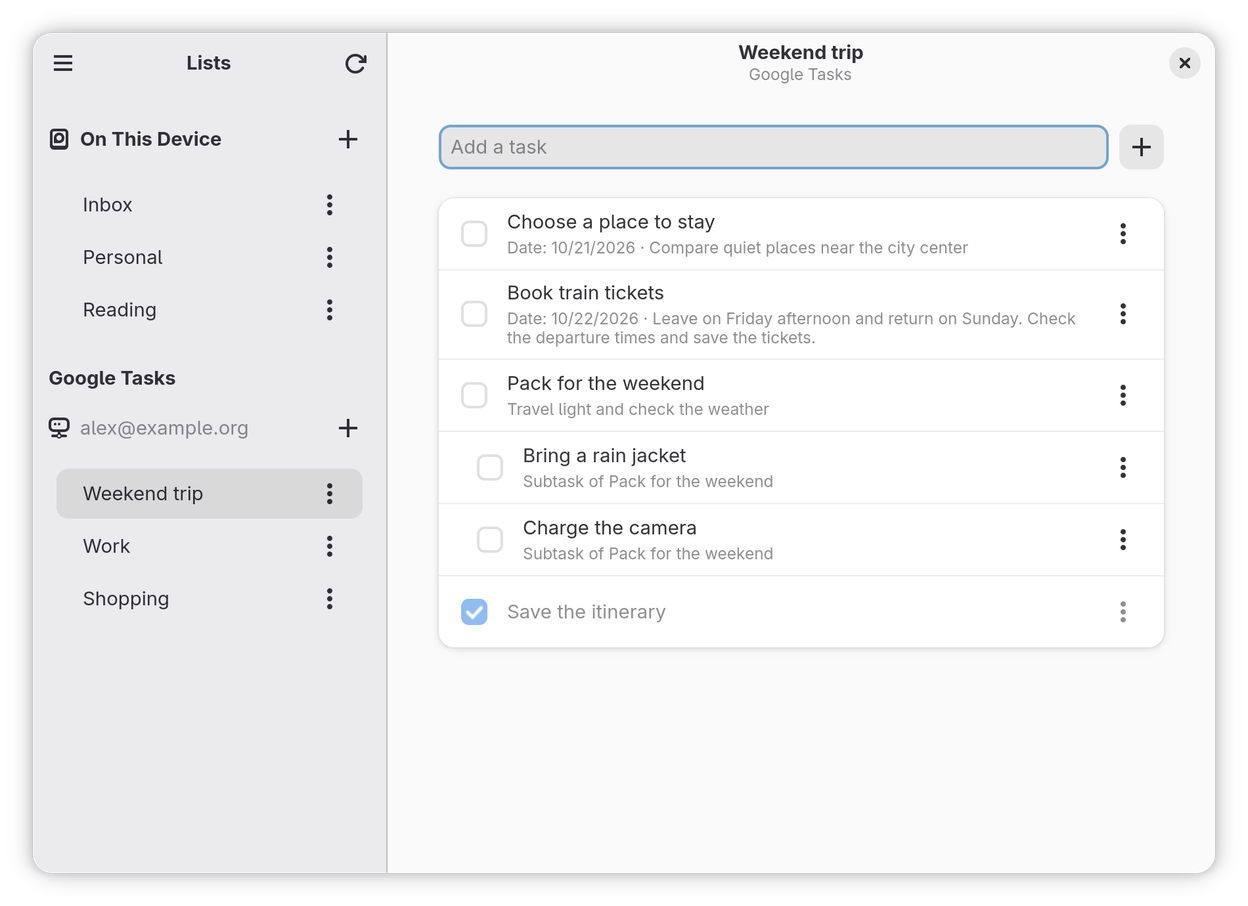
Plan your day, organize projects, and keep track of what you have finished. GTasks brings local lists and Google Tasks together in an adaptive application for GNOME. Start with lists on your computer without needing a Google account.
- Create and organize lists for work, studies, shopping, and personal projects.
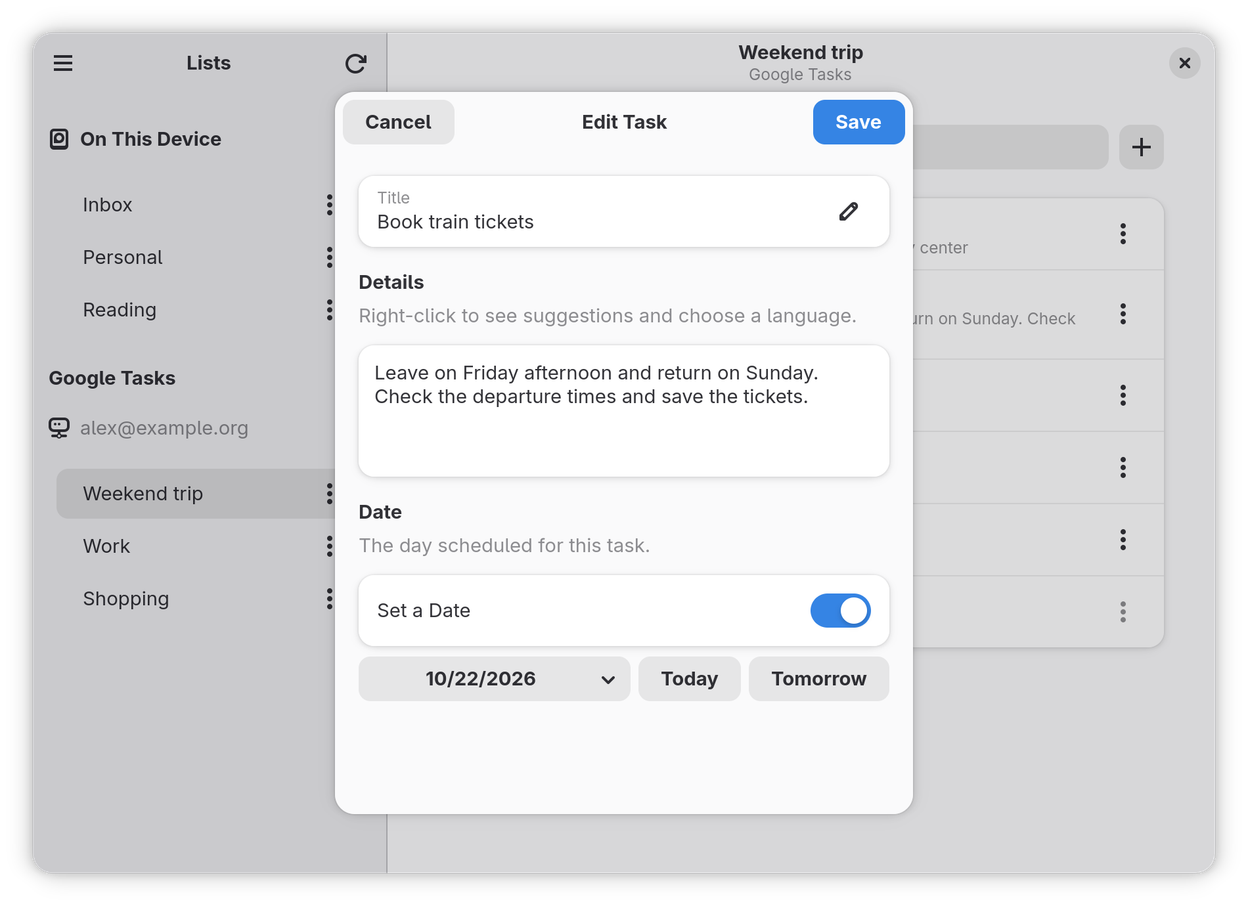
- Add notes and dates to tasks, and break them into smaller steps with subtasks.
- Complete or reopen tasks, show or hide completed items, and move tasks between lists in the same account or between local lists.
- Access multiple Google accounts configured in GNOME Online Accounts, with manual or automatic refresh.
- Check spelling in task titles, notes, and list names using dictionaries available on your system.
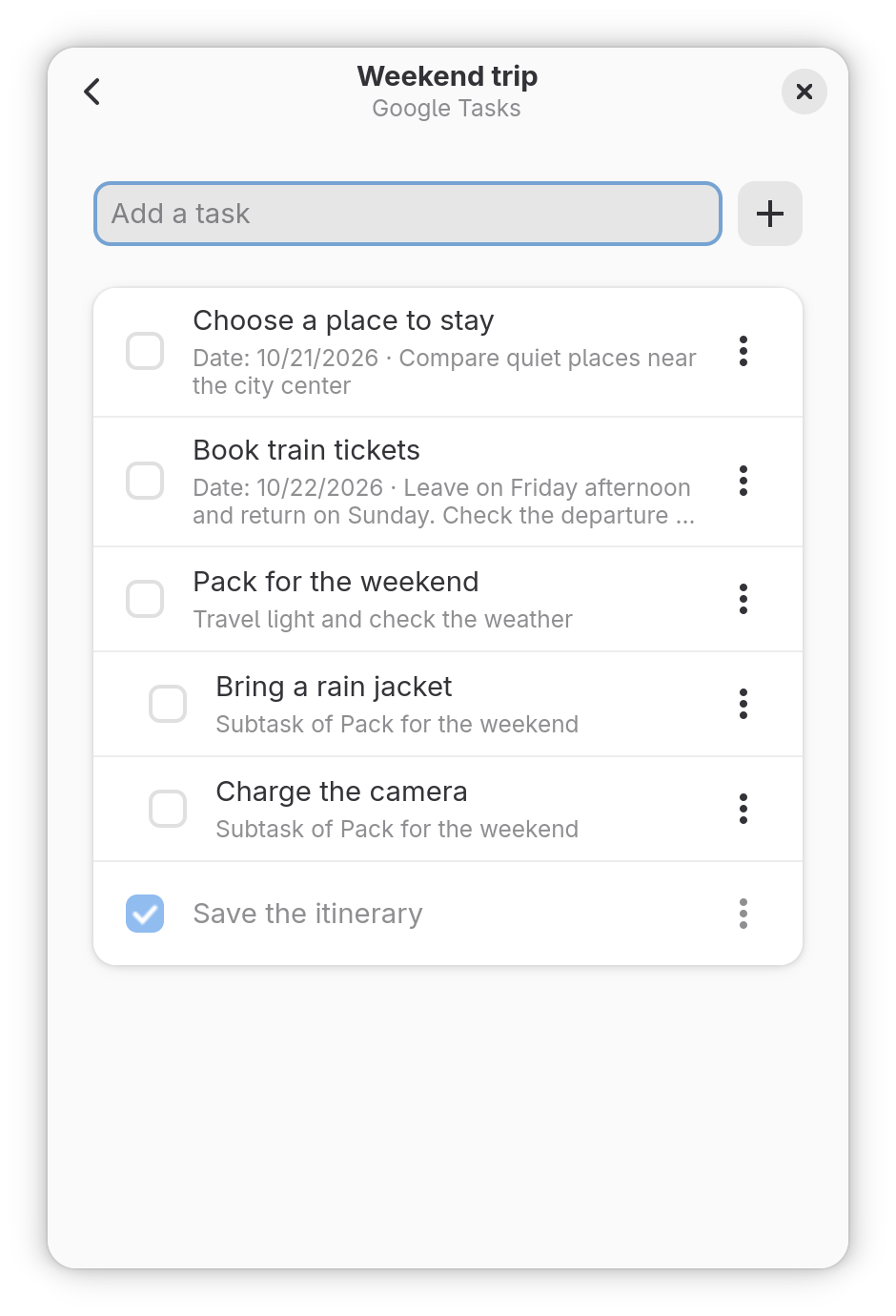
- Use a layout that adapts to narrow windows, with keyboard shortcuts for common actions.
Local lists work fully offline and stay on your computer. Previously synchronized Google lists and tasks can be viewed offline; creating or changing Google items requires an internet connection. Local lists are not automatically uploaded to Google.
Google Tasks integration is optional and requires GNOME Online Accounts (GOA) to be installed and running on your host system, with a Google account authorized for Google Tasks. GOA is not included in this Flatpak. Without GOA, you can still create and manage local lists and tasks offline.
Screenshots
Observed history
| App | Change | Version | When ↓ |
|---|---|---|---|
| new | 0.1.0 | 29 Oct 2026 |
Upstream releases
Release notes supplied by the developer. These dates are not Flathub package publication times.
0.1.021 Oct 2026
First release of GTasks.
- Organize local lists and tasks offline, with notes, dates, and subtasks.
- Connect Google Tasks accounts through GNOME Online Accounts, with manual or automatic refresh.
- Use an adaptive interface with spell checking, keyboard shortcuts, and Brazilian Portuguese translations.