
The easiest way to launch Windows games and apps. No complicated launchers or menus, just launch.
Features:
- Launching games without Steam
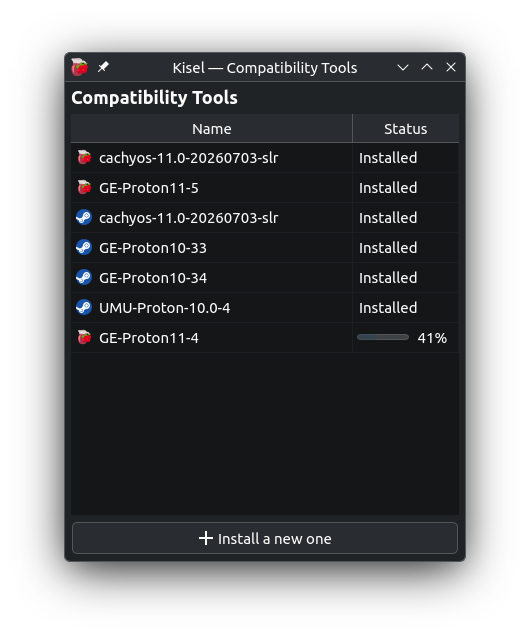
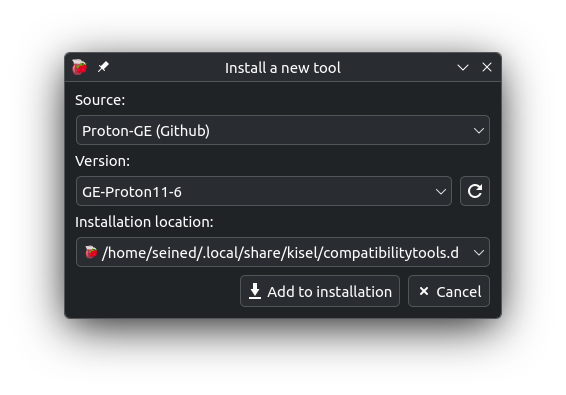
- Managing Compatibility Tools
- Prefix management
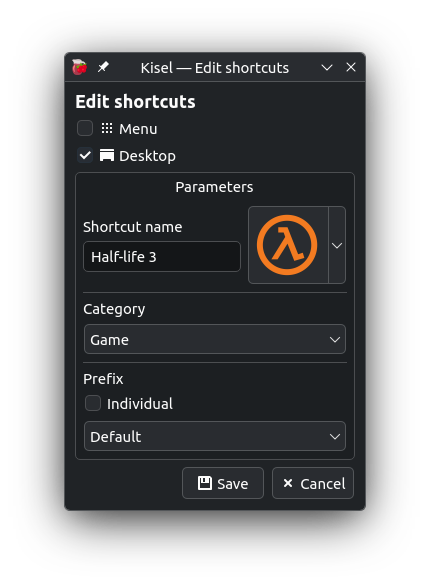
- Desktop shortcuts
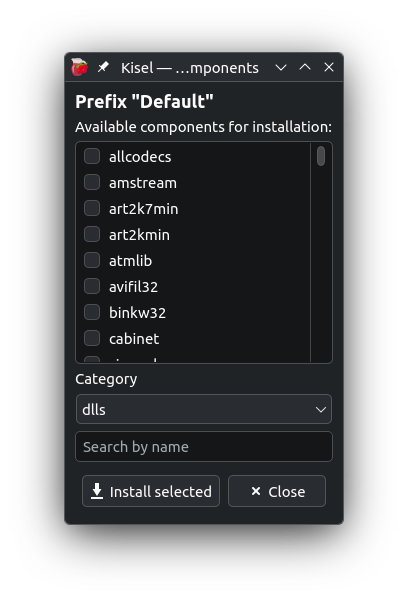
- Installing components from winetricks
- OnlineFix Support
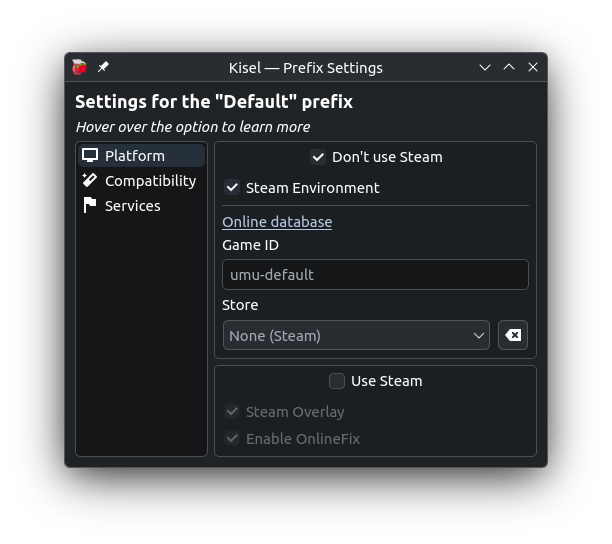
Available settings:
- Runtime auto-update
- Using Steam or umu-launcher
- MangoHud
- OBS Vulkan Game Capture
- Xalia
- NVAPI
- Wayland driver
- HDR
- SDL Input
- Steam Environment
- WOW64
- OnlineFix
- And some others...
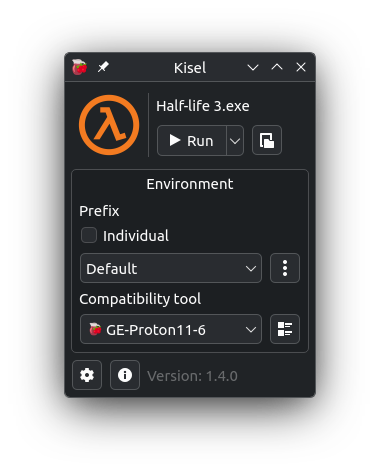
Screenshots
Observed history
| App | Change | Version | When ↓ |
|---|---|---|---|
| updated | 1.5.0 → 1.5.1 | 15 Oct 2026 | |
| updated | 1.5.0 | 12 Oct 2026 |
Upstream releases
Release notes supplied by the developer. These dates are not Flathub package publication times.
1.5.116 Oct 2026
- Launching Proton outside the Flatpak sandbox (Disabled by default)
1.5.012 Oct 2026
- New prefix type: Portable (creates a ".kisel-prefix" next to the executable file)
- Configuring environment variables and startup commands
- Gamescope (Flatpak not supported)
- Instant-run option, launch without creating a main window
- Setting the path for prefixes
- More global settings
1.4.129 Sept 2026
- Steam overlay fix
1.4.014 Sept 2026
- New method for creating shortcuts and managing existing ones (shortcuts must be recreated)
- Tips for older devices that do not support Vulkan 1.4
- Changed the built-in location of umu-run
- New settings menu layout
- Improvements to built-in icons and the option to select them instead of system icons
- GAMEID and STORE settings added for umu-launcher
- Changes to log recording