
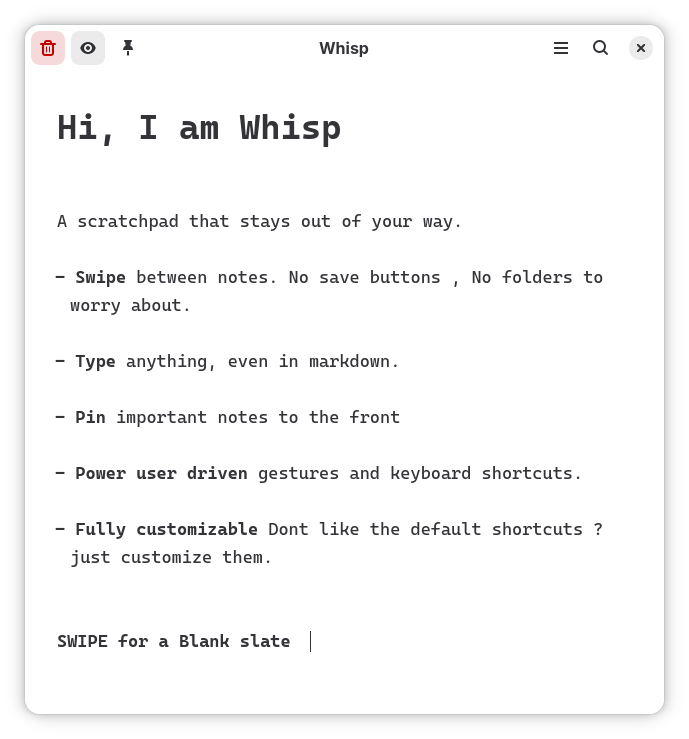
Whisp is a gesture-driven note-taking application designed for GNOME.
Features include:
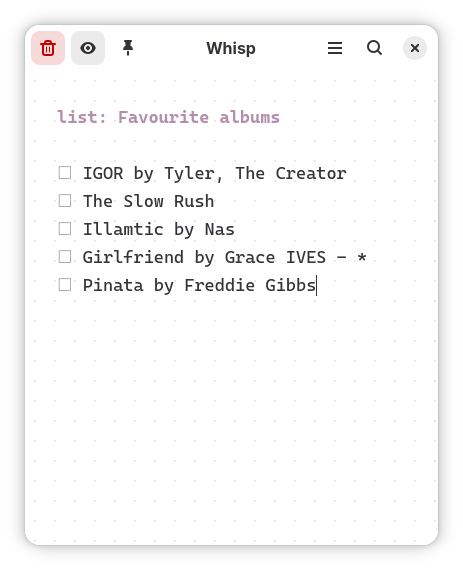
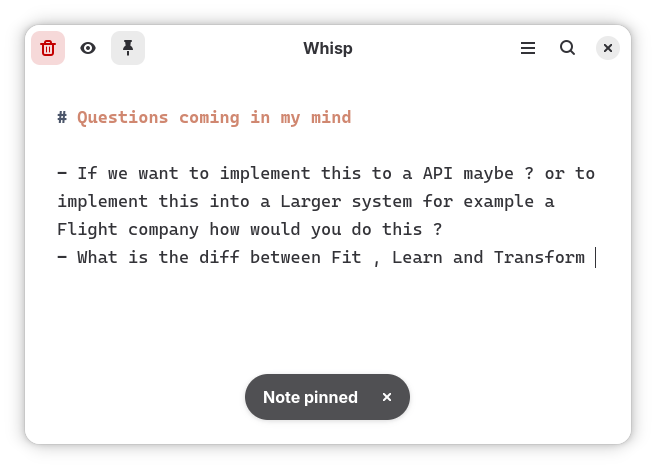
- Live Markdown formatting (bold, italics, headers, code, lists)
- Swipe navigation between notes
- Searchable notes directly throught gnome overview
- Smart Paste OCR to instantly extract and format text from pasted images
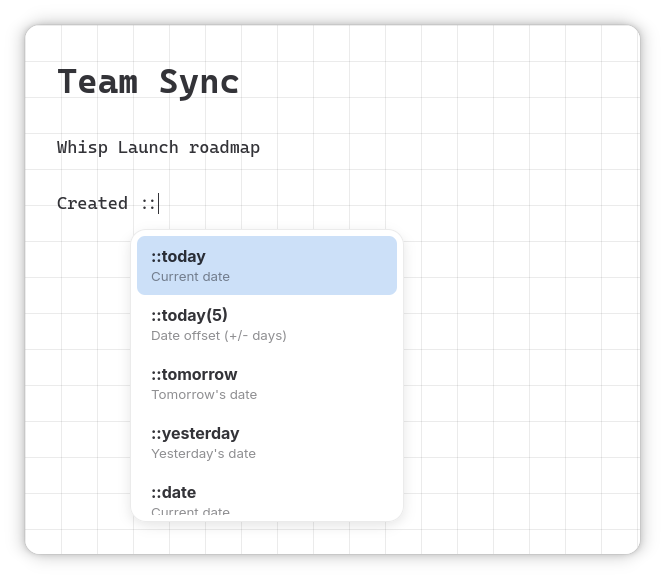
- Perform actions with Text Expansions
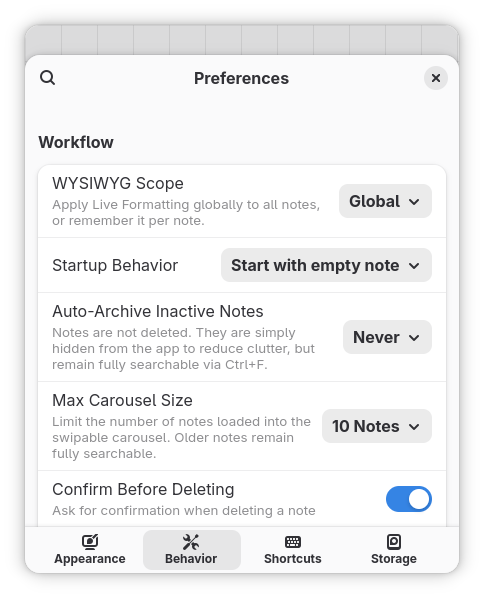
Screenshots
Observed history
| App | Change | Version | When ↓ |
|---|---|---|---|
| updated | 1.6.1 | 6 Oct 2026 |
Upstream releases
Release notes supplied by the developer. These dates are not Flathub package publication times.
1.6.16 Oct 2026
Hotfix for Startup Crash on Non-GNOME Desktops
- Startup Crash Fix: Resolved an unhandled GLib-GIO abort when running on systems without GNOME media-keys GSettings schemas installed (e.g. Linux Mint, KDE, XFCE, Sway).
- System Stability: Cleaned up background D-Bus service triggers for peak stability across all desktop environments.
1.6.04 Oct 2026
Runtime Update and Fixes
New Features
- Note Statistics (::count): Type
::countanywhere in your note to instantly inspect word, character, and line count statistics. - Asterisk Lists: Create and format bulleted lists using standard asterisks (
*) alongside dash lists. - Shortcut Recorder Improvements: Pressing Backspace inside the shortcut recorder now cleanly clears or disables assigned shortcuts.
Fixes & Maintenance
- List Toggling Refactor: Fixed
Ctrl+Slist item toggling to prevent multi-checkbox stacking and unintended line deletions. - GNOME 51 Runtime: Updated Flatpak runtime to GNOME 51.
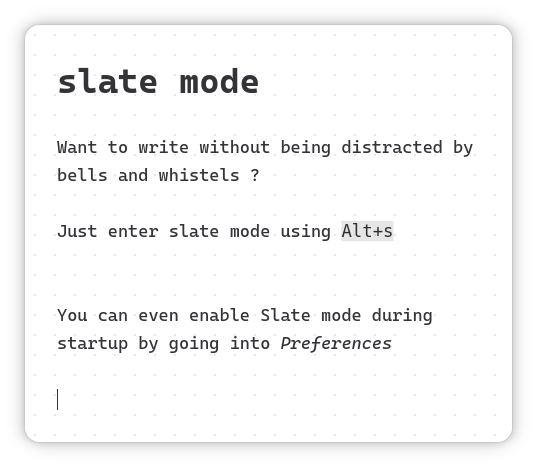
- Slate Mode Polish: Fixed update notification banner layout in Slate Mode.
- Compose Key Fix: Corrected key press handling for Compose Key combinations.
- Ubuntu Icon & D-Bus Fixes: Fixed missing application icon issues on Ubuntu desktop sessions.
1.5.012 Sept 2026
GNOME System Search Integration & Keyboard Shortcuts
- GNOME System Search Integration: Whisp now integrates natively with GNOME Shell! Press Super and type to search your Whisp notes alongside your system apps.
- Custom Keyboard Shortcuts: You can now customize keyboard shortcuts inside the app by going to Preferences > Keyboard Shortcuts.
- Export Shortcut: Added a default shortcut for exporting the current note using Ctrl+Shift+S.
1.4.120 Aug 2026
Export and Better OCR
- Export your current note instantly using the new "Export Note" button in the main menu.
- Create list items seamlessly using standard markdown syntax (the legacy `ctrl+space` shortcut is still supported).
- Fixed hard indentation issues when extracting text using Smart Paste OCR.
- Fixed Preferences dialog getting cutoff on narrow window sizes.