
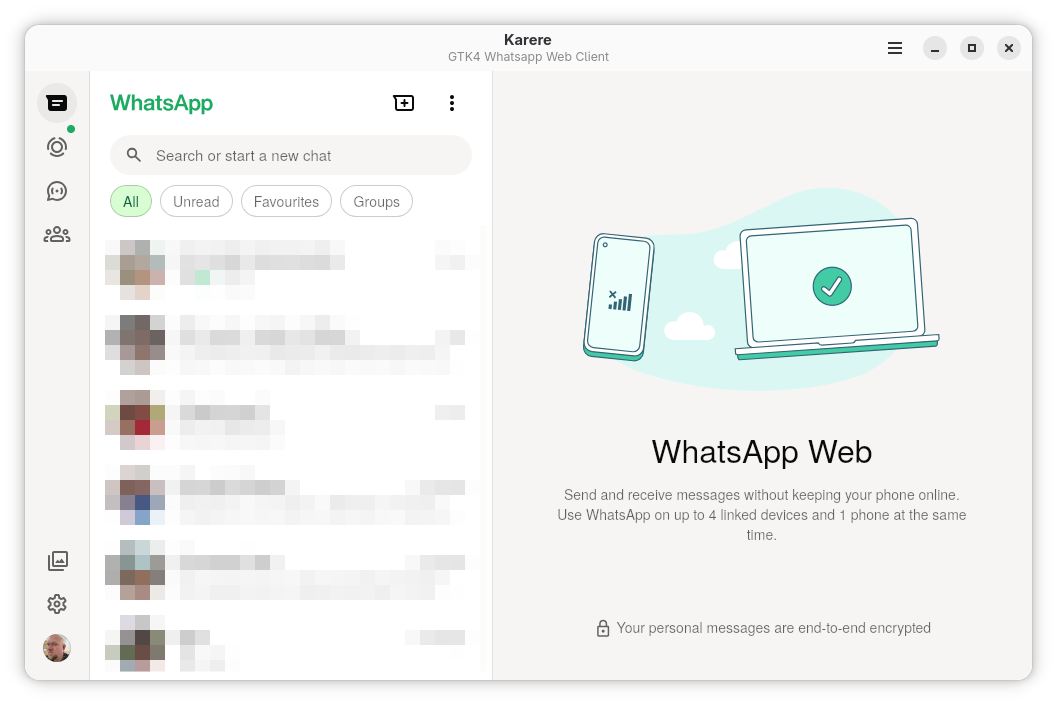
Karere brings WhatsApp to your Linux desktop with a native look and feel. It integrates seamlessly with your environment, offering a clean, modern interface that respects your system's theme and workflow. By wrapping WhatsApp Web, it ensures you have access to all the latest features while adding powerful desktop-specific capabilities.
Key features include:
- Native system notifications and tray icon support
- Persistent login sessions so you don't need to scan the QR code every time
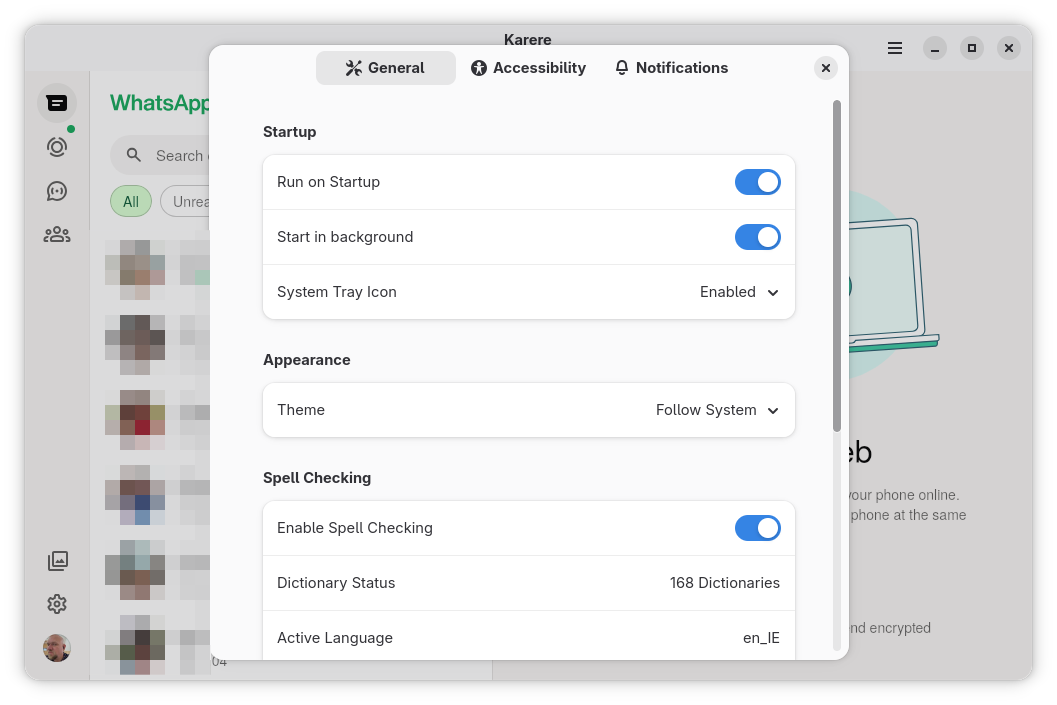
- Privacy controls and comprehensive spell-checking settings
- Smooth performance with hardware acceleration
- Proper clipboard integration for text and images
Now built on CEF/Chromium 152. Karere 4.0 replaces the WebKitGTK backend with the Chromium Embedded Framework, bringing full video attachment playback (H.264/AAC), multi-account support with isolated sessions, per-account zoom, and a faster, more compatible rendering engine while keeping the same native GTK4/libadwaita shell.
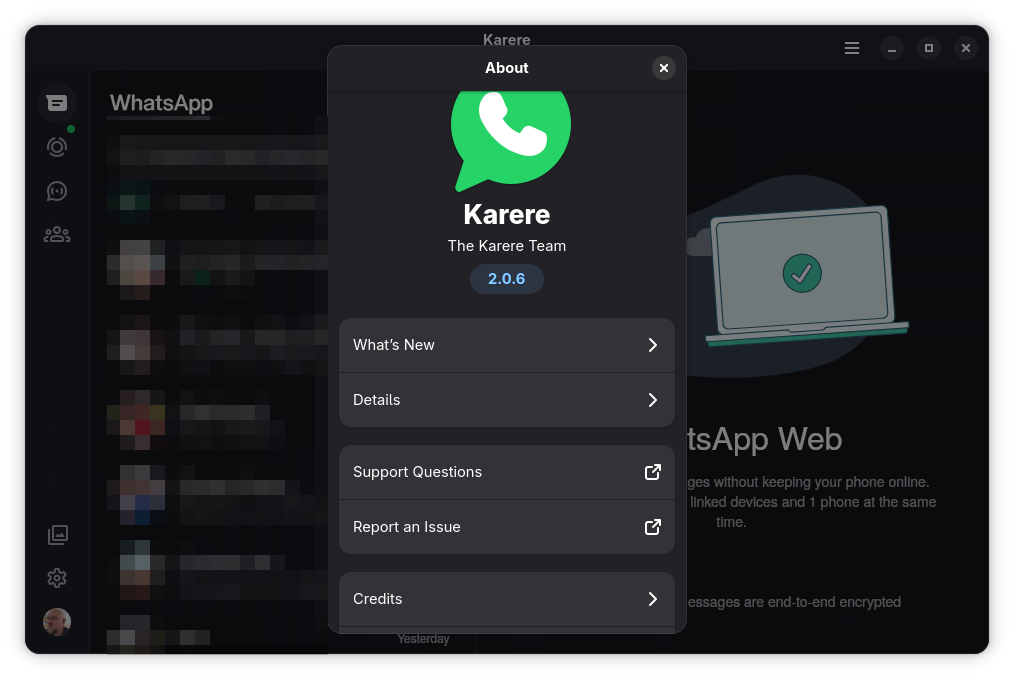
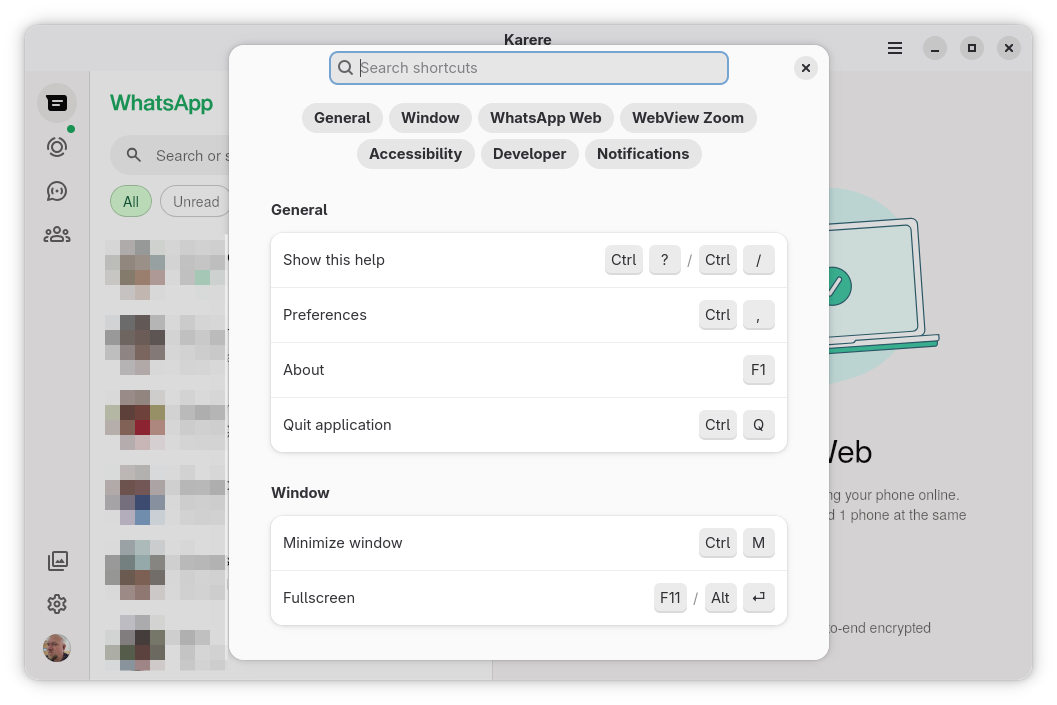
Screenshots
Observed history
| App | Change | Version | When ↓ |
|---|---|---|---|
| updated | 4.3.4 | 30 Sept 2026 |
Upstream releases
Release notes supplied by the developer. These dates are not Flathub package publication times.
4.3.429 Sept 2026
- Dragged and pasted files now attach through the file transfer portal, from any folder, without filesystem access (#192).
- Fixed drags being refused as they entered the window on some desktops.
- Fixed letters being dropped when a key was pressed while Backspace, Enter or an arrow key was still held (#180).
- Fixed pasting a text file inserting nothing.
- Smoother scrolling inside conversations on large HiDPI windows (#173).
- A file that cannot be read now shows a notice offering the file chooser instead of failing silently.
- Removed read-only access to Documents, Pictures, Videos, Music and Desktop.
4.3.327 Sept 2026
- Fixed files dragged into the window not attaching; the same problem affected pasting a file copied in a file manager (#192).
4.3.227 Sept 2026
- Updated the application platform to GNOME 51 for current platform security and rendering updates.
- Also includes the 4.3.1 fixes, which were never published: stalled scrolling with software rendering (#173, #179), start-up failing on systems whose hostname changes between boots (#190), and start-up failing on hardware without OpenGL ES 3.0 (#177).
4.3.127 Sept 2026
- Fixed scrolling still stalling with software rendering: frames were held up by the browser engine's event loop and only released by a fallback timer, redrawing the window about 10 times a second instead of 60 (#173, #179).
- Fixed Karere refusing to start on systems whose hostname changes between boots, such as GNOME OS Nightly (#190).
- Fixed Karere failing to start on hardware without OpenGL ES 3.0, such as the PinePhone; frames are now drawn in software instead (#177).