
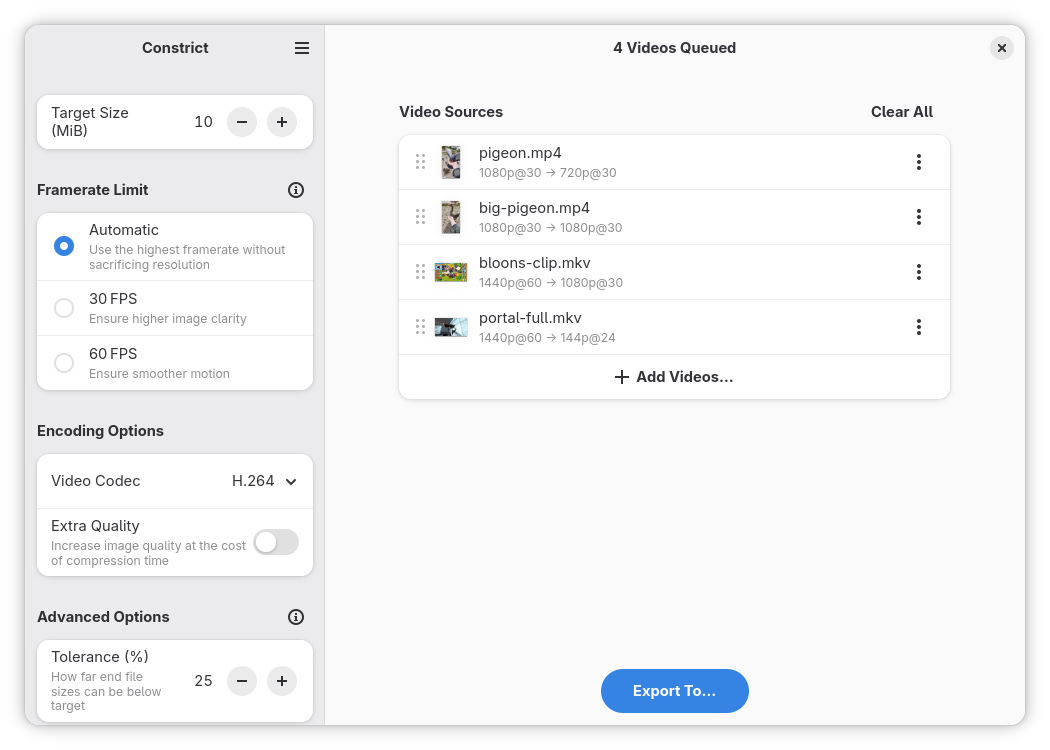
Constrict compresses your videos to your chosen file size — useful for uploading to services with specific file size limits. No more relying on online services for video compression, or the manual trial-and-error of re-encoding at various bitrates yourself.
Features include:
- An intuitive, easy to use interface.
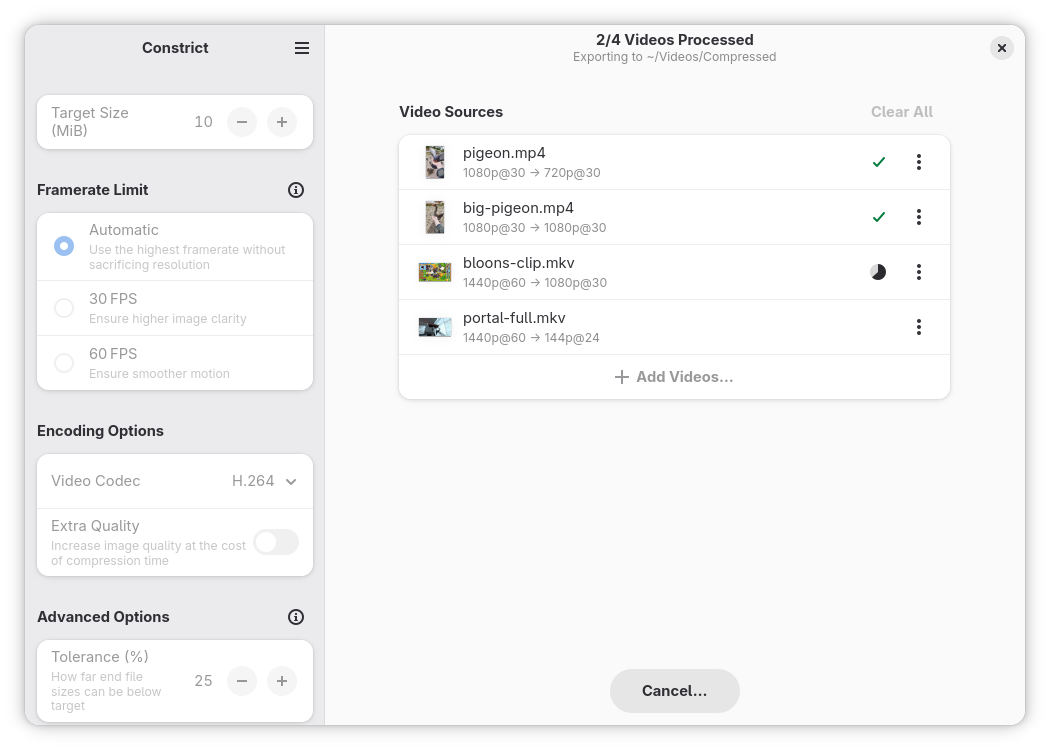
- Automatic calculation of average bitrate (ABR), resolution, framerate, and audio quality each video is re-encoded with to meet the target file size.
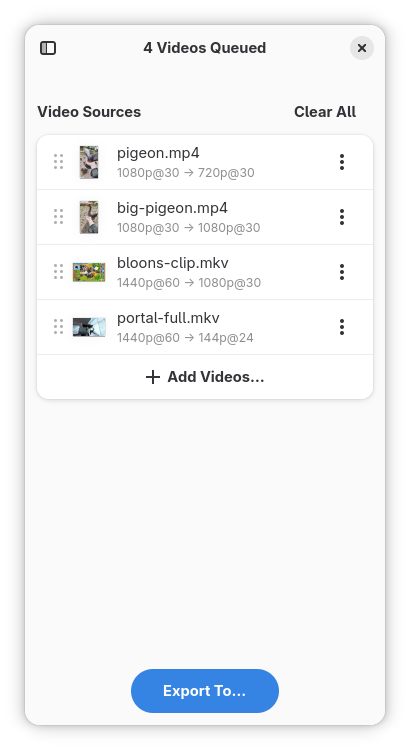
- Bulk compression of multiple videos to one output directory.
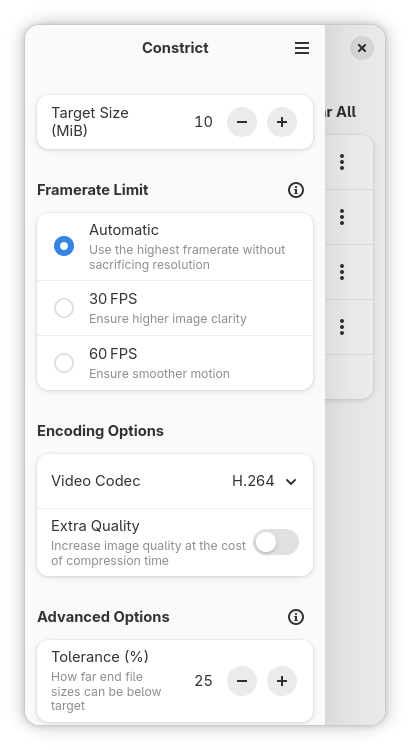
- Customization of framerate limits, to ensure a clearer or smoother image.
- A choice of codecs to encode output files with, including H.264, HEVC, AV1, and VP9.
The app attempts to retain as much audiovisual quality as possible for the file size given. However, extremely steep reductions in file size can cause significant loss of quality in the output file, and sometimes compression may not be possible at all. All processing is done locally — and as such, compression speeds are only as fast as your hardware allows.
Screenshots
Observed history
| App | Change | Version | When ↓ |
|---|---|---|---|
| updated | 26.10 | 6 Oct 2026 |
Upstream releases
Release notes supplied by the developer. These dates are not Flathub package publication times.
26.106 Oct 2026
- Fixed a crash caused by the compressor attempting to encode some videos at extremely high bitrates and framerates.
- Fixed an issue where clicking 'Show File Location' on a compressed video would not open the file manager.
- Added Norwegian Bokmål translation.
- Added Catalan translation.
- Updated existing translations.
26.427 Apr 2026
- Exported videos now support mono audio, if the input was also in mono.
- Improved audio quality on heavy compressions.
- Fixed a crash caused by videos having odd widths or heights.
- Opening a compressed video in the file manager should now open in its 'real' directory; not the Flatpak sandboxed directory.
- Video source warnings will now correctly show after cancelling a compression.
- When a video compresses to under the file size limit outside the tolerance, it'll no longer fail if the number of compression attempts for that video is greater than 1. This is to save time, and prevent infinite attempts with exponentially increasing bitrates, which eventually cause an error.
- Added Basque translation.
- Added Greek translation.
- Added Chinese translation.
- Added Esperanto translation.
- Added Hungarian translation.
- Added Danish translation.
- Added Serbian translation.
- Added Portuguese translation.
- Added Czech translation.
- Added Polish translation.
26.211 Feb 2026
- Now shows the full export path when compressing videos, rather than only the export folder name.
- Bundled more icons, so that they may load even if they aren't included in the user's current icon theme.
- Added Slovenian translation.
- Added Swedish translation.
- Added Ukrainian translation.
- Added Kazakh translation.
- Added Georgian translation.
- Added Bulgarian translation.
- Added Finnish translation.
26.121 Jan 2026
- Upgraded the thumbnailer, used to preview source videos, from Totem Video Thumbnailer to the newer GStreamer Video Thumbnailer.
- Added Brazilian Portuguese translation.
- Added Occitan translation.
- Added Cornish translation.
- Updated the app's metadata to point to the new code repository, issue tracker, translation platform, homepage, and contribution guide.