
word-sys's PDF Editor
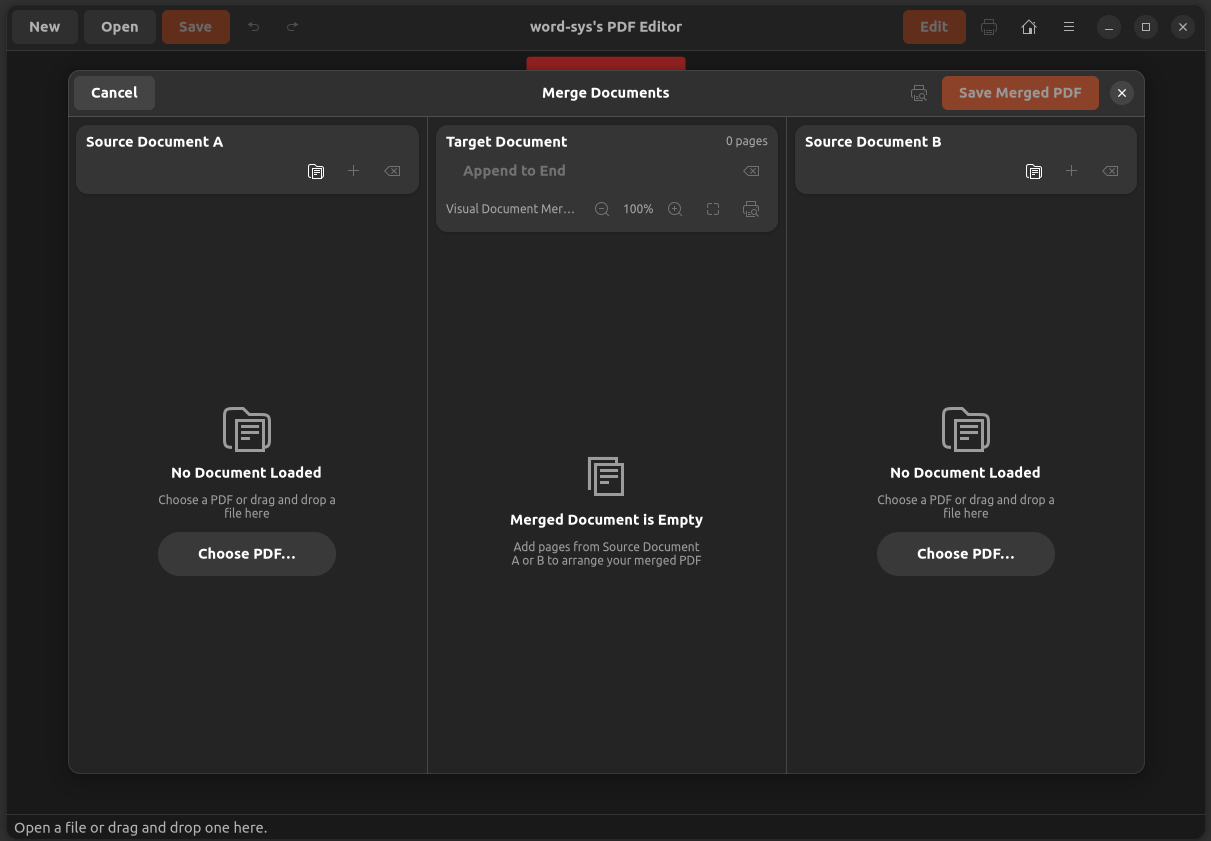
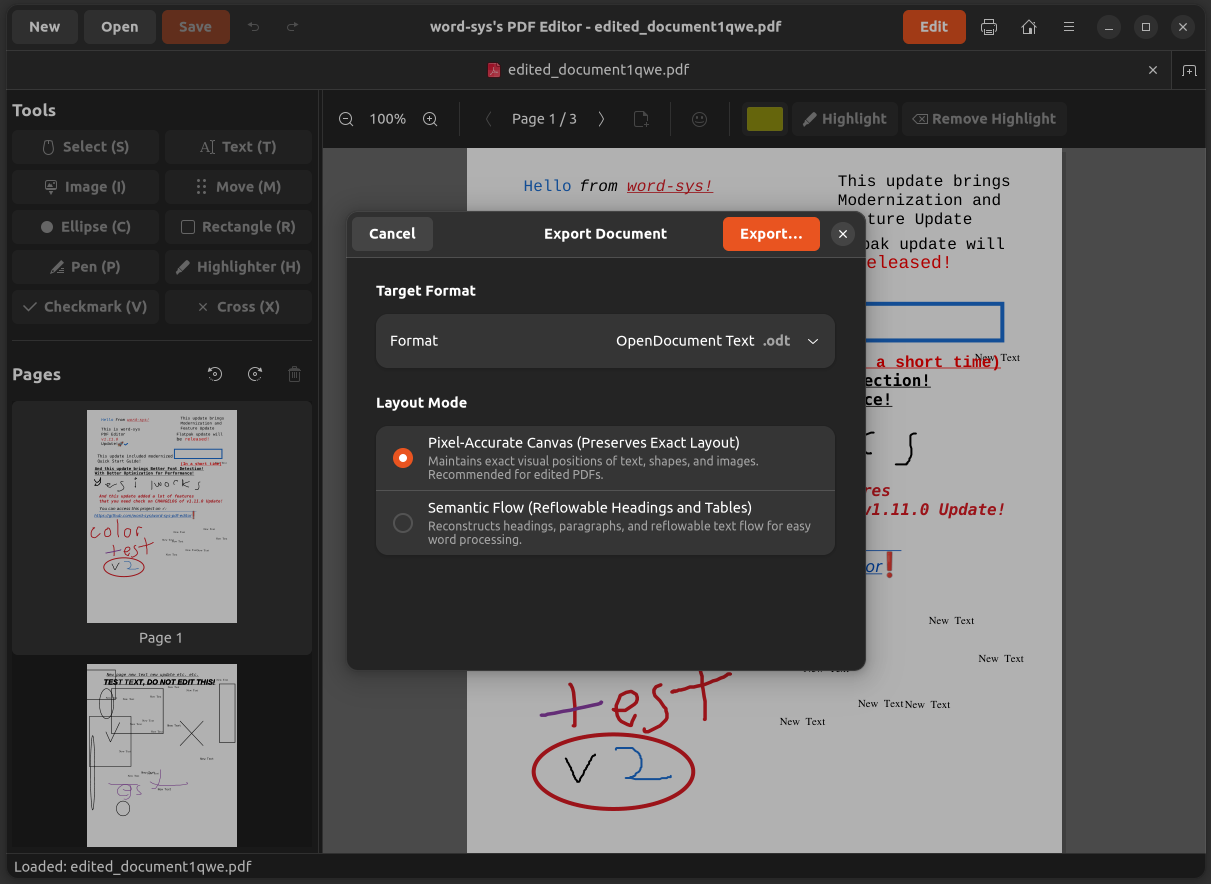
Edit text content in PDF files
Barın Güzeldemirci (word-sys) ✓ Verified
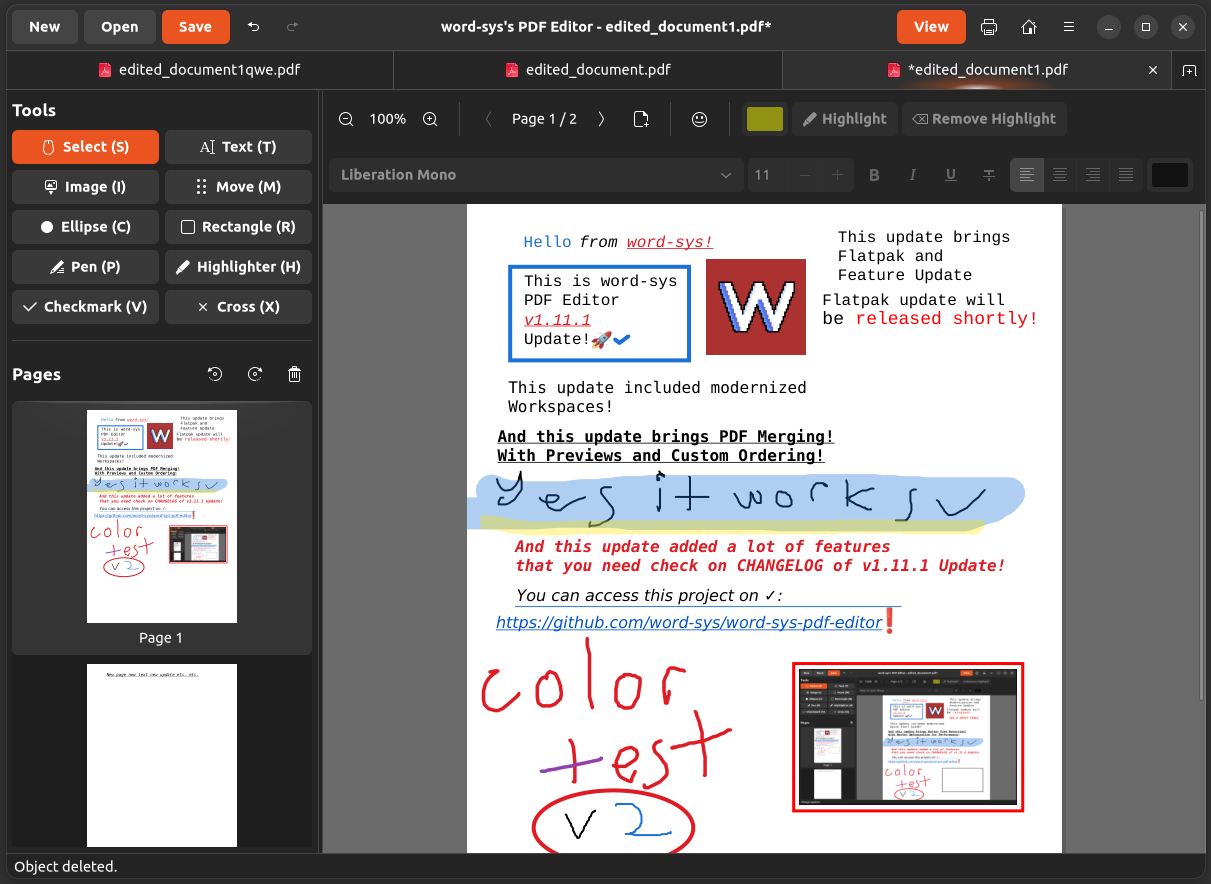
io.github.word_sys.word-sys-pdf-editorAn open-source tool for editing content in PDF files on Linux. Edit text and images directly on the page, merge and reorder pages, draw shapes and highlights, and export to PDF or plain text.
Screenshots
Observed history
| App | Change | Version | When ↓ |
|---|---|---|---|
| updated | 1.11.2 | 15 Oct 2026 | |
| new | 1.11.2 | 7 Oct 2026 |
Upstream releases
Release notes supplied by the developer. These dates are not Flathub package publication times.
1.11.25 Oct 2026
Updated anyconvert conversion engine to 0.1.9, improved vector icon rendering and desktop shell window tracking, and separated amd64 and arm64 architecture packages.
1.11.12 Oct 2026
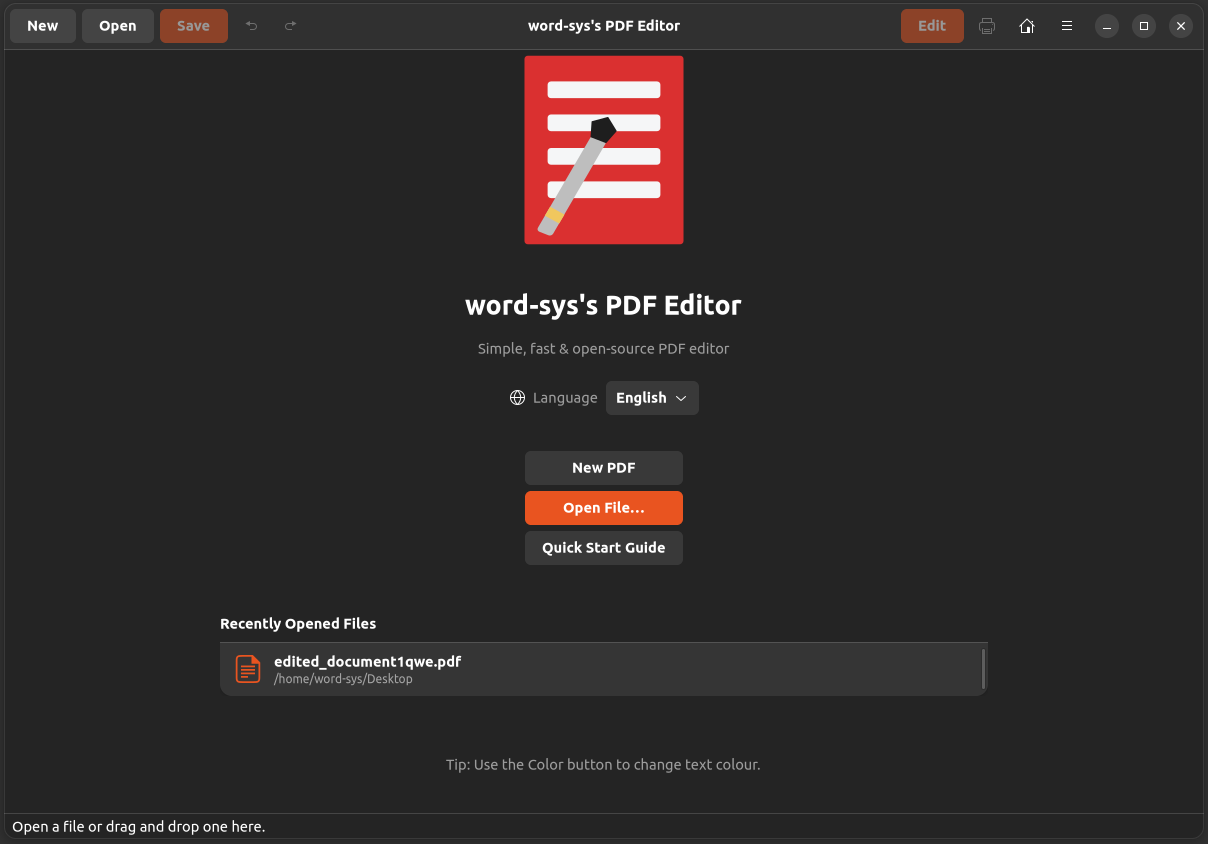
Multi-Document Tabs, Visual Document Merging Workspace with drag-and-drop page ordering, native pure-Python anyconvert export (DOCX, PPTX, ODT, ODP, TXT), 90-degree Page Rotation, dedicated app-managed Recent Files hub, 4-way text alignment, strikethrough formatting, 7 language translations, updated Quick Start Guide, and Flathub GNOME 50 modernization.
1.11.015 Sept 2026
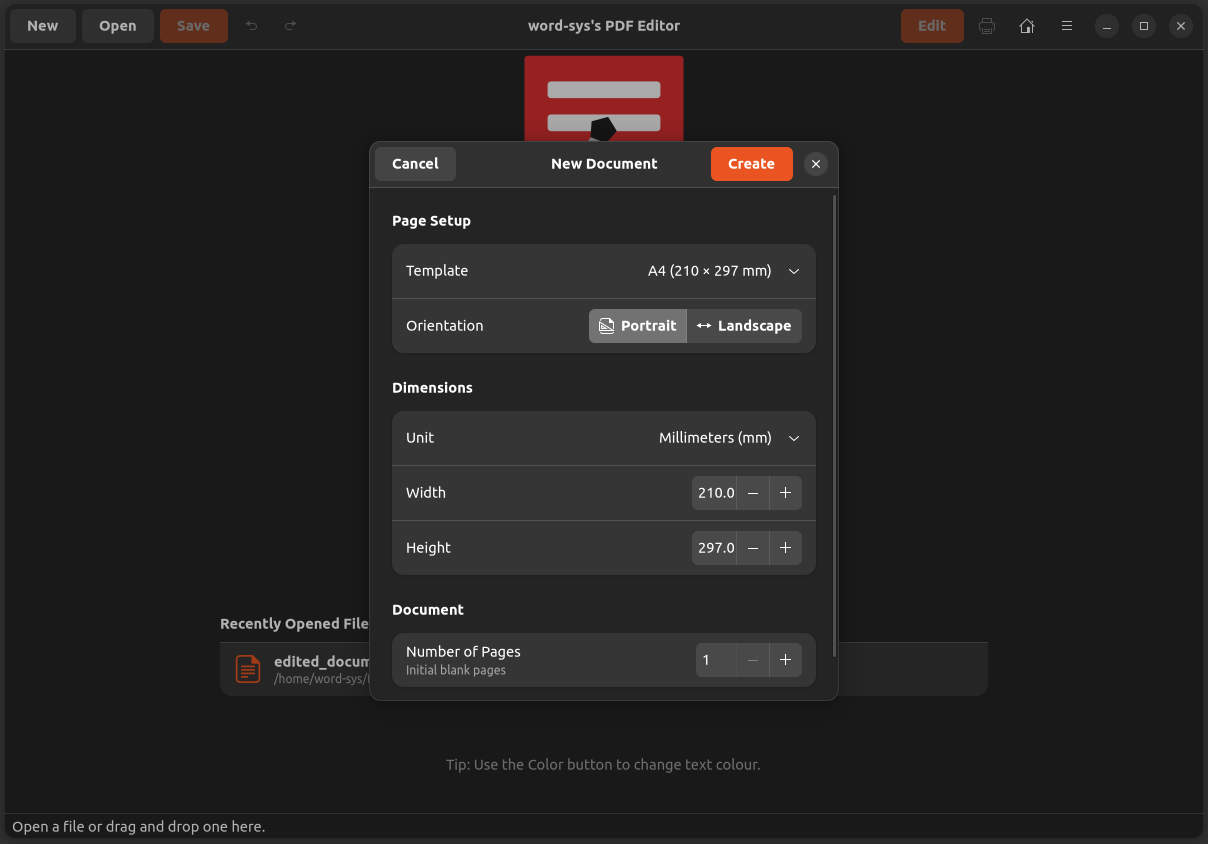
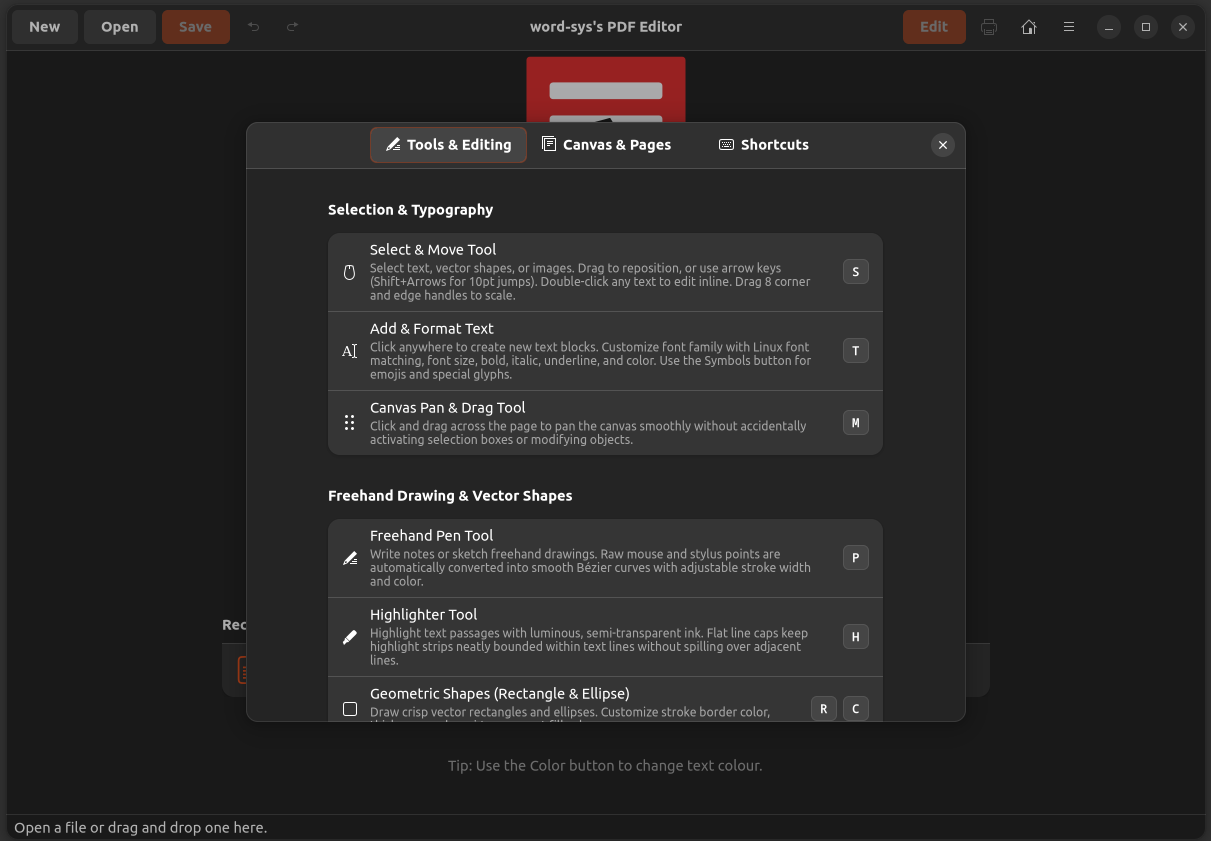
Customizable New Document creation dialog with 18 presets and unit conversion, redesigned interactive Quick Start Guide with keyboard shortcuts cheatsheet, decoupled focal pointer zoom with Cairo surface caching, transparent PNG alpha preservation, vector stroke scaling, Linux fontconfig engine, and modernized PyMuPDF integration.
1.10.0-beta130 Aug 2026
Adds freehand pen and highlighter drawing tools, checkmark and cross vector stamping, special characters and emoji palette, single-key shortcuts, keyboard nudge movement, and direct handle resizing.