
Gitpulsar
Fast native Git client for GNOME
Ilshat Ishdavletov ✓ Verified
io.gitlab.ilshat_apps.gitpulsarGitpulsar is a complete Git client built natively for GNOME. Written in Rust with GTK4 and libadwaita, it stays fast and lightweight while giving you the full Git workflow without ever leaving the keyboard or reaching for the terminal.
Unlike browser-wrapped Git apps, Gitpulsar is a single small binary that follows your system theme, respects your accent color preferences, and feels like a first-class GNOME application. It runs offline, sends nothing to the cloud, and uses zero telemetry.
Why choose Gitpulsar:
- Native GNOME look and feel — libadwaita widgets, dark and light themes, dynamic colors
- Multi-repository workspace — open a folder, see all repos with live status indicators (modified, untracked, ahead of remote)
- Adaptive layout — works from a 4K monitor down to a 360 px phone screen (Phosh, postmarketOS)
- Low CPU and memory — Rust core with smart background polling that pauses when the window isn't focused
- No telemetry, no account, no cloud — your code stays on your machine
What you can do:
- Browse history with a paginated commit log, search, and an integrated branch graph
- Stage and unstage by file, by hunk, or by individual line — with drag and drop
- Commit with conventional commit prefixes (feat, fix, docs…) and one-click Co-Authored-By trailers
- Undo and redo staging operations and even file discards
- Resolve merge conflicts in a three-panel visual editor
- Run interactive rebase with reorder, squash, fixup, reword, edit, and drop actions
- Annotate any file with blame to see who changed each line
- View per-file commit history to debug regressions
- Clone a repository from a URL with a built-in dialog
- Manage remotes — add, rename, remove, and edit URLs
- Push and delete tags on the remote, create lightweight or annotated tags
- Export commits as patches and apply patches with git am or git apply
- Browse the reflog to recover from accidental reset, rebase, or branch operations
- Manage stashes, submodules, and worktrees from the sidebar
- Edit .gitignore inside the app
- Use the full keyboard — shortcuts for every common action and Tab-cycling across panels
Screenshots
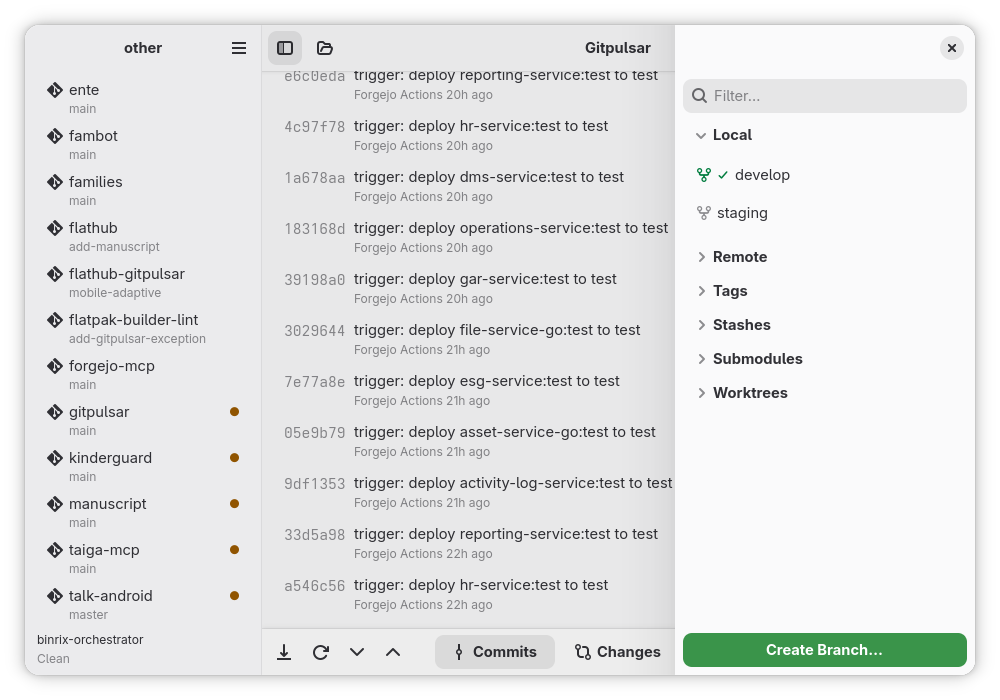
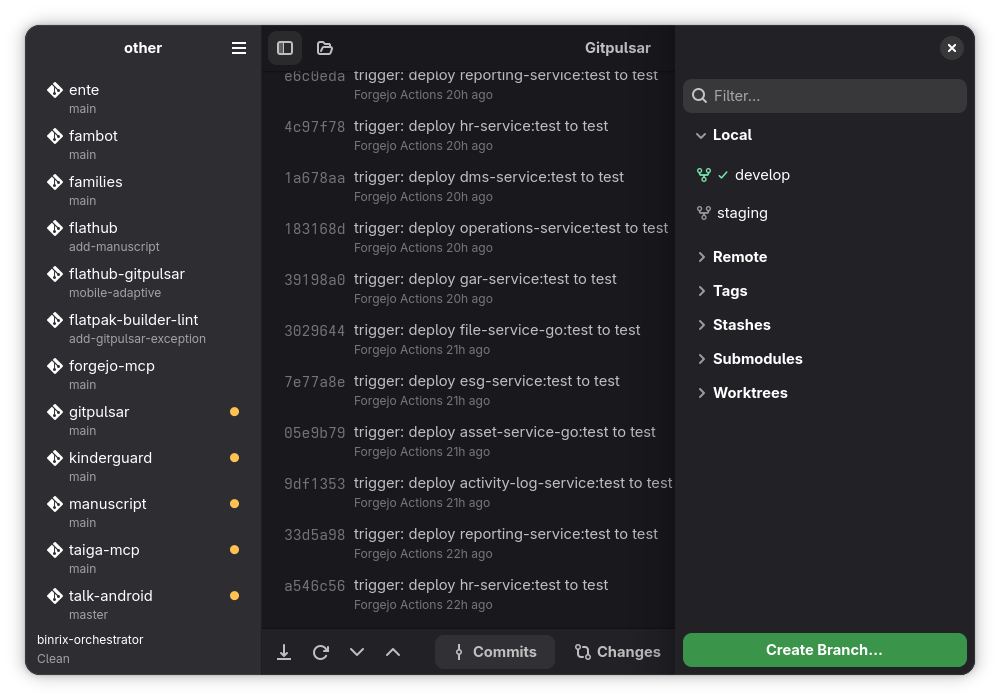
Observed history
| App | Change | Version | When ↓ |
|---|---|---|---|
| updated | 1.4.0 | 28 Sept 2026 |
Upstream releases
Release notes supplied by the developer. These dates are not Flathub package publication times.
1.4.028 Sept 2026
Fixes the app freezing while git works, reported in a Flathub review. Opening a workspace, staging files, committing, undo/redo, and viewing blame, file history or the rebase editor no longer block the window — each was measured before and after, including on a 2500-commit test repository where blame alone took nearly a second.
1.3.34 Sept 2026
Fixes the "Show all" row under Local branches and Tags being treated as a branch: clicking it attempted to check out "show-more-row", and right-clicking it offered checkout, merge, rename and delete for that name. Also fixes the same button becoming unresponsive after the sidebar had refreshed a few times, and makes opening a repository from the command line — gitpulsar-gtk /path/to/repo — work at last; it had never been wired up.
1.3.218 Aug 2026
Restores "Open With…" in the Flatpak build, where it now asks the desktop portal to choose an application. Editors that register as directory handlers — VS Code, VSCodium, Kate, IntelliJ IDEA, Android Studio — appear in the chooser; those that do not register, such as Zed and GNOME Builder, will not. Outside Flatpak the configured editor is launched directly as before.
1.3.118 Aug 2026
Hides "Open in your editor" in the Flatpak build, where the sandbox is not permitted to start an application on the host. Outside Flatpak — distribution packages, source builds and the AppImage — the feature is unchanged.