USB-Imager writes a disk image to several USB drives at the same time. Connected drives are detected automatically.
Drive access is handled by the udisks2 service of the system. Entering a password is only required for writing when the policy of the distribution in use demands it.
Before writing, the image can be checked against a checksum. After writing, it is possible to verify the content of the drives.
Features:
- Writing an image to multiple USB drives at once
- Automatic drive detection
- Fast writing through the sendfile() system call
- Adjustable write buffer between 1 MiB and 4 MiB
- Optional validation of the written image
- Optional checksum verification of the selected image
- Automatic unmounting of the drives
- Warning for ISO files that do not look bootable
- Statistics about writing time and overall speed
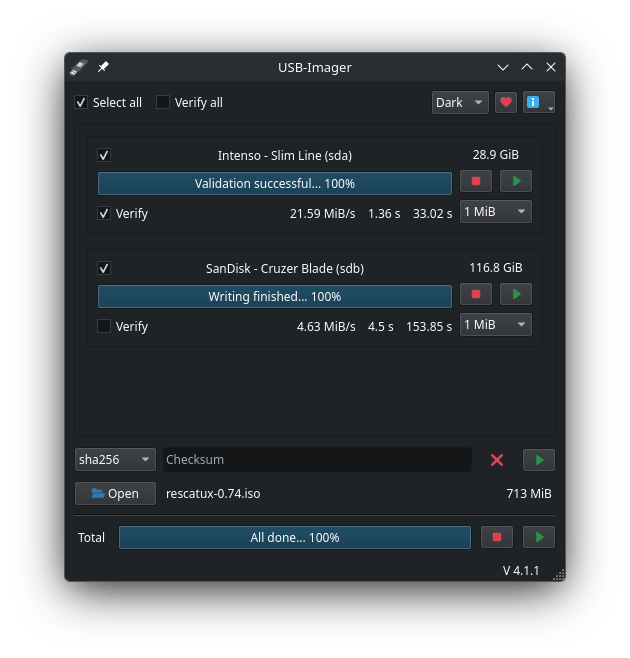
- Selectable color scheme (Auto, Light, Dark)
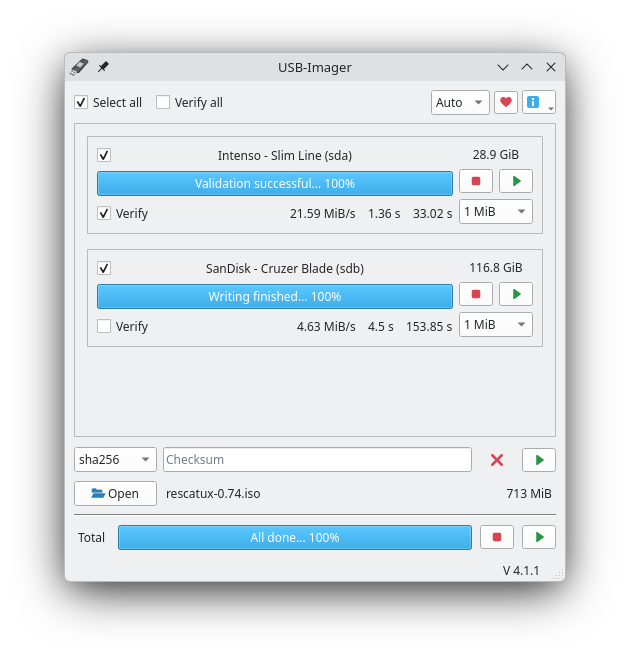
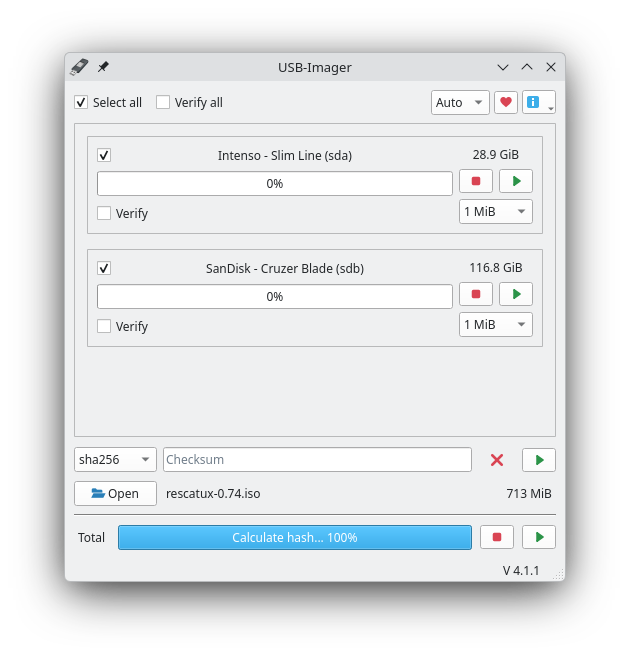
Screenshots
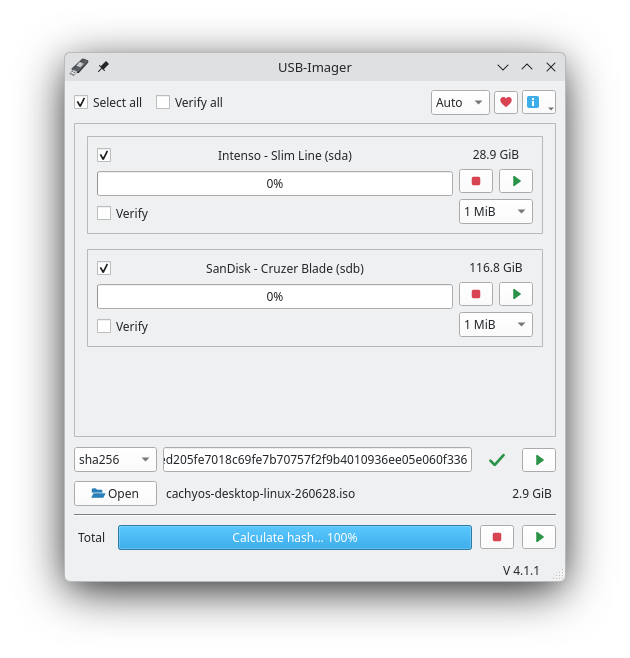
Observed history
| App | Change | Version | When ↓ |
|---|---|---|---|
| updated | 4.1.2 | 19 Sept 2026 |
Upstream releases
Release notes supplied by the developer. These dates are not Flathub package publication times.
4.1.219 Sept 2026
- The Flatpak package grew from about 19 MiB to about 87 MiB. This increase is a consequence of the fix below, but it ensures that the application continues to work reliably.
-
Changed the dependencies of the Flatpak package, because the
program could sometimes fail to start after a Flatpak update.
The
PySide6-Essentialswheel from PyPI is now used instead ofio.qt.PySide.BaseApp.
4.1.111 Aug 2026
- The Flatpak package now needs considerably less storage space. The installation size was reduced from about 278 MiB to 19 MiB, without limiting what the program can do.
- The Open dialog now uses the file dialog of the desktop. It therefore looks different from before, but still gives access to all folders.
- The Flathub page of USB-Imager is now fully translated into English, German and French. Other languages are no longer offered.
- In the application menu the program is now shown as "USB Imager" without the hyphen.
- The Flathub page now shows four screenshots instead of just one, among them the dark color scheme. Its own colors and a shorter description were also added.
- A crash in the Flatpak package was fixed. Previously, closing a window such as "About" with the button in its title bar could crash the whole application.
4.1.031 Jul 2026
USB-Imager is now available as a Flatpak package and starts from the menu of the desktop, with an entry in the configured language. The window now looks the same everywhere, and the light and dark color schemes work on every desktop.