
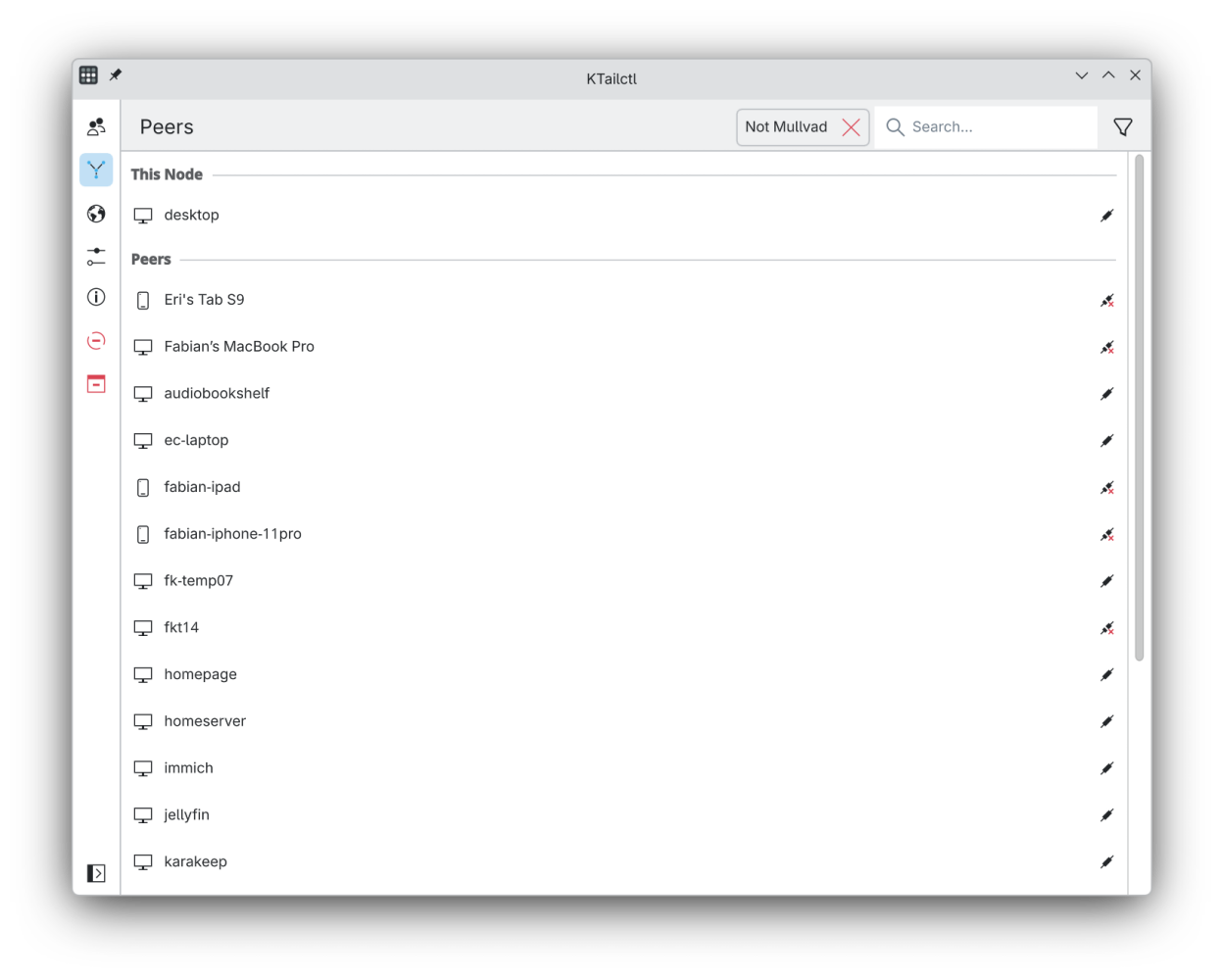
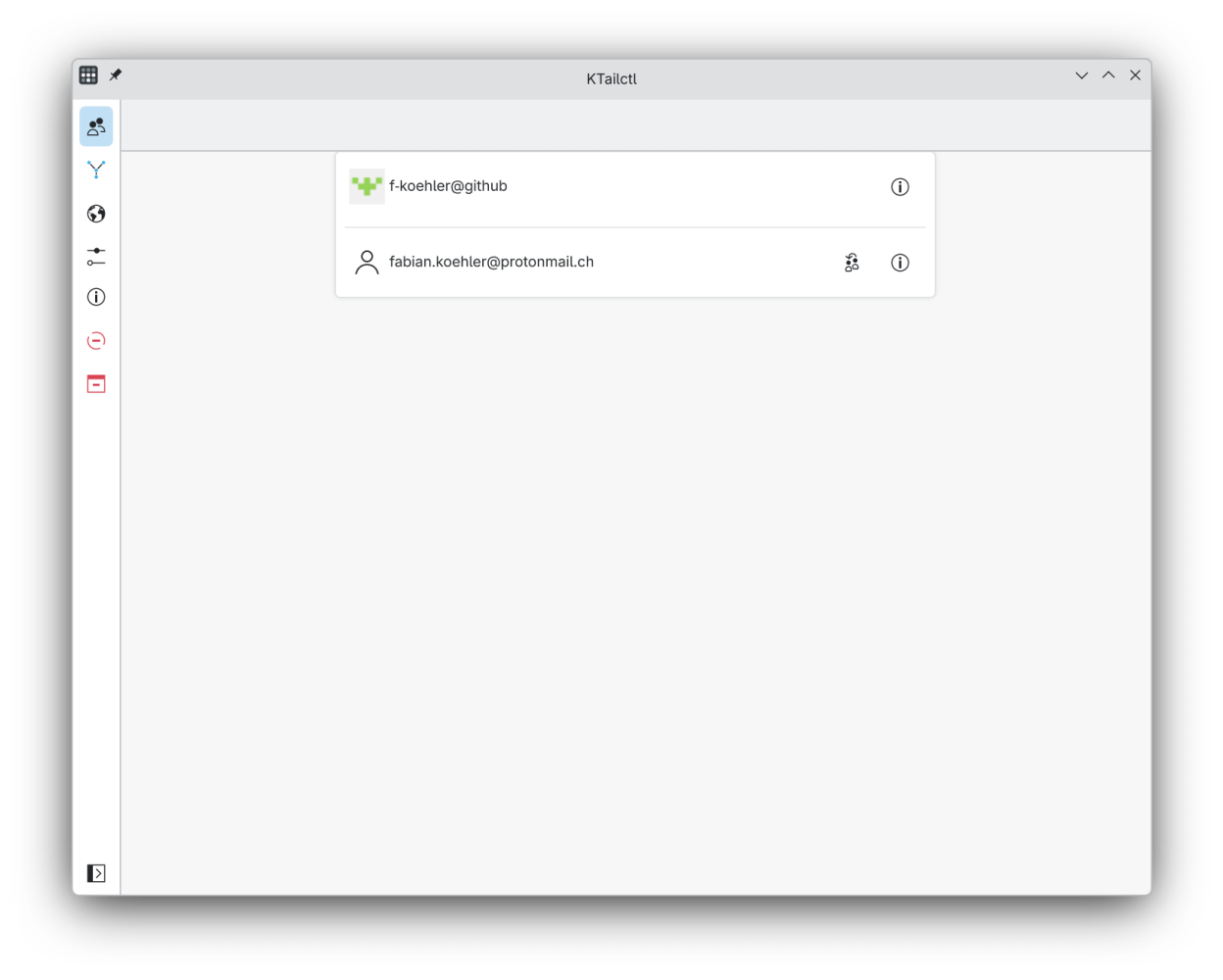
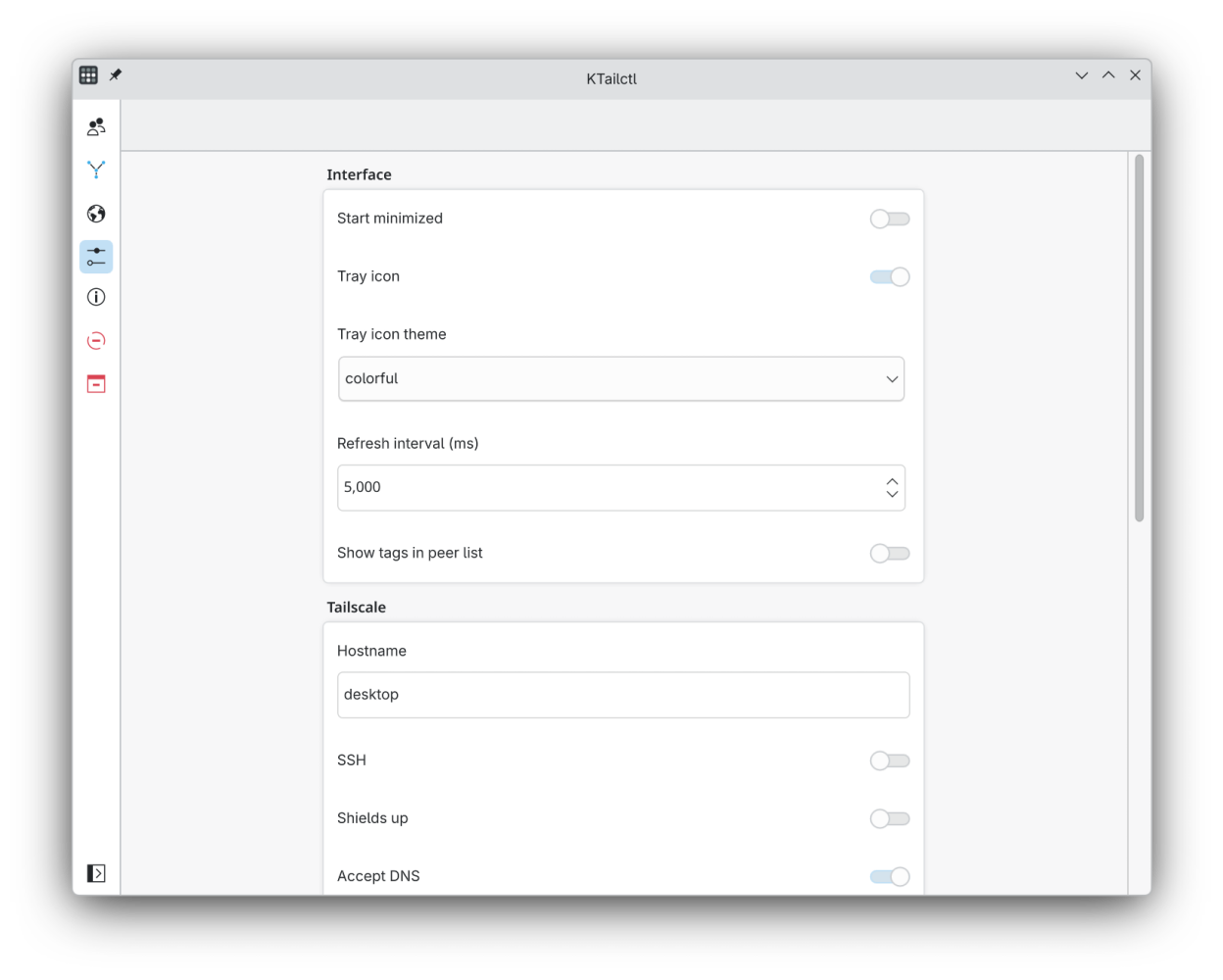
KTailctl provides a graphical interface for the Tailscale mesh network with easy access to settings, host information as well as the ability to send/receive files.
⚠️ To get the most out of KTailctl (sending/receiving files, changing Tailscale settings, …)
make sure you are the operator tailscale up --operator=$USER!
Screenshots
Observed history
| App | Change | Version | When ↓ |
|---|---|---|---|
| updated | 0.22.3 | 11 Oct 2026 |
Upstream releases
Release notes supplied by the developer. These dates are not Flathub package publication times.
0.22.314 Sept 2026
A small patch release fixing stale startup feedback, plus internal dependency and tooling updates.
Fixes:
- Fix the launcher/cursor "still starting" feedback lingering after KTailctl has already started
0.22.221 Aug 2026
A patch release with a couple of fixes and a new logging option.
Fixes:
- Fix peers and login profiles not refreshing in the UI when their details change
- Make logging verbosity configurable via a new "Verbose logging" toggle in Settings, useful for troubleshooting and bug reports
0.22.129 Jun 2026
A patch release fixing several issues introduced in v0.22.0.
Fixes:
- Honor the "Start minimized" setting again on startup
- Remove the duplicate "Allow LAN access" toggle on the exit node page
- Fix tray submenus (exit nodes) sometimes not updating
- Fix a potential crash in the tray menu when there is no previously used exit node
0.22.027 Jun 2026
A major update with a redesigned interface and many new features.
New features:
- Redesigned, faster peer list with filtering and optional tags
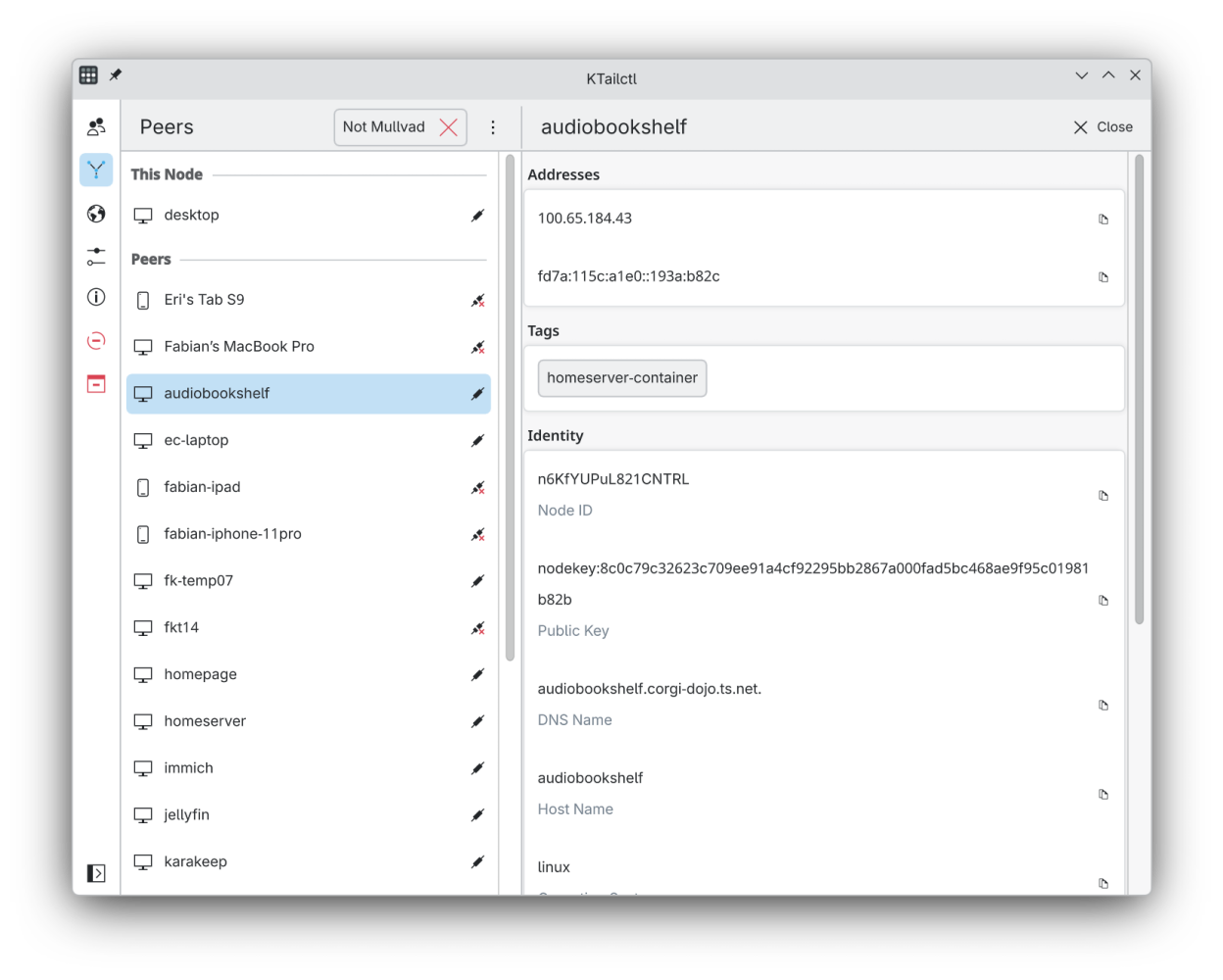
- Richer peer details including location, routes and timestamps
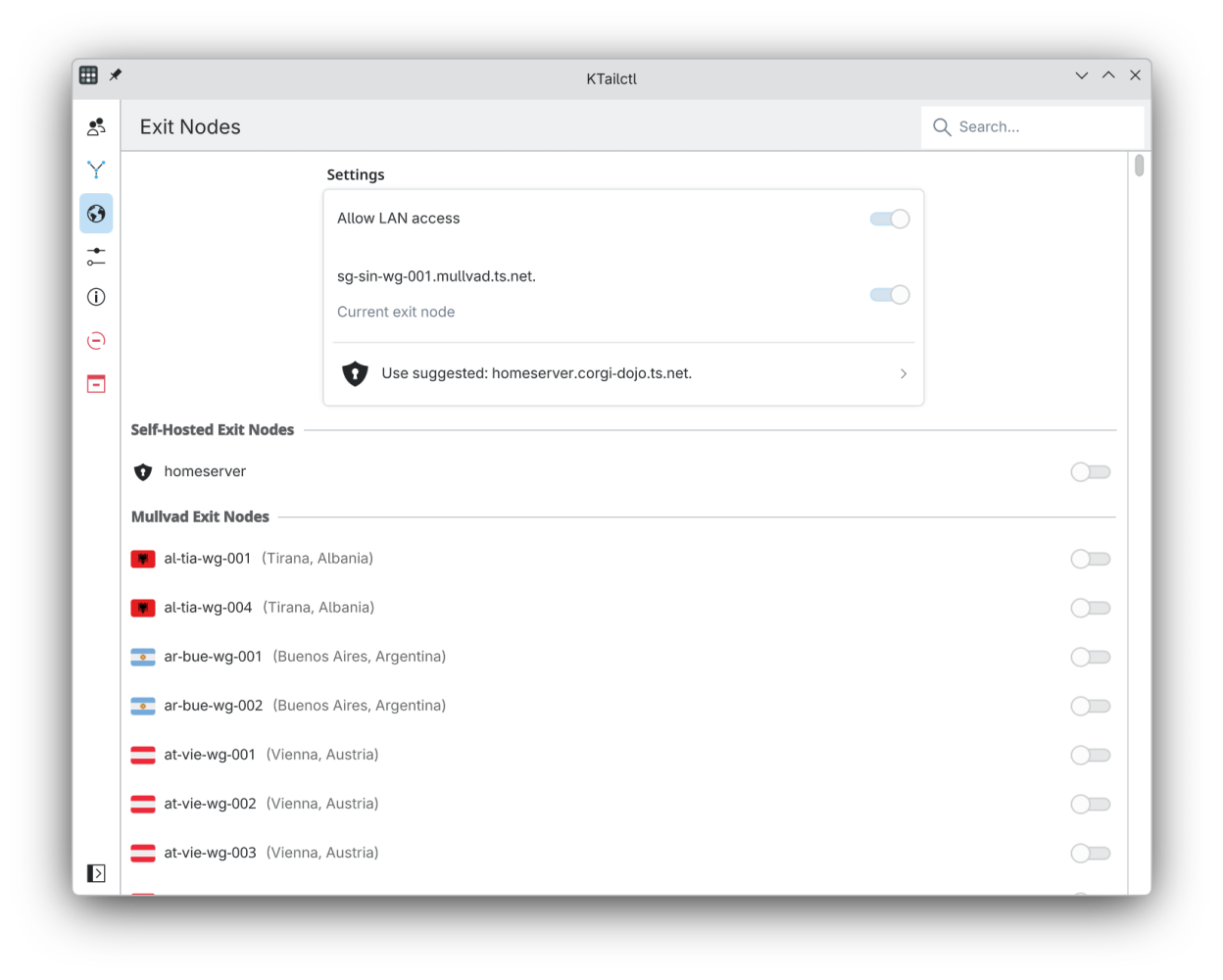
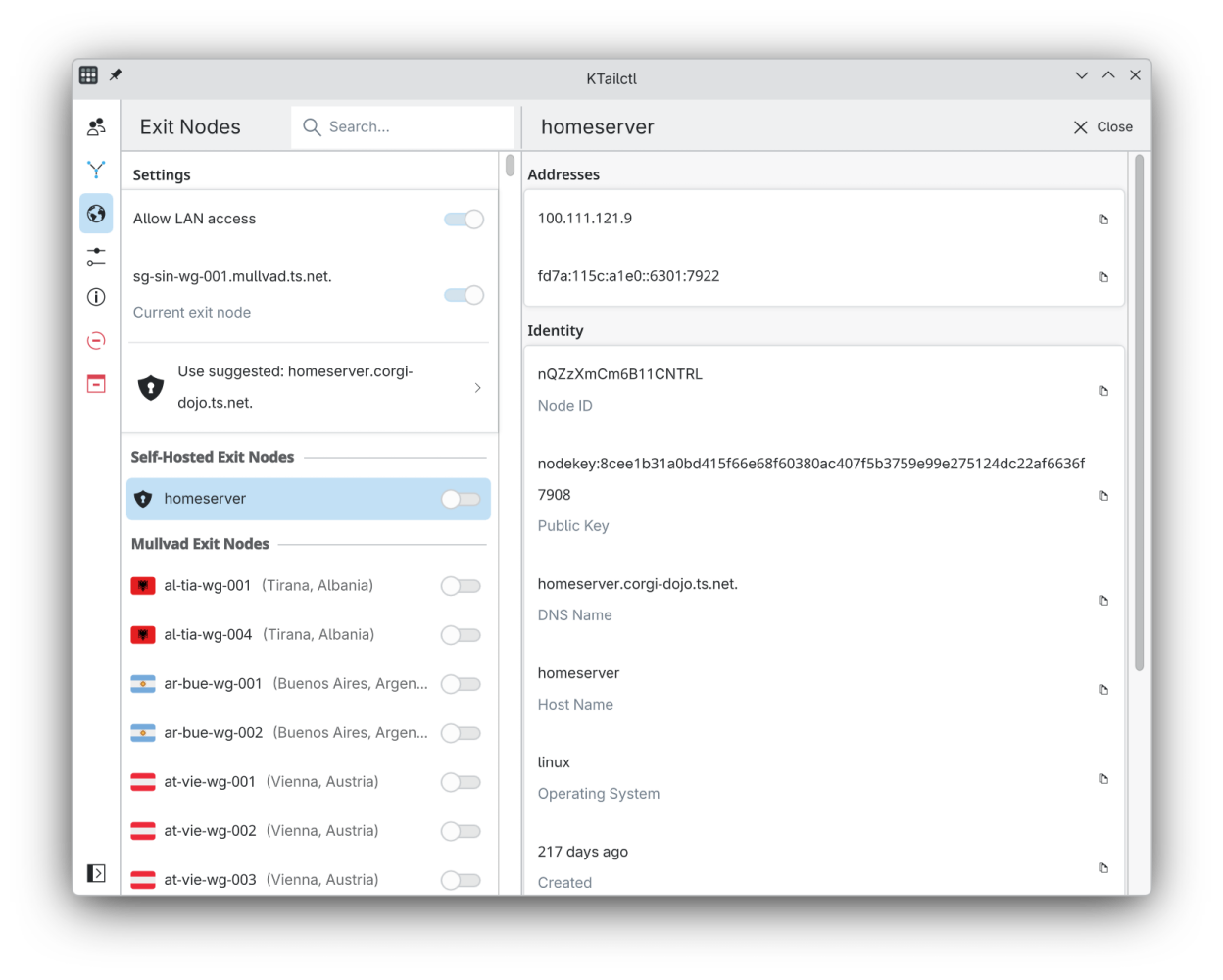
- Reworked exit node page to set, unset and filter exit nodes
- Manage self-hosted and Mullvad exit nodes, grouped by country
- New settings page to adjust Tailscale and interface preferences
- Reworked tray menu with submenus for peers, exit nodes and accounts
- Switch between multiple accounts and rename them
- Toggle Tailscale on and off and switch the tray icon theme
- Clear inline messages when authentication or permissions are needed
Fixes:
- Keep the status up to date while the window is hidden
- Fix self-hosted exit node integration
- Ensure user avatars and Breeze icons load correctly in the Flatpak