
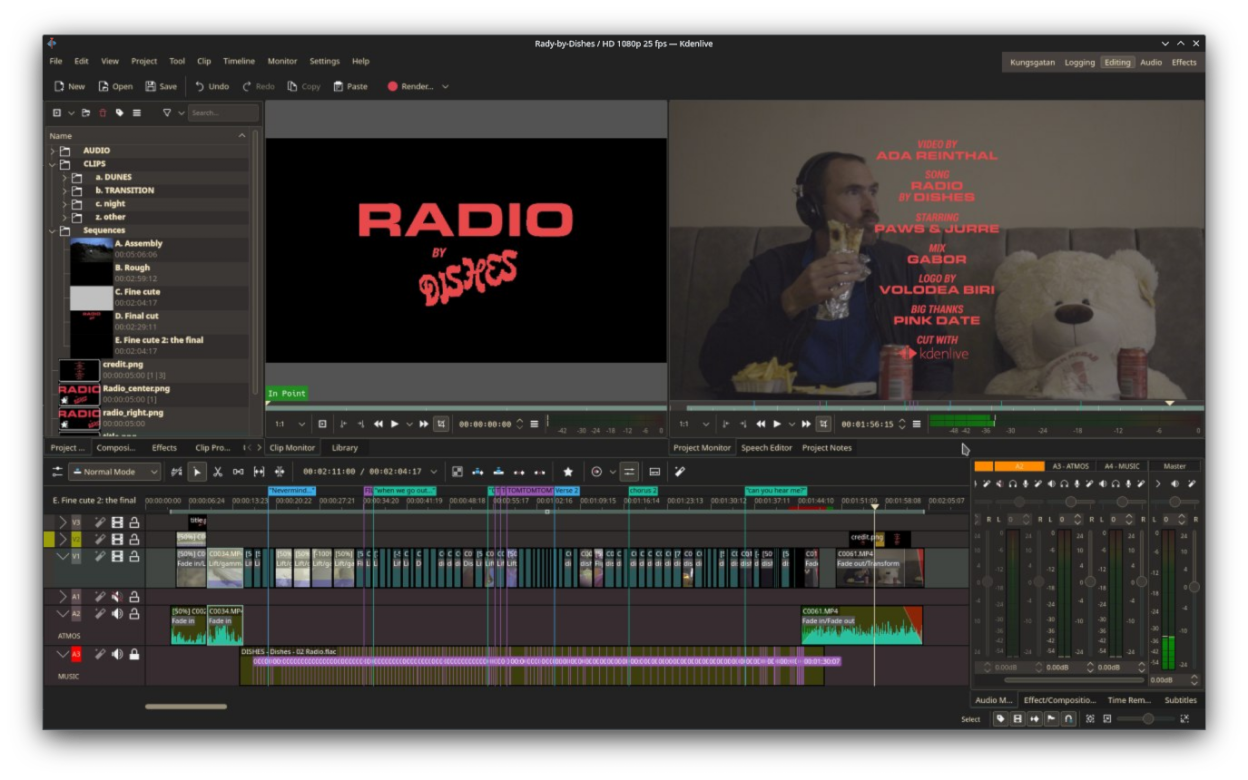
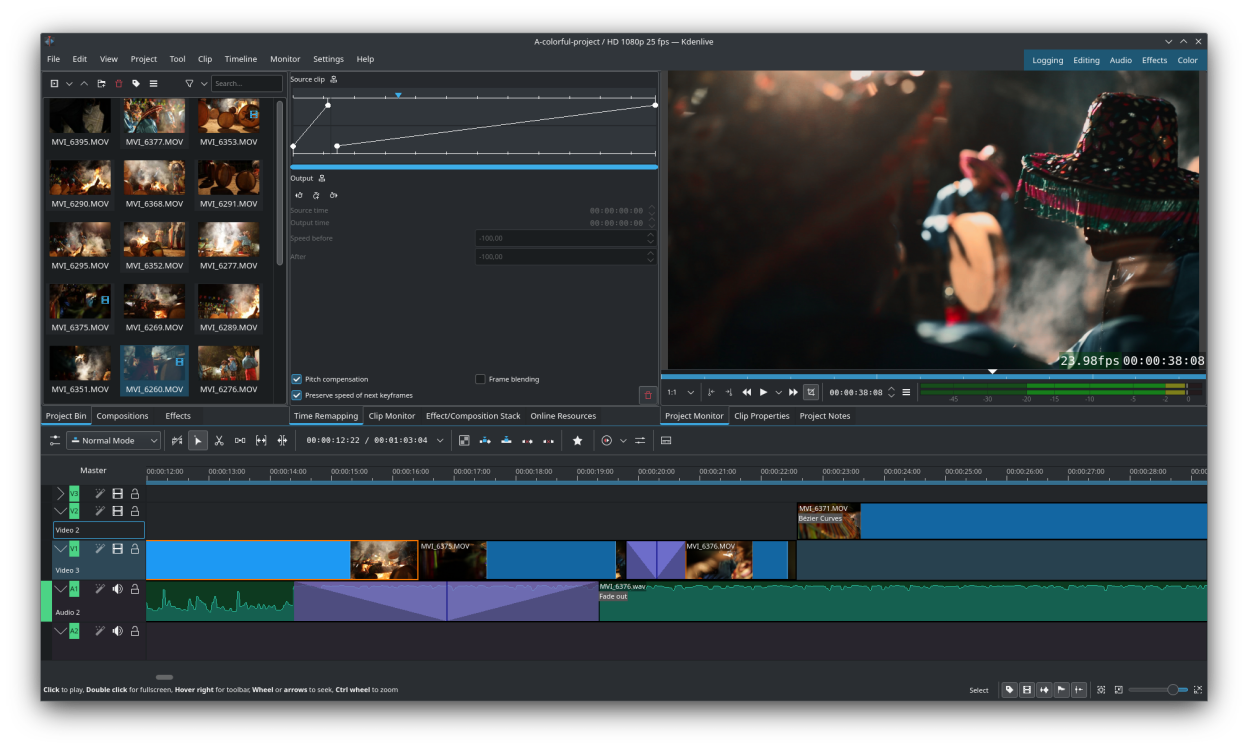
Kdenlive is a video editing application with support for many audio and video formats. It offers advanced editing features, a variety of effects and transitions, color correction, audio post-production and subtitling tools. Additionally, it provides the flexibility to render into practically any format of your choice.
Features:
- Nested Sequences
- Configurable interface and shortcuts
- Scopes: Histogram, Vectorscope, RGB Parade, Waveform and Audio Meter
- Proxy editing
- Free online assets and templates
- Motion tracking
- AI powered tools
Screenshots
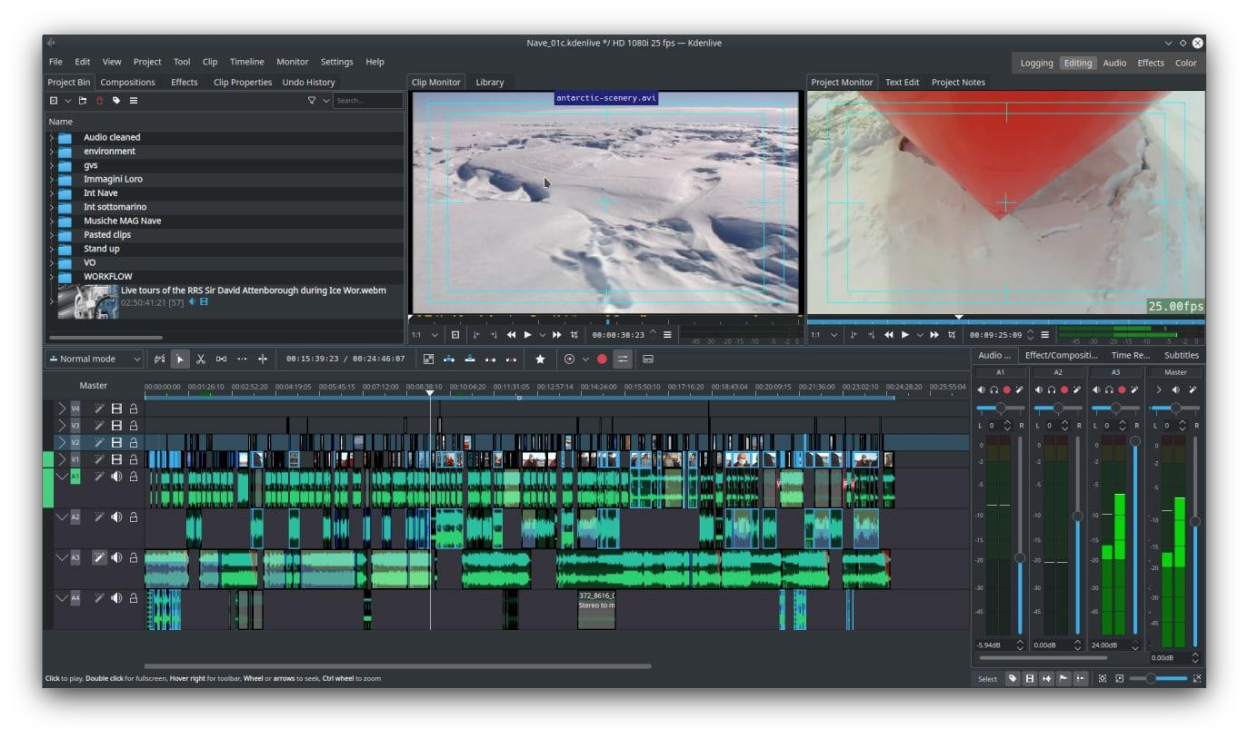
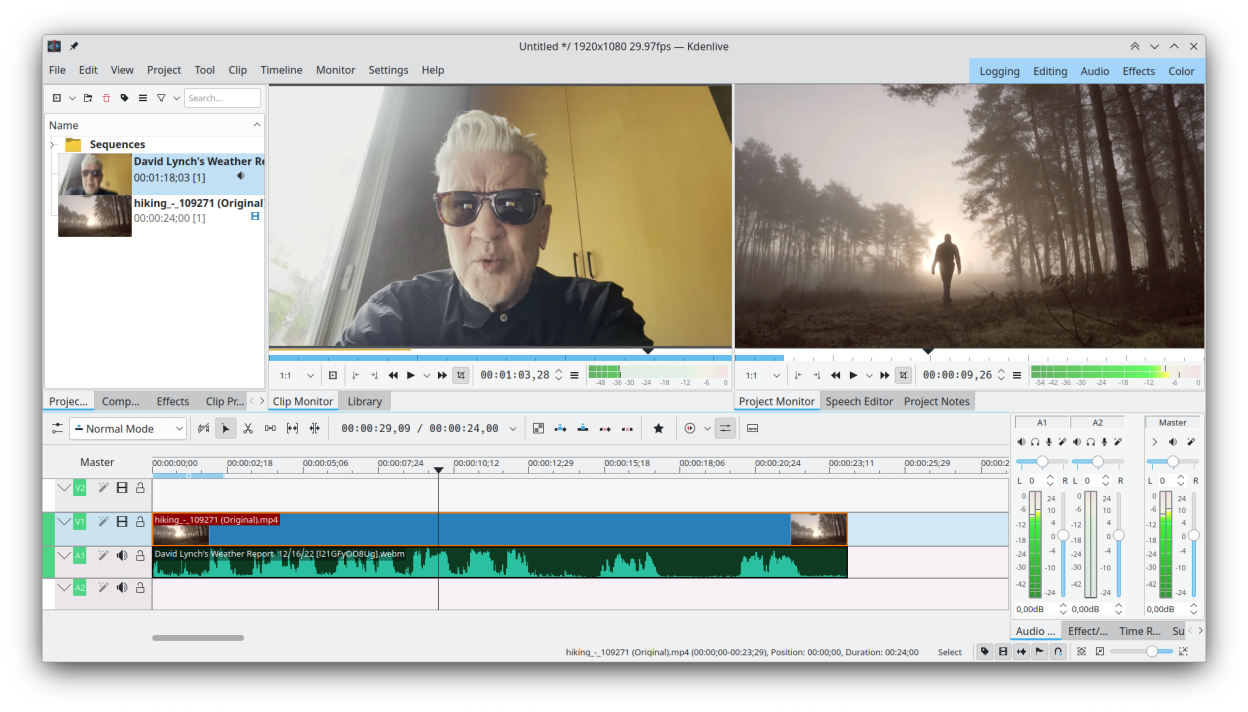
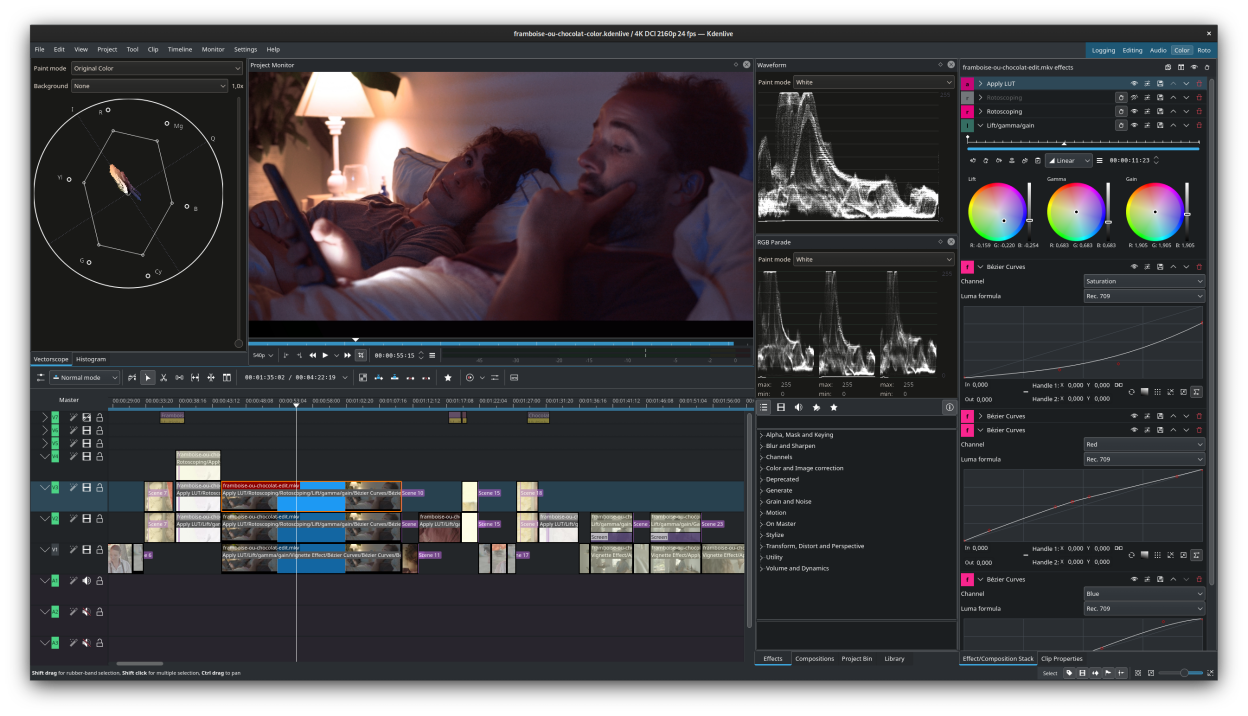
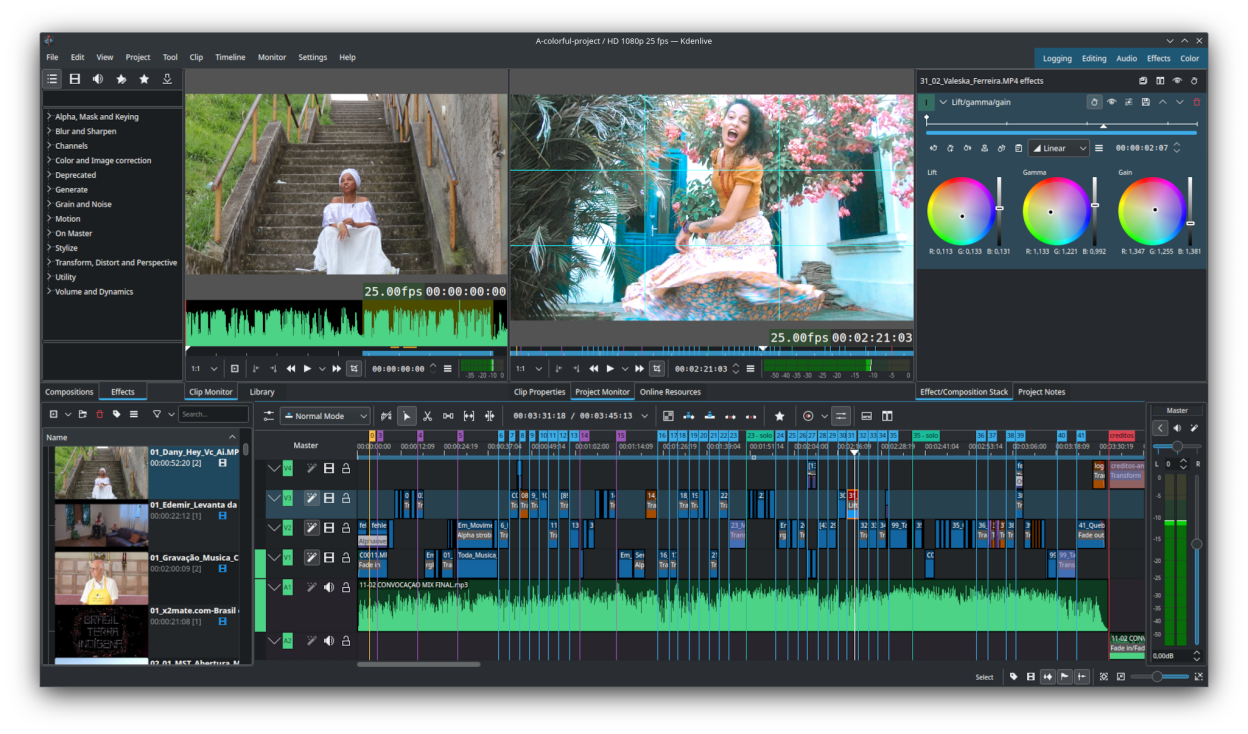
Observed history
| App | Change | Version | When ↓ |
|---|---|---|---|
| updated | 26.08.2 | 13 Oct 2026 |
Upstream releases
Release notes supplied by the developer. These dates are not Flathub package publication times.
26.08.28 Oct 2026
No release notes supplied.
26.08.110 Sept 2026
No release notes supplied.
26.08.020 Aug 2026
Mostly a bugfix and usability release, here are some of the improvements
- Timeline: allow moving tracks up and down
- Timeline: auto add range markers at gaps
- Timeline: add insert clip using its embeded timecode
- Timeline: add option to return playhead to start position on stop
- Timeline: add option to duplicate clip
- Timeline: allow moving clip markers with the mouse
- Timeline: add option to copy selection to new sequence (without modifying original)
- Timeline: switch default transition to dissolve now that it correctly handles alpha
- Audio mixer: shift click to listen to multiple selected tracks in solo mode
- Effects: add avfilter.curves, allowing to adjust all channels in one effect
- Effects: improve gradientmap filter, allowing up to 32 stops in the gradient
- Titler: add copy/paste of items
- Titler: add snapping to other objects
- Titler: add rectangles with rounded corners
- Titler: when editing a timeline title, allow saving it as a new bin title to easily modify only this one
26.04.32 Jul 2026
No release notes supplied.