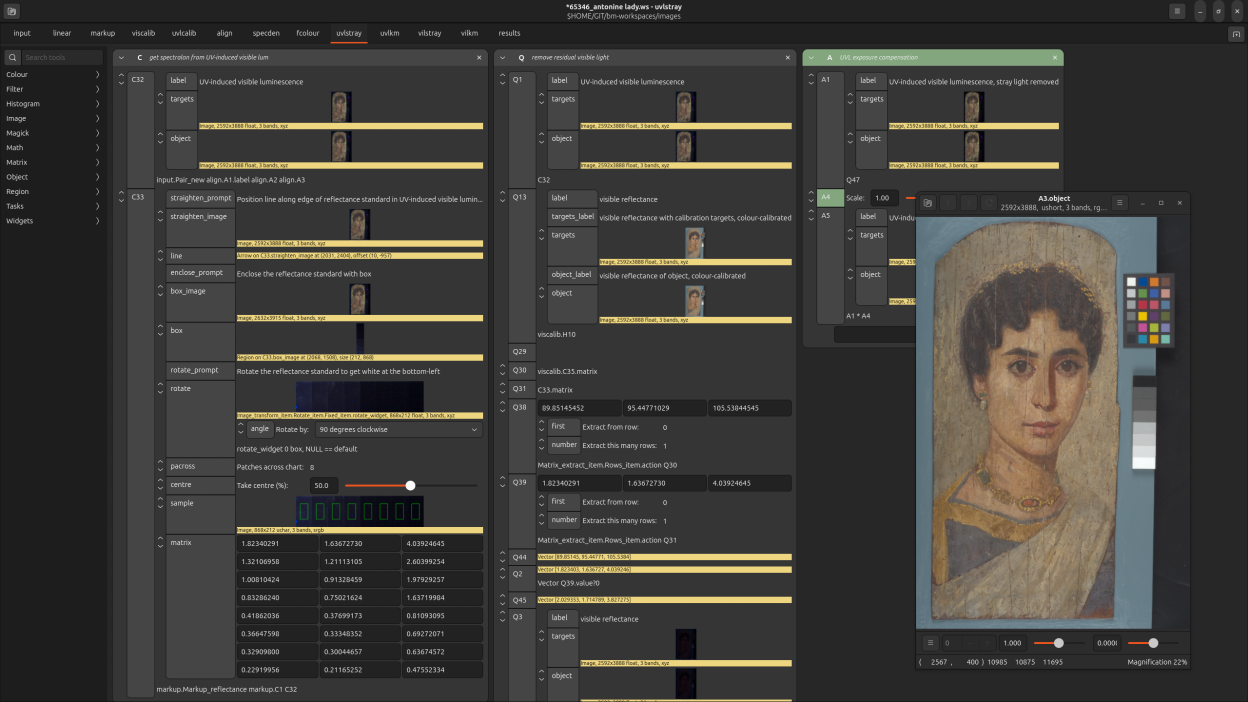
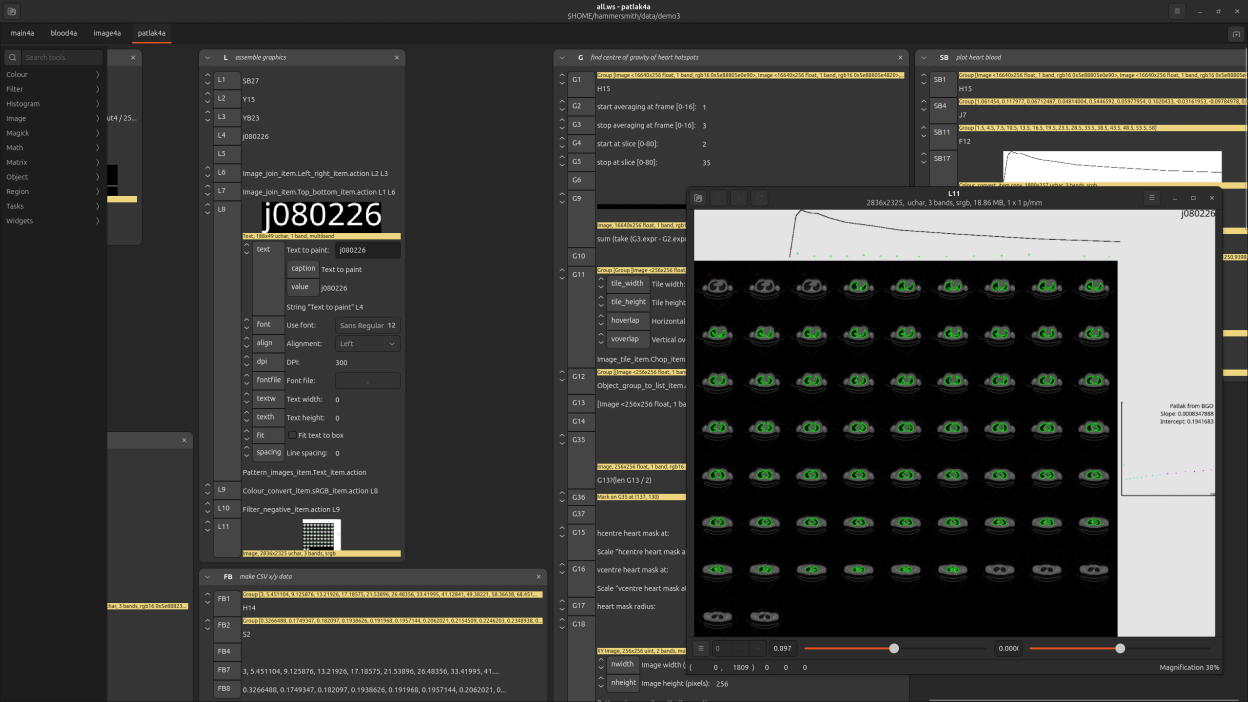
nip4 is a spreadsheet-like interface to the libvips image processing library. You create a set of formula connecting your objects together, and on a change nip4 will recalculate. Because nip4 uses libvips as the image processing engine it can handle very large images, recalculates quickly, and only needs a little memory. It scales to fairly complex workflows: I've used it to develop systems with more than 10,000 cells, analyzing images of many tens of gigabytes.
nip4 can load all workspaces from nip2, the previous version of this program. It has a batch mode, so you can run any image processing system you develop from the command-line and without a GUI.
Screenshots
Observed history
| App | Change | Version | When ↓ |
|---|---|---|---|
| updated | 9.2.1 | 1 Oct 2026 |
Upstream releases
Release notes supplied by the developer. These dates are not Flathub package publication times.
9.2.11 Oct 2026
Bugfix release.
9.2.020 Sept 2026
This release adds the paintbox, plus support for CICP HDR, QOI images, and animated PNG. It also adds two new menu items: Colour > CICP, and Tasks > Capture > DCRAW load. Additionally, Image > New > Text has a new RGBA toggle. There are some more minor improvements, see the CHANGELOG.
9.1.53 Jun 2026
Fix a range of issues in batch mode, see the changelog for details.
9.1.41 Jun 2026
Fix a bug where very old nip2 workspaces would lose their compatibility settings on save. Three new features: you can give ".def" files on the command-line; better file dialog start locations for computed images; region labels stay visible during vertical image scroll.