
Volume Control
Adjust device and app volumes
The PulseAudio Developers ✓ Verified
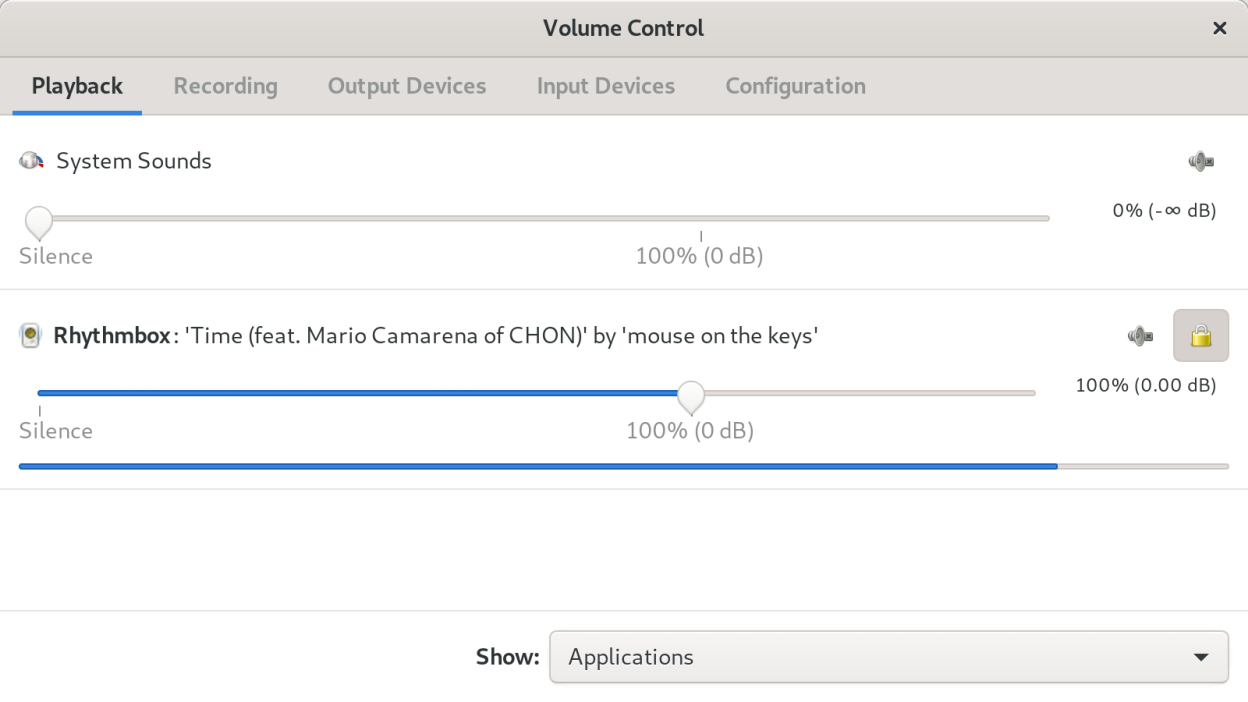
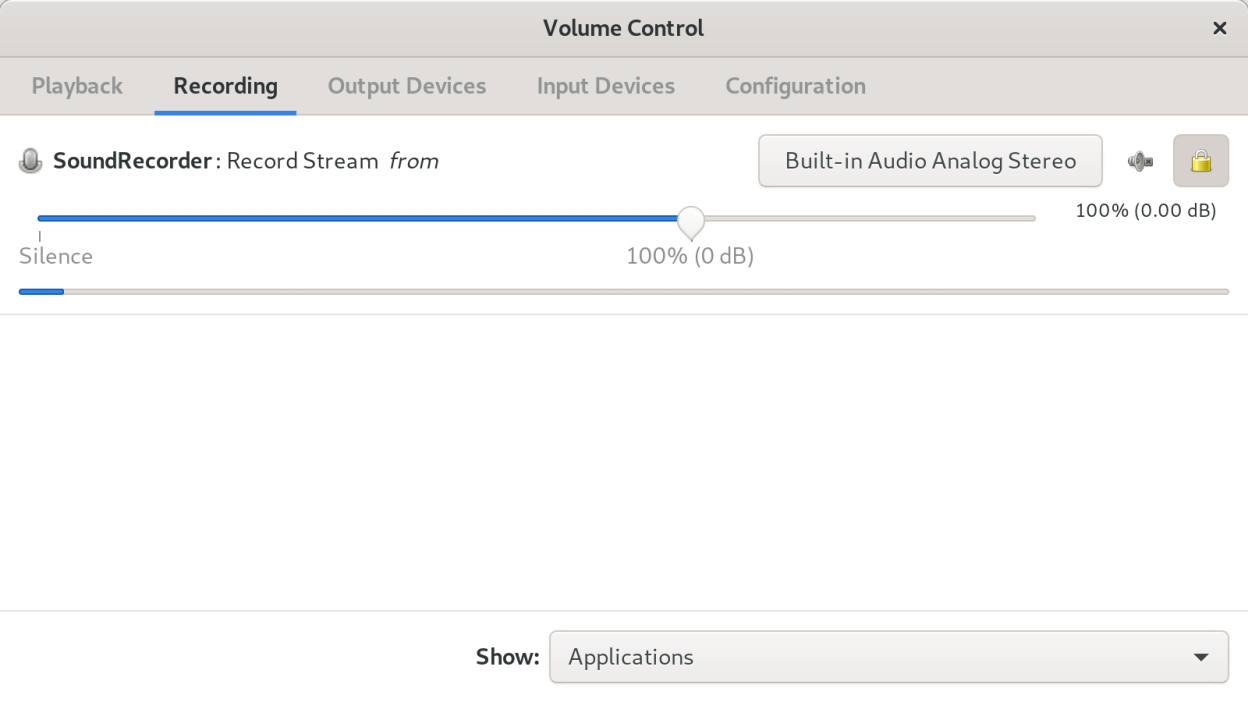
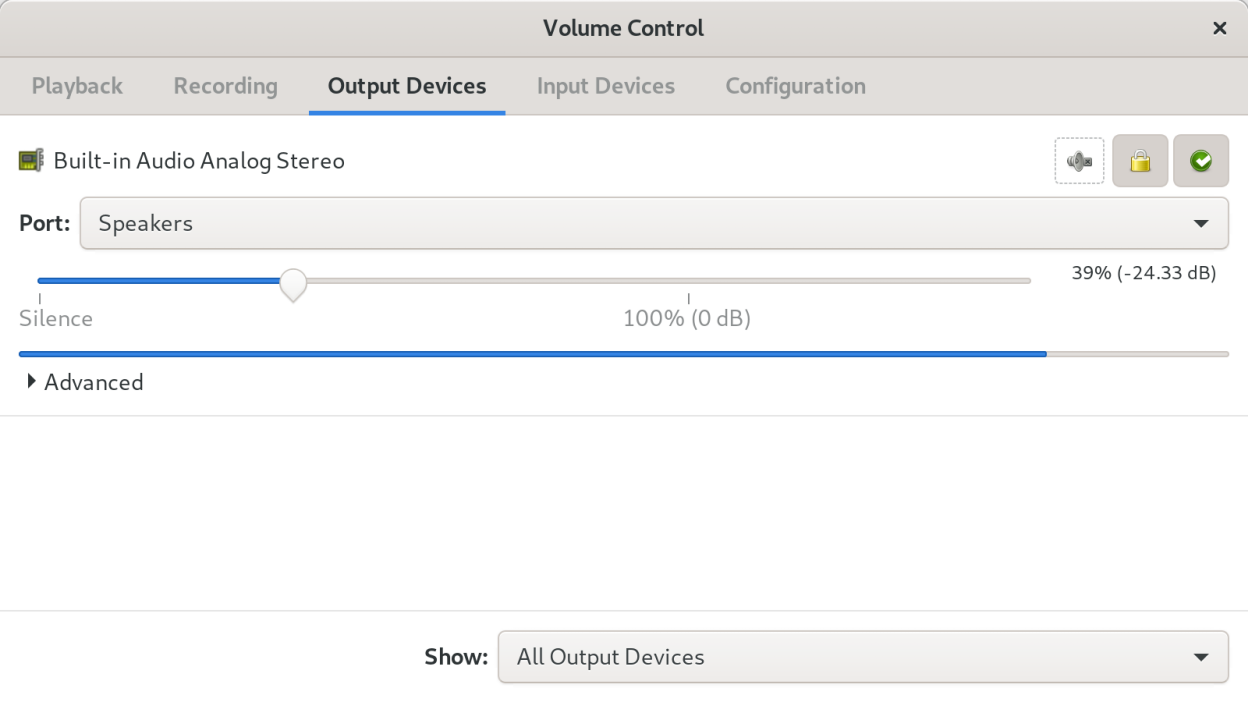
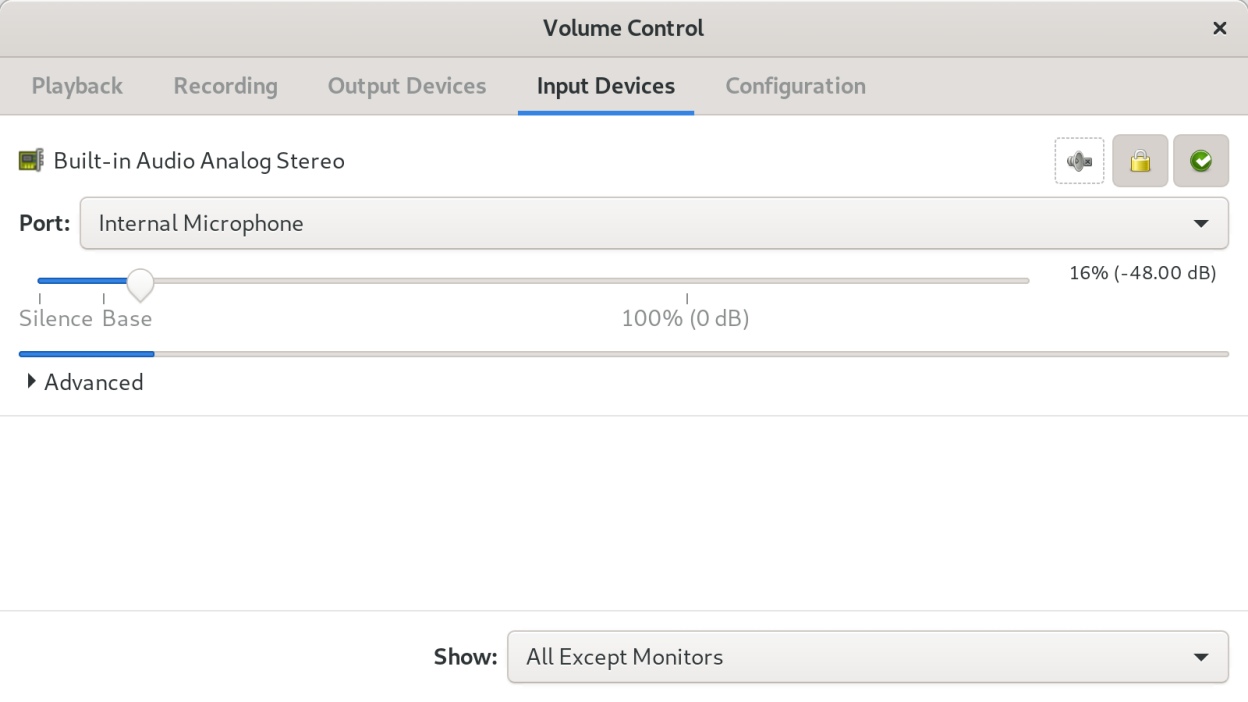
org.pulseaudio.pavucontrolPulseAudio Volume Control (pavucontrol) is a volume control tool (“mixer”) for the PulseAudio sound server. In contrast to classic mixer tools, this one allows you to control both the volume of hardware devices and of each playback stream separately.
Screenshots
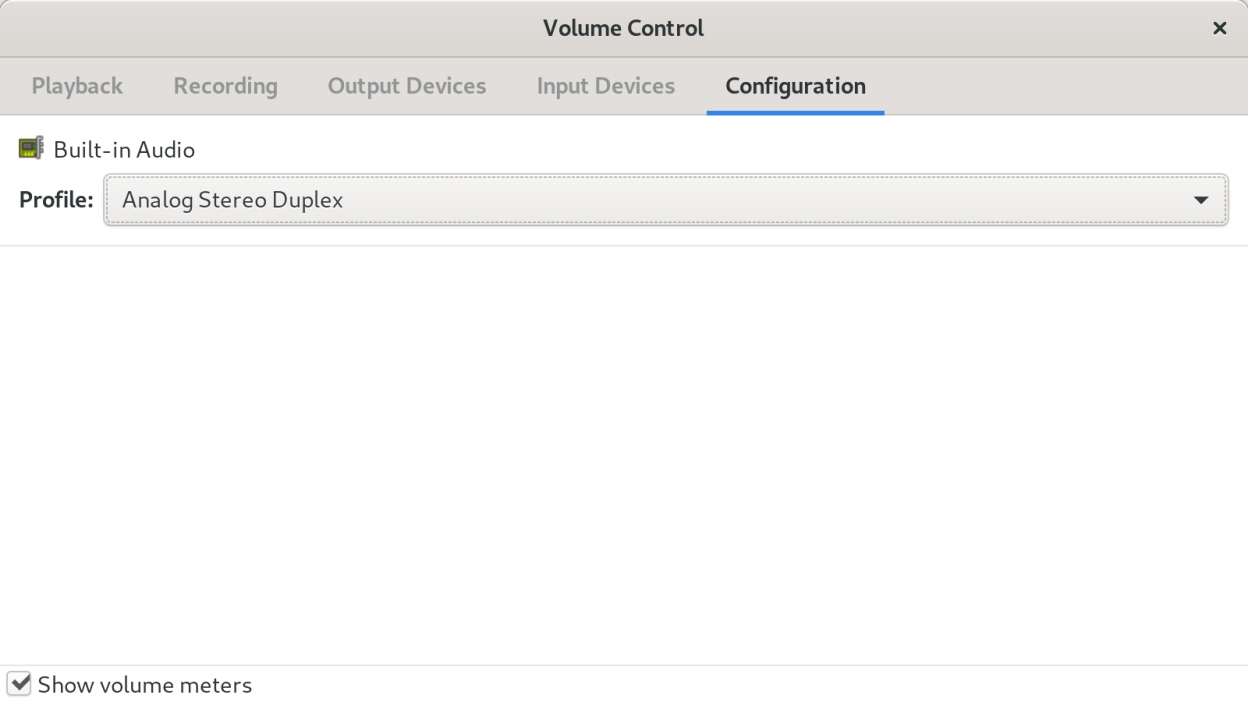
Observed history
| App | Change | Version | When ↓ |
|---|---|---|---|
| updated | 6.1 | 21 Sept 2026 |
Upstream releases
Release notes supplied by the developer. These dates are not Flathub package publication times.
6.11 Aug 2024
- Fix translations not being correctly picked up.
- Fix bug where cards don't go away when unplugged.
- Fix app naming in desktop file (Volume Control).
- Fix Bluetooth codec selection alignment.
- Update Swedish translation.
6.021 May 2024
- Migrate from Gtk 3 to 4.
- Embed UI resources in executable.
- Rename "Set as fallback" to "Default" for better legibility.
- Support 144 Hz monitors with level bars.
- App icons will fallback to generic rather than missing image, and this will be more common with Gtk 4.
- Lots of translation updates.
- Drop autotools build in favour of meson.
- Make libcanberra dependency optional.
5.015 Aug 2021
- Support for switching Bluetooth codecs (new in PulseAudio 15.0).
- Support for locking card profiles (new in PulseAudio 15.0). Locking a profile prevents PulseAudio from automatically switching away from that profile on plug/unplug events.
- New translations: Asturian, Basque, Belarusian, Galician, Hebrew, Kazakh, Norwegian Bokmål, Sinhala, Slovenian
- Updated translations: Catalan, Chinese (Simplified), Chinese (Traditional), Croatian, Danish, Dutch, Finnish, French, German, Hungarian, Italian, Japanese, Korean, Lithuanian, Norwegian Nynorsk, Polish, Portugese, Portugese (Brazil), Slovak, Spanish, Swedish, Turkish, Ukrainian.
4.05 Mar 2019
- There can now be only one pavucontrol window open at a time. Trying to start pavucontrol for a second time brings the first window to foreground.
- Added a "Show volume meters" checkbox to the Configuration tab. Disabling the volume meters reduces CPU use.
- Improve the use of space (remove useless margins and paddings).
- Use a more appropriate icon for the channel lock button.
- Better channel label layout, prevents volume sliders from getting unaligned.
- Maximum latency offset increased from 2 to 5 seconds to accommodate AirPlay devices that often have higher latency than 2 seconds (this is not that useful on newer PulseAudio versions, though, because the latency is reported much more accurately than before).
- New --version command line option.
- New translations: Chinese (Taiwan), Croatian, Korean, Norwegian Nynorsk, Lithuanian, Valencian.
- Updated translations: Finnish, French, German, Italian, Japanese, Polish, Swedish.