

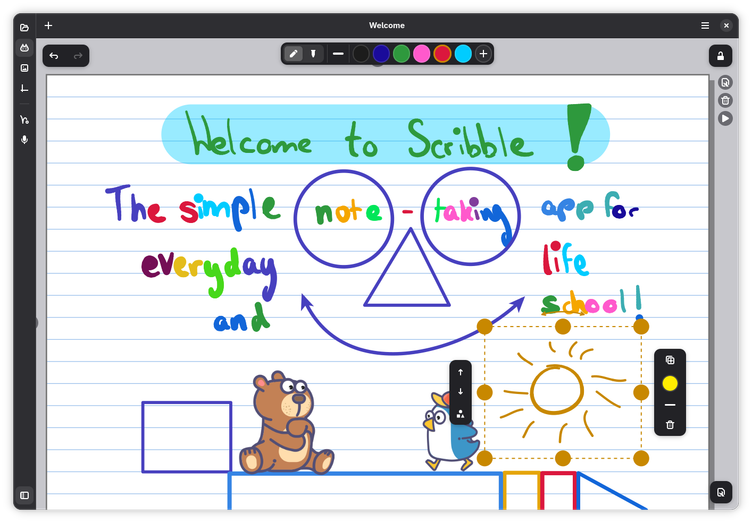
Scribble is a handwriting canvas for school kids: take notes, do your homework, or work through exercises with a pen on a touchscreen.
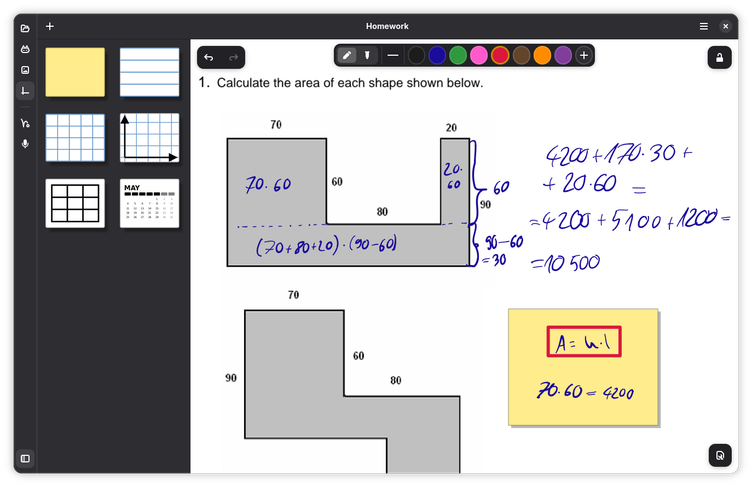
Write and draw freehand on pages with ruled, squared, music, and other school-paper backgrounds, or import a worksheet as a PDF and write right on it. Hold the pen still after drawing a shape, arrow, or diagram and it turns into a clean version that can be reshaped afterwards, and scribbling over a drawing deletes it.
- A pen and a highlighter, with your own colors; scribble over a drawing to erase it
- Select with gestures, then move, resize, and rotate your drawings, with alignment guides
- Record audio while you write, so you don't miss anything
- Crop a photo of a whiteboard or paper so it is straight and clear, and make the background white with strong contrast
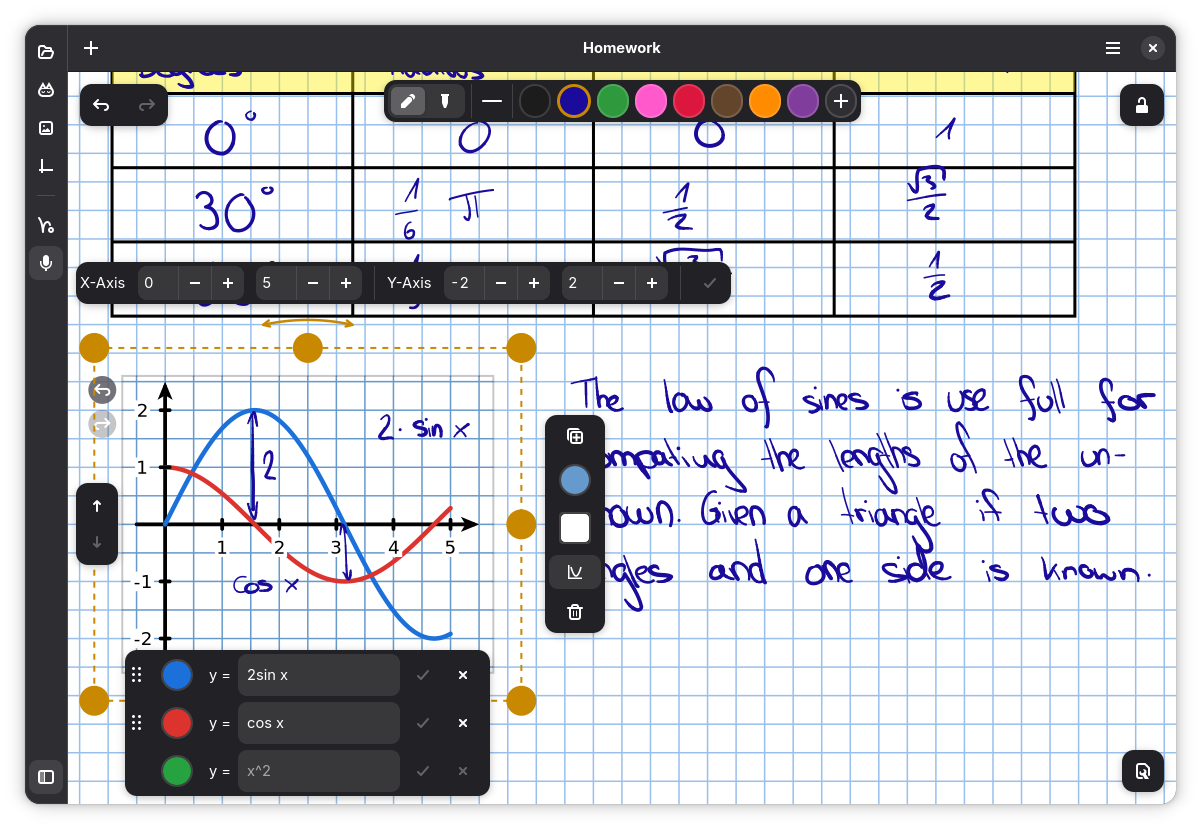
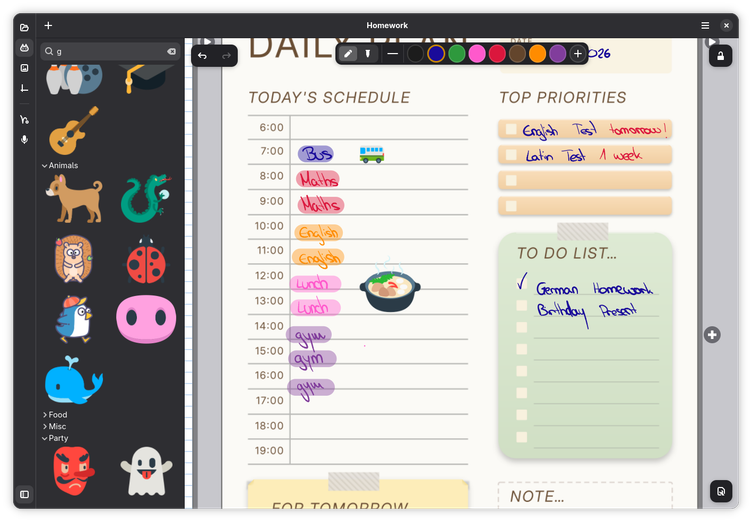
- Add stickers, pictures, sticky notes, and coordinate grids
- An endless zoomable canvas with many pages you can reorder
- Present your pages step by step, and export everything as a PDF
Made for a pen and a touchscreen used together: the pen draws, and your finger pans, zooms, and selects. A touchpad or mouse works to some degree, but drawing with them is difficult. A built-in Help explains the gestures.
Screenshots
Observed history
| App | Change | Version | When ↓ |
|---|---|---|---|
| updated | 1.12.5 → 1.13.1 | 13 Nov 2026 | |
| updated | 1.12.4 → 1.12.5 | 10 Nov 2026 | |
| updated | 1.12.3 → 1.12.4 | 9 Nov 2026 | |
| updated | 1.12.2 → 1.12.3 | 7 Nov 2026 | |
| updated | 1.12.1 → 1.12.2 | 6 Nov 2026 | |
| updated | 1.12.0 → 1.12.1 | 5 Nov 2026 | |
| updated | 1.11.1 → 1.12.0 | 4 Nov 2026 | |
| updated | 1.10.4 → 1.11.1 | 1 Nov 2026 | |
| updated | 1.10.3 → 1.10.4 | 31 Oct 2026 | |
| updated | 1.10.2 → 1.10.3 | 27 Oct 2026 | |
| new | 1.10.2 | 27 Oct 2026 |
Upstream releases
Release notes supplied by the developer. These dates are not Flathub package publication times.
1.13.113 Nov 2026
A bug fix release for the page menus and Fit Page.
- A page's own menu changes the background or imports a PDF into that page, even when another page became active meanwhile
- Fit Page frames the active page instead of always returning to the first page
1.13.012 Nov 2026
A release for faster edits, background saving and smoother stickers.
- Scratching out something, adding an arrow head or erasing no longer pauses on pages with many strokes
- Documents load and save in the background with a progress bar and a cancel button in the header bar; opening another file or quitting stops a slow read
- Dragging a sticker or picture in shows its image at once, and dropped SVG stickers place without a delay
- Stickers show no see-through seam at the selection rim
- Writing by touch no longer turns into a selection by accident, and a hold needs a short pause first
- Zoom in, zoom out, 100% and fit page are in the menu with Ctrl+plus, Ctrl+minus, Ctrl+0 and Ctrl+1
- Pan and zoom recover after Esc, a deactivated window or the touch lock, and Esc drops a stroke in progress
- A diamond dropped on its neighbour merges at once
- On a narrow window the lone color swatch is not drawn as active
1.12.59 Nov 2026
A release for the narrow window layout.
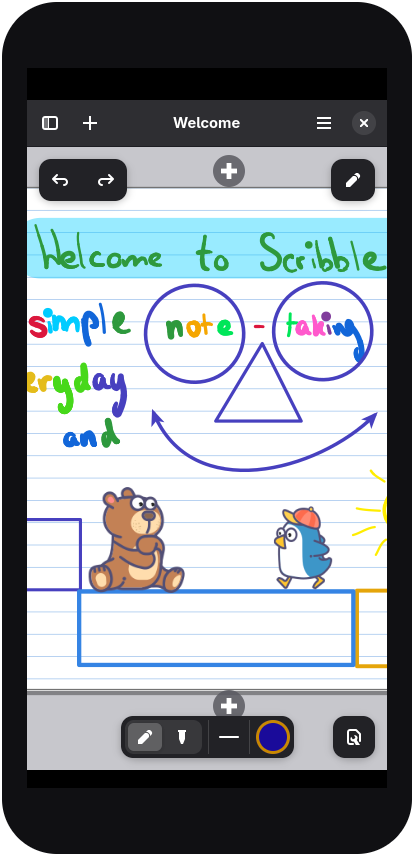
- On a narrow window the left rail gives way to a panel button in the header bar; it opens the panels with a back button and a switcher for Open, Stickers, Pictures, Objects, Animation and Audio
- Dropped notes, tables, calendars, stickers and pictures, and their preview while you drag, come out smaller on narrow windows
- The shadow of a note scales with the paper when you zoom
1.12.48 Nov 2026
A release for small screens, drawing with a finger, and skipping silences in recordings.
- A "Draw with Touch" mode in the menu replaces the touch lock with a pen toggle that lets a finger draw like the mouse; a second finger still pinches, and presentations keep swiping
- On a narrow window the tool bar moves to the bottom and shows only the active color, and the settings bars for axes, tables, calendars, circles and pictures wrap onto two lines
- The new document dialog slides in from the bottom on small screens and lists the document type as rows
- A new document's first page sits just below the top bars, and a slide fills the window width
- The audio player can skip silences longer than a second, with a threshold that follows each recording
- The audio player has a close button and the trash button at the top left, and the play button in the list is a plain toggle
- A long press on a diamond opens its menu and extending works with a finger
- The store listing supports small screens again