
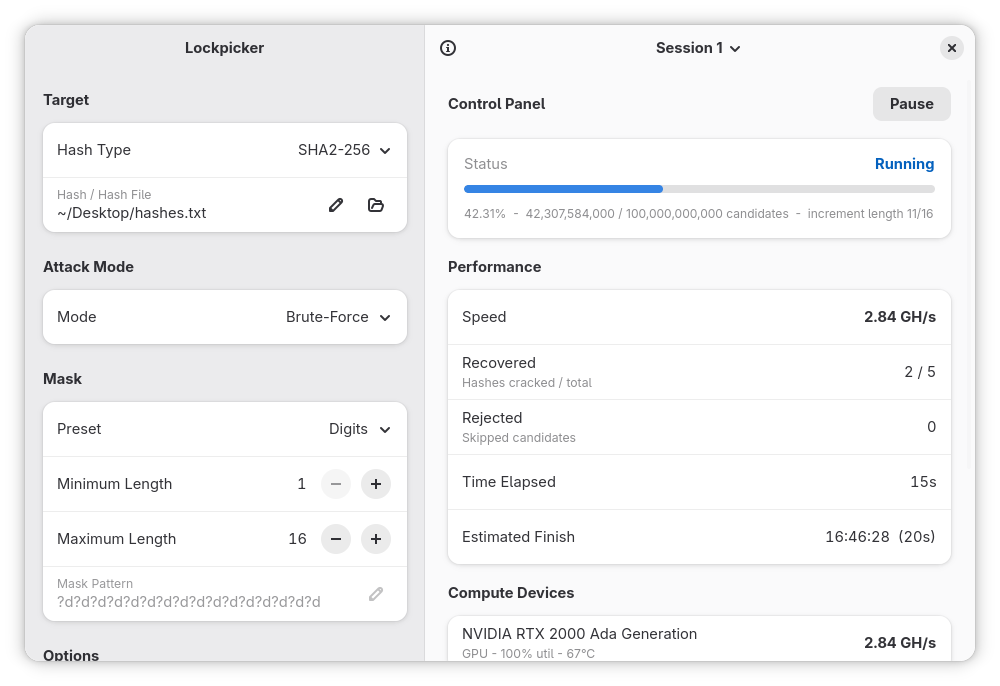
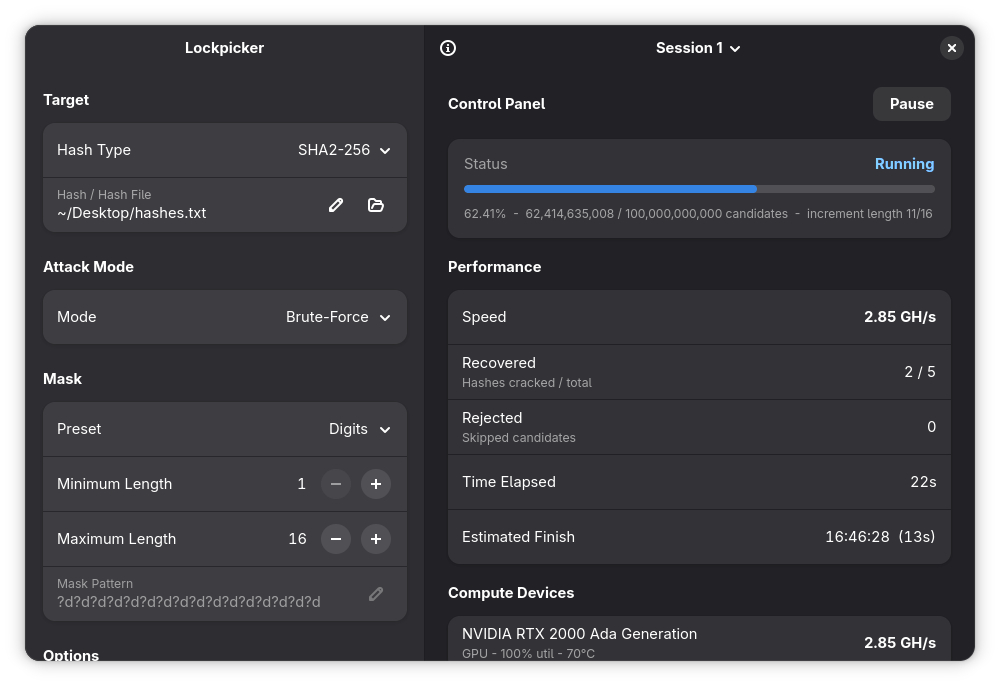
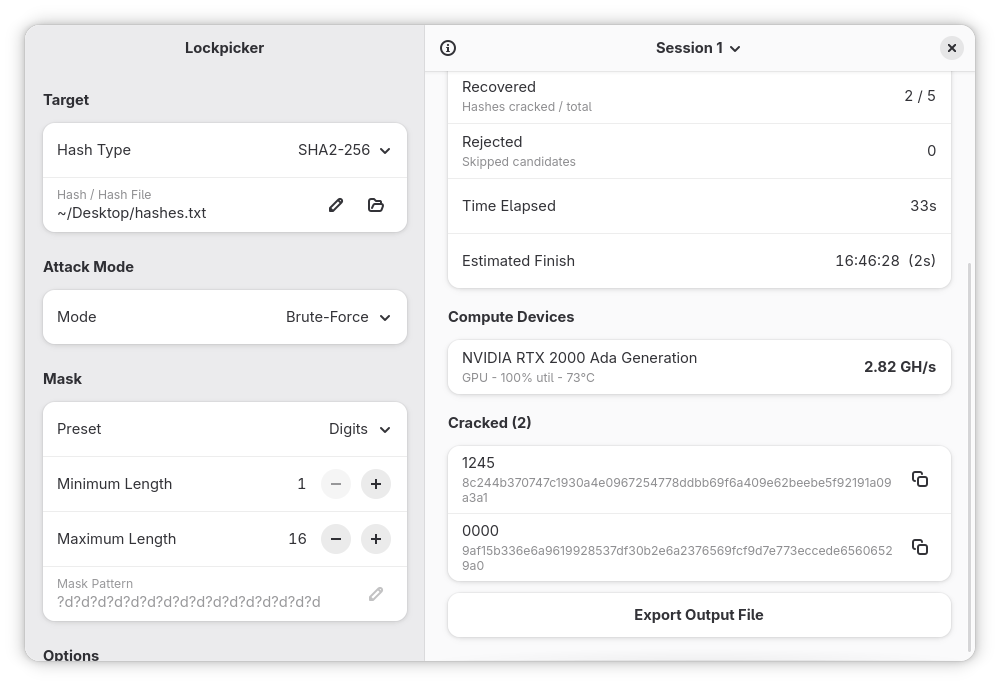
Lockpicker is a password recovery tool based on hashcat. It enabled you to recover a password straight from its hash from a GNOME-native interface, without having to deal with the hassle of a hashcat syntax.
Lockpicker is meant for academic purposes, and is an ideal tool to start learning about password recovery or to work with CTF (capture the flag) assignments.
Note that Lockpicker ships with vanilla hashcat, and does not provide any functionality that is not available from hashcat itself by design. You can however import your own wordlists, rule files, hashcat modules or kernels into Lockpicker straight from the GUI.
Screenshots
Observed history
| App | Change | Version | When ↓ |
|---|---|---|---|
| updated | 1.5.0 → 1.5.1 | 15 Oct 2026 | |
| updated | 1.5.0 | 15 Oct 2026 |
Upstream releases
Release notes supplied by the developer. These dates are not Flathub package publication times.
1.5.115 Oct 2026
UX Improvements:
- Use a dropdown for the hashpicker
- Importing multiple modules no longer prompts a rename dialog for each individual module
- The entry rows for renaming now activate the apply action when pressing enter
Bug fixes
- Fixed an issue where duplicate modes (due to imports) would lead to trouble picking a mode
- Switching sessions no longer loses pending edits
1.5.015 Oct 2026
UX Improvements:
- Custom modules can now be renamed, so they can be easily found when picking a hash
- Hash types are now set from a hash picker, making it easier to find the hash you're looking for
- Rules can now be selected or unselected using simple drag and drop
- Proper Adw ComboRows are used throughout the application
- Minor UI changes throughout the application
Bug fixes
- Fixed an issue where an additional wordlist was required for an association attack
- Switching sessions no longer loses pending edits
- The progress bar is no longer frozen when returning back to a running session
- The hash subtitle is no longer set as "None" for custom hashes
1.4.39 Sept 2026
UX Improvements:
- The pause button no longer has the destructive styling
- The rule editor now has a breakpoint to make it adapt to mobile devices
- A confirmation dialog is now shown when closing the application while a current attack is still in progress
- A confirmation dialog is now shown when trying to restart the current attack
Bug fixes
- Fixed a mislabeled entry for the Kerberos 5 hash type, which now correctly reads AS-REP
- Notifications are now cleared once you refocus the window, and removed when their session is deleted
- The progress bar is no longer frozen when returning back to a running session
1.4.211 Aug 2026
Minor update still, but with an exciting new logo!
- New logo, thanks to Hylke Bons
- Reduced the amount of toast dialogs being emitted
- Clicking an available rule no longer removes them (use the remove button instead)
- Increased the default width to 1200 px
- Fixed a bug where the recovered counter would be reset when restarting the app and resuming a previous session
- The app now shows a desktop notification whenever a new hash is cracked, or if it has finished the run