
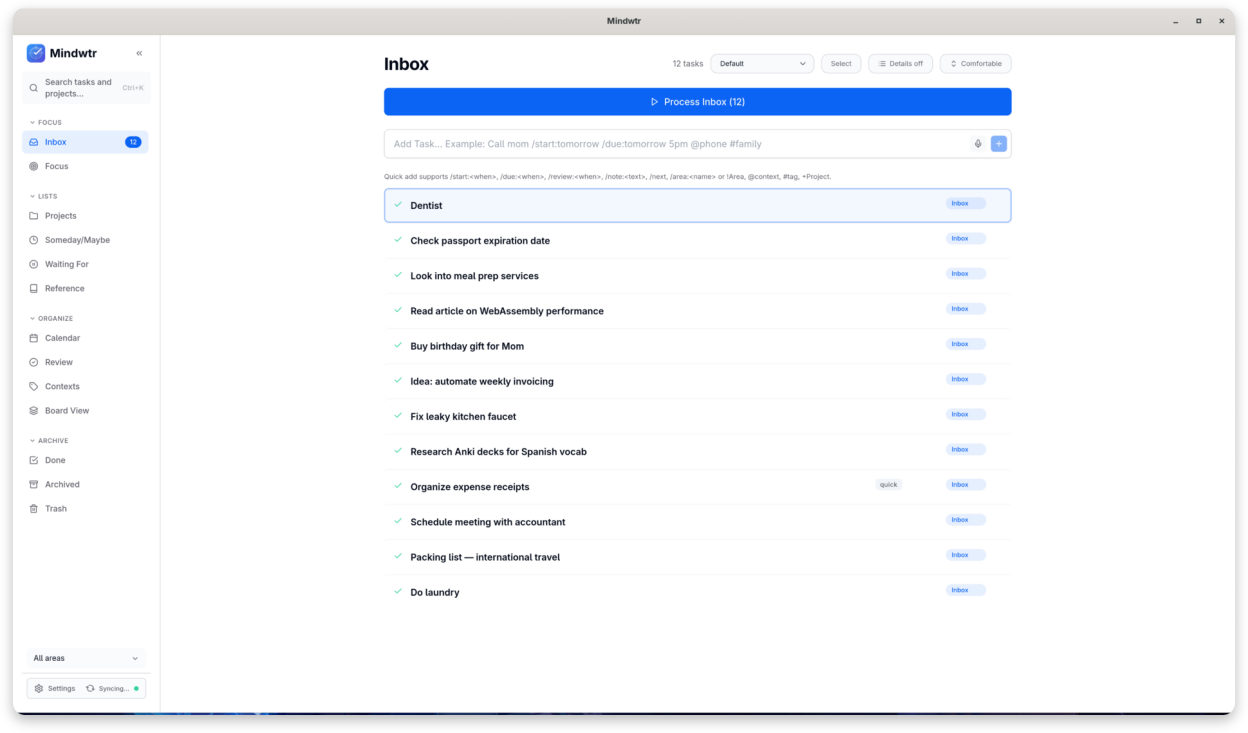
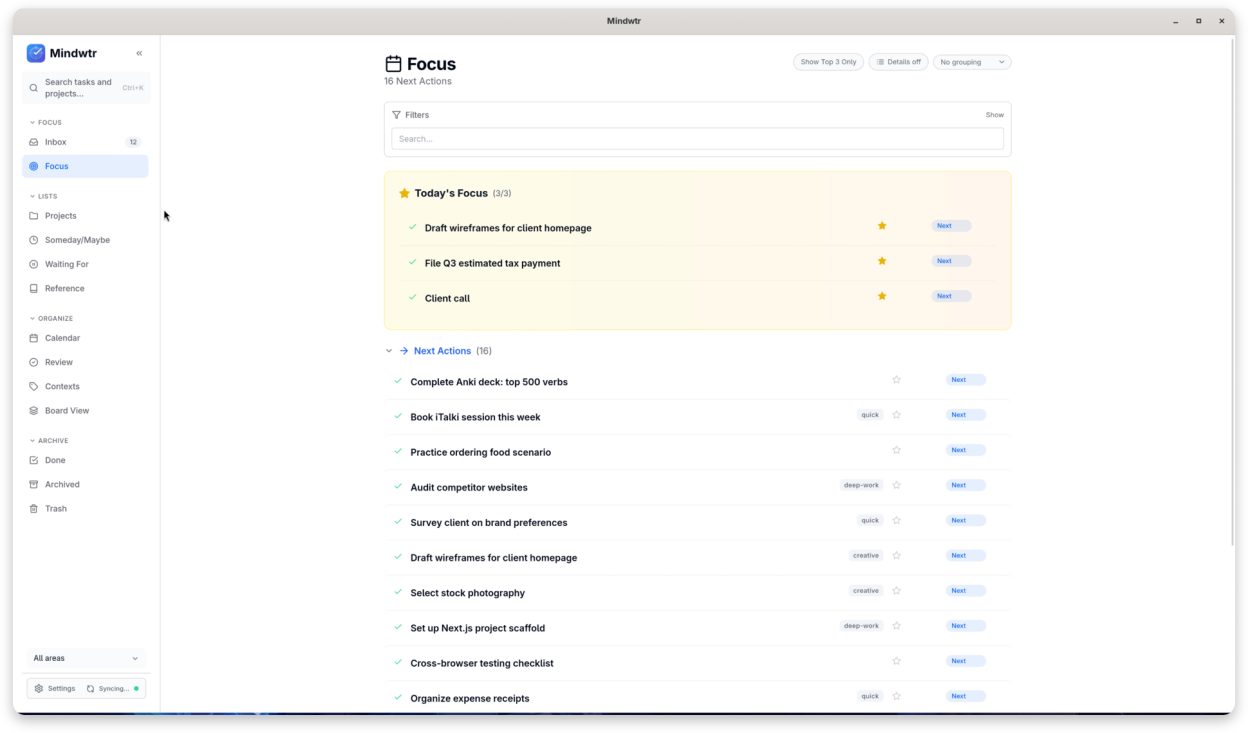
Mindwtr is a to-do app built on the Getting Things Done (GTD) method: capture every task and idea in seconds, sort them with a short guided pass, and see only what you can act on right now. No account required, and your data stays on your device.
A guided weekly review catches loose ends, so the list stays trustworthy and your head stays clear. Simple by default, powerful when you need it.
- Capture tasks, notes, and ideas quickly
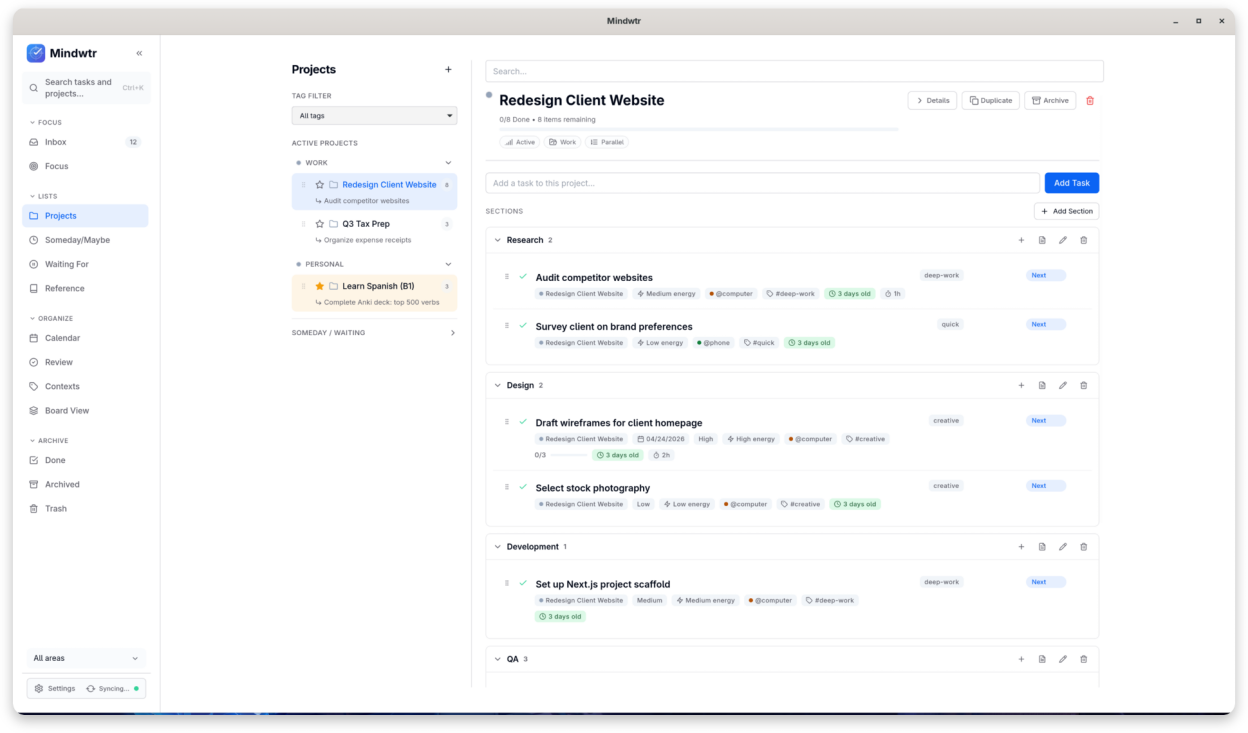
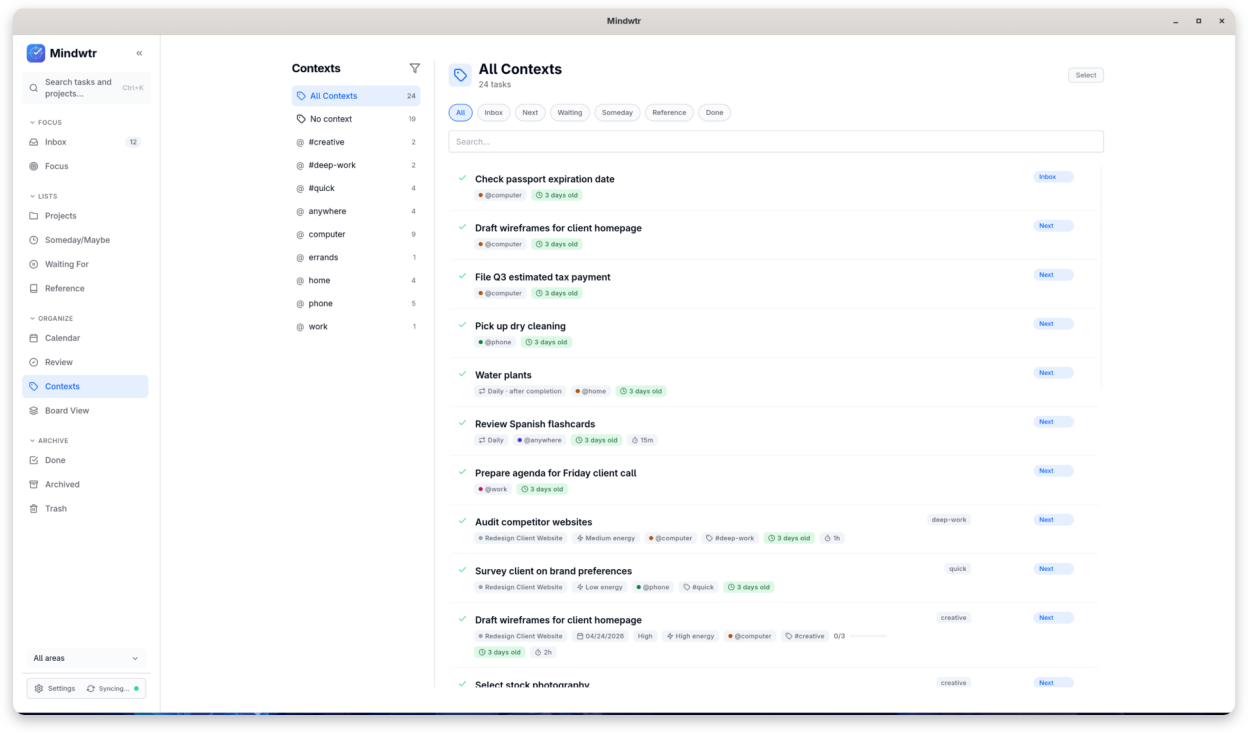
- Organize work with projects, areas, sections, tags, and contexts
- Review your lists daily or weekly to stay current
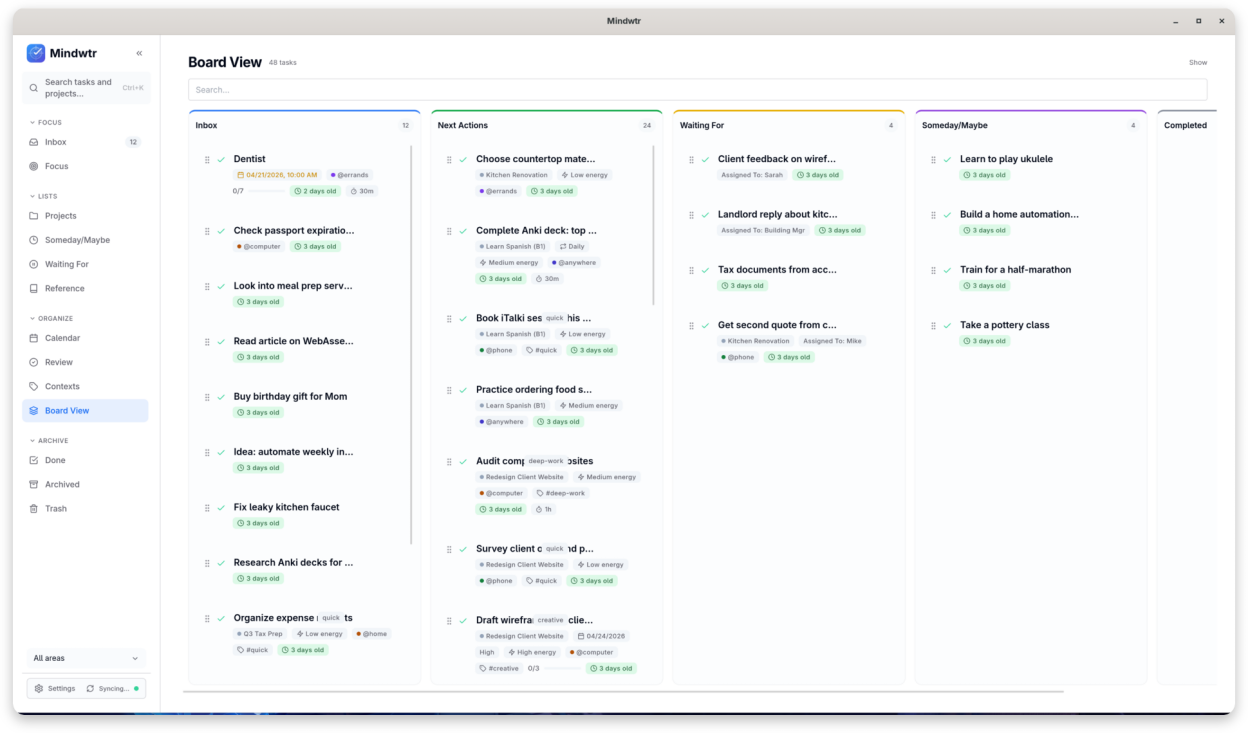
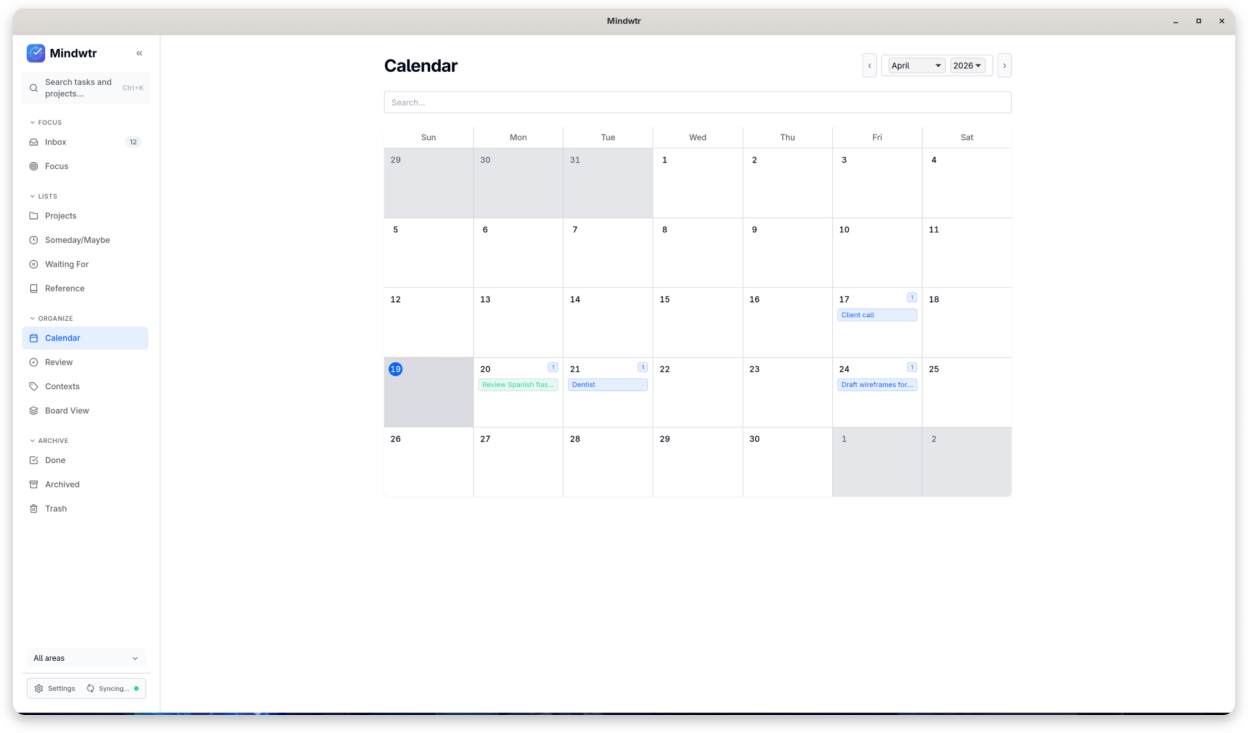
- Plan with list, board, and calendar views
- Add notes, reminders, and attachments to your work
- Sync through local folders, WebDAV, Dropbox, or a self-hosted cloud
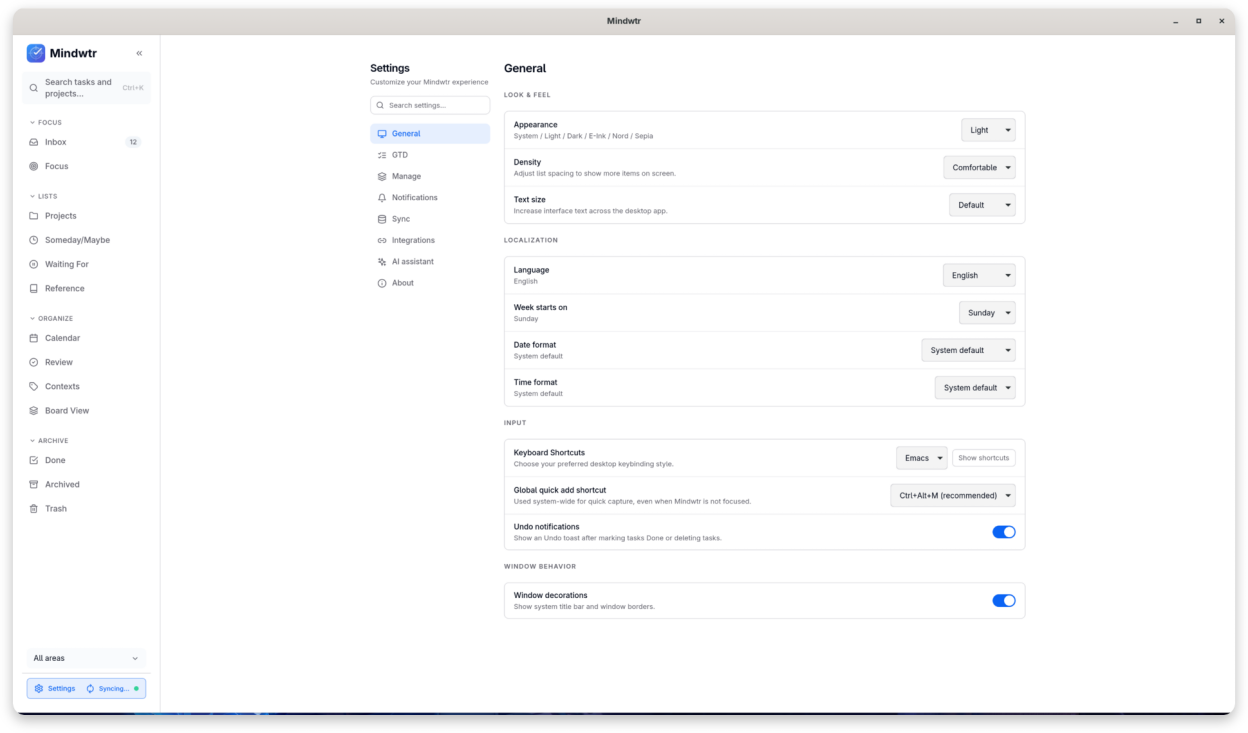
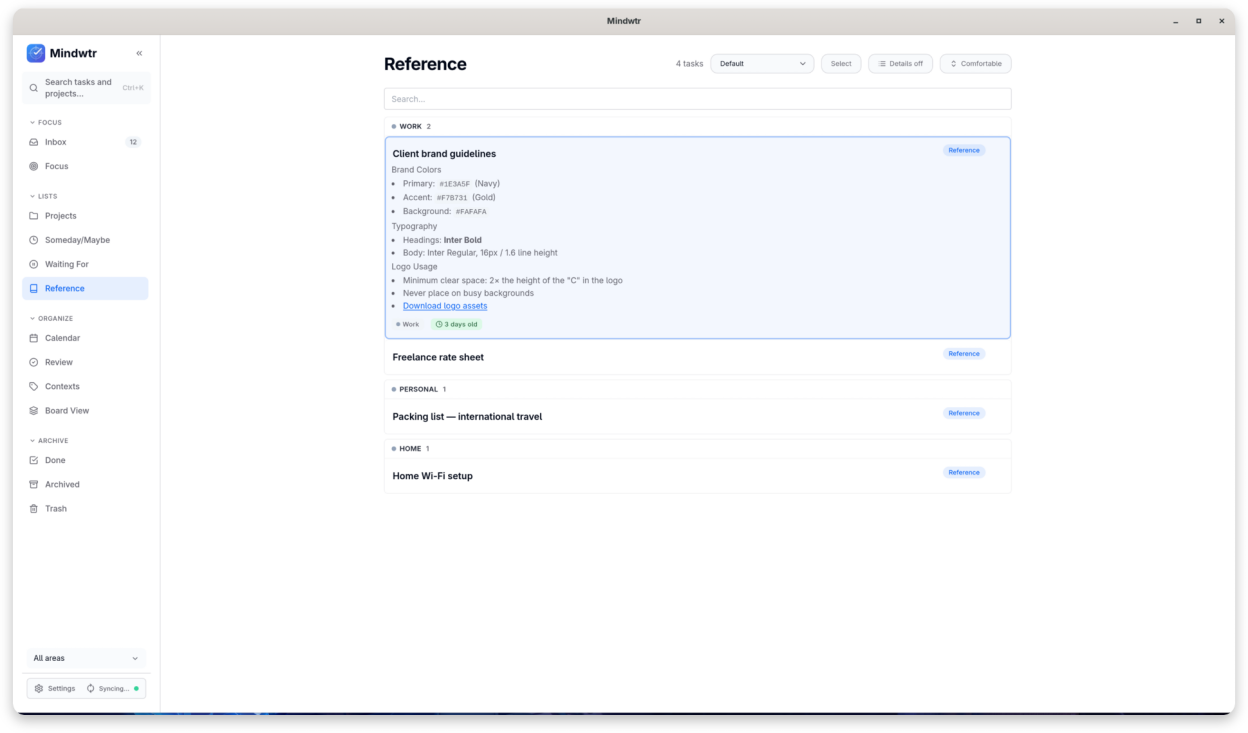
Screenshots
Observed history
| App | Change | Version | When ↓ |
|---|---|---|---|
| updated | 1.3.6 | 12 Oct 2026 |
Upstream releases
Release notes supplied by the developer. These dates are not Flathub package publication times.
1.3.612 Oct 2026
Mindwtr 1.3.6 adds Timeline editing, task links and better desktop organization.
- Filter Timeline by status, show completed work and move or resize dates with Undo.
- Autocomplete contexts and tags in bulk organize, and drag tasks onto contexts.
- Copy task links, enter quick-add estimates and turn checklists into project tasks.
- Run built-in MCP inside the app and filter Obsidian imports by a required inline tag.
- Improve global Quick Add activation, File Sync attachment copies and MCP connection copying in AppImages; protect archive retention and encryption changes.
1.3.512 Oct 2026
Mindwtr 1.3.5 adds Timeline editing, task links and better desktop organization.
- Filter Timeline by status, show completed work and move or resize dates with Undo.
- Autocomplete contexts and tags in bulk organize, and drag tasks onto contexts.
- Copy task links, enter quick-add estimates and turn checklists into project tasks.
- Run built-in MCP inside the app and filter Obsidian imports by a required inline tag.
- Improve global Quick Add activation, File Sync attachment copies and MCP connection copying in AppImages; protect archive retention and encryption changes.
1.3.45 Oct 2026
Mindwtr 1.3.4 adds desktop MCP access and improves organization, calendars, attachments and sync.
- Enable built-in MCP access with read-only defaults, copy task titles, link folders and open UpNote links.
- Group Someday projects in sections, convert simple projects to sections and move selected tasks with Destination.
- Choose start-date inclusion in Today and optional Archive retention, disabled by default.
- See timed deadlines and daily or weekly repeats in Calendar; load subscribed feeds more reliably.
- Preserve newer attachment edits, refuse redirected writes and request the Flatpak Secret portal once per launch.
1.3.329 Sept 2026
Mindwtr 1.3.3 improves Focus, recurrence, calendars, storage safety, and Linux desktop integration.
- See assigned people in Waiting For, select tasks with modifier-click, and keep the chosen Focus grouping visible.
- Use positioned weekdays in monthly repeats, skip one fixed occurrence, and filter Calendar by Area.
- Preserve newer tasks, settings, and saved filters through concurrent saves, restore, and sync.
- Follow Linux portal theme changes and store Flatpak credentials through the Secret Service portal.
- Keep search, recurrence controls, editor navigation, links, and accessibility behavior reliable.